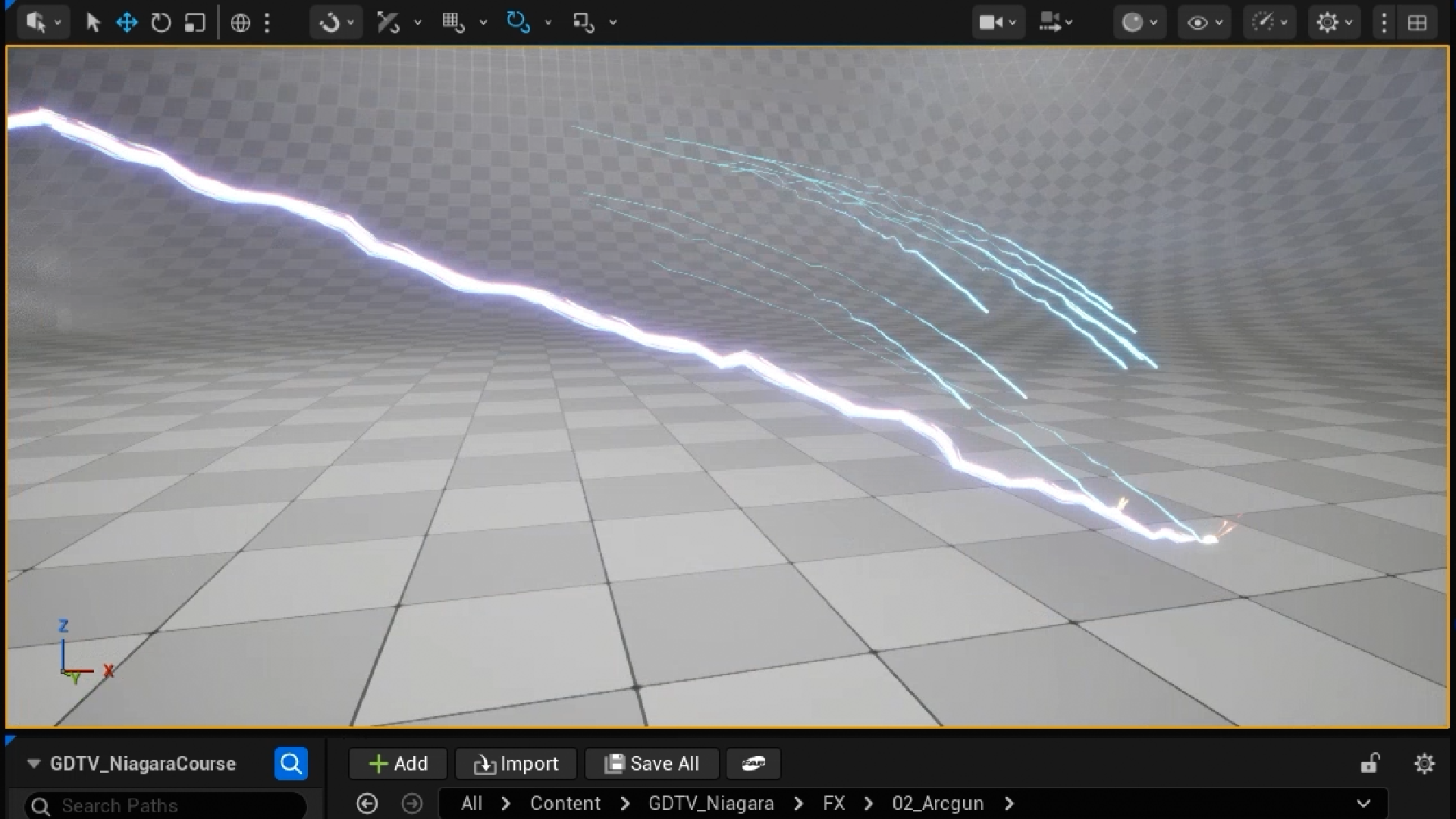
Unreal Niagara VFX: Create Sparks and Lightning From Scratch
Make game effects that pop, from glowing sparks to a lightning bolt.
Spark by Spark, Bolt by Bolt
Make Your Game Look Anything But Boring
No one wants their game to look boring.
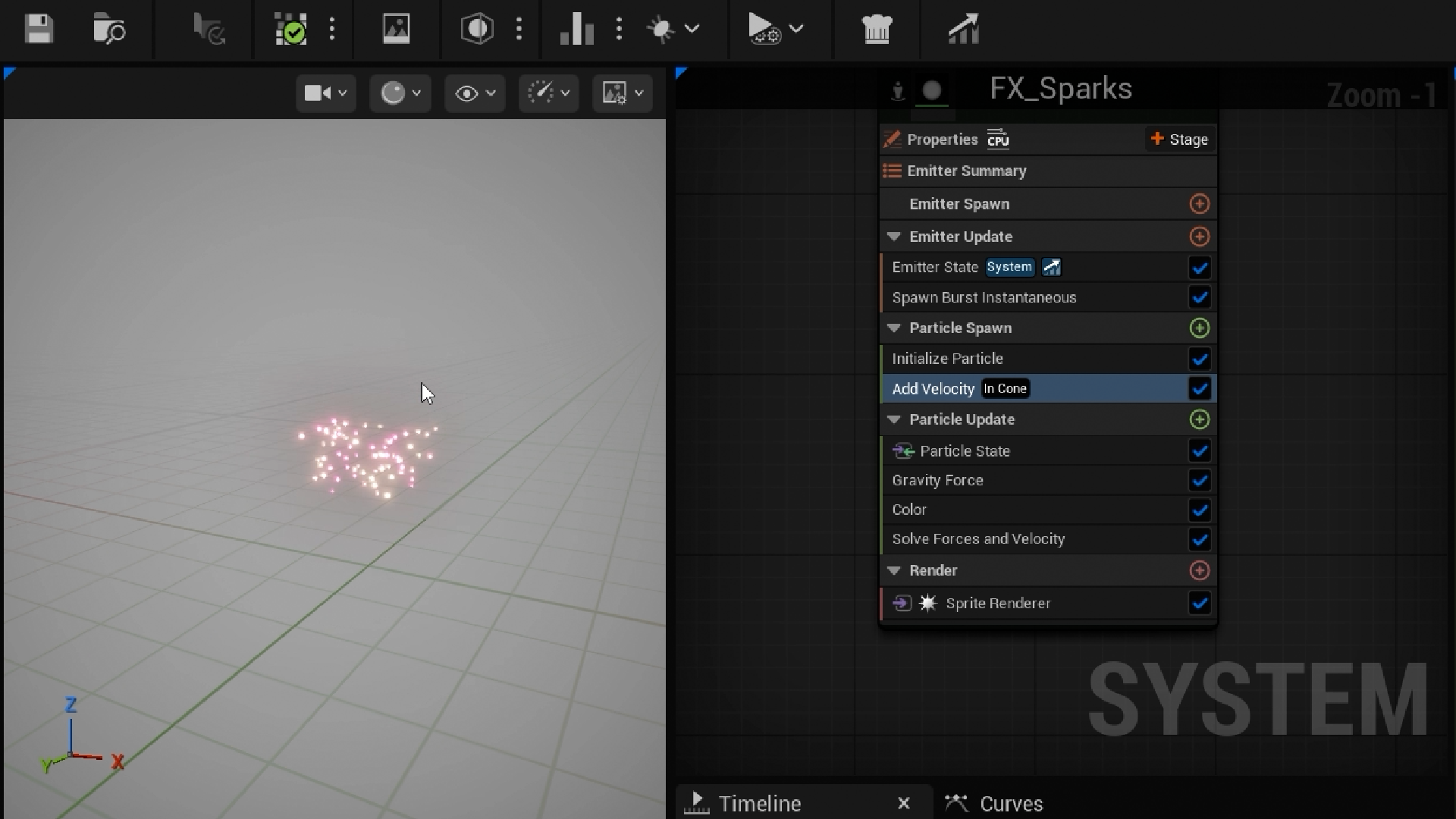
Effects are what make a game feel alive, and Niagara is Unreal’s tool for creating them. It can look daunting at first, so you’ll start with what a particle actually is and get comfortable in the editor. Then you’ll build your first effect from a completely empty system, one module at a time.
Build Sparks That Look Like the Real Thing
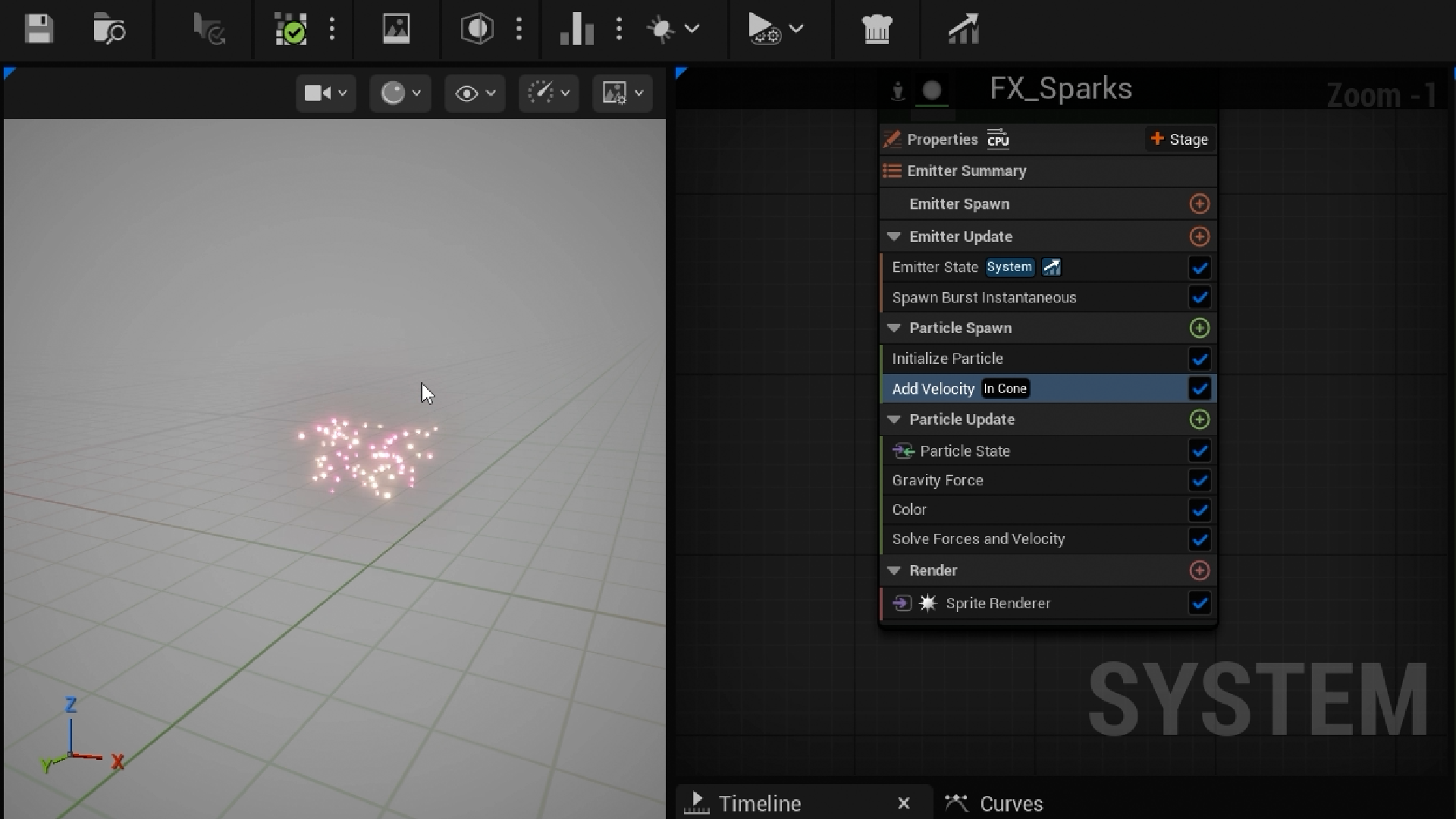
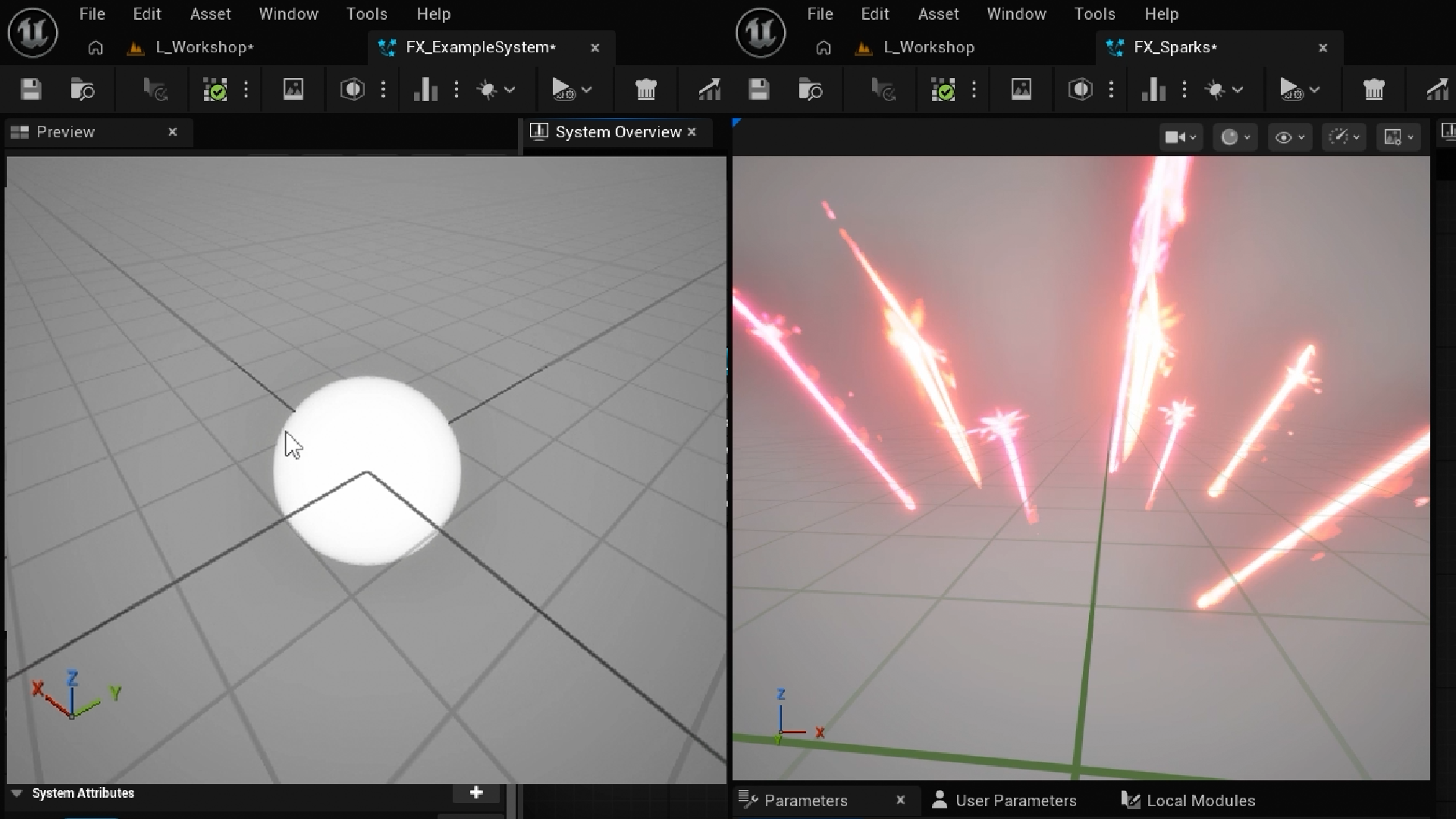
Every Niagara effect starts life as a single glowing dot.
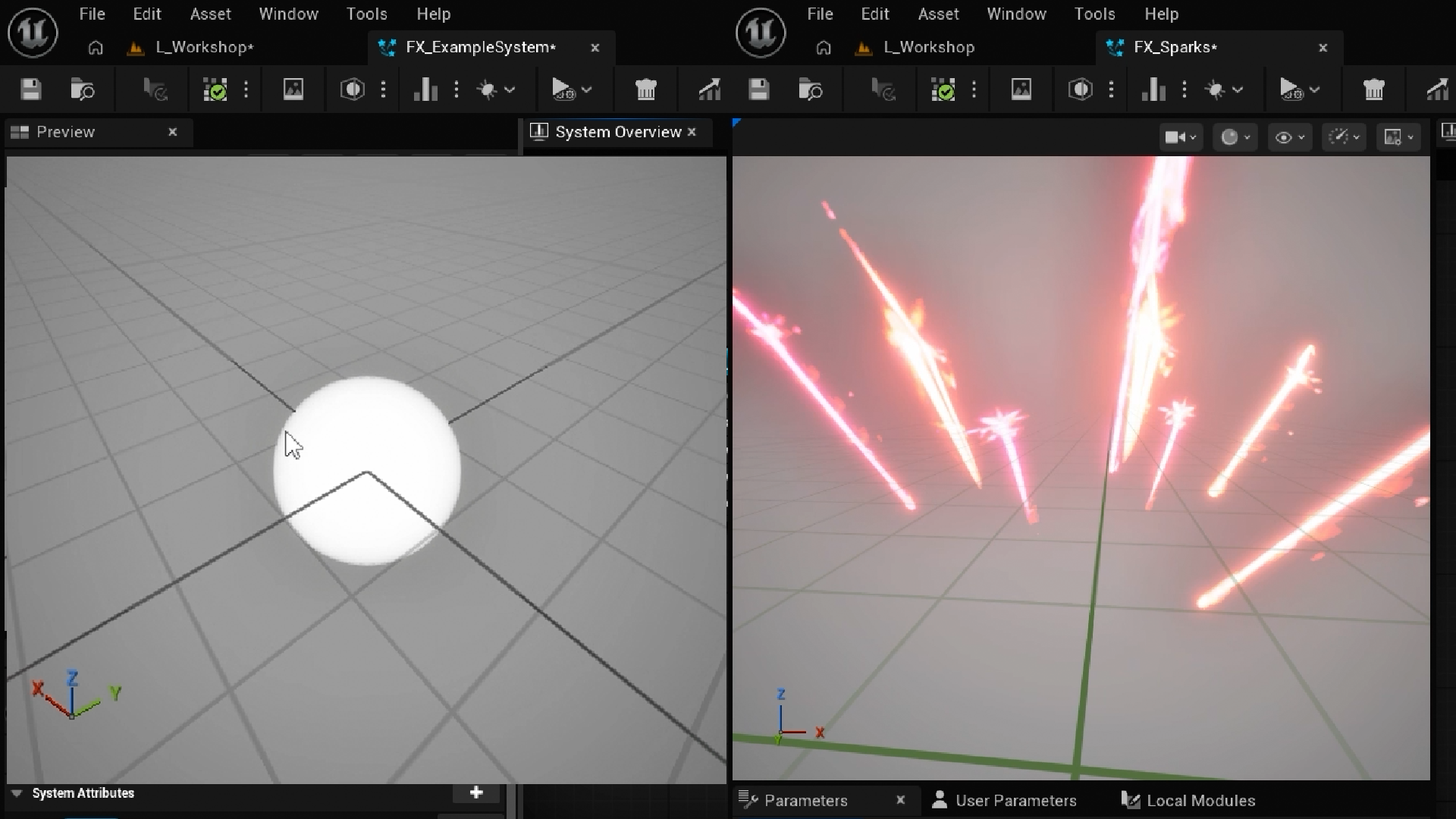
Getting from there to something believable is where the craft comes in. You’ll give your sparks motion, gravity and a touch of randomness, then shift their colour from white-hot to a cooling red. With a supplied material and a SubUV texture, each spark flares, stretches and burns away.
Plan Effects Like a VFX Artist
Here’s the secret: every effect follows the same three passes.
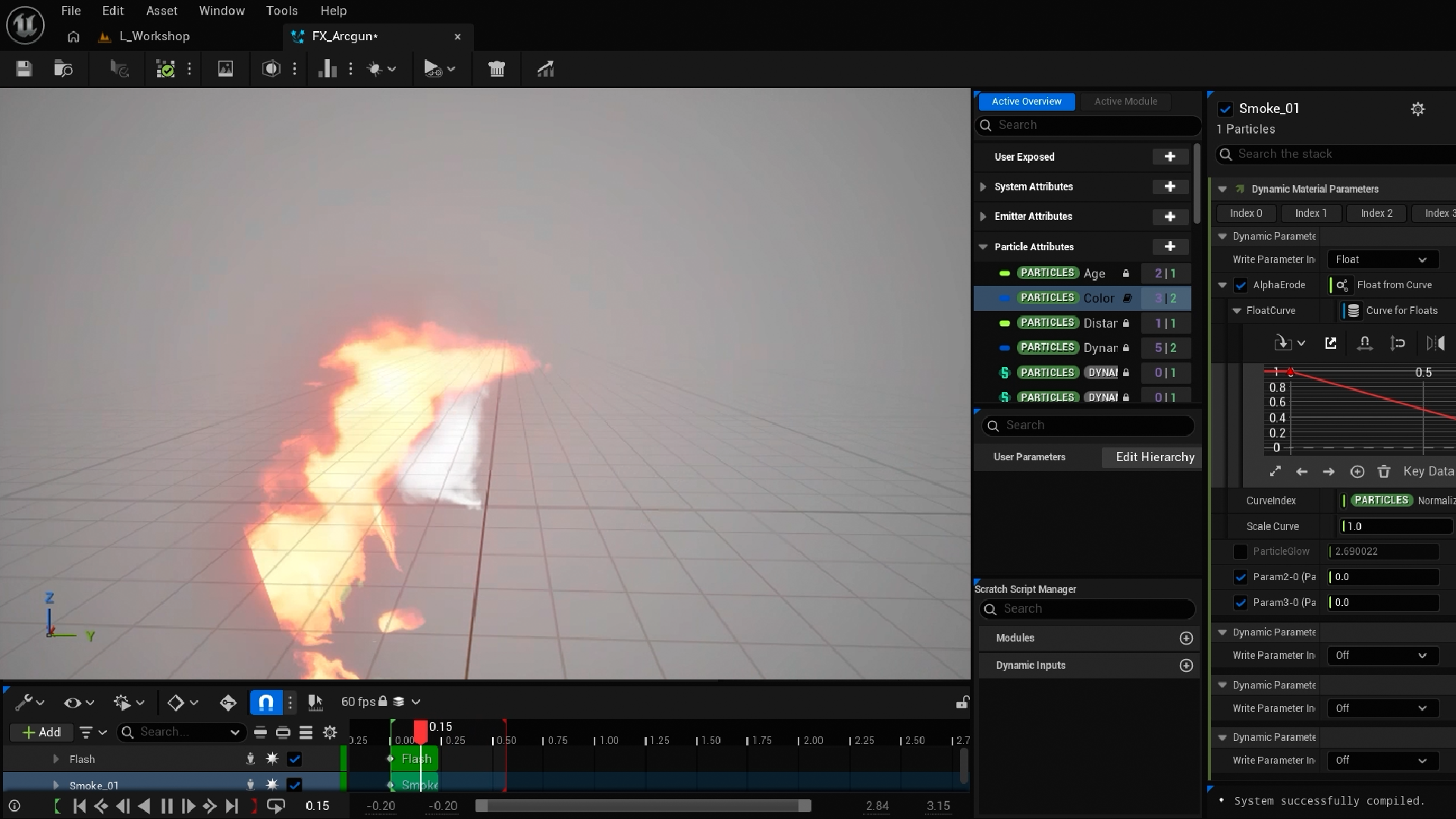
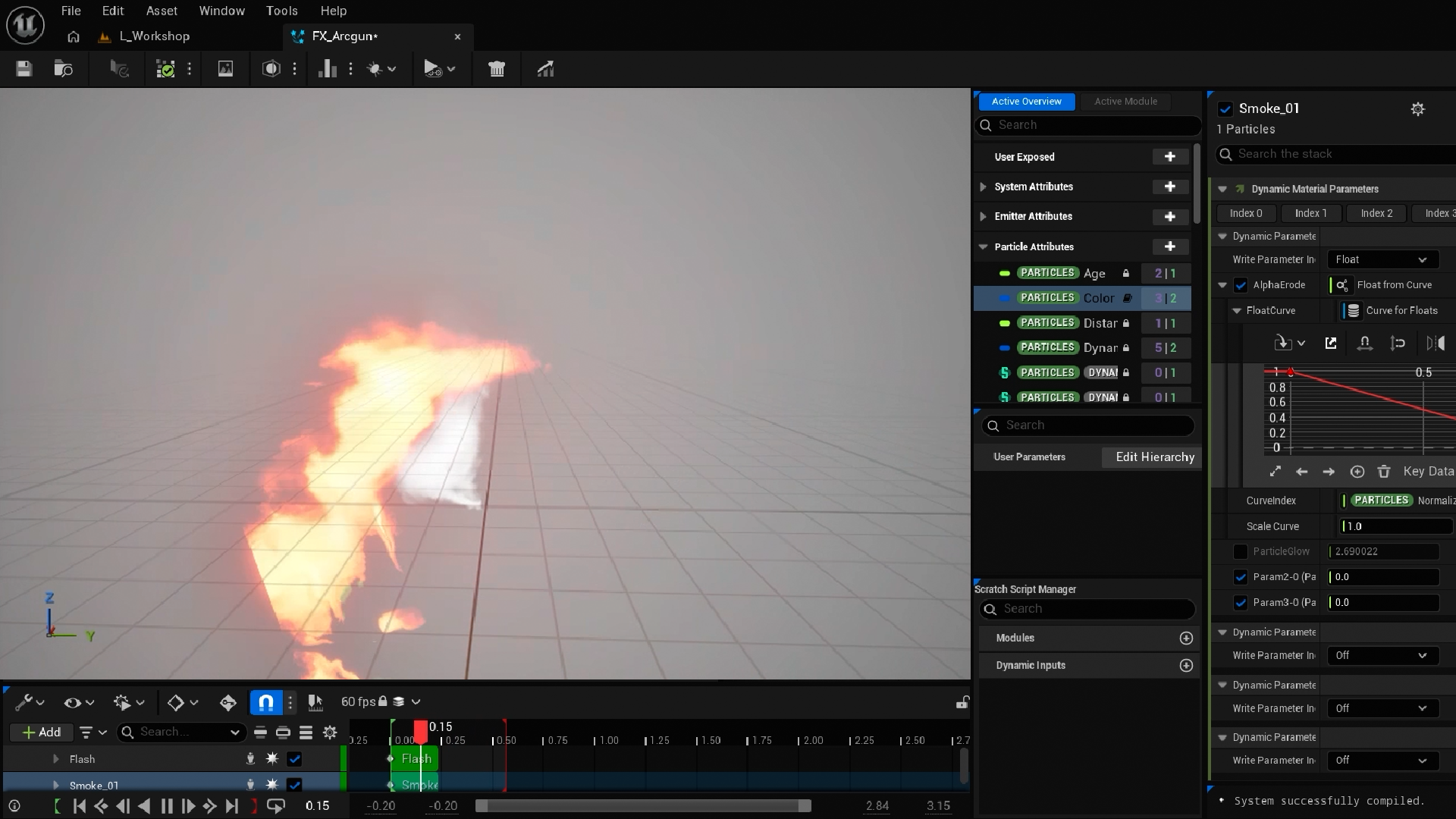
Block in, characterise, detail. Sterling’s method keeps you focused when Niagara offers a hundred options at once. You’ll plan the Arcgun, a lightning effect in three layers, from slow-motion reference, then build its opening flash with flipbook animation and layered smoke.
Turn Particles Into Lightning
Crackling trails that follow every particle through the air.
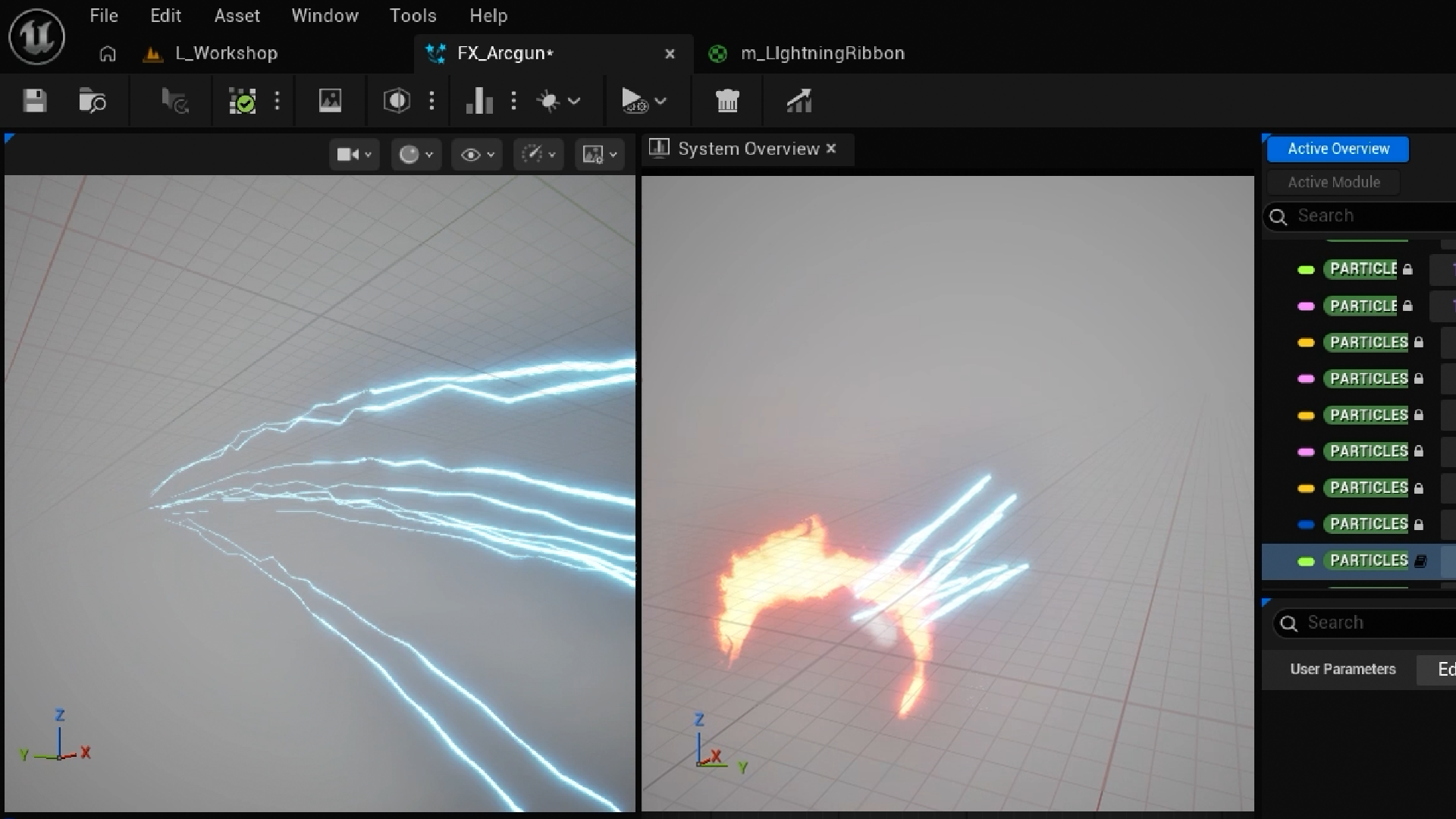
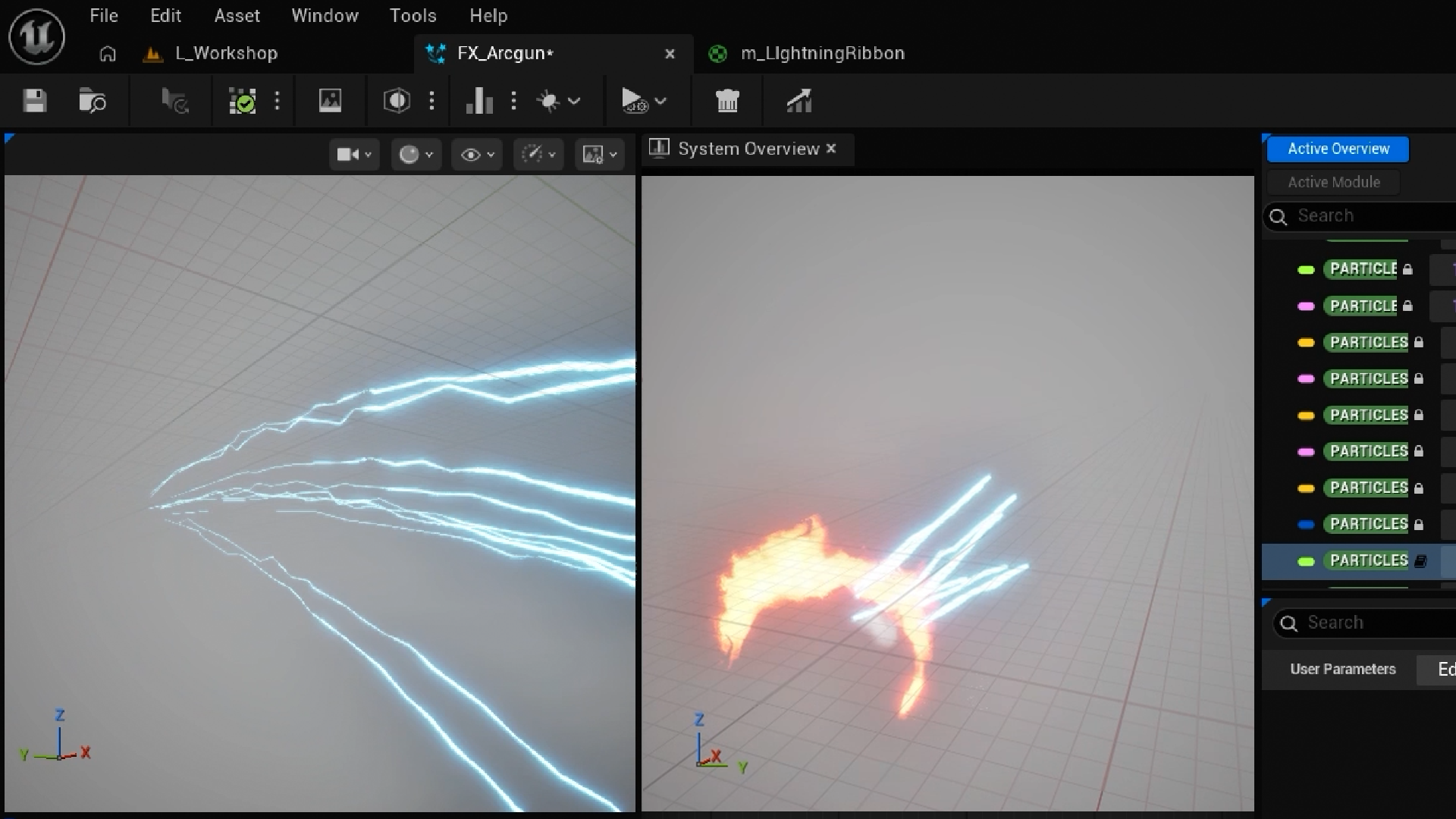
Using particle events and the Ribbon Renderer, a second emitter draws a trail behind each particle. Then you’ll make it electric with jitter, curl noise and a shimmer curve that lights up the bloom in just the right places, until it crackles like the real thing.
Watch the Bolt Strike
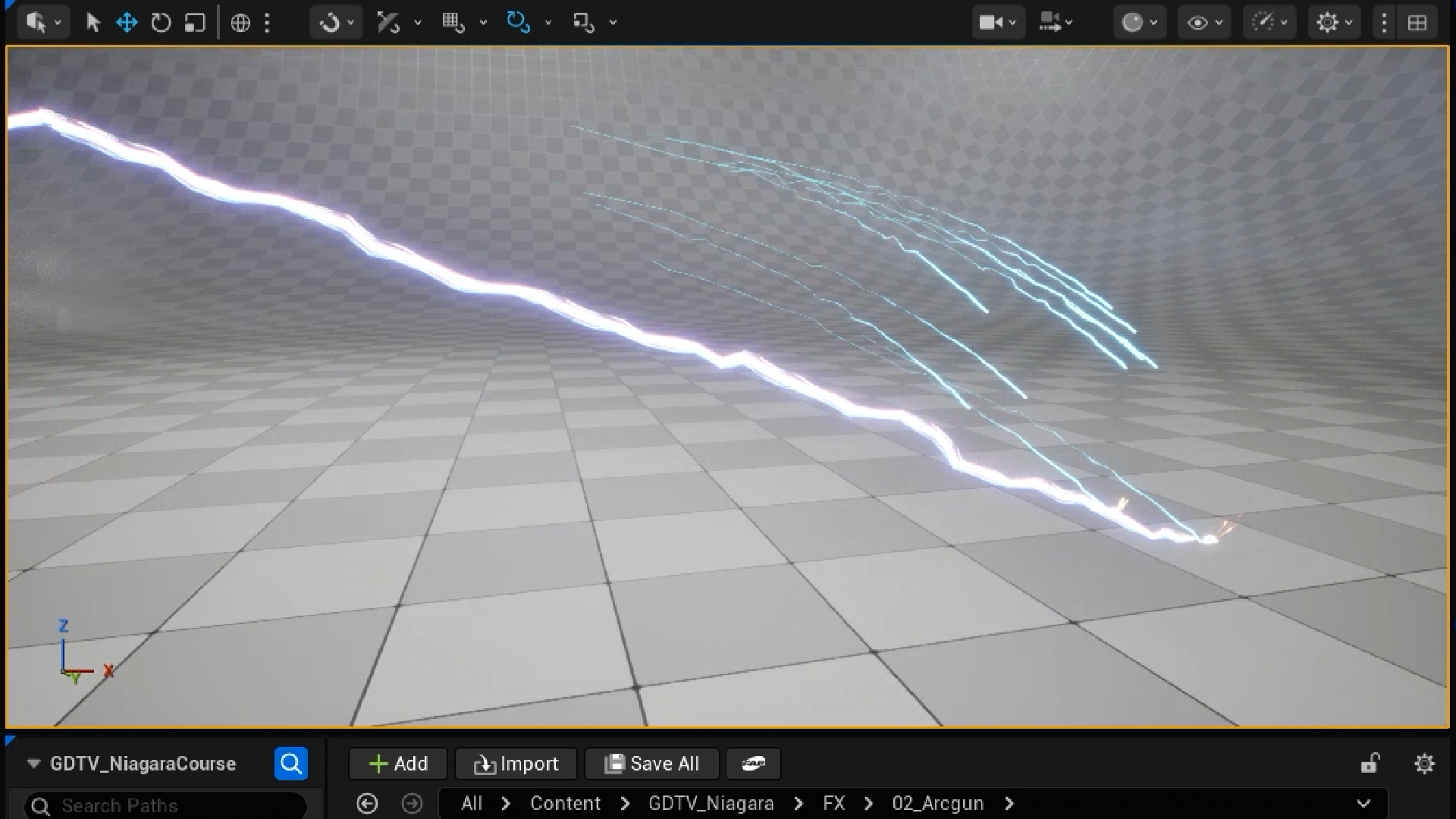
One big lightning bolt, striking right where the first particle lands.
This is where emitters start talking to each other. You’ll pass collision events to a beam emitter, write a custom Scratch Pad module with a Particle Attribute Reader, and watch Sterling fix the tricky bugs on camera. By the end, you’ll understand how Niagara thinks, and how to plan and build effects of your own.
What you’ll learn
Make eye-catching effects in Unreal Engine 5 with Niagara, without writing code.
Build glowing sparks and a three-layer lightning effect from an empty system.
Plan every effect from reference, then block in, characterise and detail it.
Shape each particle’s motion, colour and size over time with dynamic inputs and curves.
Turn a static texture into an animated flipbook with SubUVs and layered smoke.
Draw crackling lightning trails with particle events and the Ribbon Renderer.
Strike a lightning bolt with a beam emitter and your own Scratch Pad module.
Fix common Niagara bugs, from flickering beams to particles that won’t behave.
30 Day Money-Back Guarantee
100% refund, no questions asked.Lifetime Access
Access your content on any device, at any time.Teaching Support
Never get stuck with our teaching assistants on call.About the course
Want to turn a single glowing dot into a burst of sparks, then build a lightning effect that crackles across the screen?
Niagara can look intimidating at first glance. Once you see how it’s put together, it’s far more straightforward than it seems.
You’ll start with the building blocks: particles, emitters and systems, and how they fit inside each other. Then you’ll build two effects from an empty system using Sterling’s three-pass method of block in, characterise and detail. It’s a way of working you can bring to every effect you make.
The sparks teach you the core toolkit: dynamic inputs, colour curves, SubUVs, velocity-aligned sprites, glow and alpha erosion. The Arcgun takes things further, with a flipbook flash, layered smoke, ribbon trails, particle events, a beam emitter and a custom Scratch Pad module that lets one emitter read from another.
A starter project with all the materials and textures is included, so you can stay focused on Niagara. There’s a challenge in every lecture, and Sterling fixes real bugs on camera, so you learn how to track down problems in your own effects. And if you get stuck, our teaching assistants and community are there to help.
Artists and designers moving into Niagara will feel right at home too. You’ll need Unreal editor basics, and a little familiarity with textures, UVs and vectors helps.
By the end, you’ll have two finished effects ready to drop into your game, and the confidence to plan and build your own.
Ready to make your game look anything but boring? Let’s get started.
Curriculum
Instructors

Sterling Mckay
Hi, I'm Sterling Mckay. I'm a software engineer, technical writer, and long time instructor across myriad technical domains — from programming at elementary schools to Aerospace engineering robotics, and nearly everything in between. I am currently developing a programming language, called Ultraviolet.
As an instructor, my love of learning and exposure to many different professional environments has shaped my style of teaching into one that focuses on developing a students understanding and heuristics of a topic, rather than simply which button to press. Game development can be intimidating because it pulls together so many different skills at once, but that's also what makes it such a rewarding place to learn.