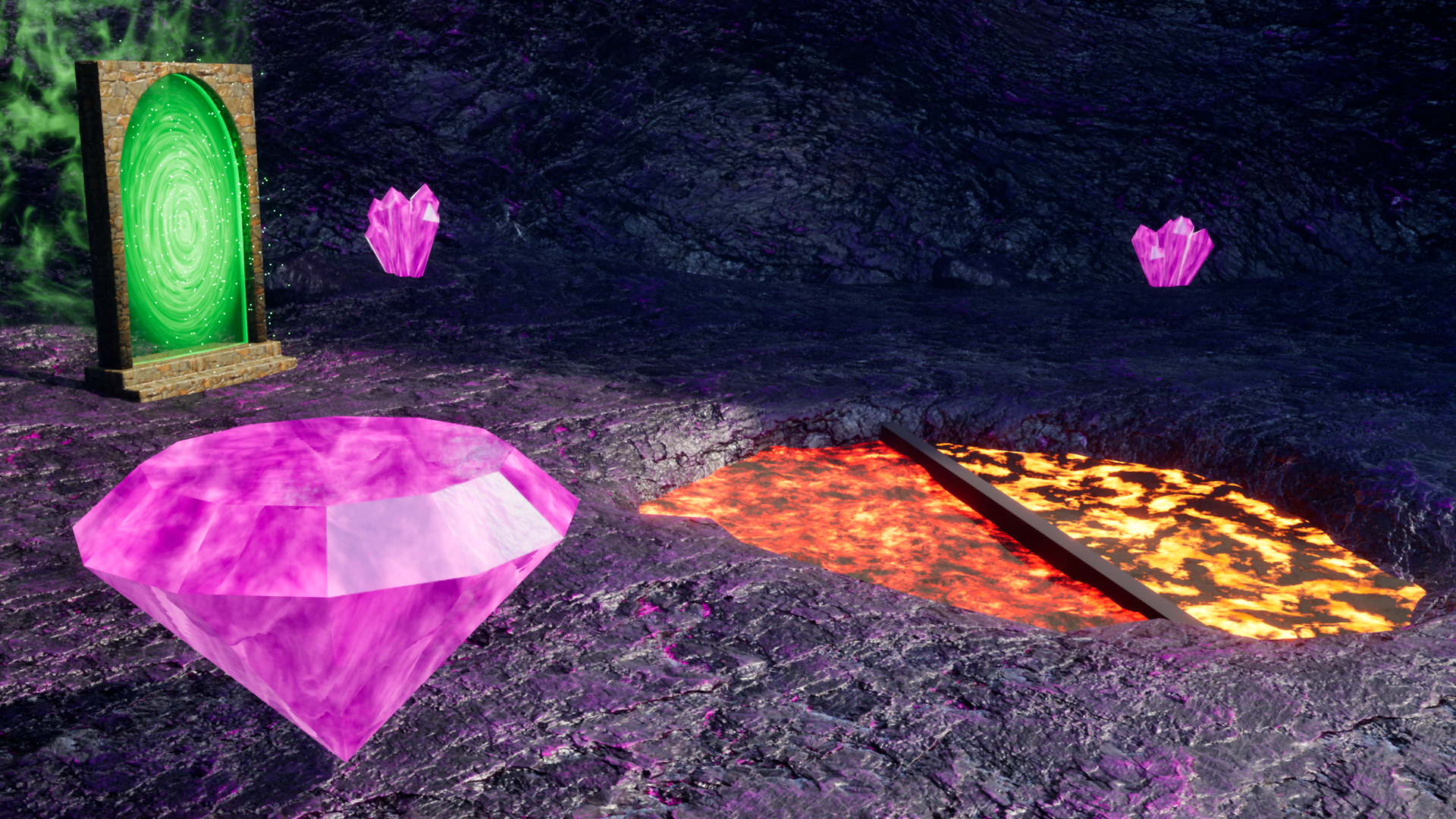
Unreal Materials: Build Real Shader Effects
Learn to think like a shader artist while building three game-ready shader effects in Unreal's Material Editor.
Your Path Through Unreal Materials
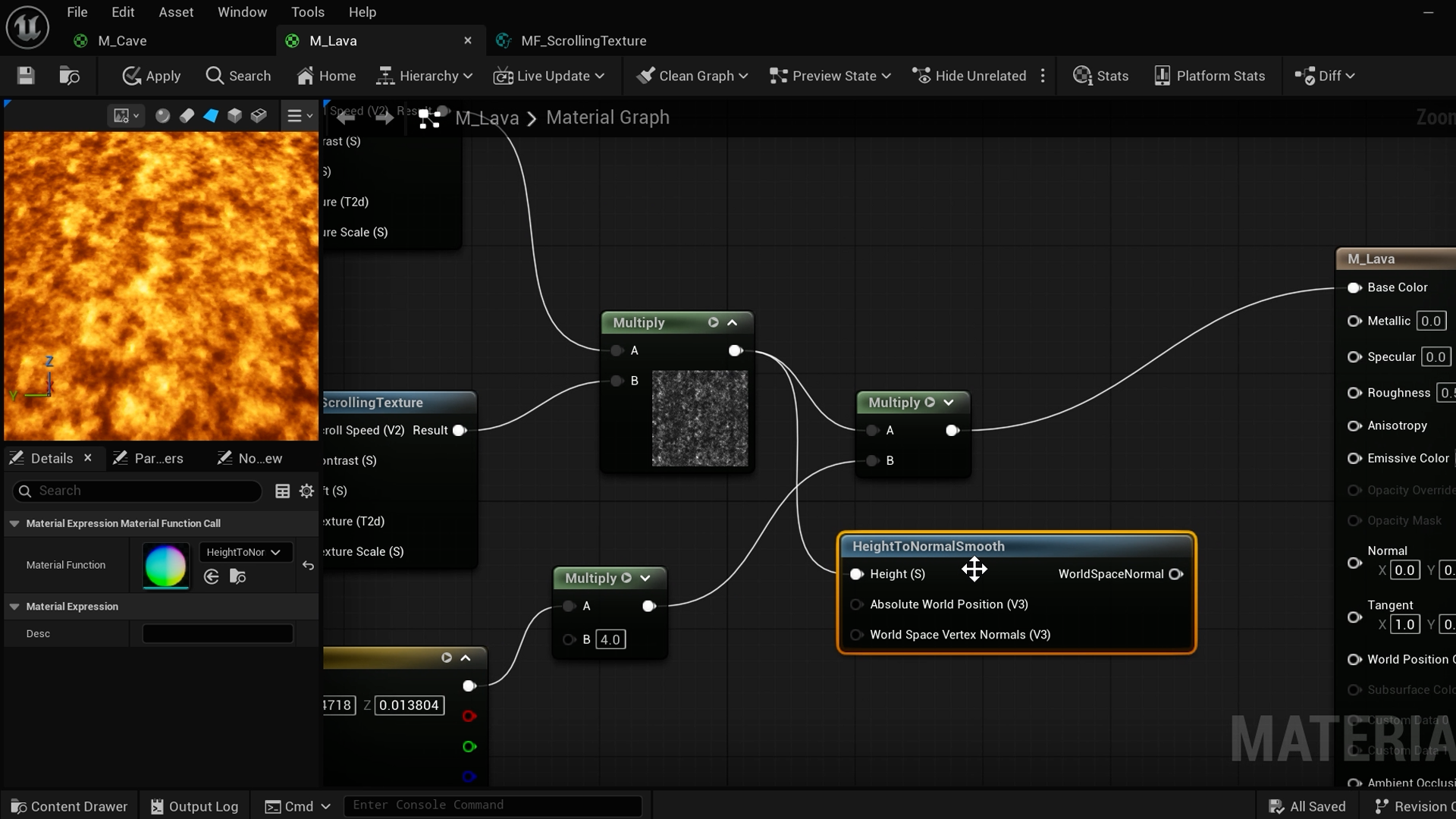
The Material Editor Has Been Staring You Down
You've built scenes, scripted gameplay, shipped projects. But every time the Material Editor comes up, there's that moment where you think: maybe I'll just grab something from the marketplace.
Makes sense, the node graph looks like someone sneezed a circuit board. But the logic behind it is simpler than it looks, and once it clicks, you won't want to stop.
We start by building a basic PBR material for a cave scene, grounding you in colour, roughness and normals before anything gets clever.
Watch Your First Material Come Alive
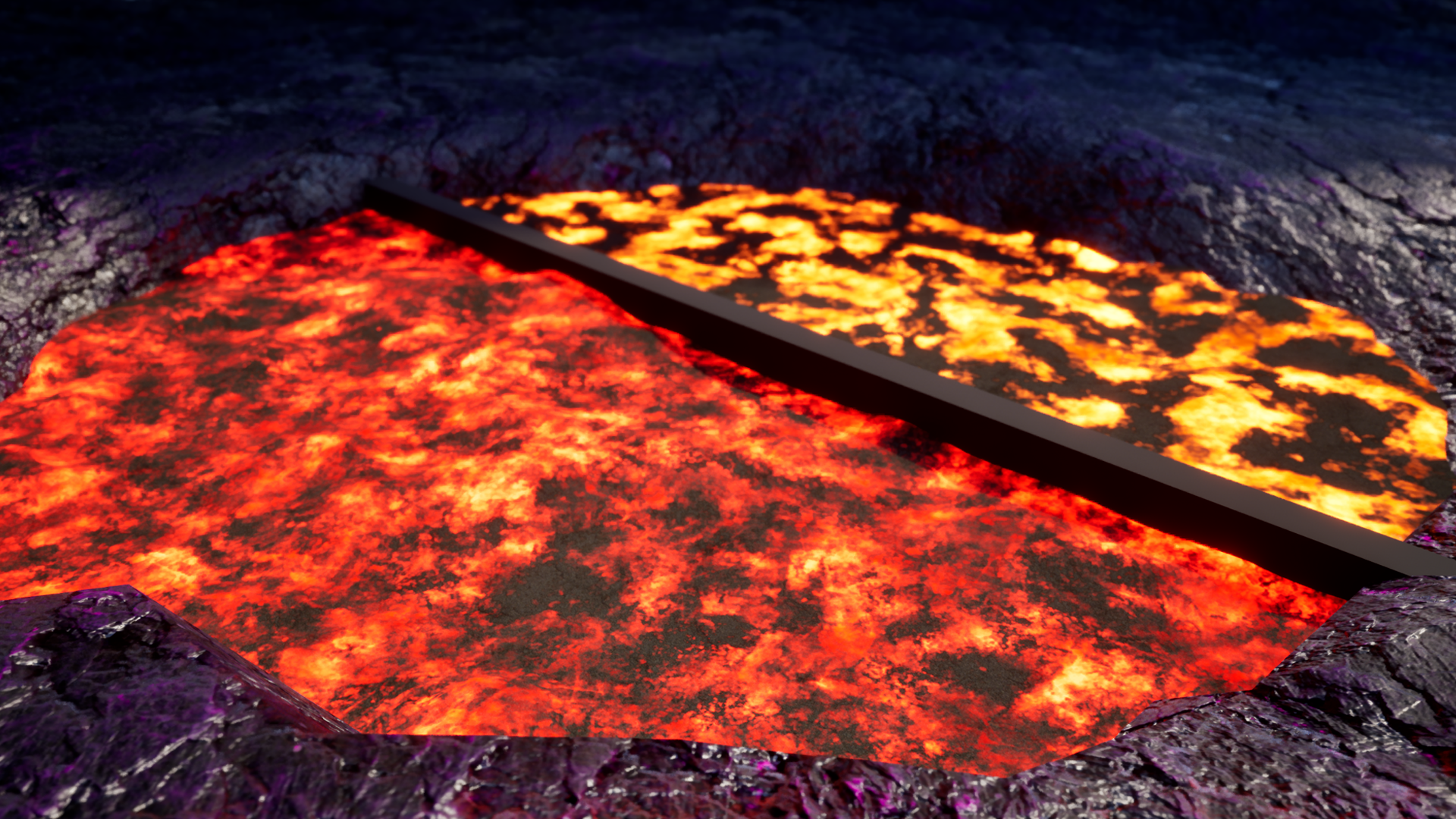
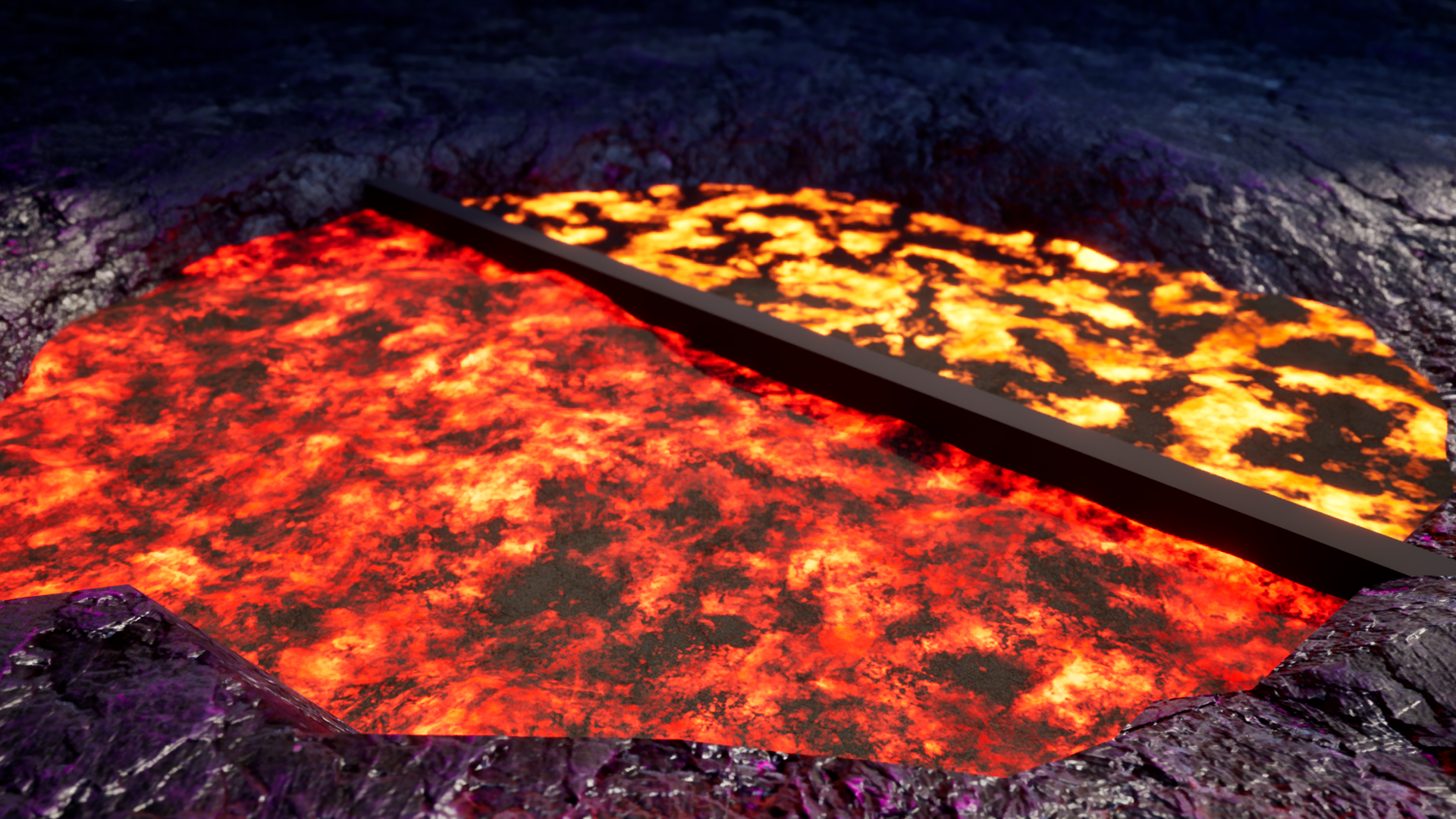
A static texture doesn't feel like lava. Lava heaves, crawls, glows at the edges where the crust breaks.
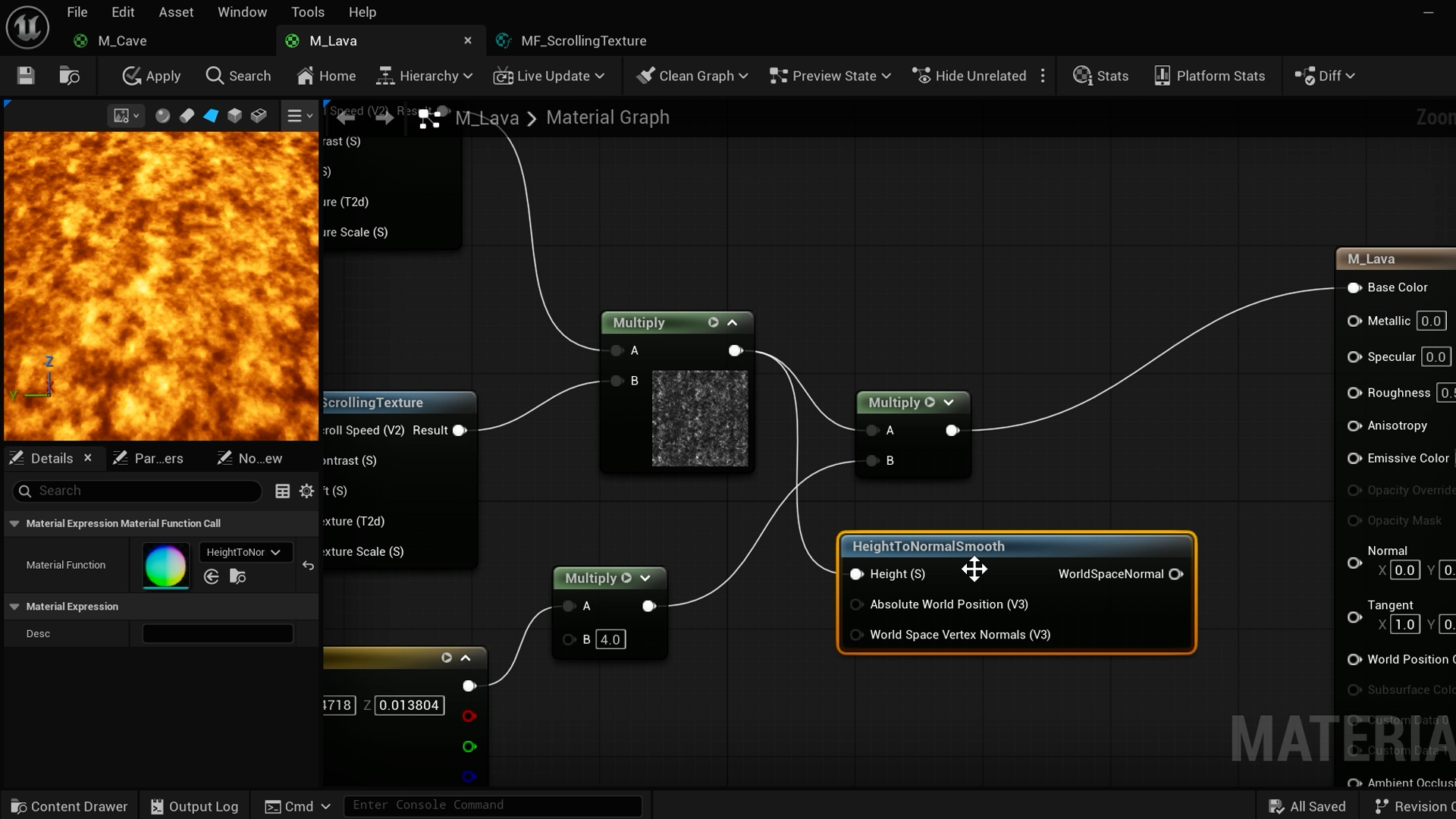
You'll use scrolling noise textures to drive surface movement, then add vertex displacement to make the mesh itself rise and fall. Layer on a darker crust with Unreal's Substrate system and suddenly you're not looking at a texture anymore. You're looking at something that feels hot.
This is the moment you realise the Material Editor isn't something to avoid, it's one of the most satisfying tools in the engine.
Fake What Isn't There
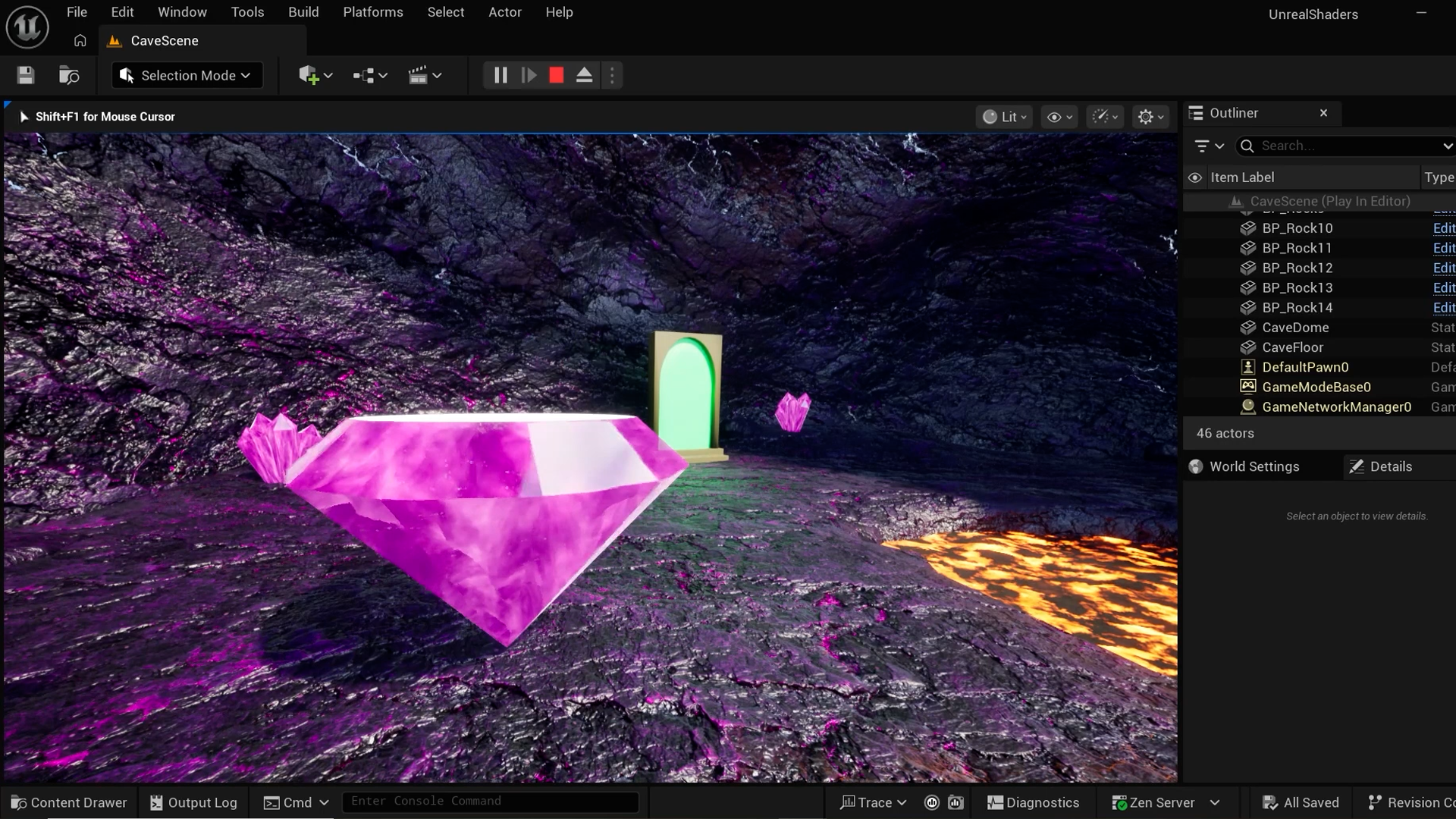
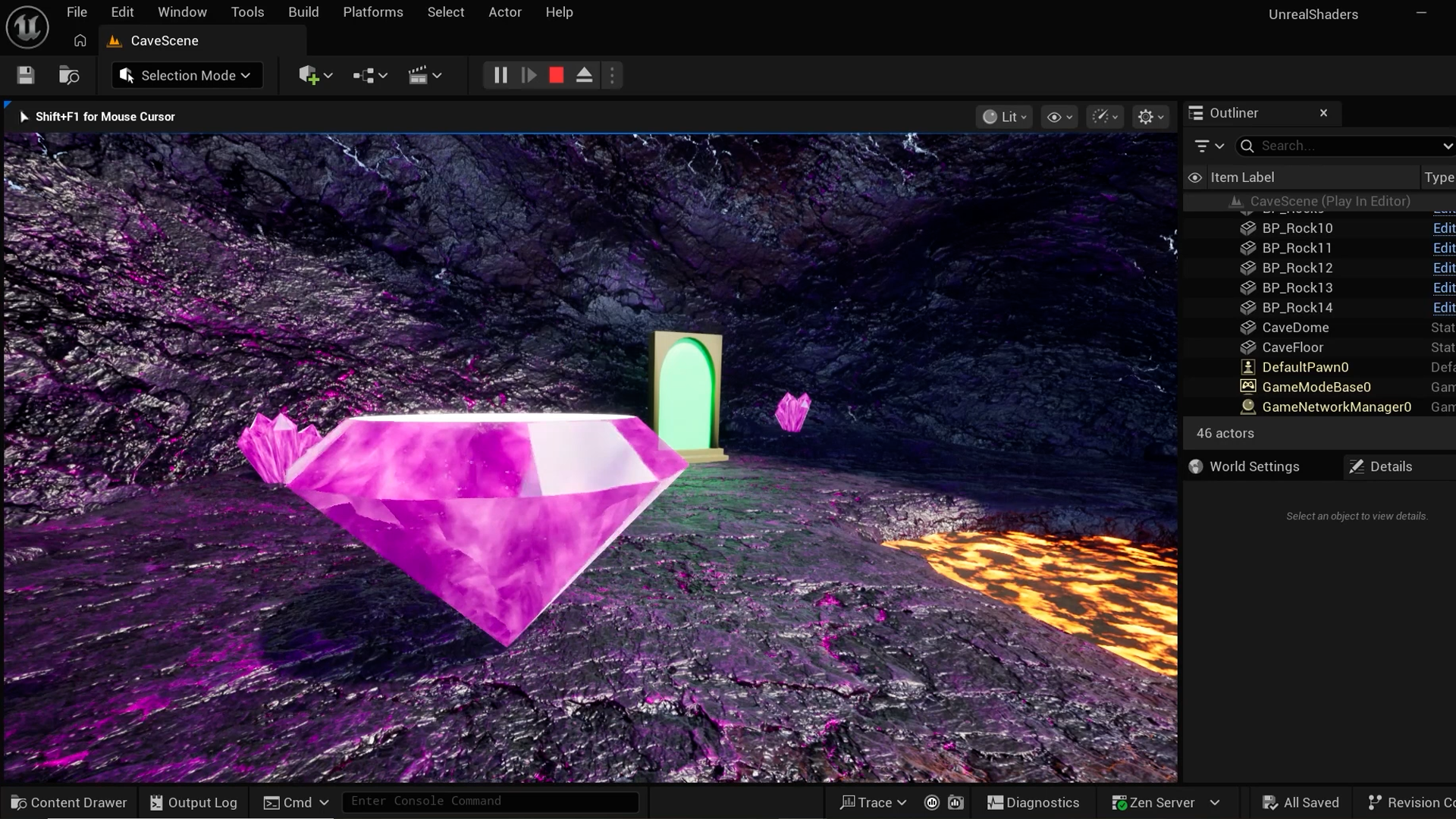
The best shader tricks are optical illusions. Your gem mesh is completely flat, but nobody's going to know that.
Parallax occlusion mapping reads a height map to push pixels around and fake the illusion of depth, making it look like you can actually see inside the stone. Add a Fresnel edge glow that pulses with a sine wave and suddenly a flat polygon looks like something precious.
This is the turn in the course. You stop thinking about what nodes do and start thinking about what you can convince the player's eye to believe.
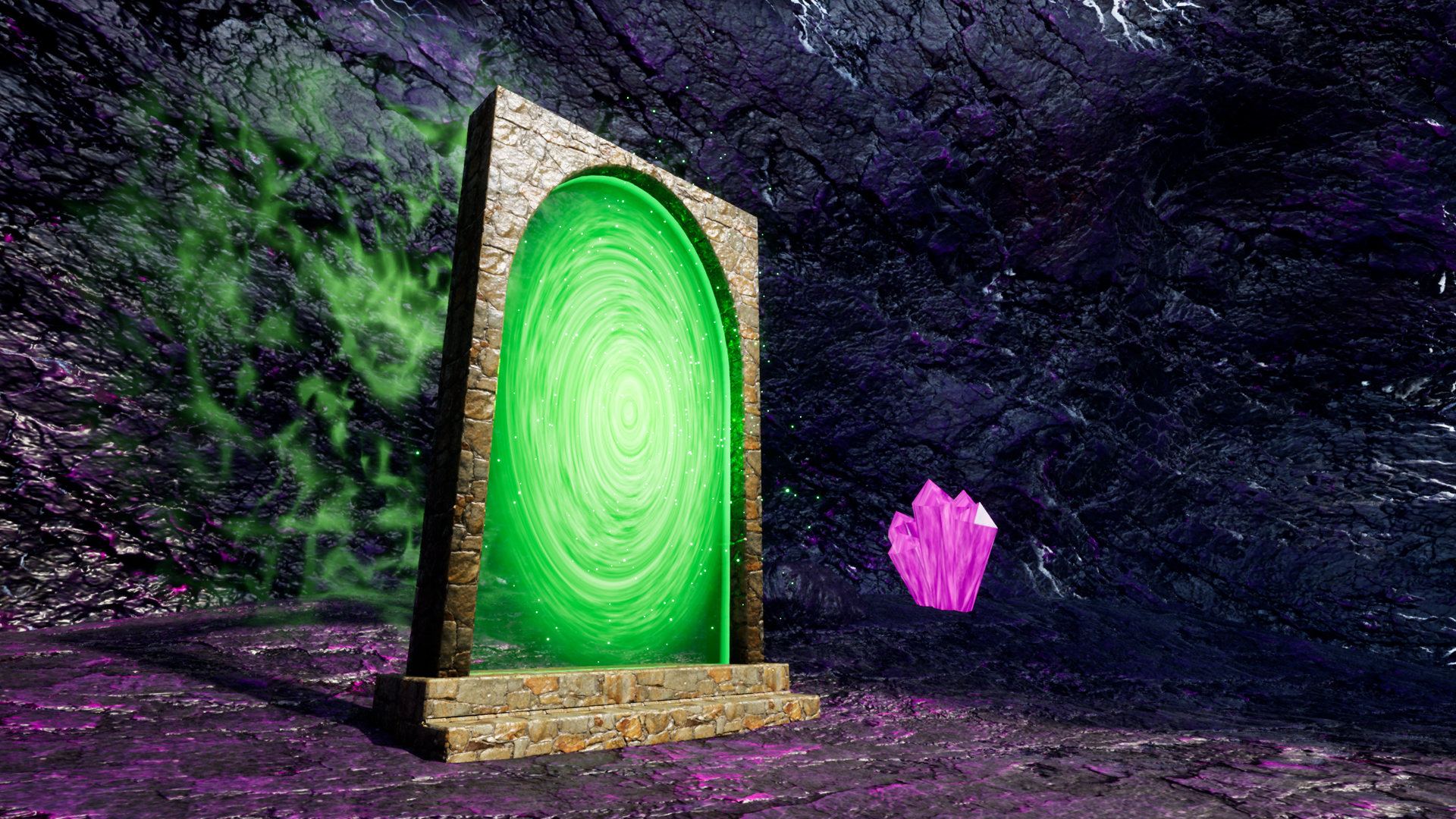
Bend Space With a Swirling Portal
You've got the tools. Now things get playful.
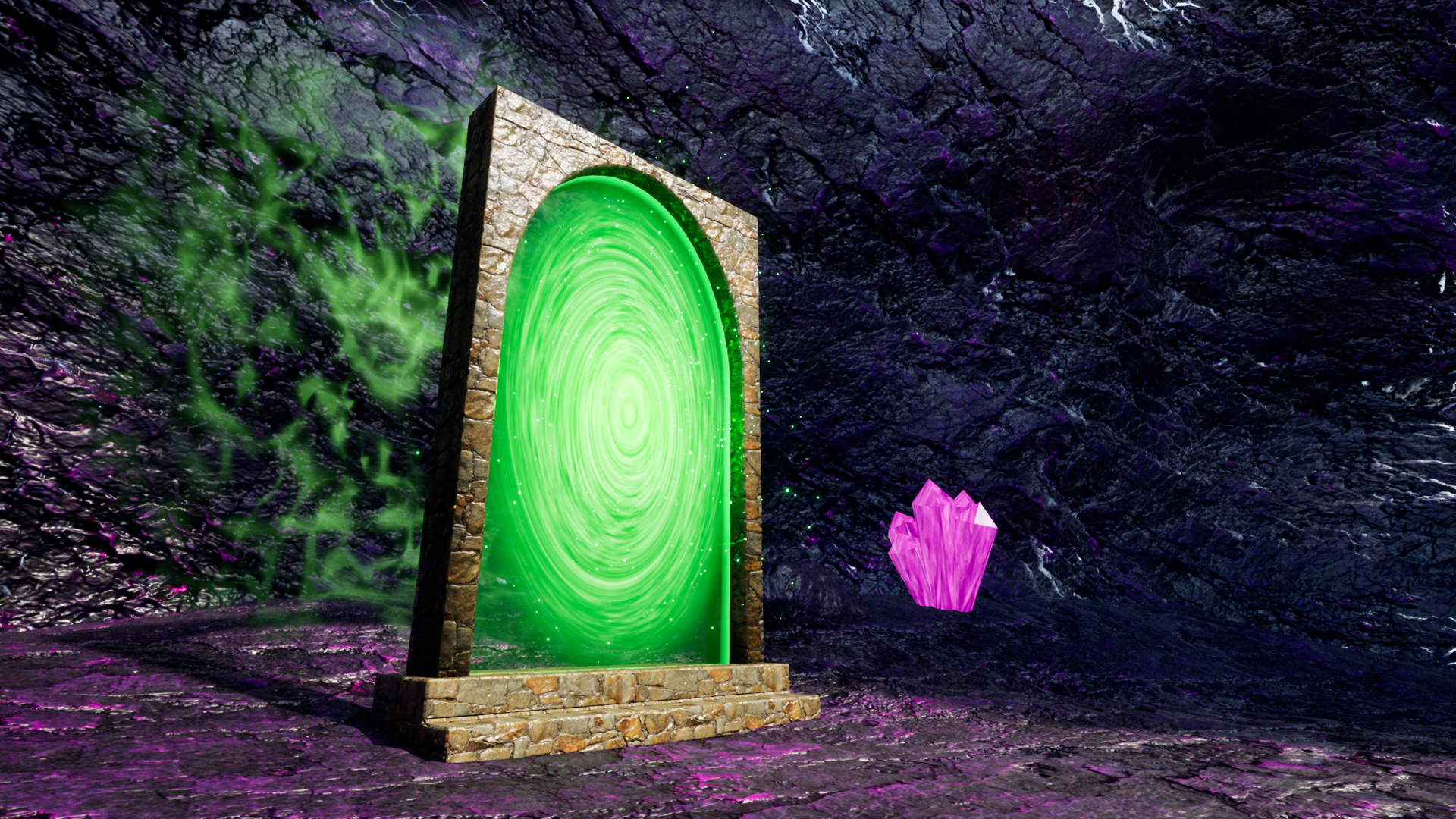
For the portal you'll twist UV coordinates around a central point to create a swirling vortex, layering noise at different rotation speeds to make it feel alive. Then project a glowing rune onto the surrounding floor with a decal material.
The techniques here aren't new. You're taking the same noise, masking and UV logic from earlier and remixing it into something that looks completely different, which is when you start to realise how far a small set of tools can take you.
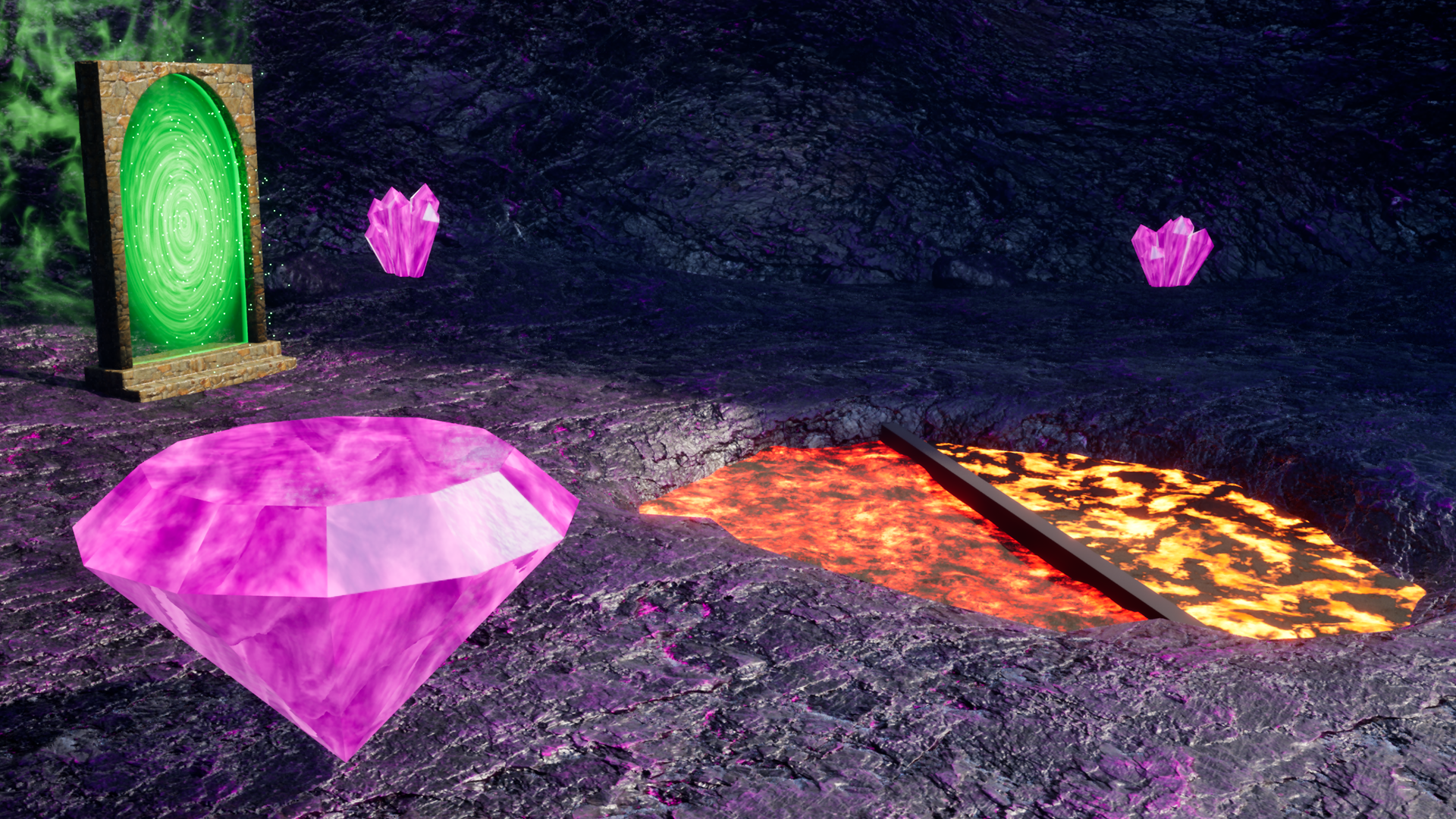
Build Effects You Can Actually Reuse
Three materials done. Now you package them properly.
You'll wrap reusable logic into material functions so you're not rebuilding the same noise setup every time you need a new effect. Then expose just the values you want to tweak at runtime using material instances, so an artist or designer can adjust your lava's speed or your gem's glow colour without touching the graph.
Finish with a Niagara particle pass over the portal and your three effects are portfolio-ready, reusable, and built in a way that'll make sense to anyone who opens the project after you.
What you’ll learn
Build three game-ready shader effects in Unreal's Material Editor, from a blank graph to a finished, portfolio-ready result.
Go from node-graph confusion to confident shader development, understanding what every connection does and why.
Make lava that actually moves, with a heaving surface and glowing crust, using noise, displacement and Unreal's Substrate system.
Build a gem that looks like you can see inside it, with animated edge glow and real refraction, using parallax occlusion mapping and Fresnel.
Create a swirling portal effect complete with twisted UVs, a projected floor rune, and Niagara particle flourishes.
Learn the shader patterns that transfer to anything: noise-driven effects, material functions for reuse and material instances for runtime variants.
30 Day Money-Back Guarantee
100% refund, no questions asked.Lifetime Access
Access your content on any device, at any time.Teaching Support
Never get stuck with our teaching assistants on call.About the course
Want to build your own stunning shader effects, rather than downloading marketplace assets?
Maybe you've already opened the Material Editor, stared at the web of nodes for a bit, closed it, and gone back to the marketplace instead.
You're not alone. The Material Editor looks intimidating until someone shows you what the spaghetti actually means.
With this course you'll stop downloading someone else's materials and start building your own. It doesn't just show you how to build three shader effects. It shows you how to think like a shader artist.
You'll work through every node addition in context, understanding what each connection does and why, so by the end you're not just copying a graph, you're reading one.
You'll learn everything from physically-based rendering fundamentals through to Substrate slabs, vertex displacement, parallax occlusion mapping, Fresnel, refraction, and radial UV manipulation.
The course also includes a custom pack of seamless noise textures so you can focus on the techniques without fighting tiling artefacts.
Perfect for any Unreal dev who hasn't delved into materials before. Coming from Unity Shader Graph or Blender's Shader Editor? The concepts translate directly and this course is a clean way to find your footing in the Unreal equivalent.
By the end you'll have three portfolio-ready materials and the confidence to open the Material Editor and know exactly where to start.
Curriculum
Instructors

Mitchell Theriault
Hey there, I'm Mitch Theriault, and I'm thrilled to be your instructor here on GameDev.TV!
With a background in film and a passion for technology, I bring a unique perspective to the world of software development. As a seasoned game developer, I've been crafting interactive experiences since 2014, working on projects for various clients.
My journey began after graduating from film school, where I discovered the perfect convergence of creativity and technology in game development.
Transitioning into instruction in 2022, I found a new passion in sharing my knowledge with others. Through my courses, I aim to demystify complex concepts and empower students to harness their creativity. I'm all about breaking down barriers and making learning fun and accessible for everyone.