Unreal FPS Combat: Create a First-Person Shooter in Blueprints
Build an FPS where every weapon kicks and the enemies fights back.
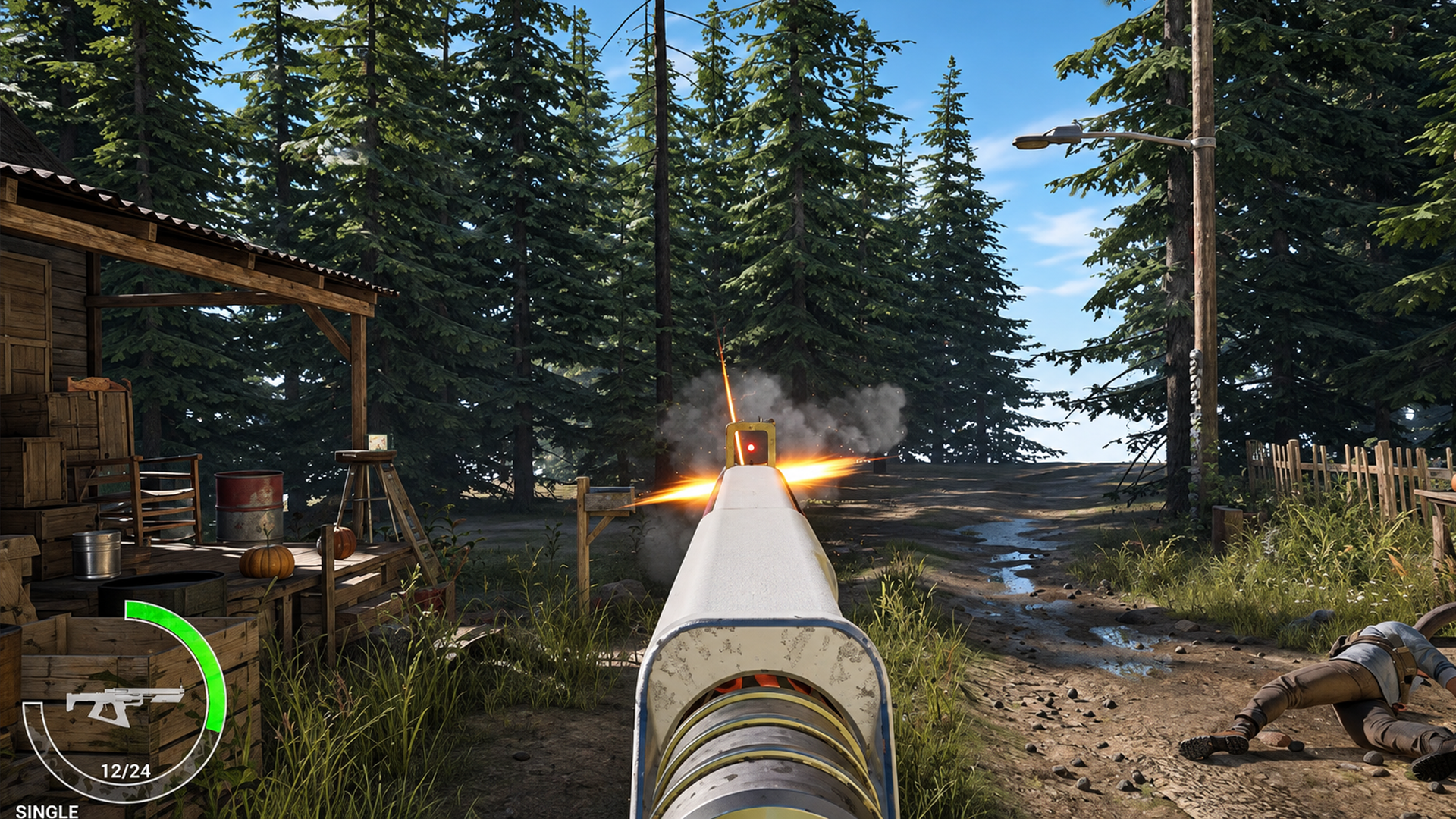
Make a Playable Shooter
Make Your Game Feel Great From the First Click
Great game feel starts the moment a player presses a button.
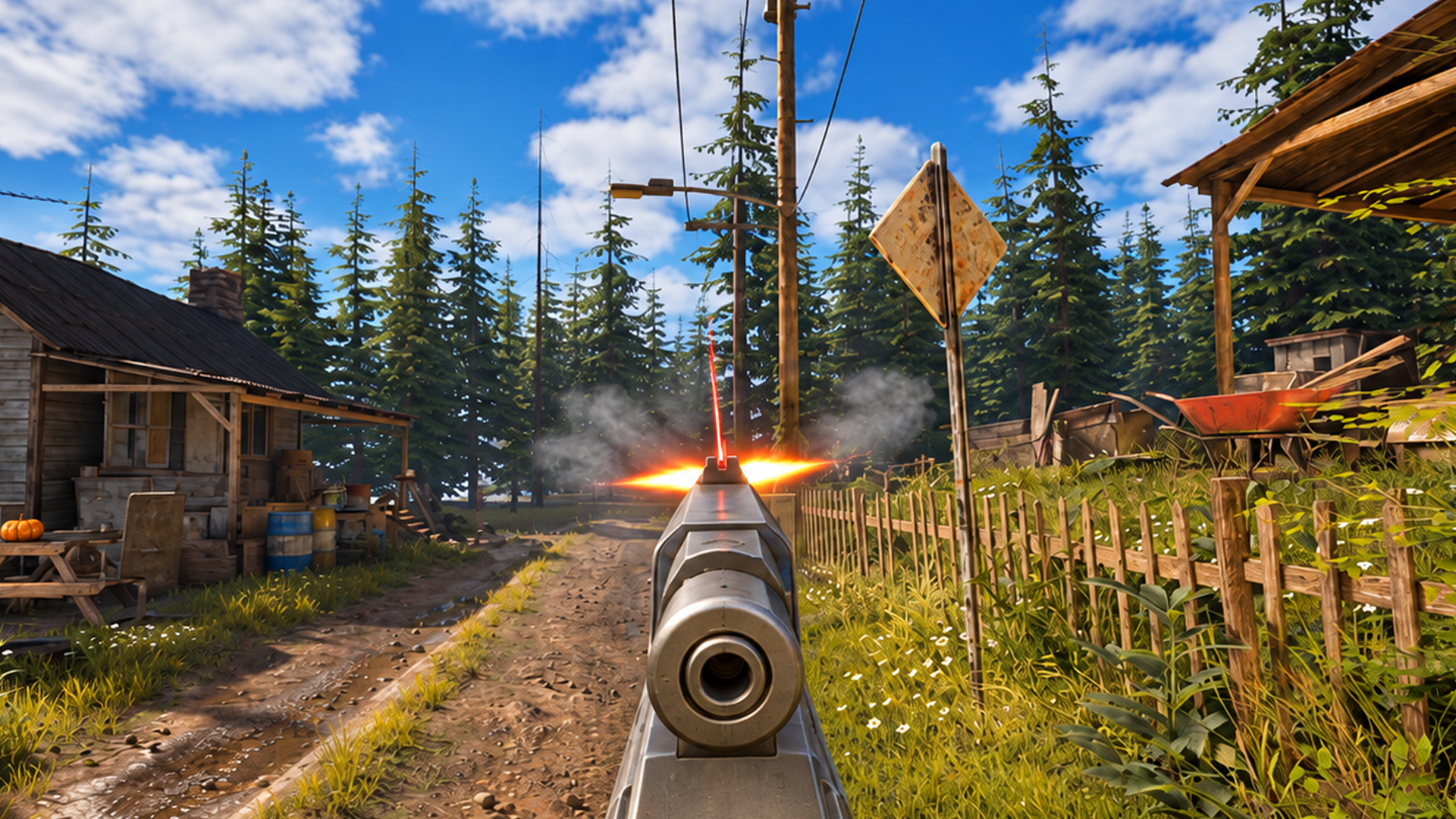
Responsive controls, snappy animation and satisfying feedback are what keep players coming back. You’ll set up a first-person character with Enhanced Input, a sprint with an FOV kick, and a double jump for getting up onto rooftops. Then you’ll bring the sci-fi pulse rifle to life with its own animations, a Niagara effect and a laser reticle.
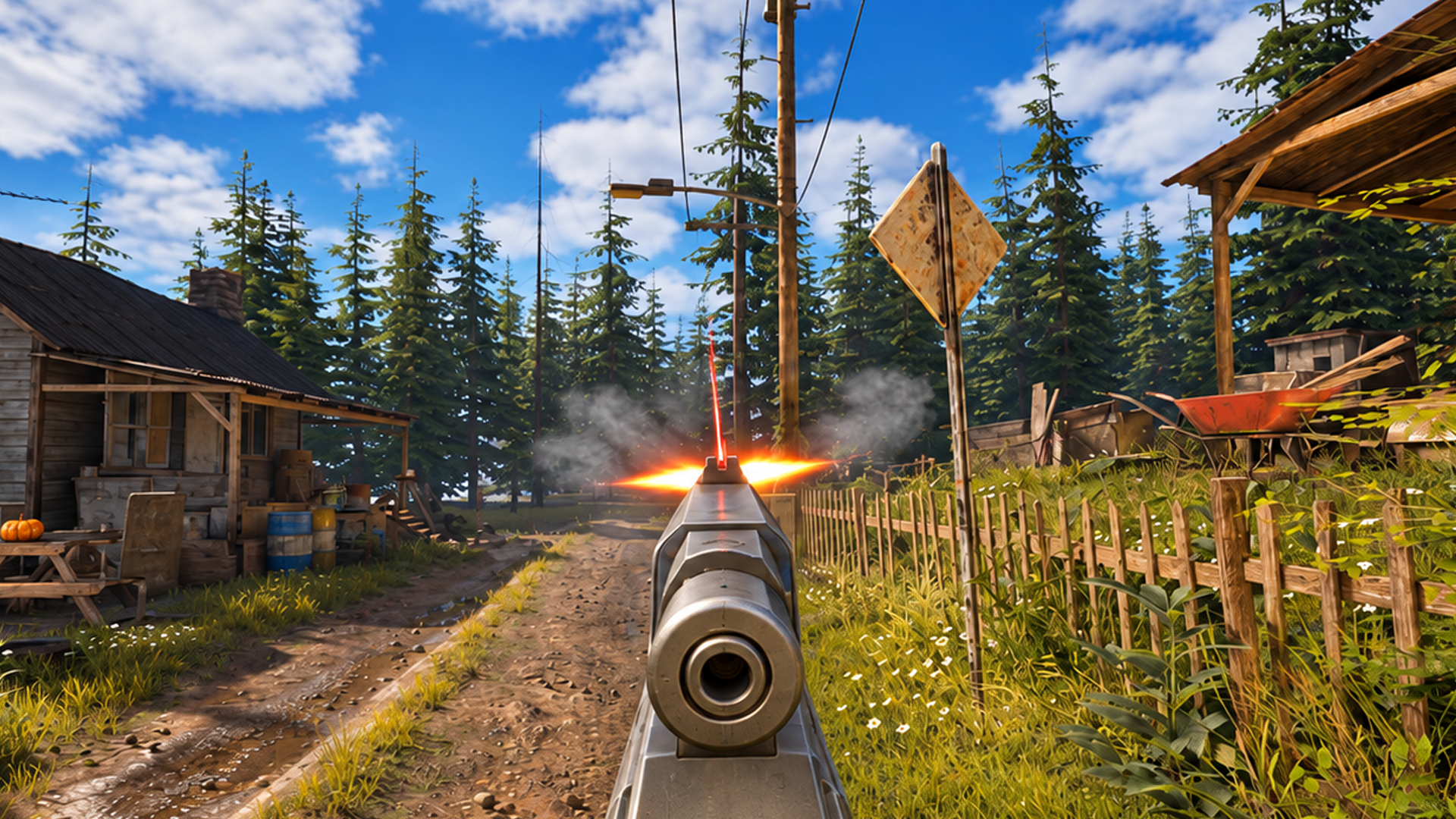
Build a Weapon System Worth Reusing
One item is easy. Three is where most projects get tangled.
You’ll build the pulse rifle on a struct-based foundation, with ammo, reloads, pickups and a burst mode all driven by data. Pure functions keep the logic tidy, and every system reads from whatever’s equipped. It takes a little longer up front, and it pays off in the very next section.
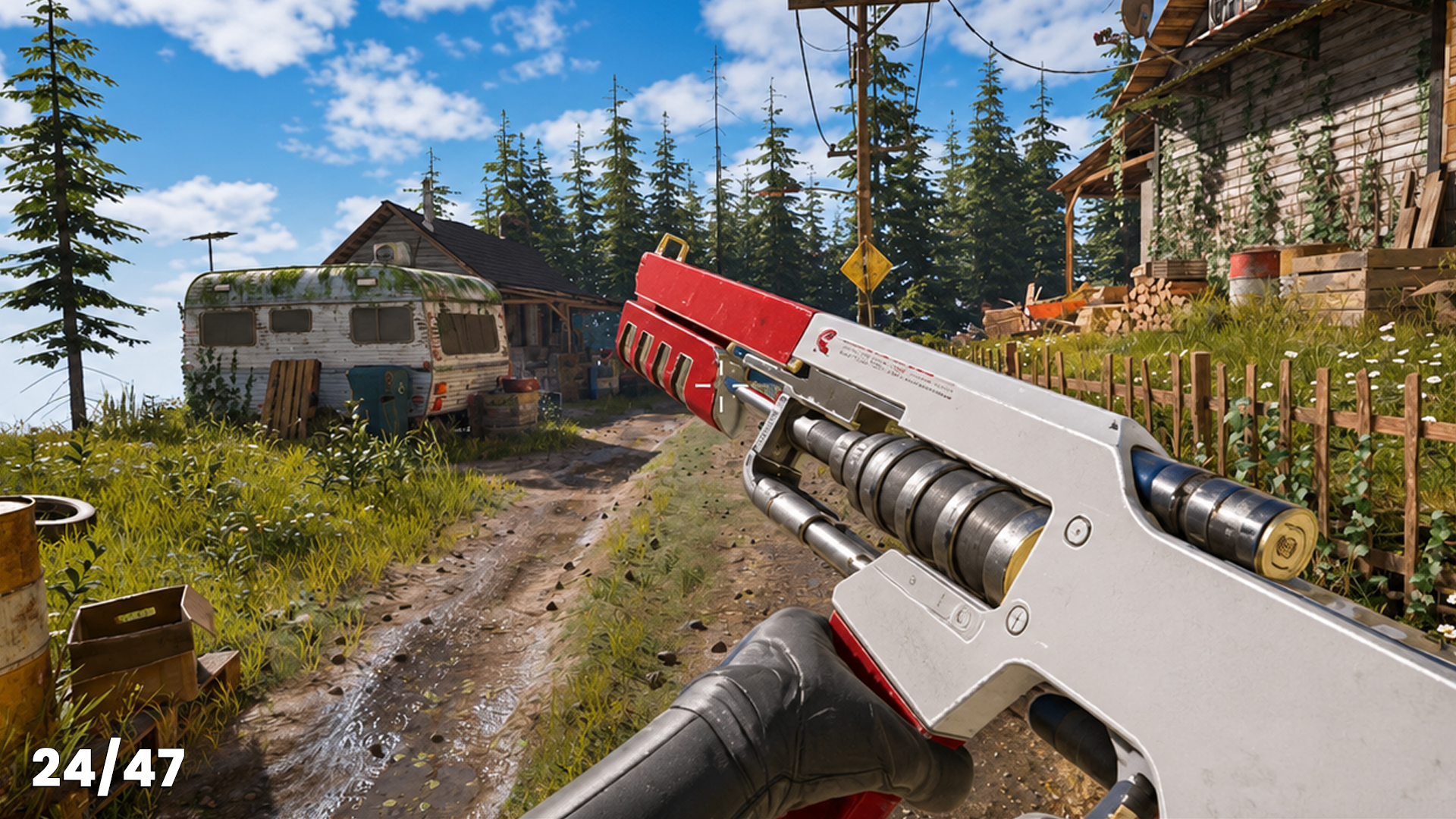
Add New Weapons to Your Game in No Time
Here’s the payoff: the third weapon needs no new logic.
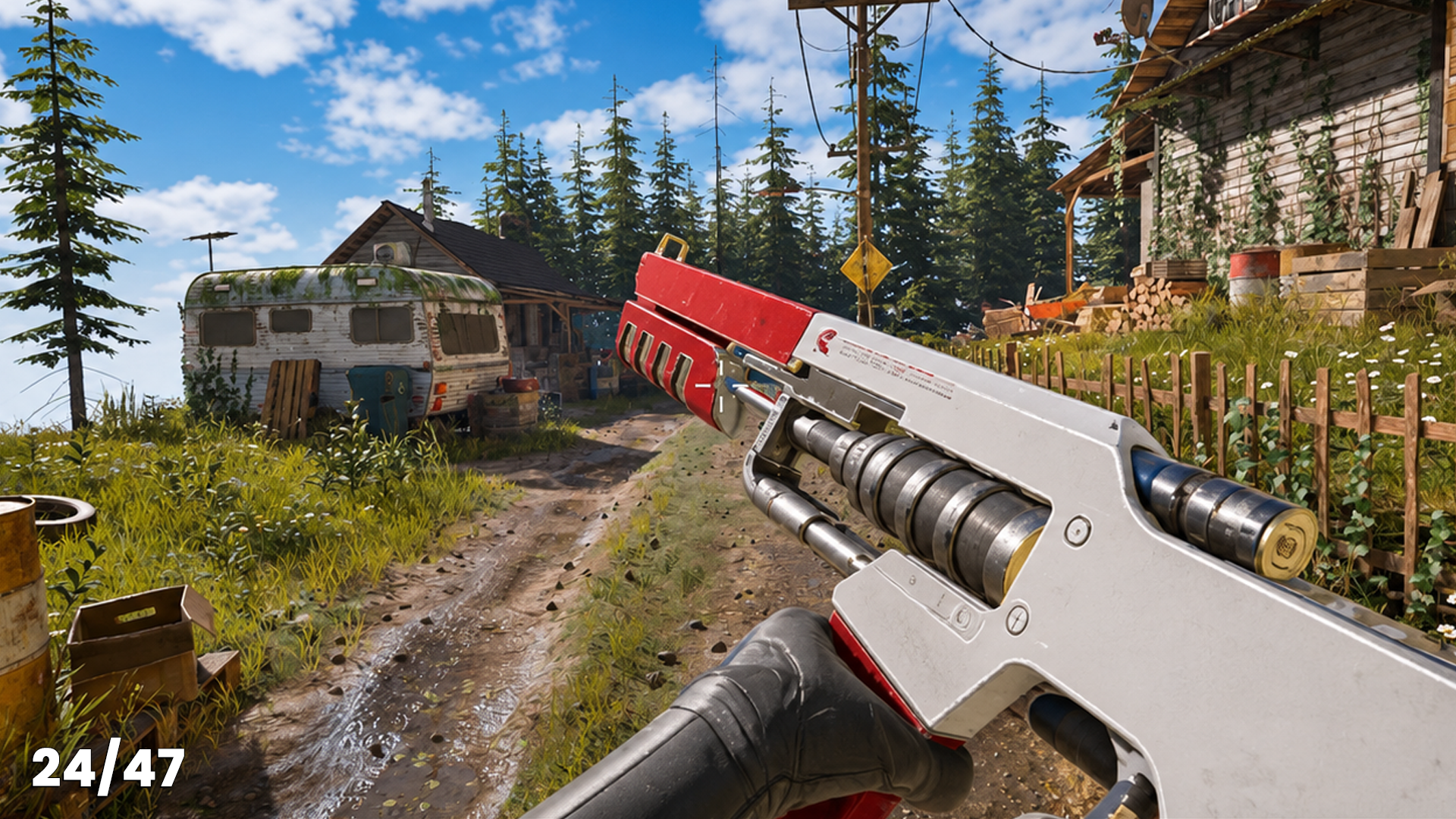
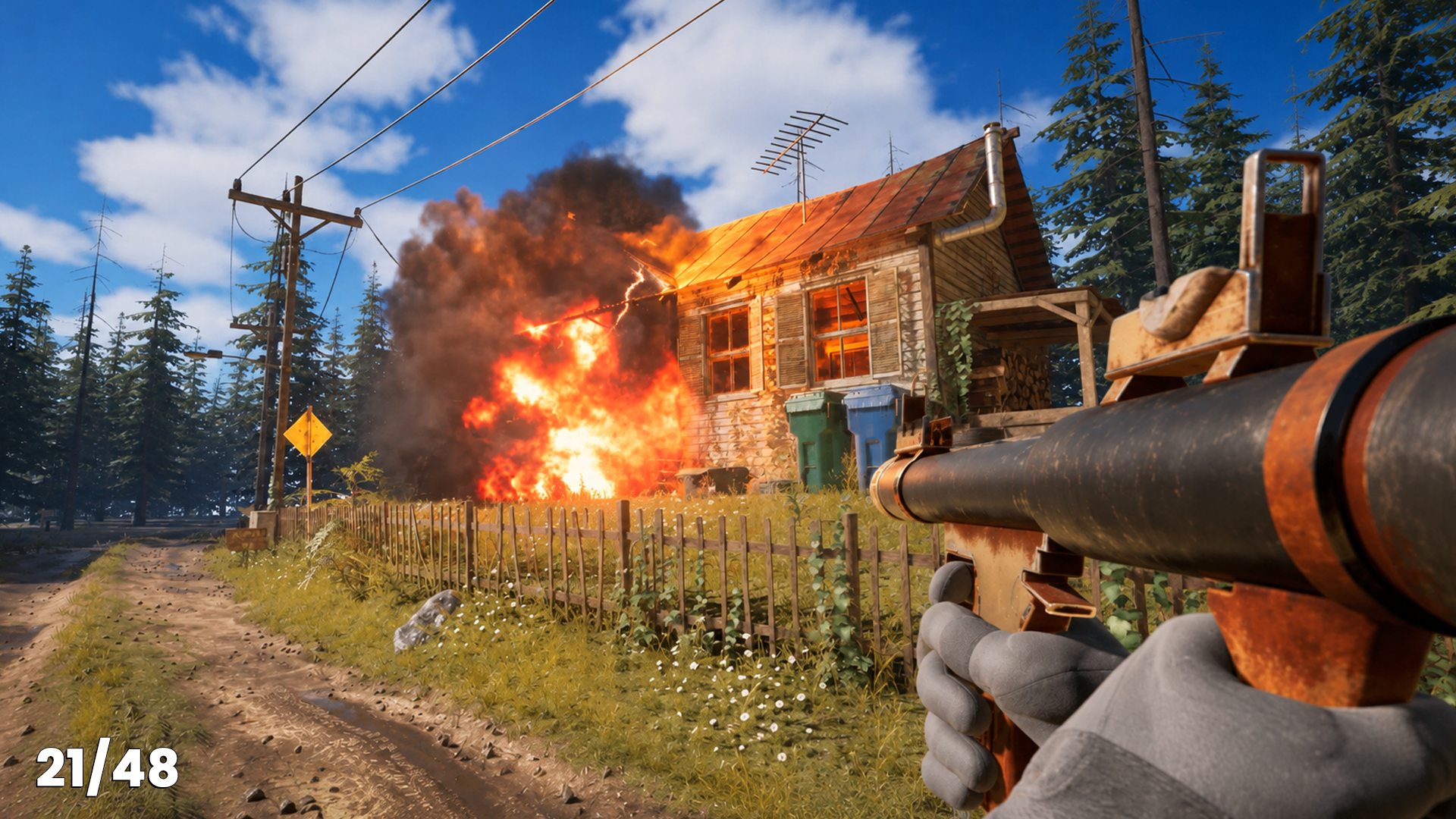
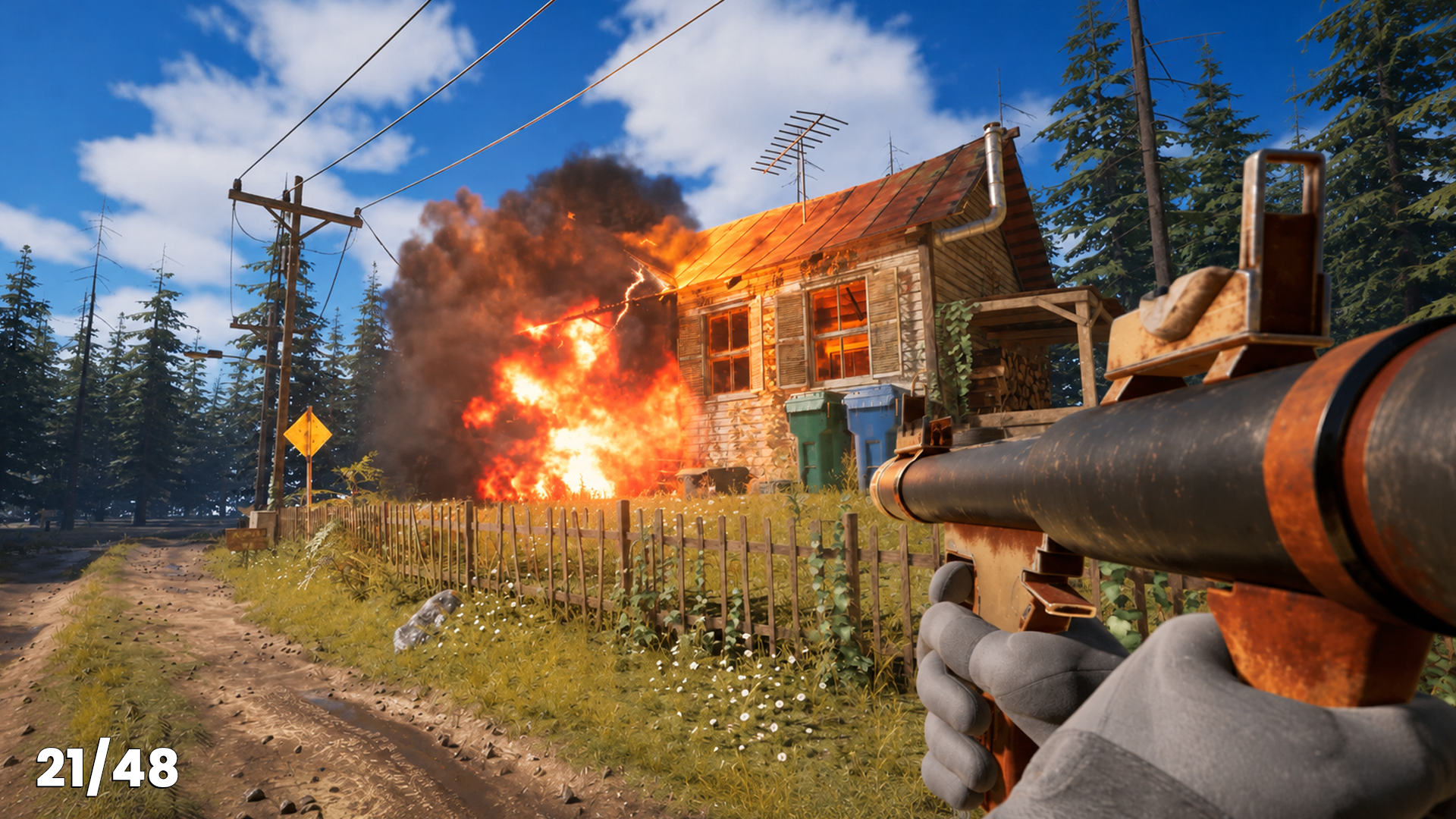
The rocket launcher plugs into the same functions, complete with projectiles, Niagara effects and a fresh rocket loaded mid-reload. Then the grenade goes in just by filling in the struct, with its own throw animation, physics and timer. Swap between all three on 1, 2 and 3, each with its own equip animation.
Give Your Game a Real Challenge
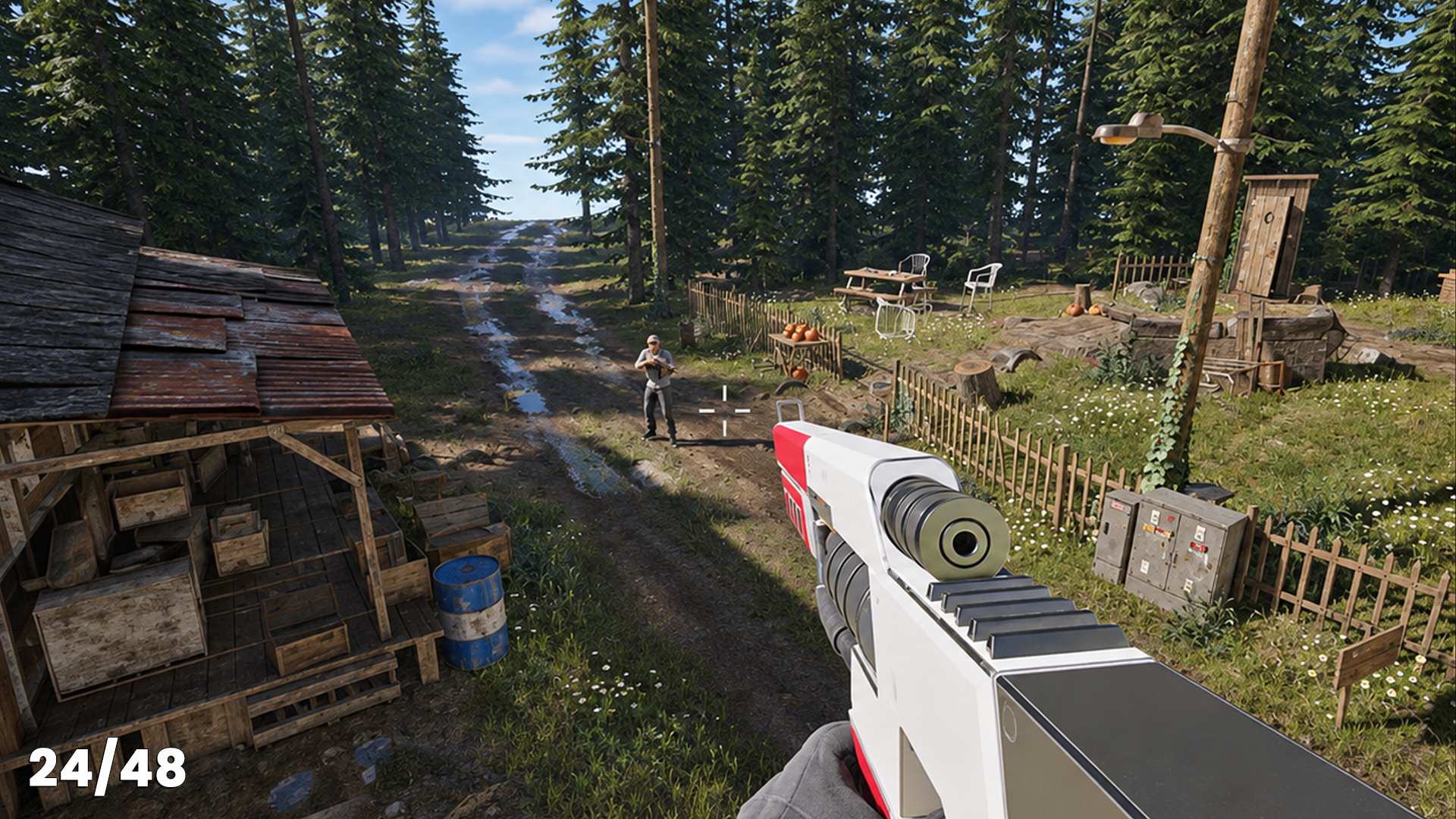
Enemy AI that patrols, spots you and gives chase.
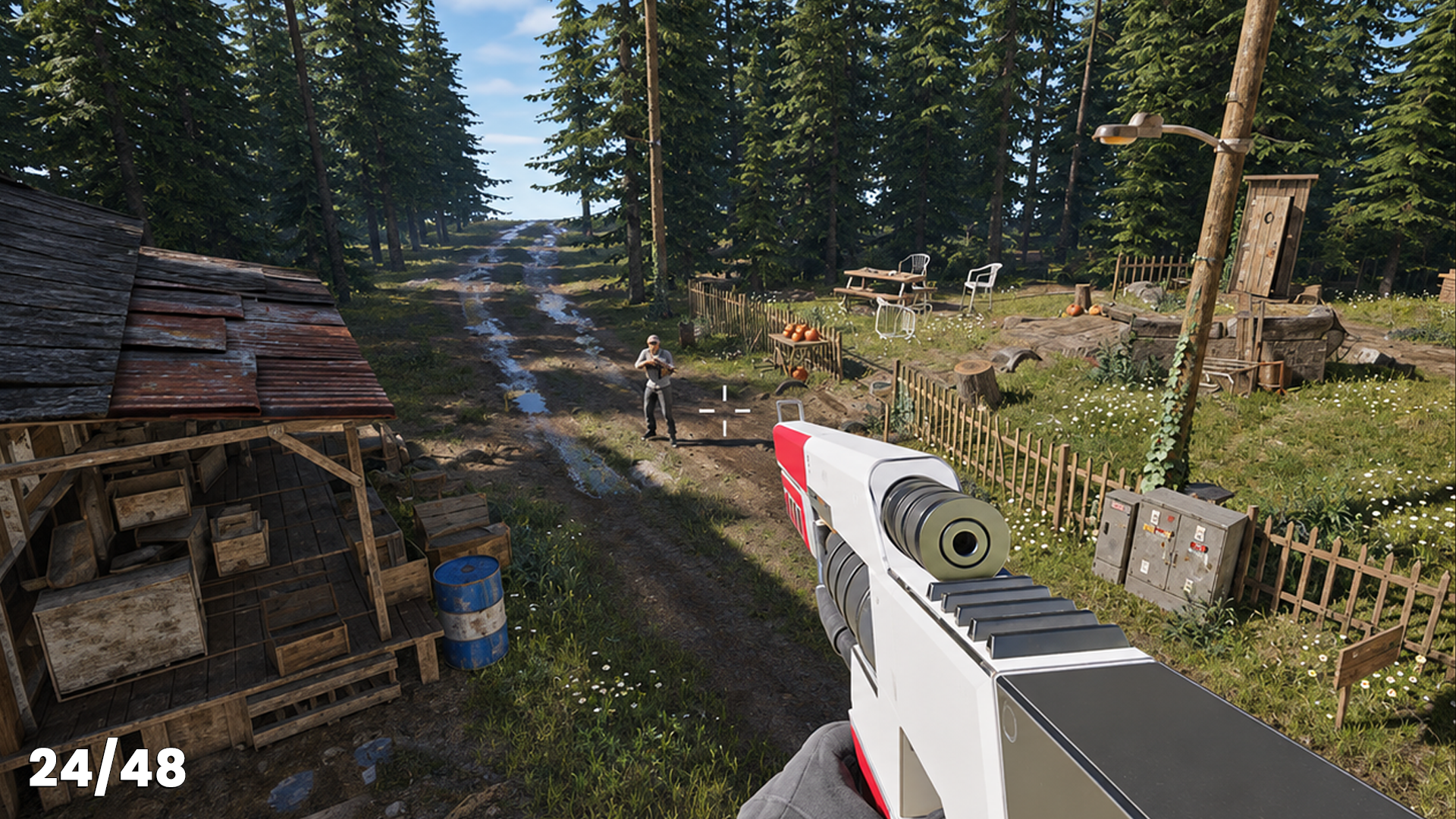
With a behaviour tree, a blackboard, AI perception and custom tasks, your enemies notice you, follow you and fight back, then return to patrol when you slip out of sight. You’ll also set up health and damage for both sides, bonus damage for precise hits, area damage for explosions, and ragdoll physics when an enemy is defeated.
See Your Game Come Together
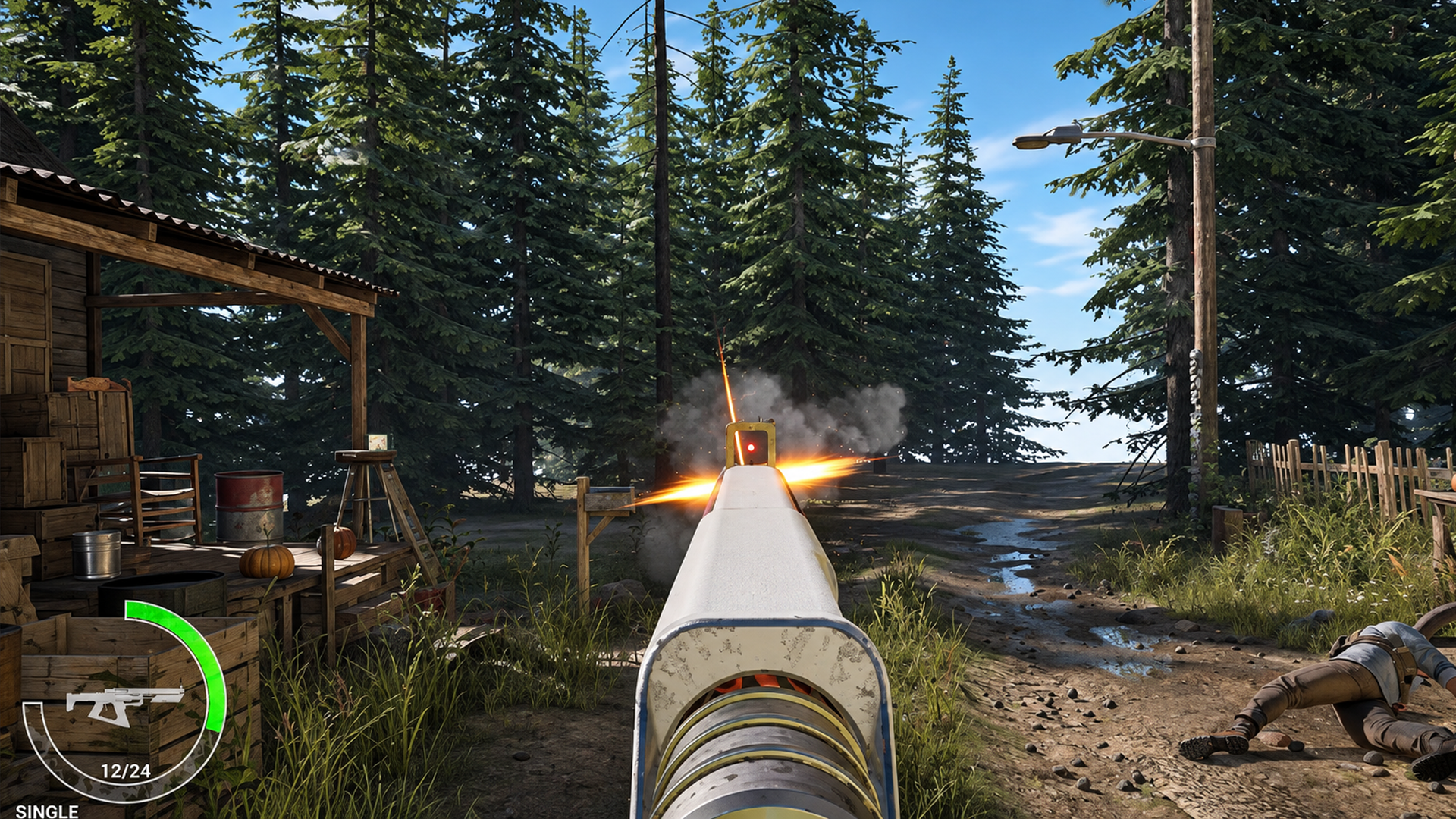
Screen shake, a live HUD and a health ring that reacts.
Impacts shake the camera, and your HUD tracks ammo, fire mode and your current weapon. You’ll build an animated health ring from scratch with a material, plus a first-aid pickup that refills it with a green flash. By the end, you’ll know how weapons, AI and UI fit together, and how to build on them in your next game.
What you’ll learn
Make a first-person shooter in Unreal Engine 5 using Blueprints
Give every weapon its own feel, with unique animations, sounds, reloads and ammo.
Program enemy AI with a behaviour tree, so enemies patrol, spot you and give chase.
Design a data-driven weapon system, so adding a new gun means filling in a struct.
Build a rocket launcher and grenades with Niagara explosions and splash damage.
Set up blendspaces, montages and anim notifies for snappy first-person animation.
Wire up health, damage and ragdoll physics for both the player and the enemies.
Craft a live HUD with an ammo counter, weapon icons and an animated health ring.
30 Day Money-Back Guarantee
100% refund, no questions asked.Lifetime Access
Access your content on any device, at any time.Teaching Support
Never get stuck with our teaching assistants on call.About the course
Want to build a game where every weapon feels great to use, every reload snaps into place, and enemy AI patrols a sunlit forest looking for you?
Weapons, animation and AI can look like a lot at first. Built one system at a time, each piece is far more manageable than it seems.
You’ll start by setting up a first-person character, then spend proper time on the pulse rifle: aiming, reloading, ammo and pickups. Because every weapon lives in one data struct, the rocket launcher plugs straight into that system, and the grenade goes in without touching any logic at all.
Along the way, you’ll set up blendspaces, state machines, montages and anim notifies. You’ll create hitscan weapons with line traces and projectiles with Niagara effects, then program enemy AI with a behaviour tree, blackboard and AI perception. You’ll finish with health and damage, ragdoll physics, screen shake and a live HUD with an animated health ring.
All the weapon models, first-person animations, effects and sounds are provided, so you can focus on making it feel great to play. Your instructor, Jan, sets a challenge in nearly every lecture and fixes bugs on camera, so you see how real problems get solved. And if you get stuck, our teaching assistants and community are there to help.
Artists and animators will enjoy it too. It’s a great way to see weapons and animations come alive in a playable game.
By the end, you’ll have a playable shooter in Unreal Engine 5, and a weapon system you can keep adding to in your next project.
Ready to make every weapon feel great? Jump in and let’s build it together.
Curriculum
Instructors

Jan Benkwitz
Hey everyone, my name is Jan Benkwitz and I am really excited to meet you all!
I love creating abandoned places and mysterious worlds, and running around with survival gear, searching for items and firearms. Of course, only in games! This is how my love for shooters and horror games started.
I began in 2019 as a rookie sculpting heads in ZBrush. Later I got more and more into hard surface modeling and shifted my focus to bringing everything I learned and modeled into Unreal Engine to bring it to life. This is where I got serious about game development.
For me it was never “I can’t do all that” but rather “How can I achieve all that?” This drive has taught me how to model and texture props, weapons and clothing, and even do my own animations. I was extremely hungry to see how it would all look in my own game.
In 2025 I took my knowledge and created a 32-hour Resident Evil inspired survival horror course in Unreal Engine 5. Now, with a growing audience sharing the same passion for developing survival and shooter games, I am happy to share my knowledge as part of GameDev.tv!