Unity VR/XR Developer: Make Immersive VIRTUAL REALITY Games
Build explosions, grabables, touchables, remote control robots and more using Unity's UPDATED XR Toolkit
//
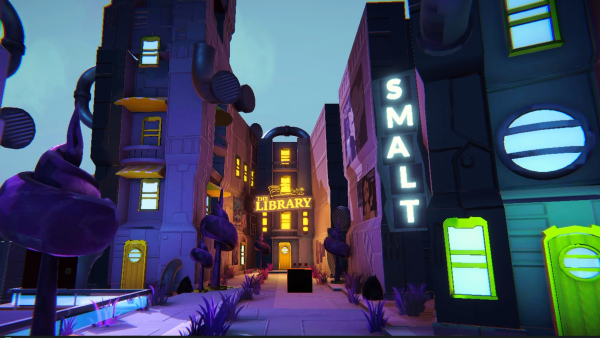
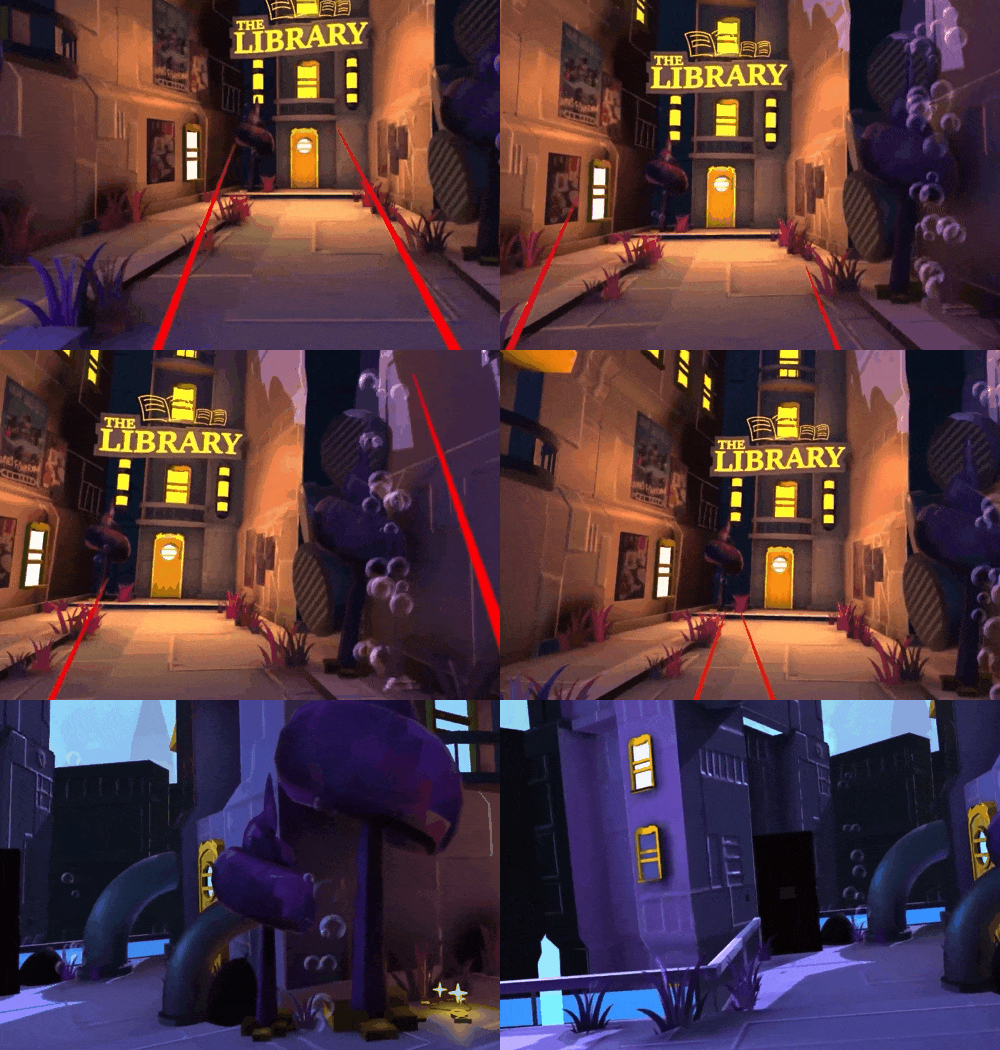
Your Own Worlds, Made Easy
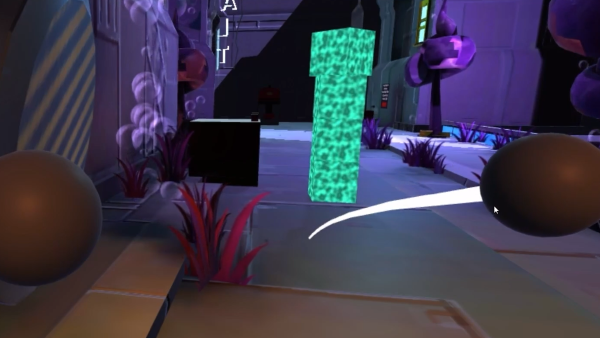
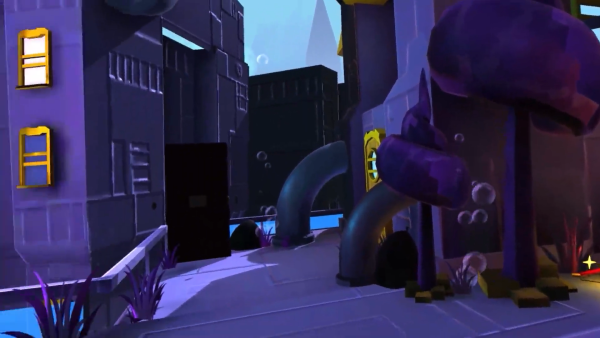
Use Unity's VR / XR tools to easily make your own worlds that players can cruise around in.
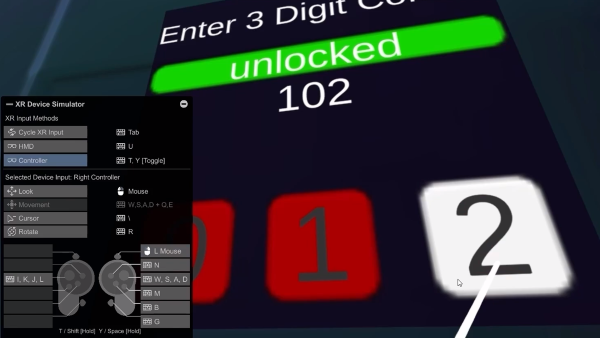
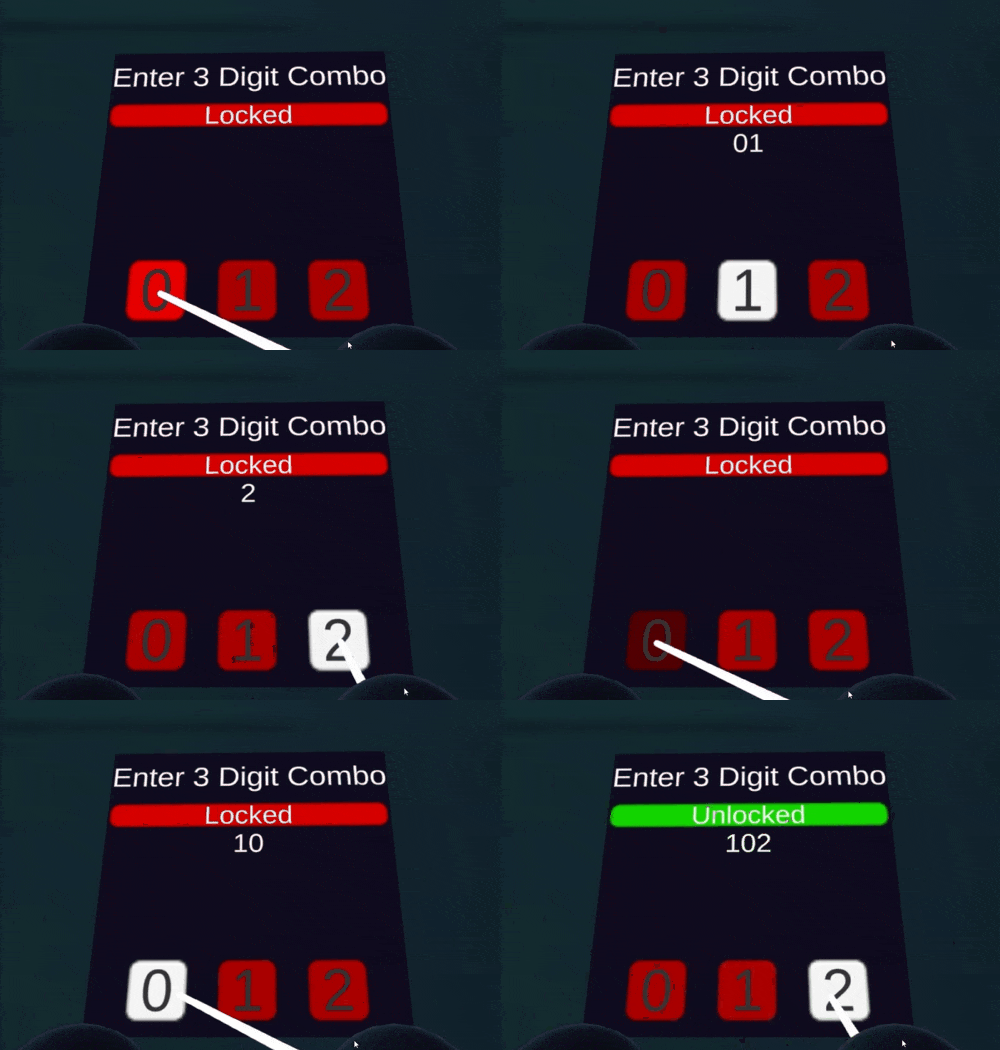
Your Own Puzzles
Fully integrate VR mechanics to make your own VR puzzles in a very VRish manner.
What you’ll learn
Master Unity's XR Toolkit to build immersive VR experiences
Design custom interactions for XR environments that keep users engaged
Learn to generate dynamic environments with procedural techniques
Implement intuitive VR interactions using Unity's Event System
Create complex XR games without needing a physical VR headset
Integrate spatial audio to enhance the realism of your VR worlds
Develop interactive objects like drawers and doors for XR settings
Dive into advanced XR features for UI and game object interactions
30 Day Money-Back Guarantee
100% refund, no questions asked.Lifetime Access
Access your content on any device, at any time.Teaching Support
Never get stuck with our teaching assistants on call.About the course
Want to make Virtual Reality games and apps in Unity?
Keen to expand your skillset to include XR interactions, so you can create engaging XR games and experiences? This course is for you!
Unity has added a ton of functionality and features for making VR products, allowing you to bring your ideas to life. And, thanks to the mock headset in the XR interaction toolkit, you can enter play mode on your PC - meaning you don't need a VR headset to create VR games!
In this course, you’ll learn how to harness the power of Unity's XR Interaction Toolkit, along with its Interaction & Locomotion Modules to build immersive XR experiences.
Get hands-on experience designing and implementing custom interactions for UI elements, interactable game objects and hinges, providing users with intuitive and engaging XR interactions.
You’ll get the most from this course if you have some familiarity with the Unity editor, and beginner to intermediate C# knowledge.
Dive into the extraordinary world of VR and begin your XR journey today!

Curriculum
Instructors

Thomas Barrett
Hello, I'm Thomas - thrilled to make your acquaintance.
In the mid-90s, I discovered my passion for coding and technology while working on automation and teleconferencing systems. These early experiences sparked my interest in the ever-evolving world of tech.
However, in 1999, I decided to take a different path and pursue my dreams of racing mountain bikes. I ventured into the world of mountain biking and later transitioned into becoming a nationally ranked Ultra Runner in the US by 2008. My journey in the world of extreme sports was an exhilarating adventure.
Following a life-changing accident, I found myself reconnecting with my tech roots. I realized that my childhood dream of creating games was still very much alive within me. I jumped back into the world of technology and discovered the captivating world of game development with the Unity Engine.
Now, I'm living my dream by combining my love for tech and my passion for game creation. Unity's creative possibilities allow me to bring my imagination to life through gaming experiences.
As an instructor at GameDev.tv, I'm excited to share my knowledge and experiences with all of you. Together, let's explore the wonders of game development and craft extraordinary interactive worlds that captivate players worldwide!