Unity UI Toolkit Fundamentals
Build real menus, a data-driven inventory, and reusable components the right way, from the ground up.
Roadmap: From Drag-and-Drop to Data-Driven UI
A Cleaner Way to Build Your Game's UI
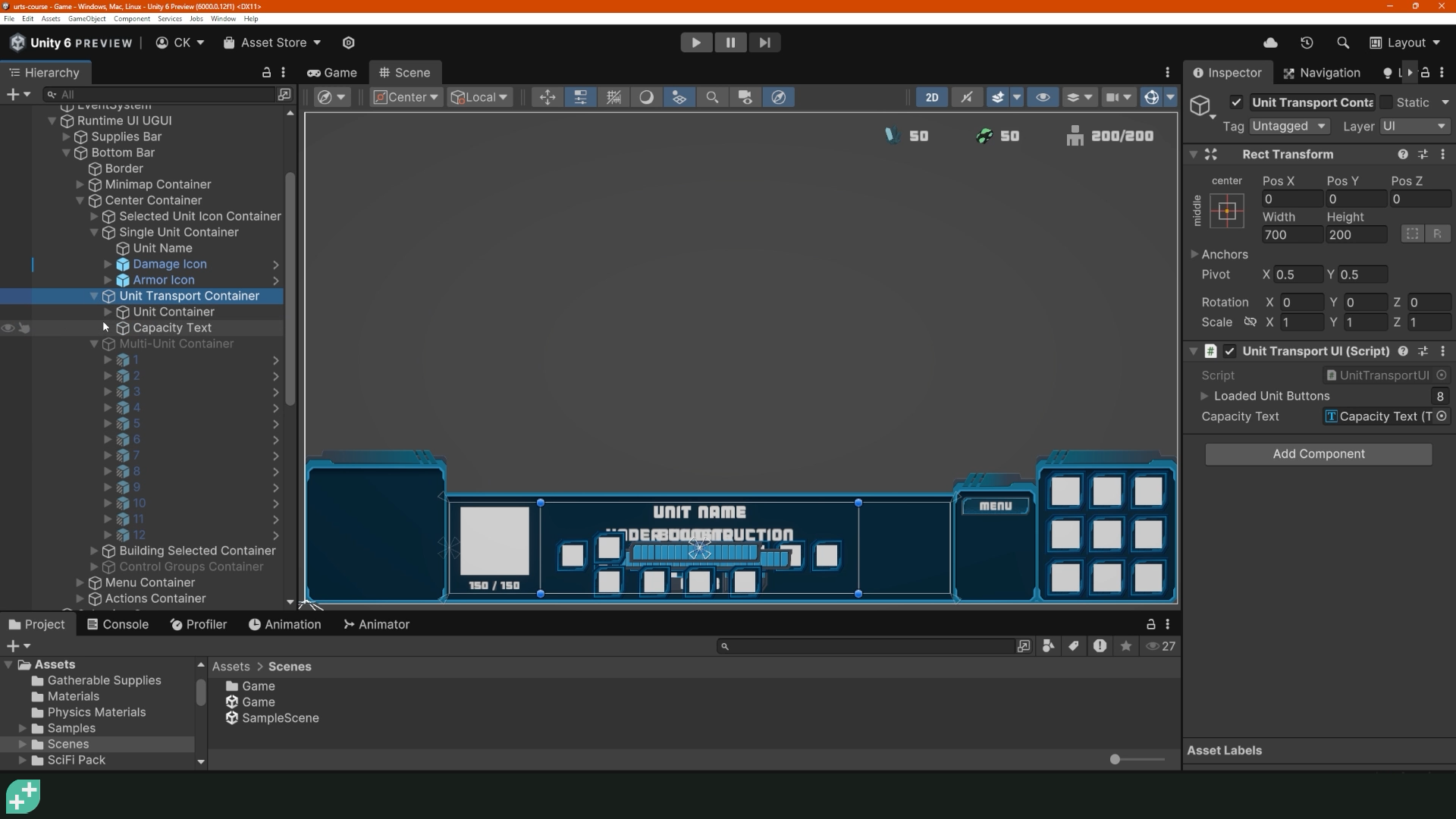
Maybe you've felt it before: a hierarchy full of nested Panels and Images, an anchor that looked right until you tested a different resolution, a text label that quietly overflows its box on someone else's monitor. UI Toolkit changes Unity UI development at its foundation, making it fast and easy to build UIs that always look good.
Write Real UXML and USS by Hand.
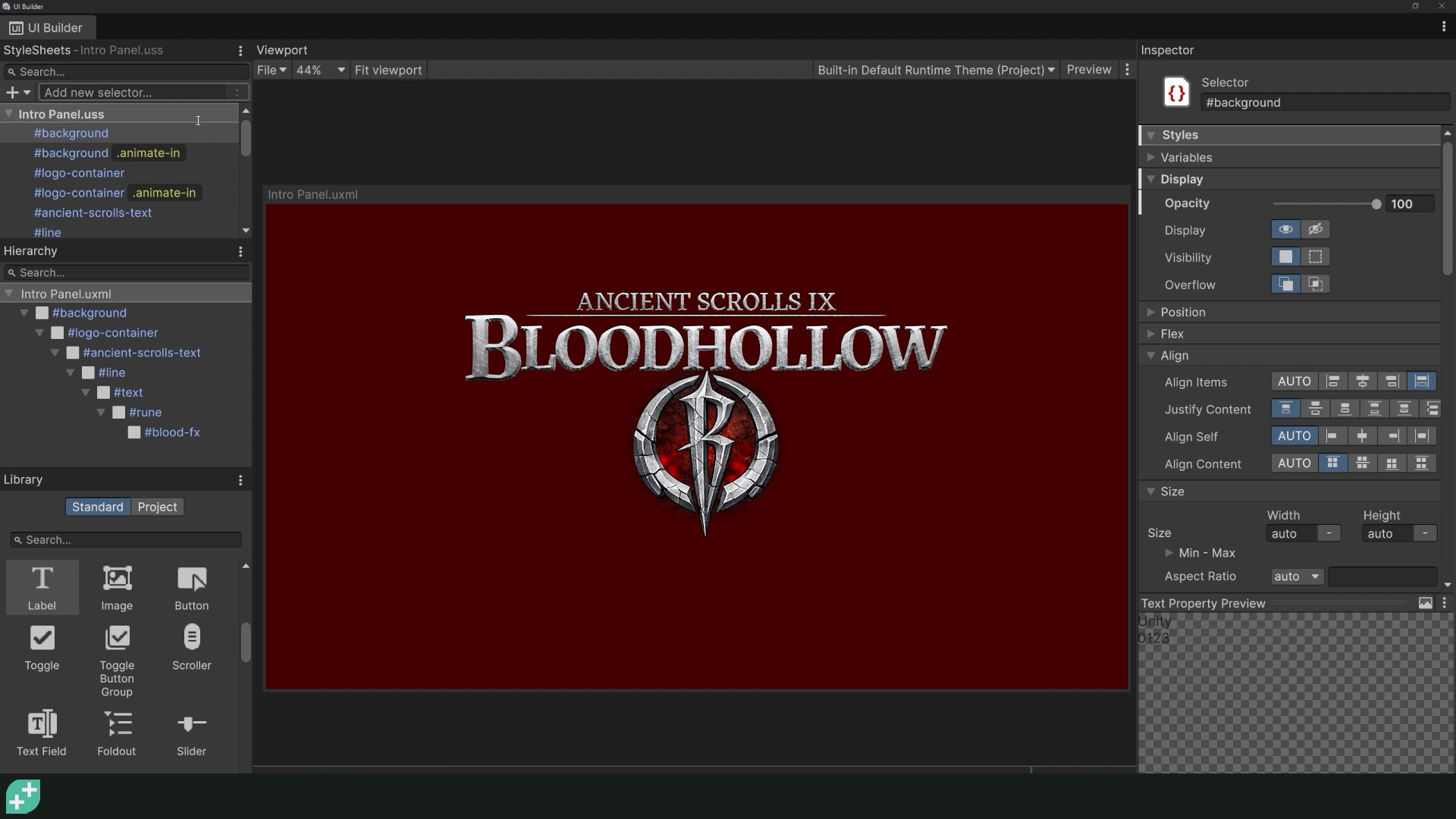
You'll start in UI Builder, the fastest way to get oriented. Then you'll look at the UXML it just generated and see how much faster it is to write directly. That's the real skill this course builds. By the end, UI Builder is just a live preview window. You'll be authoring markup and stylesheets yourself, the same way a front-end developer would, understanding exactly what every tag and class is doing.
Build a Real Inventory System, Backed by Real Data.
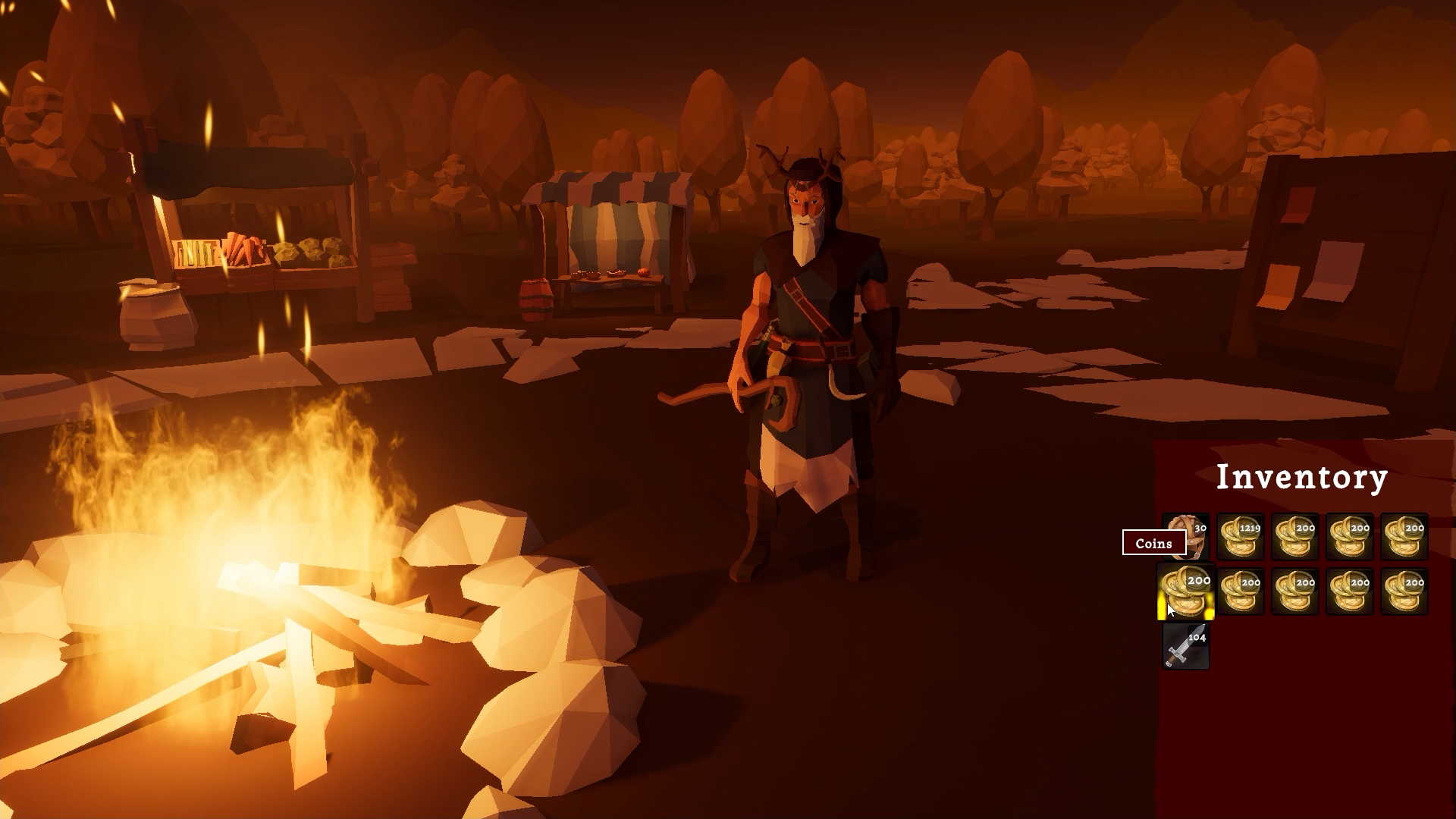
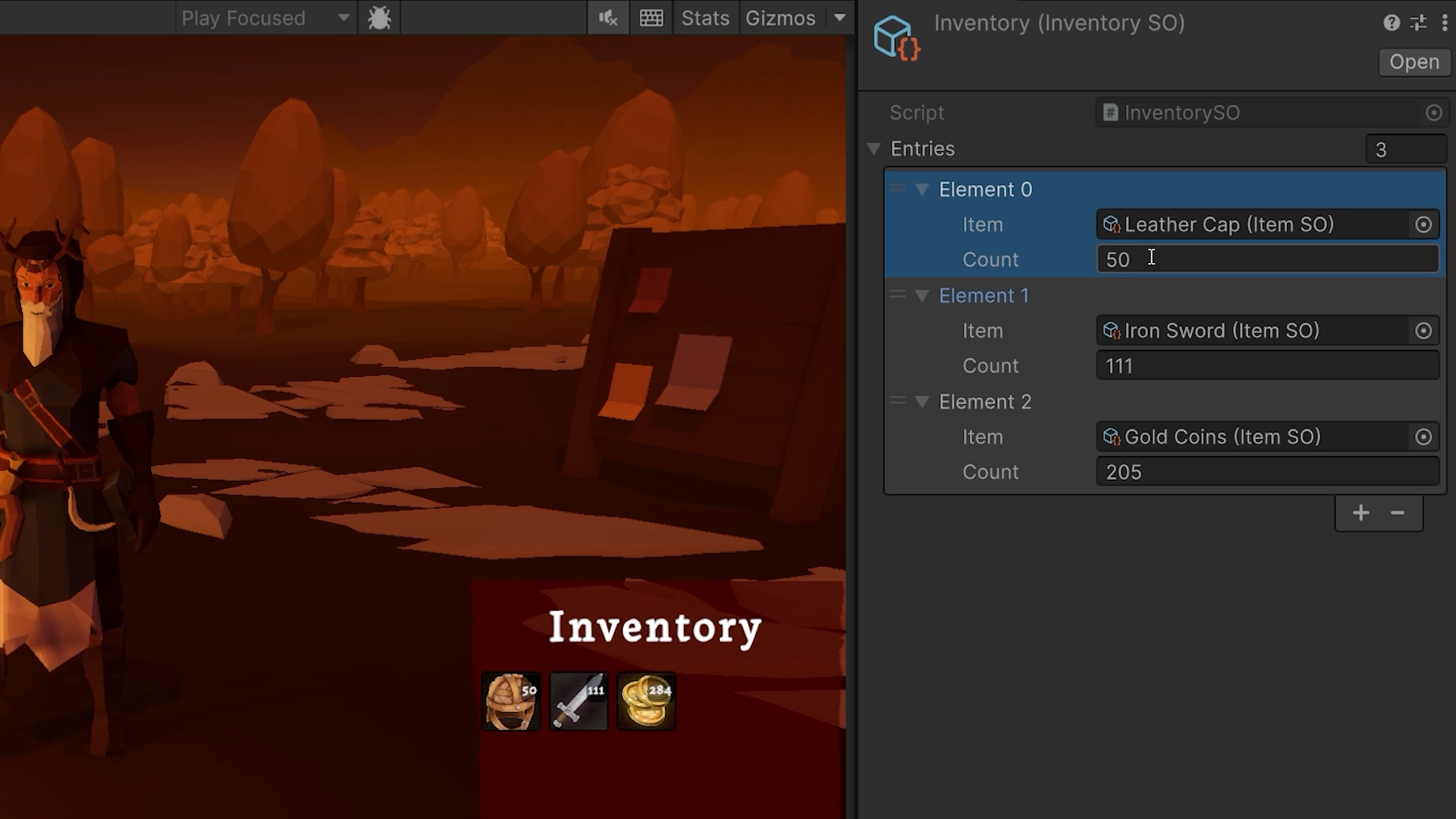
Menus and settings are just the start. You'll build an inventory UI for a real game: item slots, click-to-select details, the full thing. Then you'll rebuild it properly, as a ScriptableObject-driven data source with an ItemSO for every item and an InventorySO that tracks changes. This is the same architecture pattern used in real, shipped projects.
Build Components Once. Bind Them to Data.
Here's the shift that changes how you build UI. You'll extract your inventory slot into a genuine reusable component, first wiring it up by hand so you feel exactly how much manual work that involves. Then you'll replace it with Unity's declarative data binding. Set a data source once, and the slot updates itself: icon, count, everything, automatically, whenever the underlying data changes.
Build UIs Significantly Faster, in a System That Scales With Your Game.
By the end of this course, you'll have a repeatable pattern for any UI your next game needs: hand-authored UXML and USS, reusable components, and data binding that keeps everything in sync. You'll also pick up the extras that make a UI feel finished: transitions and animated transforms, a particle hover effect, and code-driven positioning for things like tooltips. It's a system you'll want to build with again.
What you’ll learn
Learn to build real game UI with UI Toolkit's markup and stylesheets
Ditch the anchor headaches and build a UI that scales with your game.
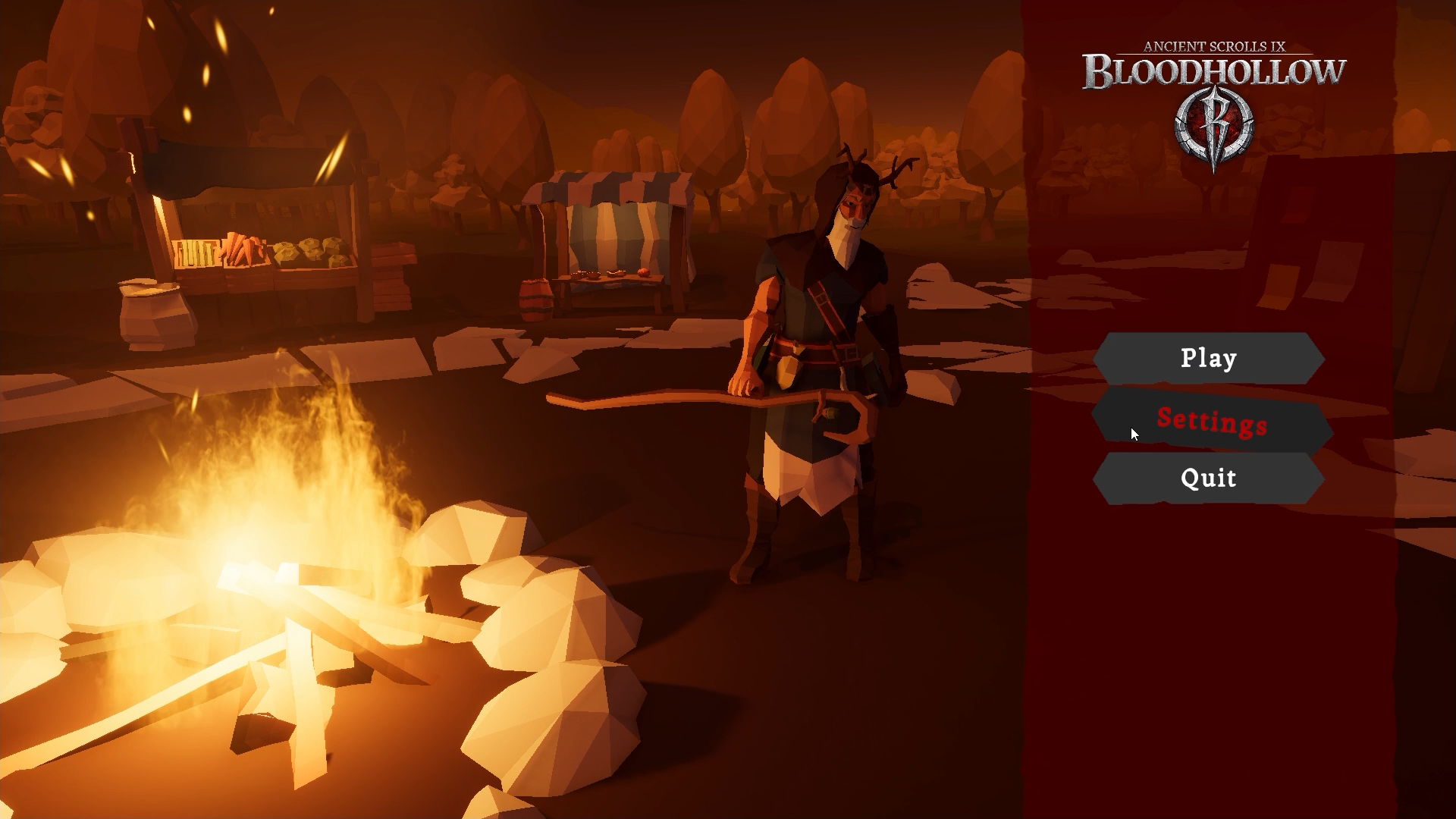
Build an animated title screen and a working settings menu.
Create a data-driven inventory system powered by ScriptableObjects.
Develop reusable UI components you can drop into any future project.
Bind your UI to live data so it updates itself, no manual wiring required.
Craft slick transitions, particle effects and a working hover tooltip.
Master Unity's modern UI workflow, from UI Builder to hand-written UXML.
30 Day Money-Back Guarantee
100% refund, no questions asked.Lifetime Access
Access your content on any device, at any time.Teaching Support
Never get stuck with our teaching assistants on call.About the course
If you've built UIs in Unity, you know this pain. Deep object hierarchies. Text that overflows. Anchors that snap the second the screen resizes. It's a mess, and it doesn't get better as your game grows, it only gets worse.
There's a better way.
UI Toolkit builds interfaces with markup and style sheets, the same mental model as web development, but built for games. You won't just drag boxes around an editor and hope. You'll write the UXML yourself, and you'll understand every line of it. Change one stylesheet and your entire UI updates at once - no hunting through fifteen prefabs to fix a font size.
In this course you'll build the UI for a real game: an animated title screen, a working settings menu, and a data-driven inventory system backed by ScriptableObjects. You'll build it the scalable way from day one.
But that's not even the best part. You'll also build reusable UI components, wired up with data binding, so they're plug-and-play and update automatically the moment your underlying data changes. No more hooking things up by hand in the Inspector. Configure it through data, and build your UIs significantly faster.
If you're comfortable with the basics of C#, or you've taken one of our beginner Unity courses, you're ready.
Start building UIs the way Unity actually wants you to build them. See you in lecture one!
Curriculum
Instructors

GameDev.tv Team
Committed to helping aspiring game developers learn and grow.

Chris Kurhan
I've been programming since I was around 8 years old - just old enough to understand how to piece together some Visual Basic. I was always tinkering with custom map editors in games like StarCraft and CounterStrike, and even made my own games on a TI-83 calculator in math class!
I graduated college with a Software Engineering degree - still making small games on the Zune and PC.
In 2015, right around the launch of Unity 5, I got more serious about indie game development and started spending dedicated time on it every single week. In 2021 I started the LlamAcademy YouTube channel to share my knowledge of game development with the masses where I emphasize accessibility - each video has its full project code available on GitHub for free!
In 2025 I retired from enterprise software development to focus fully on gamedev and gamedev education.