Unity RPG Inventory Systems: Code Your Own RPG-Style Inventory
Learn How To Implement An RPG-Style Inventory System. All Code Base Provided As A Flexible Asset Pack
//
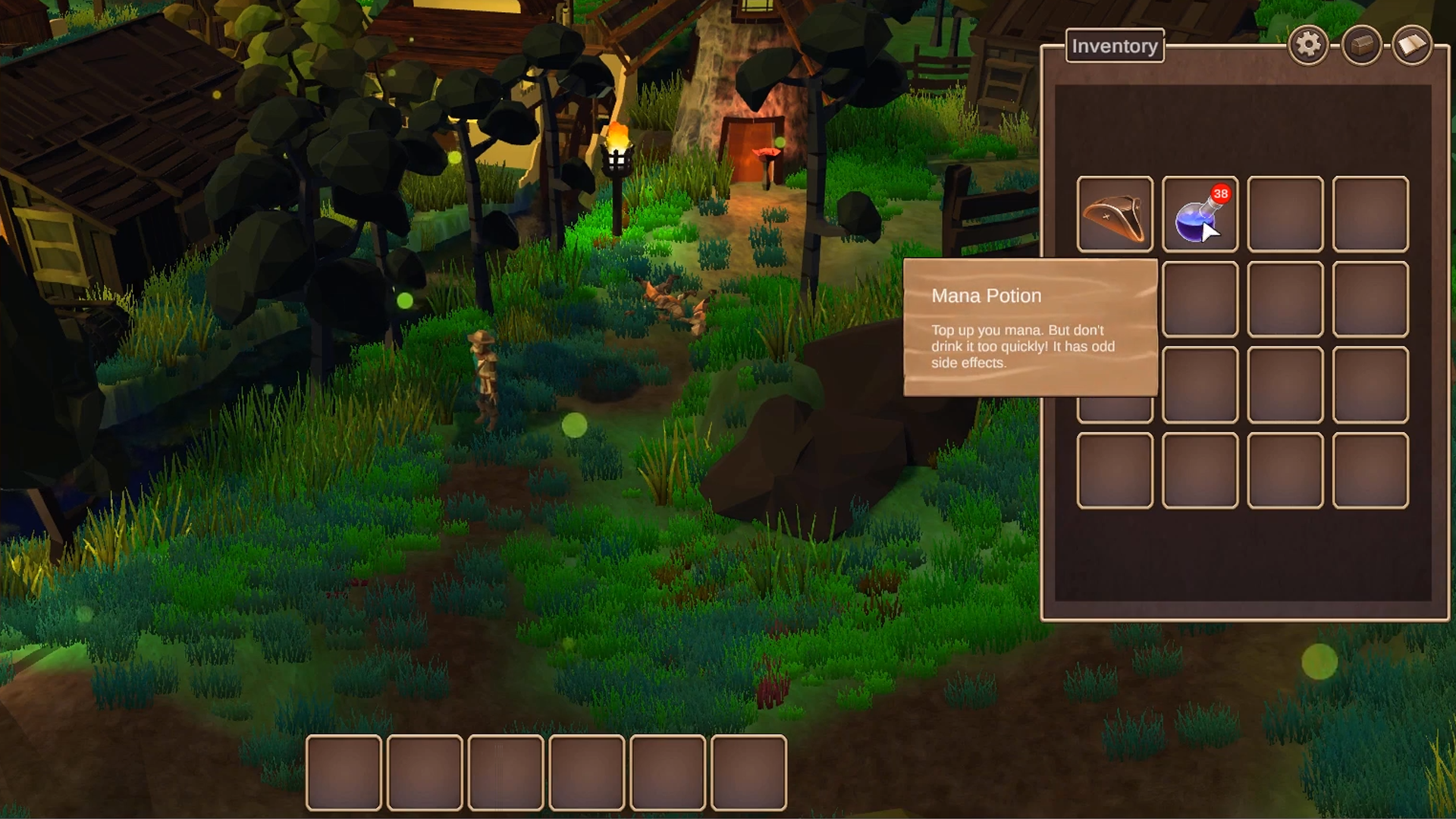
Stop Building Inventory Systems From Scratch Every Time.
Pick up, drop, equip, stack: every RPG needs this, and building it from zero eats weeks you'd rather spend elsewhere. This course hands you a complete, working inventory system as an asset pack, then walks you through exactly how it works, so you understand every part of it well enough to modify and extend.
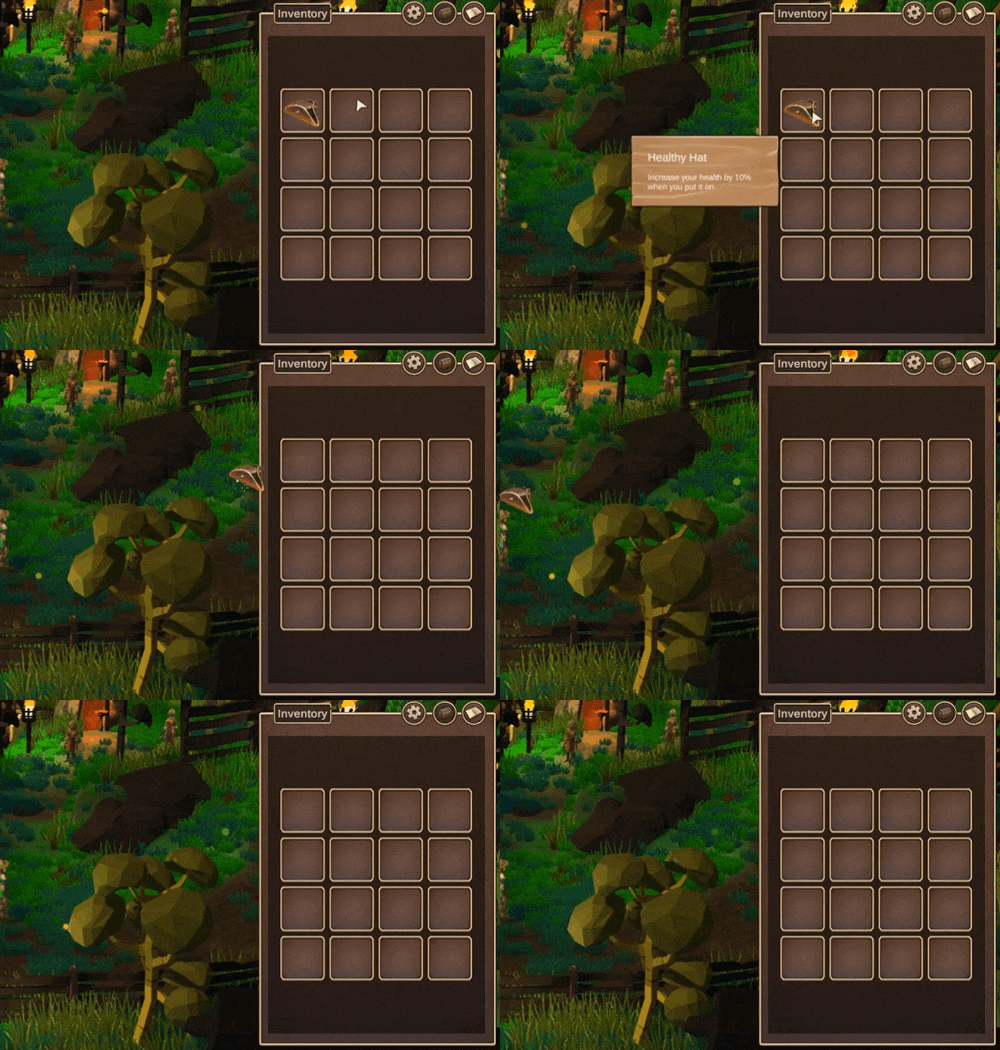
Understand Drag-and-Drop Down to the Code.
Dragging an item between slots looks simple. Underneath, it's a lot of moving parts staying in sync. You'll go through the click-to-pickup and run-over-to-pickup systems, and the drag-and-drop mechanics that drive the UI, understanding exactly how the visual inventory stays synced with the data behind it.
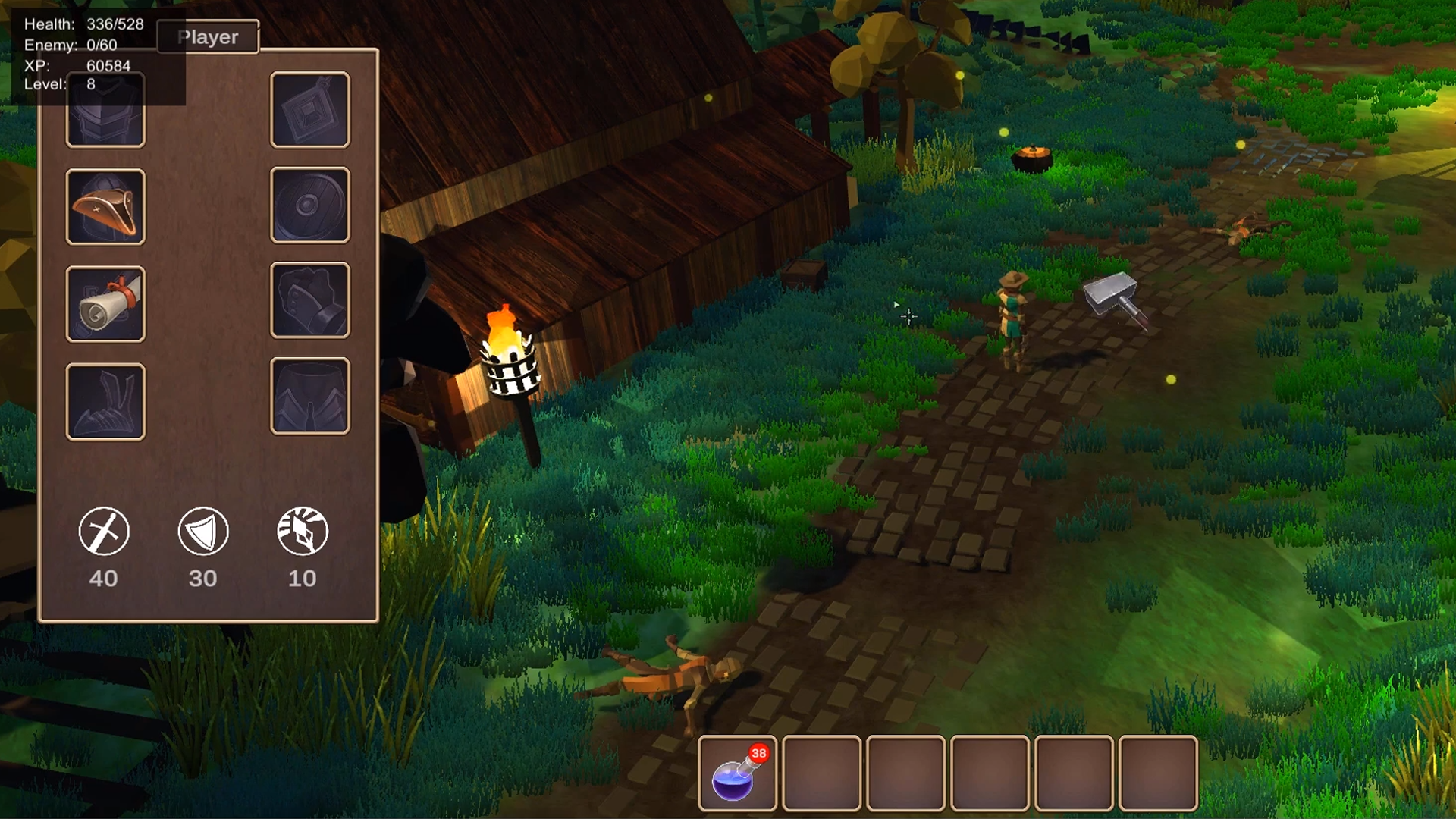
Equip Gear and Show Players What It Does.
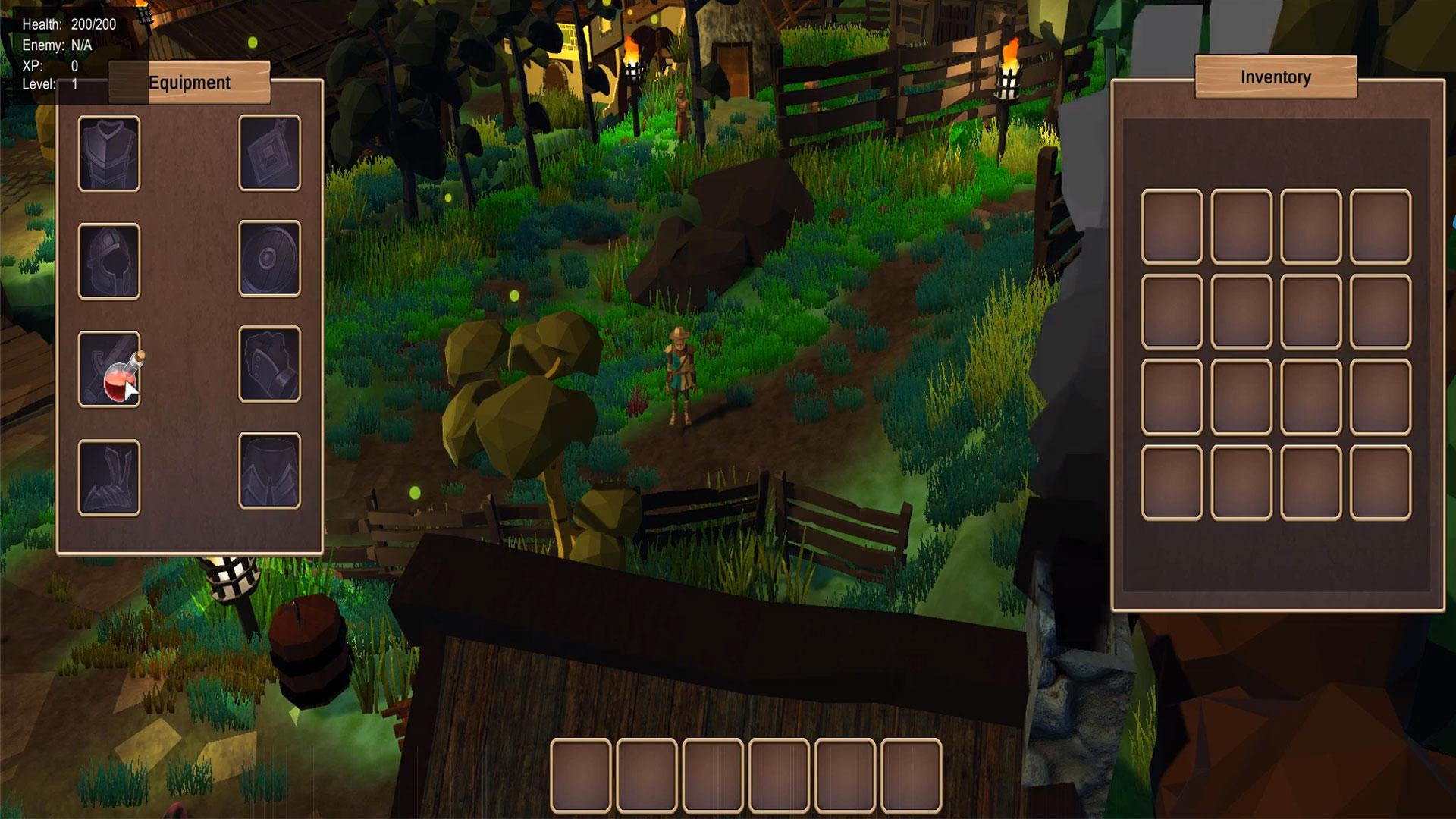
An equipping system that actually updates your character, and tooltips that tell players what an item does before they commit to using it. You'll work through both, along with the interfaces and virtual methods that keep the whole architecture clean enough to extend on your own terms.
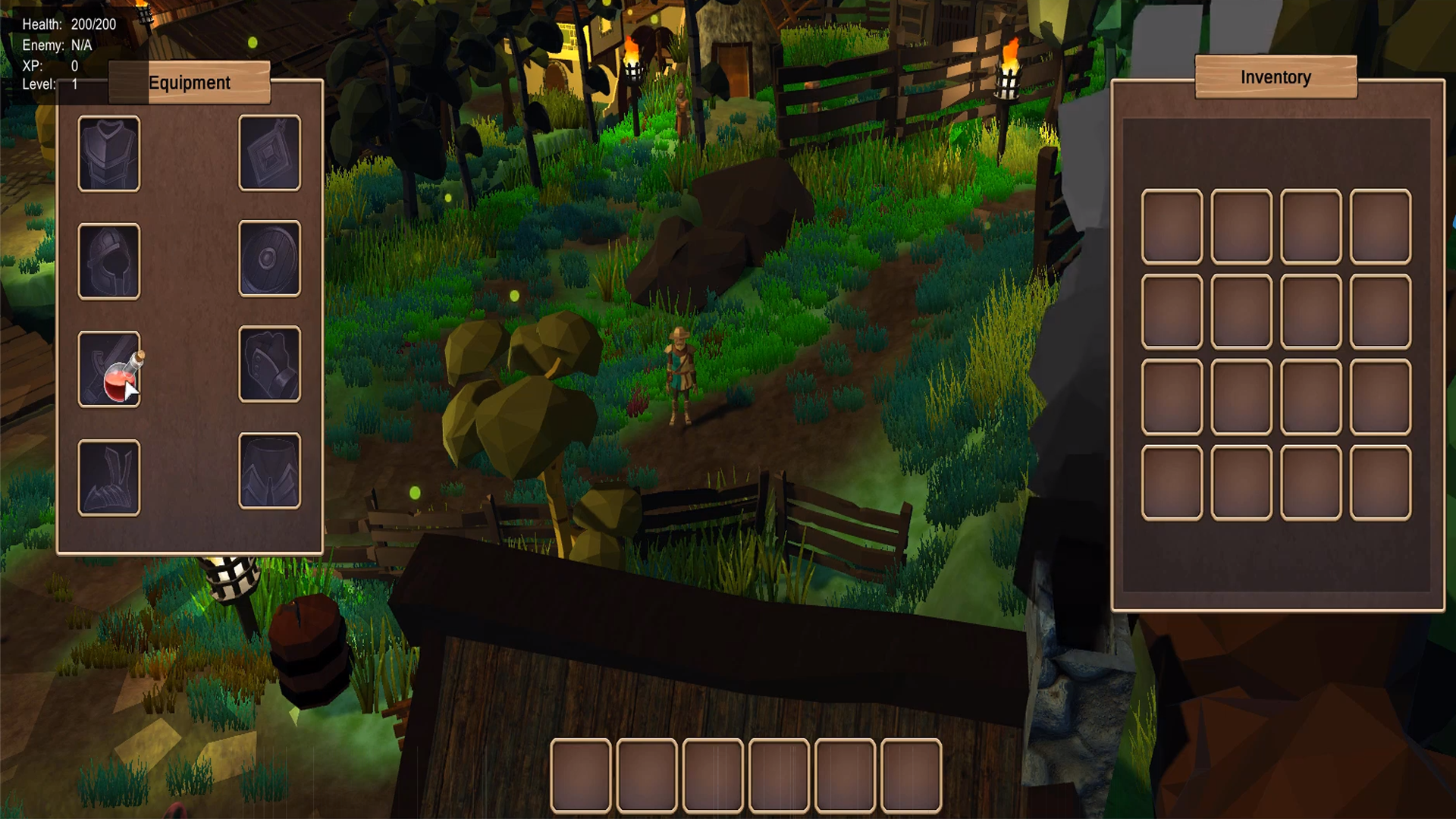
Make Every Item Persist Between Sessions.
Picked up, equipped, dropped and remembered. You'll cover the saving and loading system that keeps every item exactly where the player left it, then bring everything together into a full understanding of a scalable, production-ready inventory system you can drop into this RPG or any project that needs items handled properly.
What you’ll learn
Implement a slick UI for your RPG-style inventory in Unity.
Master drag-and-drop mechanics for interactive item management.
Design pickups with Scriptable Objects for flexible game assets.
Gear up characters with a robust equipping system.
Display helpful tooltips for item details on hover.
Create a stacking system to manage inventory efficiently.
Sync visual inventory with backend data seamlessly.
Refine code architecture for scalable game development.
30 Day Money-Back Guarantee
100% refund, no questions asked.Lifetime Access
Access your content on any device, at any time.Teaching Support
Never get stuck with our teaching assistants on call.About the course
Learn how to include an inventory system for any of your projects that require items to be picked up, dropped, moved and equipped!
This course is the second in our RPG series, you don't need to have completed the first part of the RPG Series (the RPG Core Combat course) but it will give you an advantage if you already have.
By enrolling in this course you will have access to the completed Inventory system as an asset pack which you can import into your existing project. We will also take you step-by-step through the process of using, modifying, improving and understanding the code that drives the asset pack.
Please note, this course follows a different format. Rather than building the inventory system from scratch, line-by-line, we will provide you with our code and then explain how the code works so that you understand it fully. This is an approach that works well for folks who are already competent with Unity and C# and wanting to "get to the answer" more quickly.
Although this course is part of our RPG series, you can use the inventory system for any of your projects that require items to be picked up, dropped, moved and equipped.
In this course we will cover the following systems:
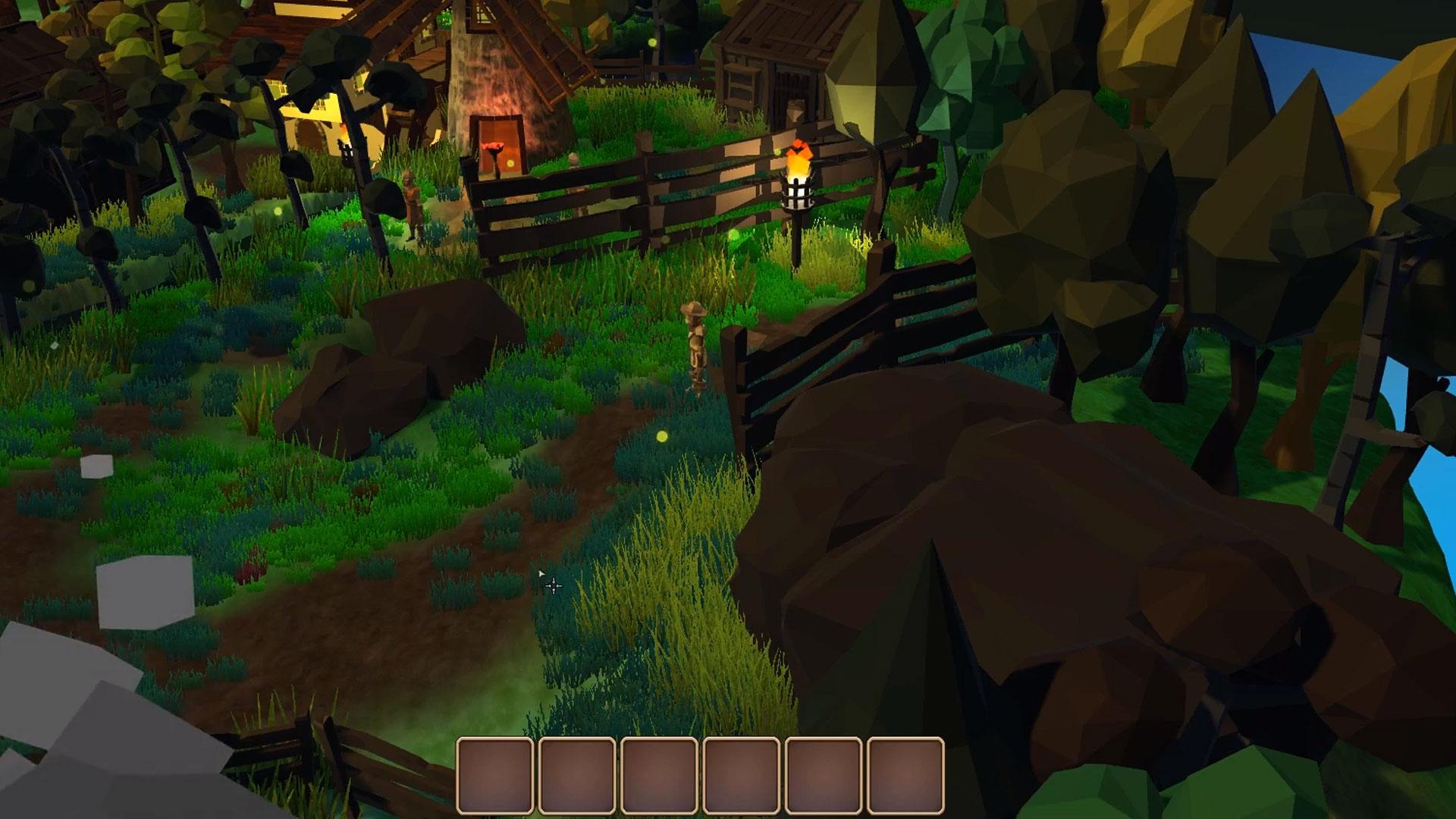
- The click-to-pickup and the runover-to-pickup systems
- The dropping system
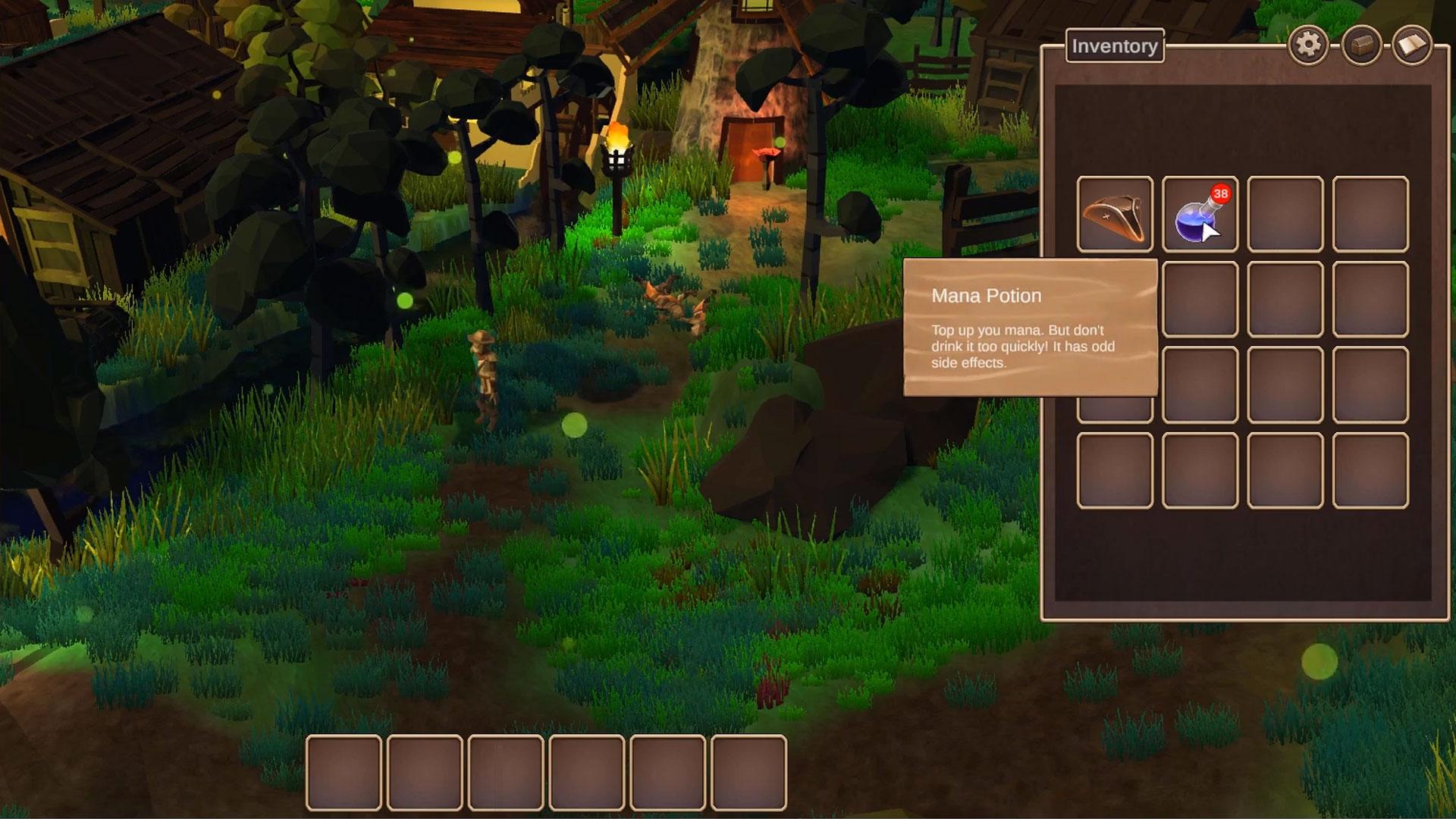
- The tooltip overlay system
- The stackable item system
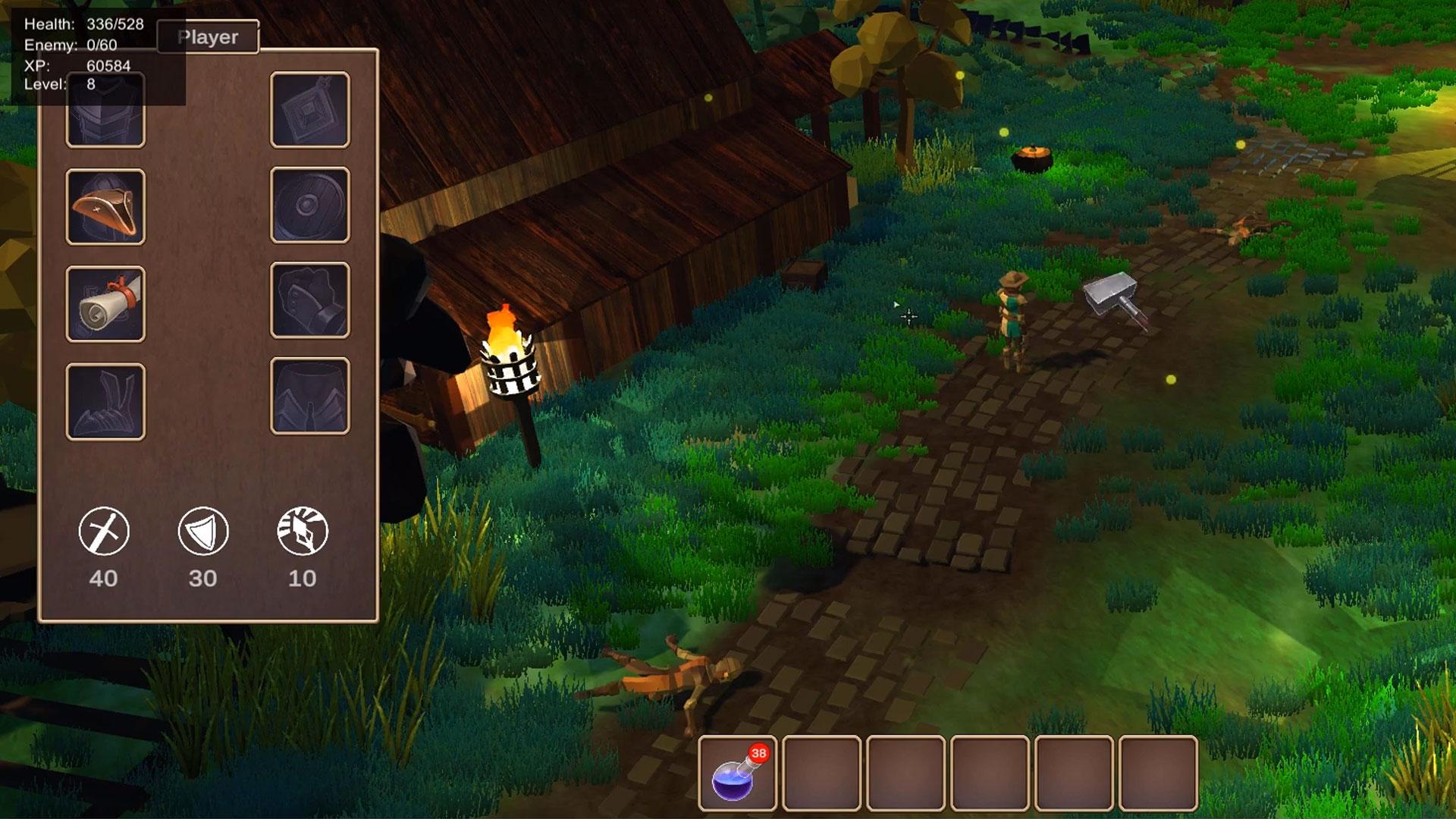
- The equipping system
- The saving and loading system
The course covers many advanced programming principles and goes into great depth to discuss good code architecture practices. We cover Interfaces, Virtual Methods, the debugging tool and many more things that aren't covered in our beginner courses.
This highly acclaimed series was over 200% funded on Kickstarter, and is designed for intermediate users of Unity. We recommend you take at least the first half of our Complete Unity Developer 2D or 3D, or equivalent, as a prerequisite.
Building an RPG is an amazing way to level-up your game development skills, so why not join us and get started improving your game development right now?
Curriculum
Instructors

Sam Pattuzzi
Hi I'm Sam, pleasure to meet you.
I wrote my first game at 14, hacking together little games in Macromedia Flash during my summer holidays. Not long after I taught myself C++ followed by Python and web programming. I was hooked.
In 2010 I went to study Computer Science at the University of Cambridge and I've been here ever since. This is where I caught the entrepreneurial bug and I realised I wouldn't want a traditional job for long. So after a few years working in various jobs to get experience, I quit and started burning through my saving looking for my calling.
At the end of 2015, I was coaching some friends to improve their programming skills. Realising how much I loved it, I started creating online courses and reached out to Ben for help. Next thing I know, I'm part of the GameDev.tv gang and get to hang out with our awesome community!

Rick Davidson
Hi, I'm Rick, nice to meet you all.
I've been making video games for a living for more than 2 decades as a Game Designer, Producer, Creative Director, and Executive Producer, creating games for console, mobile, PC and Facebook. I founded an Indie game studio, called Inspirado Games, which was acquired in 2012 by Electronic Arts / PopCap. I also worked on cool IPs such as Mario, Transformers, Captain America and Mortal Kombat and created successful new IPs from scratch (such as "GardenMind" which was nominated for Canadian Game of the Year in the social / mobile category).
As a qualified Career Coach, I've helped thousands of people achieve their dream of making games for a living - both as Indie Game Developers and as valuable game industry employees.