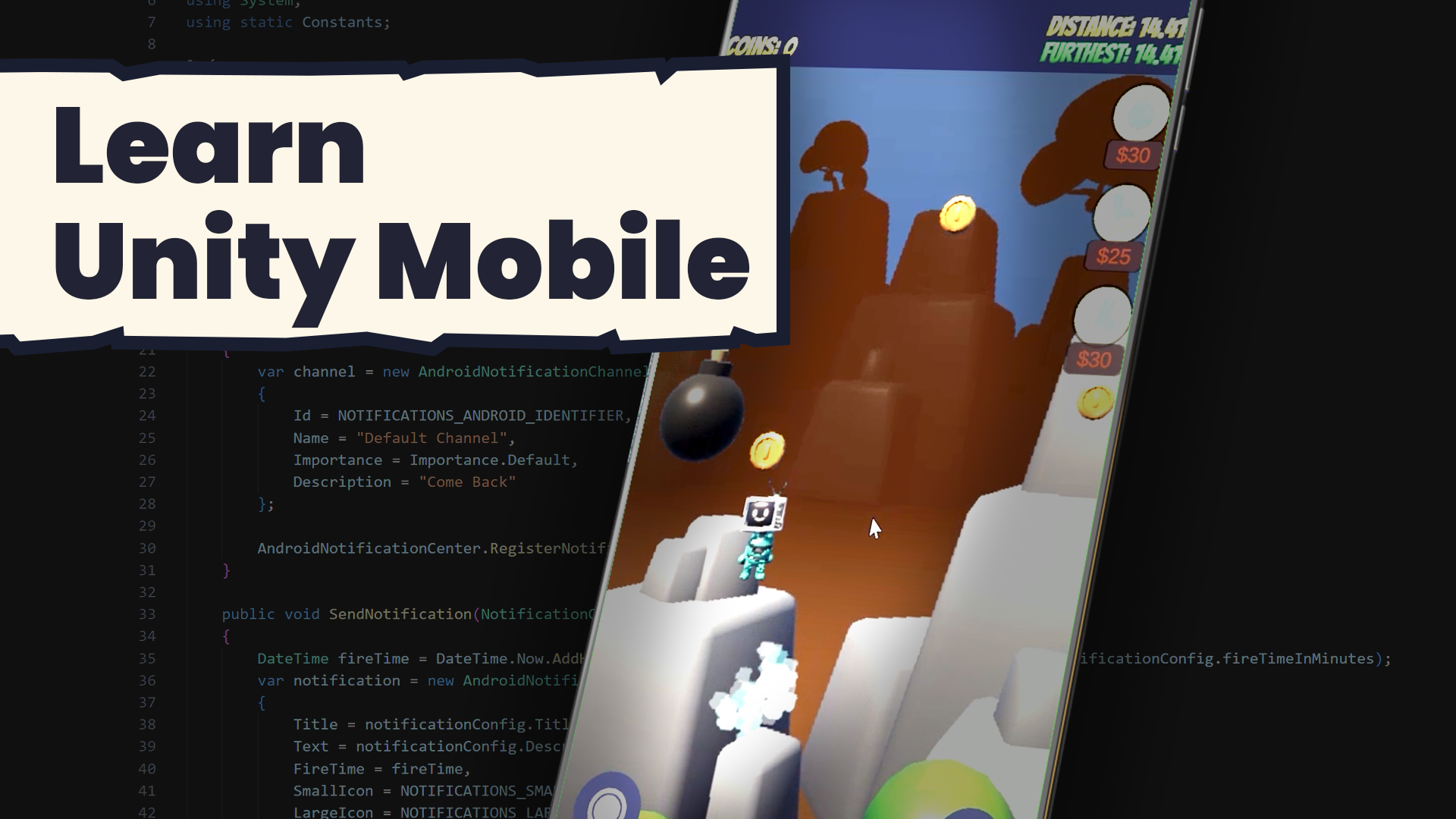
Unity Mobile: Publish and Monetise Your Game
Build and publish your Unity game on Android and iOS, with touch controls, ads and in-app purchases
Now Loading on Mobile...
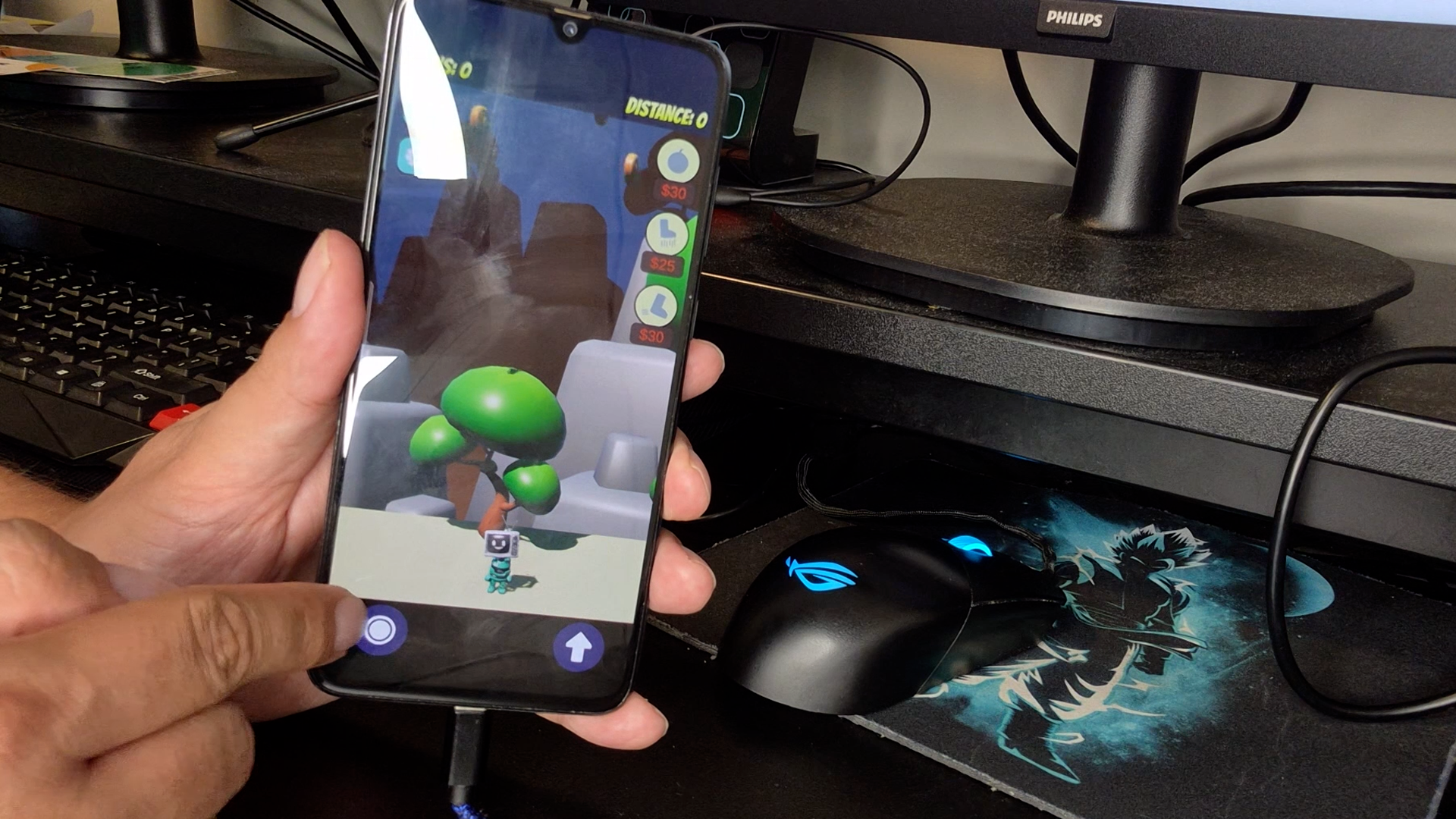
Play your game on your phone
Keyboard controls rarely survive the move to a touchscreen. You'll add an on-screen joystick, buttons and pinch controls that feel natural on a phone. Then you'll make your layout adapt to phones and tablets in portrait and landscape, working around that nasty top bar where the camera lives. Finally, you'll build onto a real Android or iOS device and see your game running in your hand.
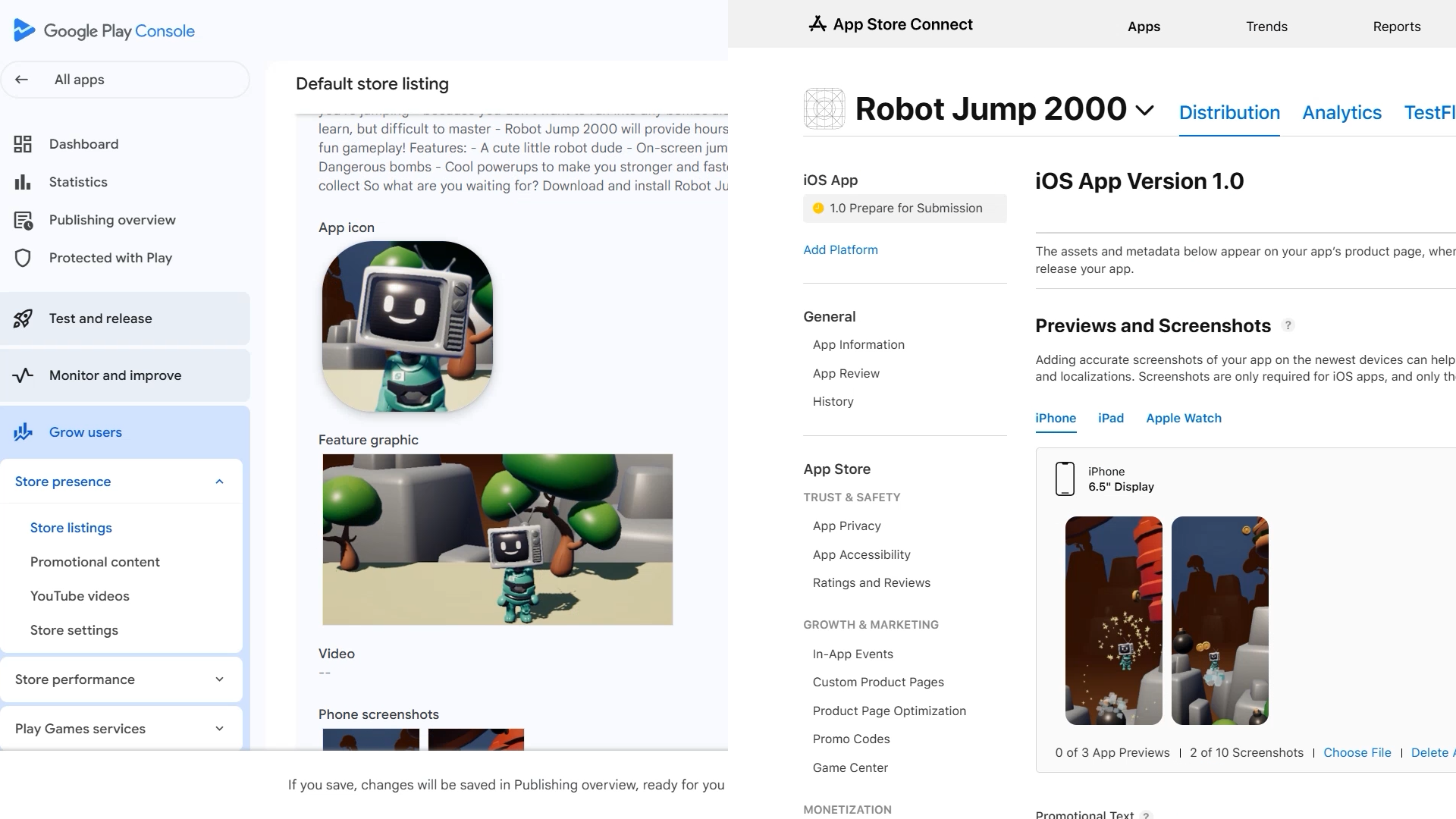
Get store-ready on Google Play and the App Store
Publishing is where a lot of finished games quietly stall. Google Play and App Store Connect each have their own forms, checks and hoops to jump through. Jonathan walks you through creating your store presence on both, step by step. It's not the most glamorous work (he'll tell you that himself), but you'll come out the other side ready to ship.
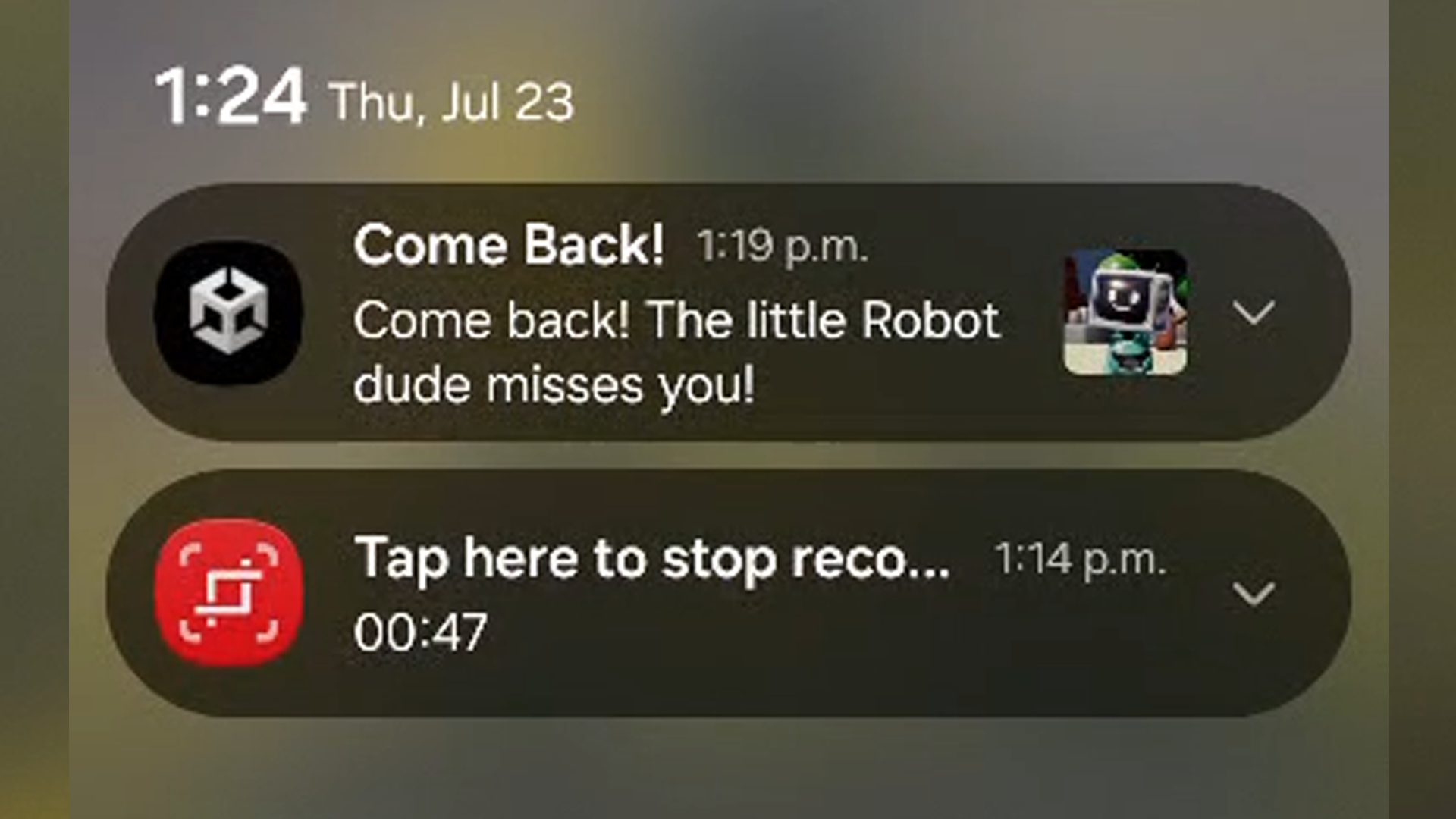
Bring players back with push notifications
Once your game is live, a well-timed nudge keeps players coming back. You'll set up local push notifications on both Android and iOS and send them at the right moments. It's a small feature with a big payoff, and it's the point where your project really starts to feel like a mobile game.
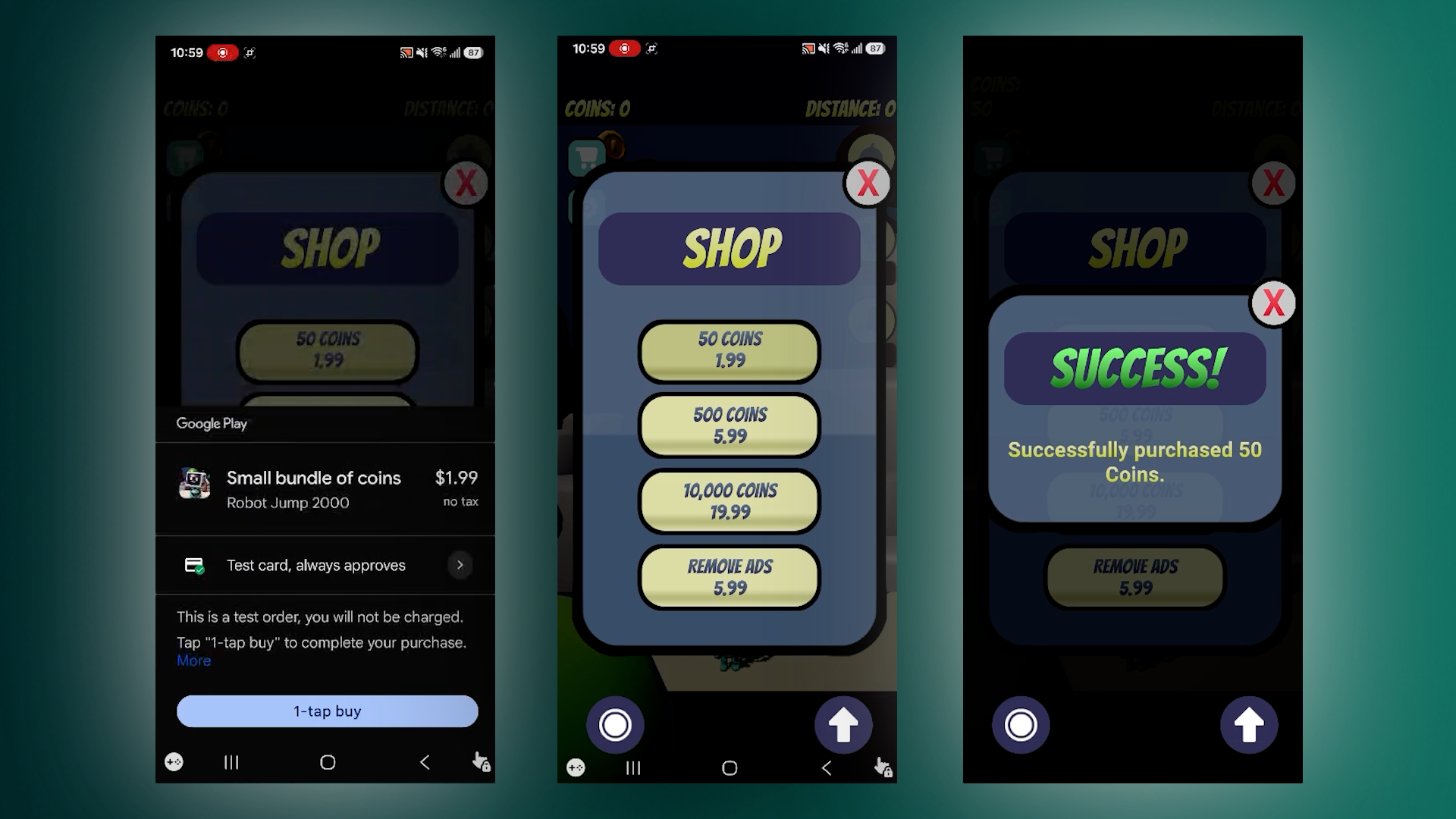
Set up in-app purchases, from pricing to checkout
There's nothing quite like completing your first working in-app purchase. You'll create consumable and non-consumable products, connect them to your game, and test the full purchase flow on a device. Along the way, you'll look at the psychology behind pricing: what to charge, what players respond to, and which dark patterns to steer well clear of.
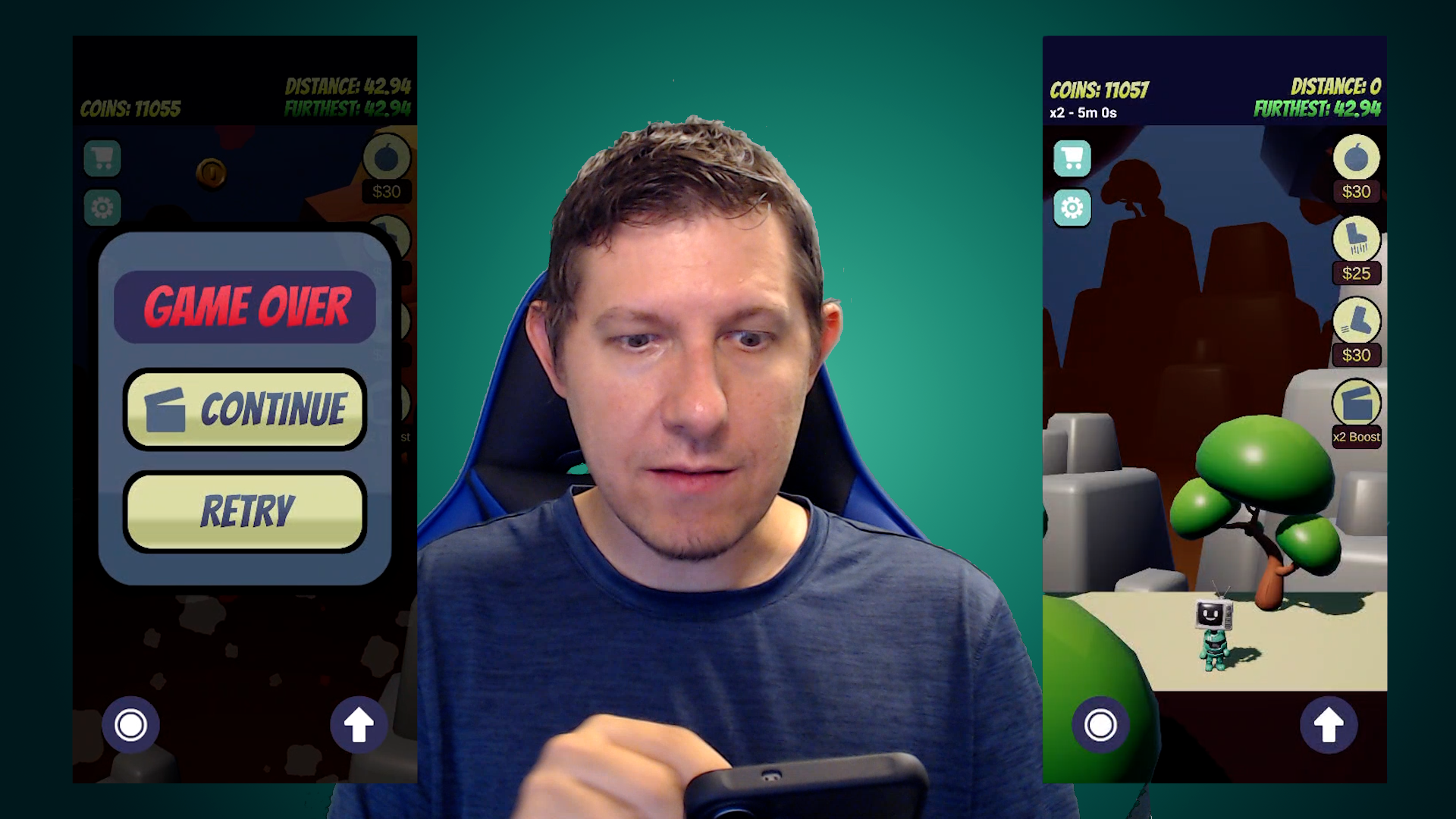
Turn ads into rewards players actually want
Watch an ad play on your phone, then hand out the reward. You'll integrate ads mediation, show interstitial ads on game over, and offer rewarded ads players choose to watch in exchange for a bonus. You'll also know where ads belong and how often to show them, so ads fit naturally into the way your game plays.
What you’ll learn
Turn your Unity game into a real mobile game that players can download and play.
Publish on Google Play and the App Store, with every step of the setup covered.
Monetise your game with in-app purchases and ads, and learn where each one fits best.
Build touch controls that feel natural, with a joystick, buttons and pinch-to-zoom.
Adapt your game to phones and tablets, and dodge the camera notch at the top.
Send local push notifications on Android and iOS to bring players back for more.
Set up consumable and non-consumable in-app purchases and test them on a device.
Integrate ads mediation, with interstitials on game over and opt-in rewarded ads.
30 Day Money-Back Guarantee
100% refund, no questions asked.Lifetime Access
Access your content on any device, at any time.Teaching Support
Never get stuck with our teaching assistants on call.About the course
Want to see your game running on your own phone, with players tapping an on-screen joystick, picking up in-app purchases and watching ads that reward them for it?
Push notifications, in-app purchases, ads and store setup can look like a lot at first glance. Taken one step at a time, each one is far more manageable than it seems.
You'll start with a working prototype we provide, so every lesson goes straight into mobile features. Got a game of your own on the go? Bring it along and add each feature to that instead. You'll set up touch controls and build to a real device first. Then you'll create your store presence on Google Play and App Store Connect. Store setup isn't the most glamorous part (Jonathan will tell you that himself), so he walks you through every step.
From there, you'll add an on-screen joystick, buttons and pinch controls, and adapt your layout to phones and tablets in portrait and landscape, camera notch included. You'll send local push notifications on Android and iOS, create consumable and non-consumable in-app purchases, and integrate ads mediation with interstitial ads on game over and rewarded ads players choose to watch.
Your instructor, Jonathan, has spent years building these exact features in the mobile games industry. Along the way, he shares the psychology behind purchases and ads: what to charge, where ads belong, and which dark patterns to steer clear of. And if you get stuck, our teaching assistants and Discord community are there to help.
If you've got a PC game you'd love to see on mobile, this course works just as well for porting it over. It's an intermediate course, so it stays focused on everything specific to mobile.
By the end, you'll have your game on your phone, set up on both stores, with in-app purchases and ads ready to go.
Ready to see your game in your hand? Take the leap, and let's get started.
Curriculum
Instructors

GameDev.tv Team
Committed to helping aspiring game developers learn and grow.