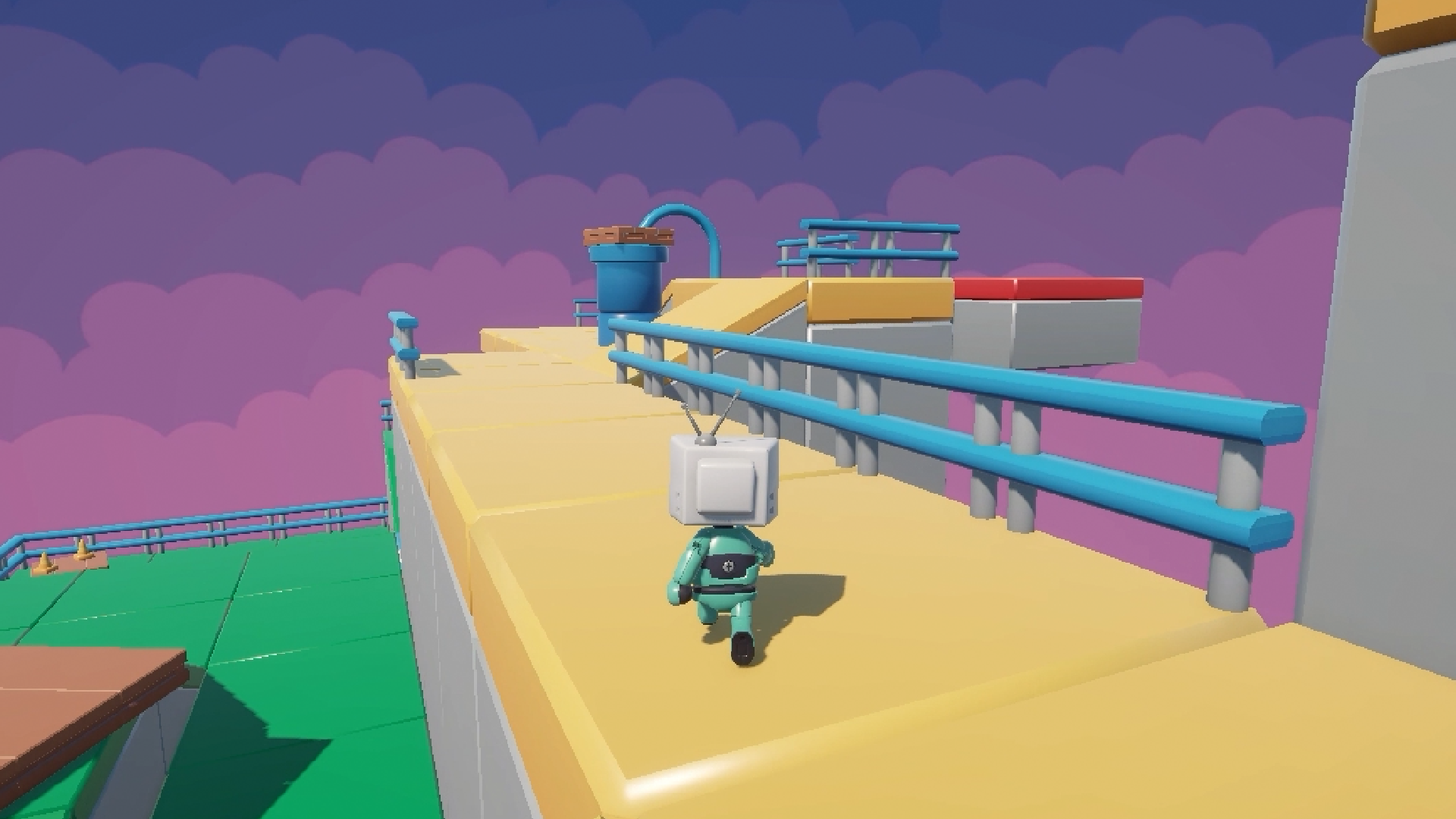
Unity Character Controller: Code Smooth 3D Player Movement
Make your player run, jump, tackle slopes and ride moving platforms.
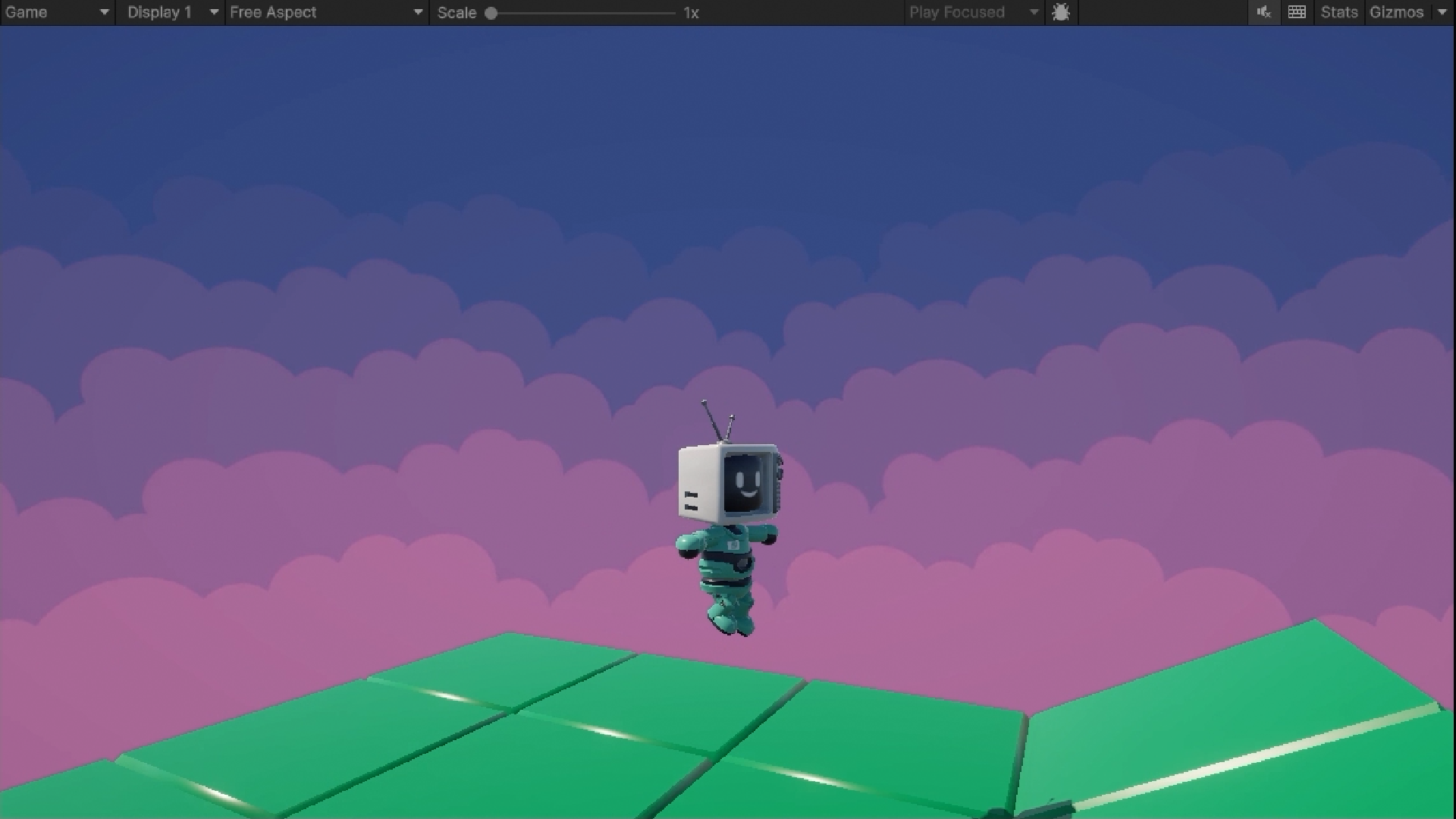
Movement That Feels Great to Play
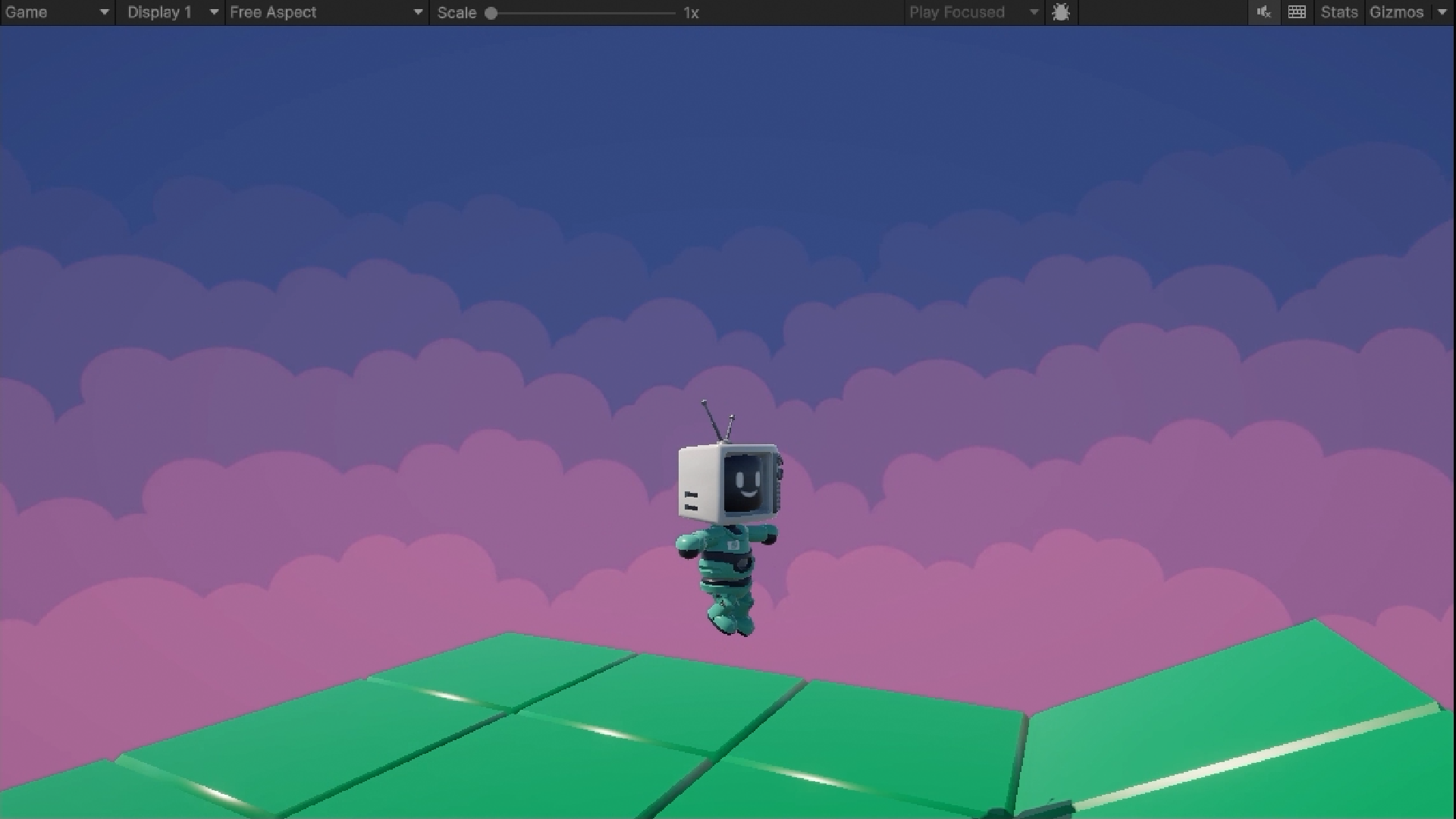
Make Movement Feel Right From the Start
Every great game starts with a character that feels good to move.
Movement is something players feel every second they play, so it’s worth getting right. You’ll build a character controller from the ground up in C# with a Rigidbody, and get your player moving and jumping in Unity 6.
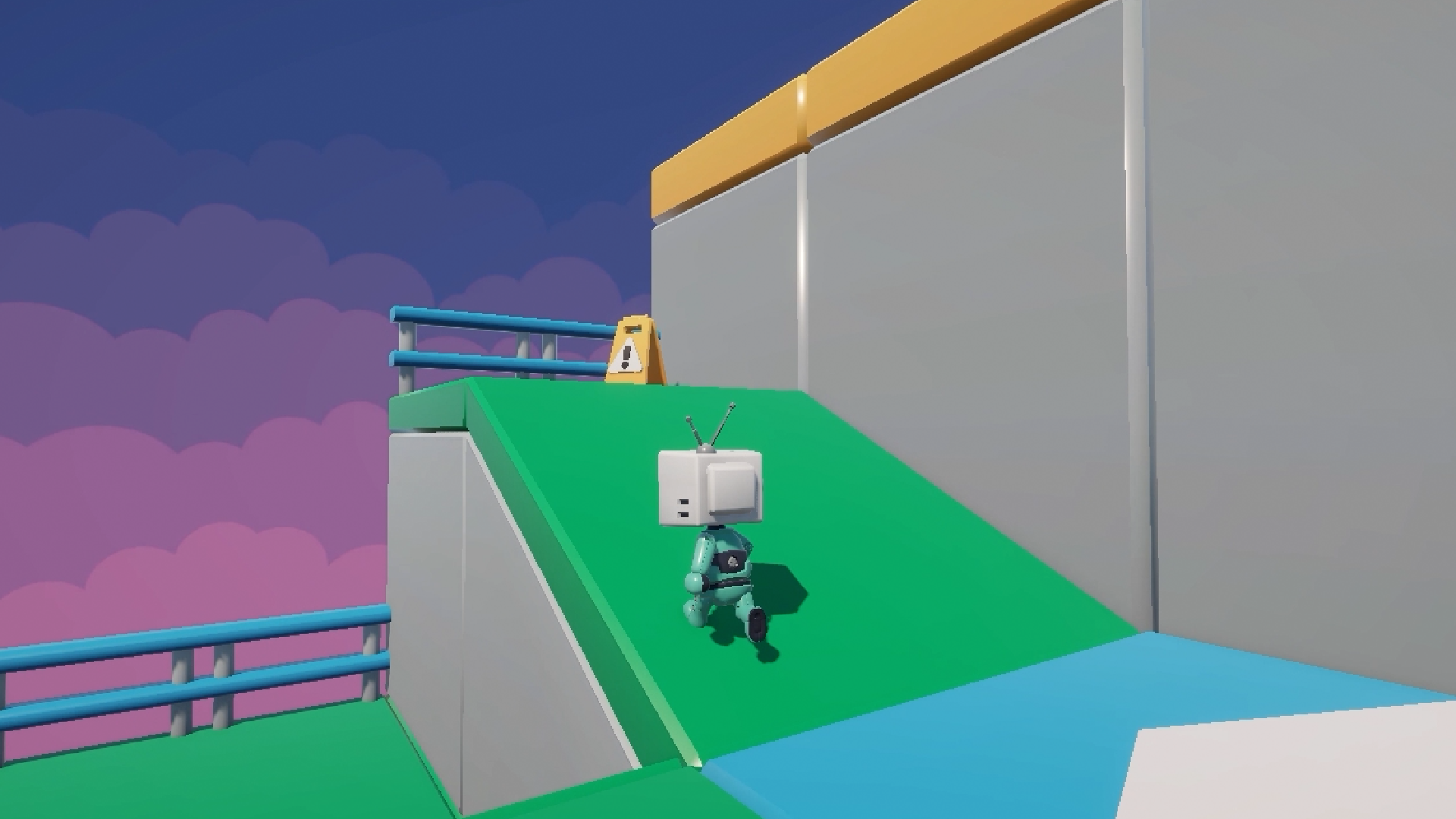
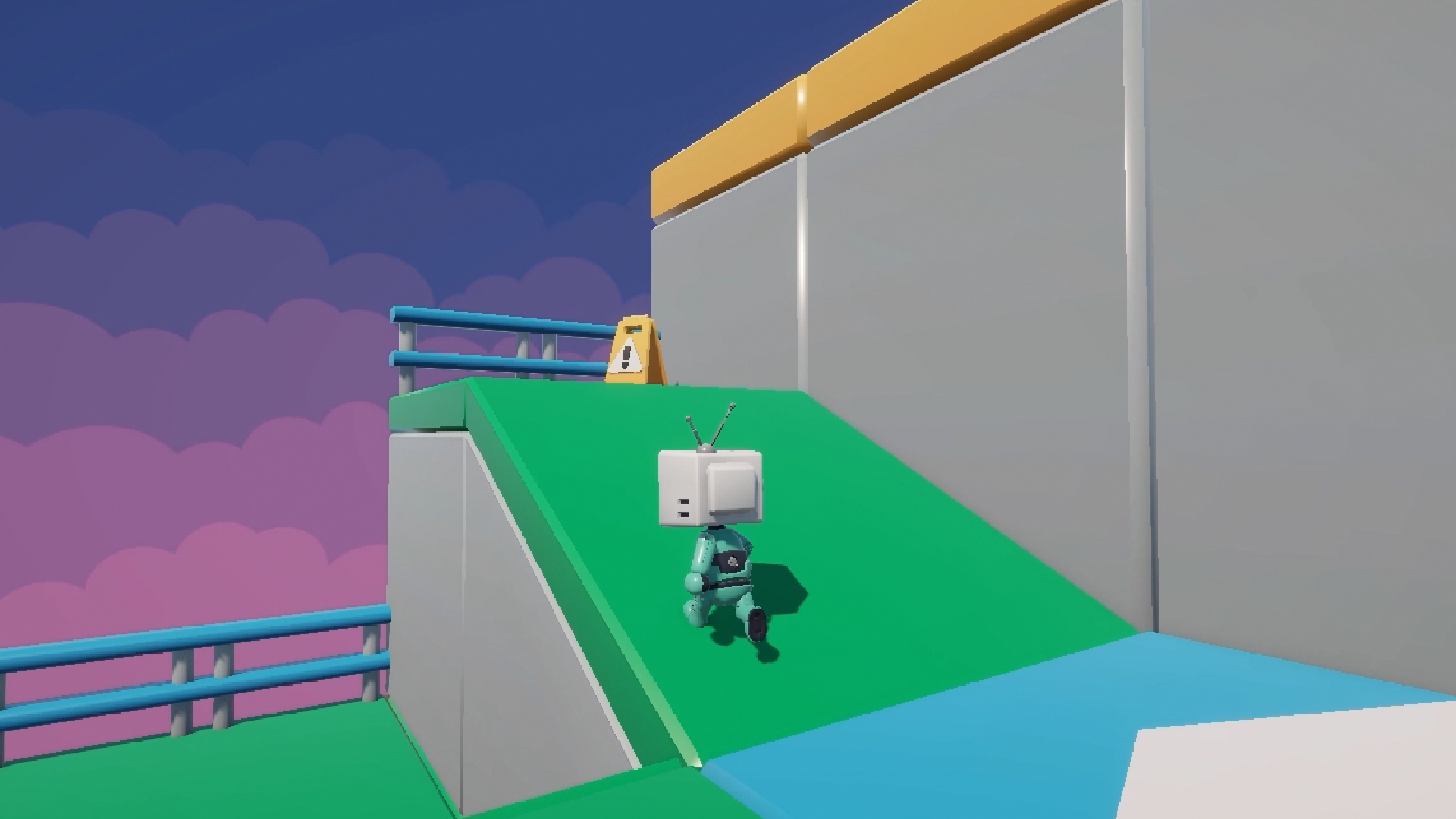
Handle the Tricky Terrain
Flat ground is easy. Slopes and jumps are where controllers wobble.
You’ll handle steep slopes properly, add a variable jump height so a tap and a hold feel different, and build in coyote time so players get a fair moment to jump after leaving a ledge. They’re small touches that make a huge difference to how it plays.
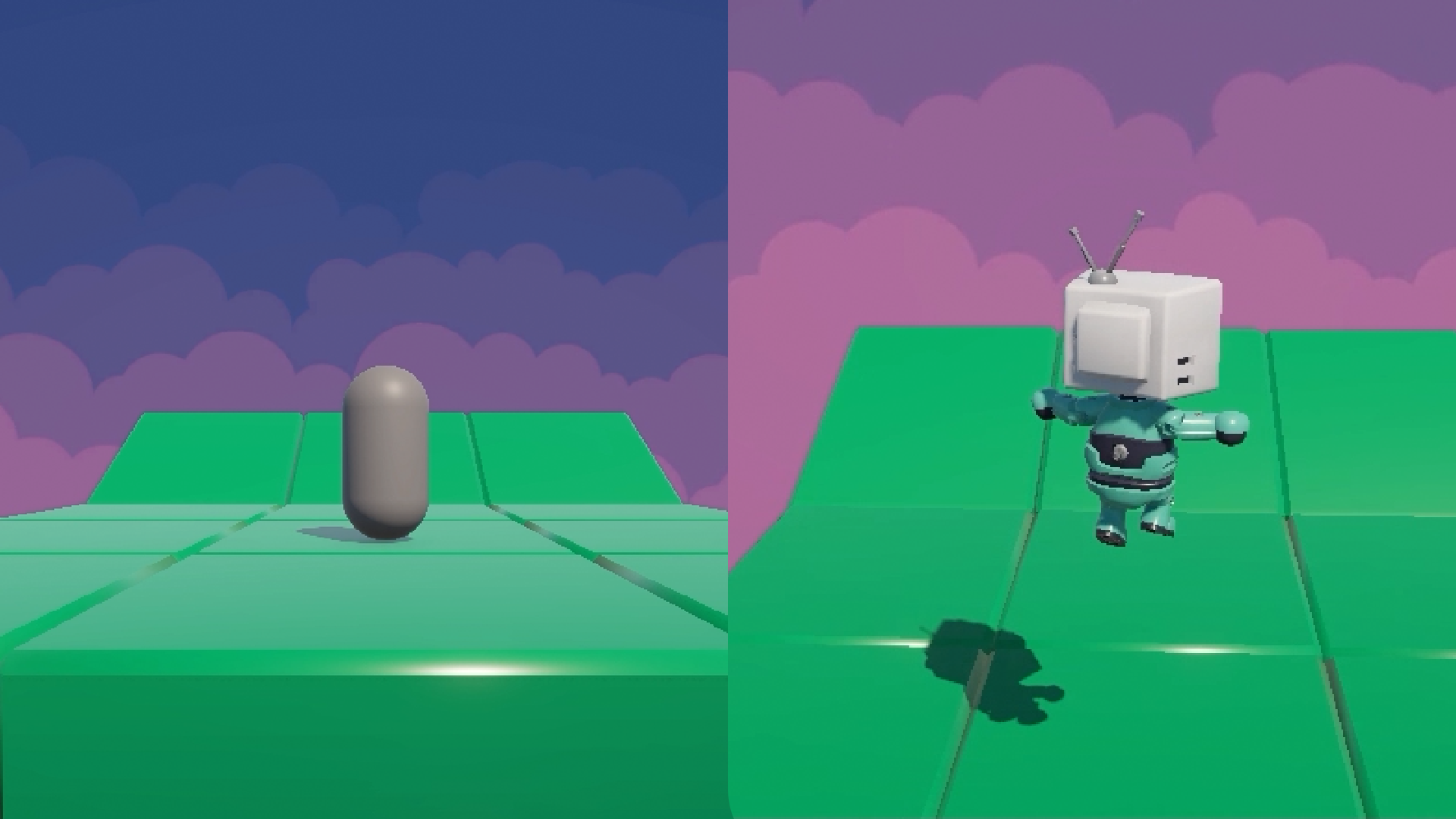
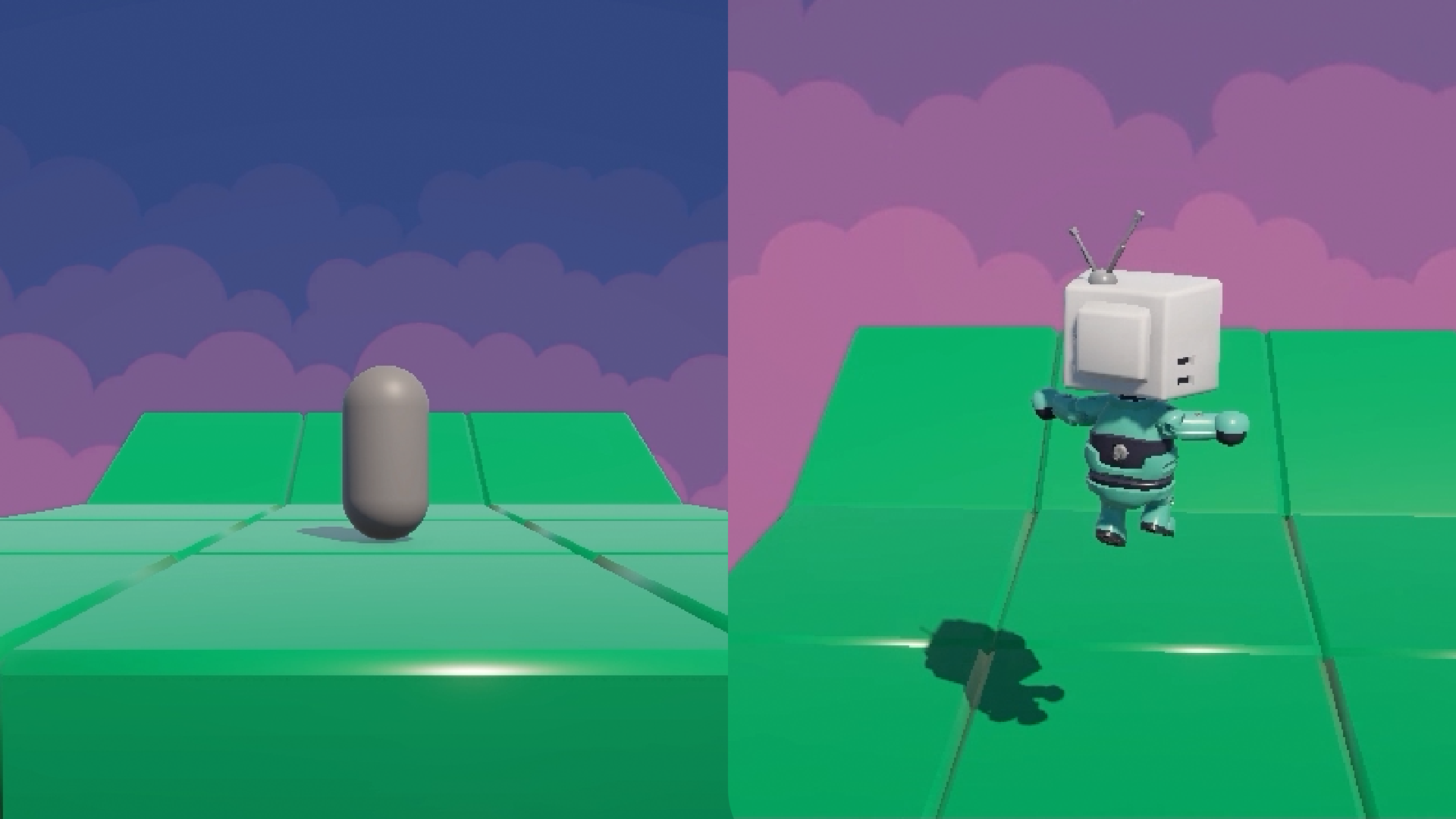
Give Your Character a Body
Here’s the moment your capsule turns into a real character.
You’ll import a rigged 3D character, set up prefabs, and hook pre-made animations up to your code so every move plays the right animation. It’s where your controller starts to look as good as it feels.
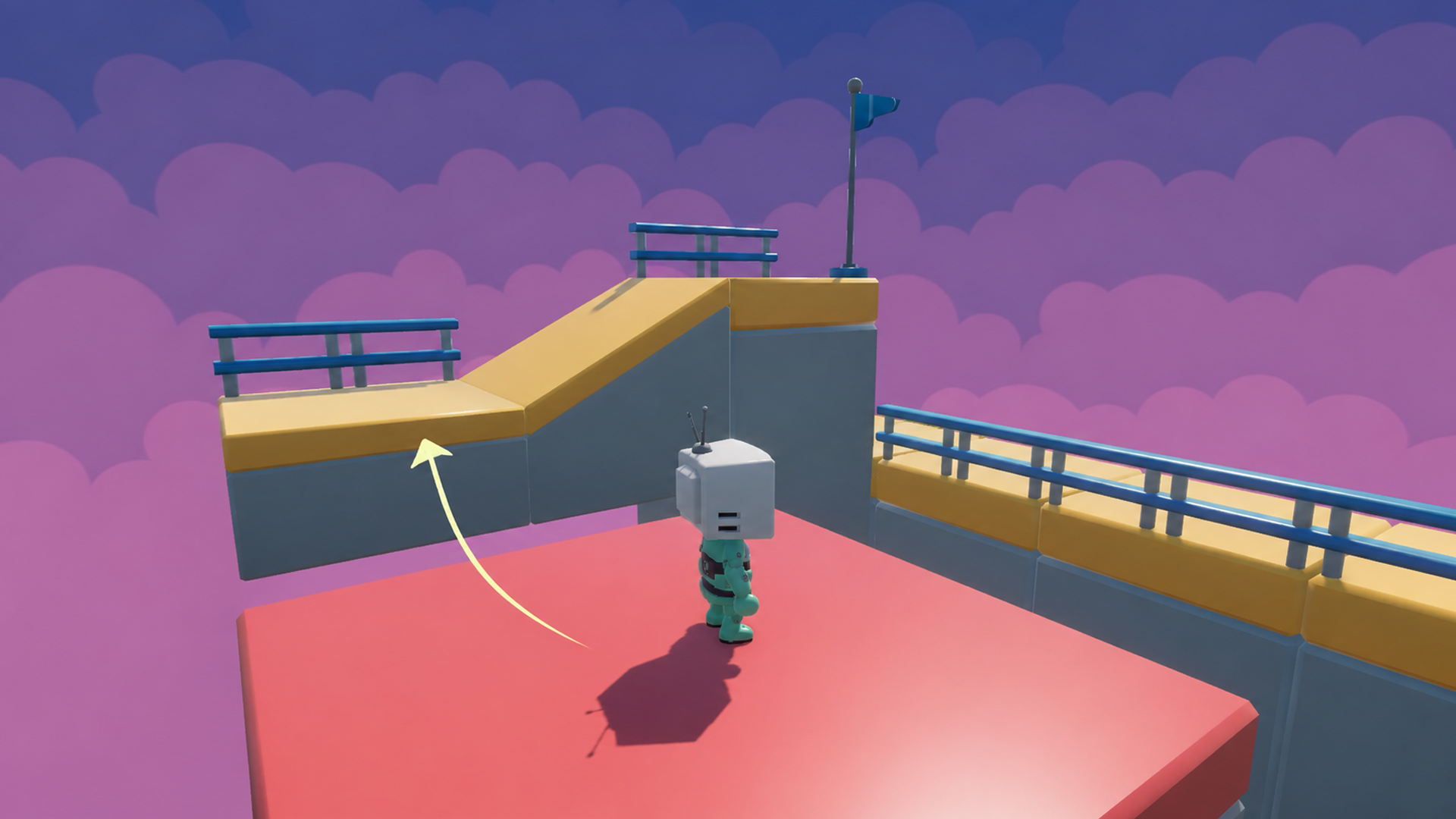
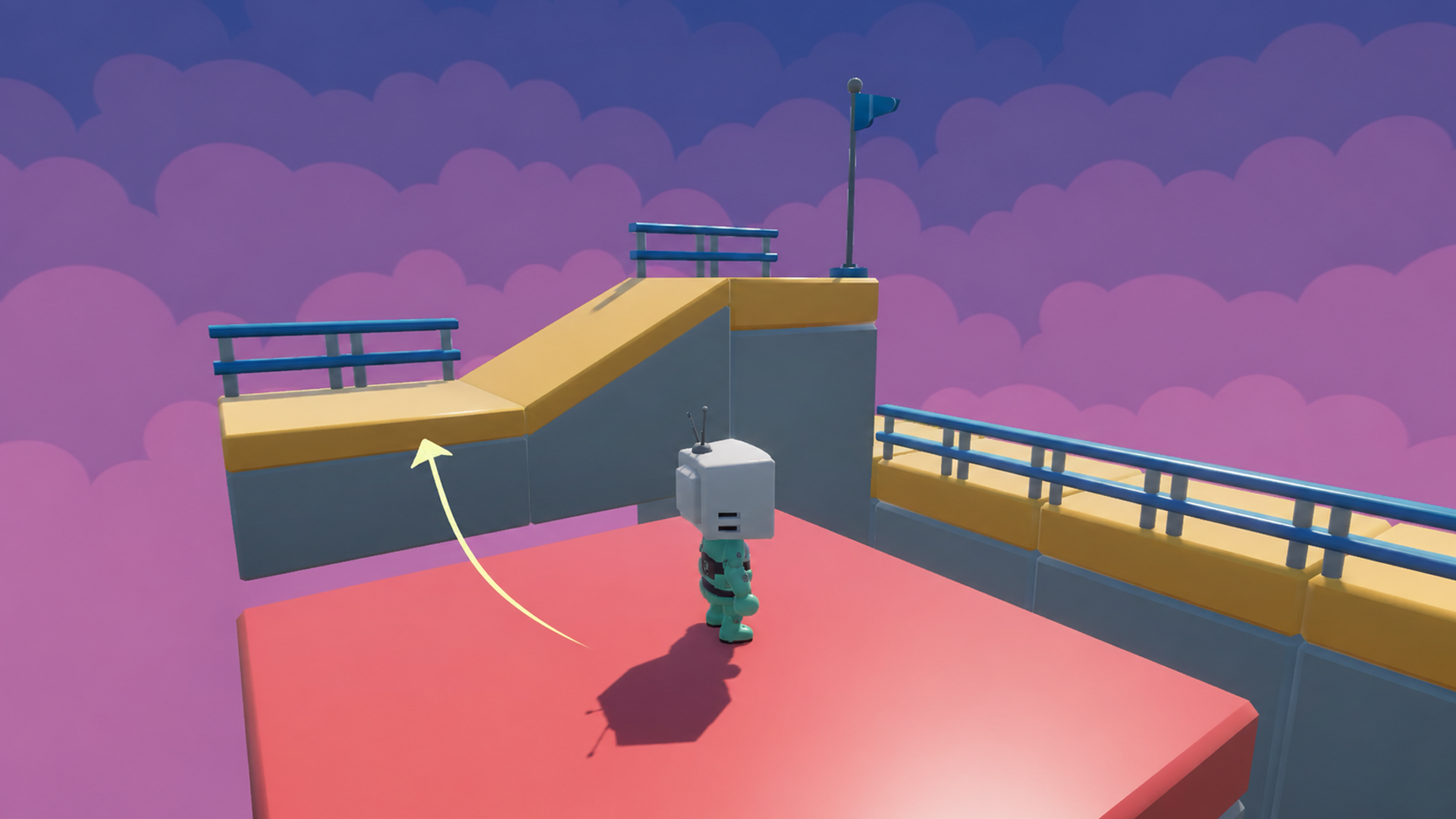
Ride Moving Platforms Smoothly
Hop onto a moving platform and ride it, just by standing there.
Moving platforms are a platformer classic, and getting a character to stick to them takes careful thinking. You’ll build simple and complex moving platforms, and your character will ride along smoothly as they move.
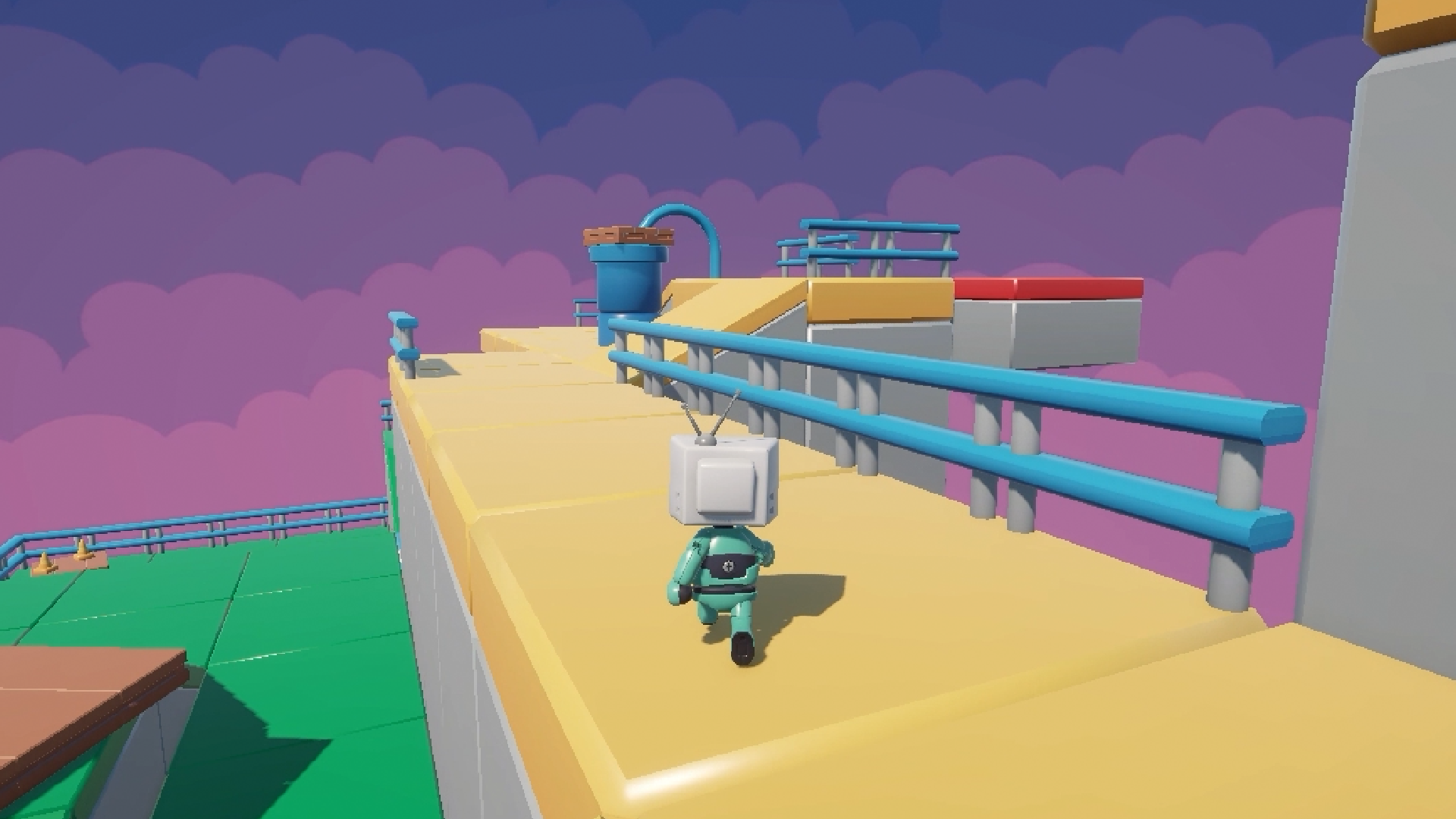
Bend the Rules of Gravity
Change which way is down, and your controller keeps up.
With a custom gravity direction, you can try out some brilliantly unusual level ideas. By the end, you’ll understand every part of your controller, so when your game needs something new, you’ll know exactly where in the code to go.
What you’ll learn
Write a 3D character controller from the ground up in C#, ready to extend.
Make movement easy to extend, so you always know where in the code to change it.
Handle steep slopes properly with a Rigidbody-based controller in Unity 6.
Add coyote time and a variable jump height for jumps that feel fair and responsive.
Import a rigged 3D character, set up prefabs and hook up pre-made animations.
Build moving platforms your character can ride just by standing on top of them.
Change the direction of gravity and watch your controller adapt to match.
30 Day Money-Back Guarantee
100% refund, no questions asked.Lifetime Access
Access your content on any device, at any time.Teaching Support
Never get stuck with our teaching assistants on call.About the course
Want a character that leaps onto a moving platform, rides it smoothly, and takes steep slopes in its stride?
Character controllers can look simple until the edge cases start piling up. Built one piece at a time, with every step explained, they’re far more manageable than they seem.
You’ll build your controller from the ground up in C#, starting with movement and jumping, then slopes and gravity. Next, you’ll bring in a rigged character with animations, and finish with moving platforms that carry your player along.
Along the way, you’ll work with Rigidbody physics, coyote time, variable jump height, a custom gravity direction, prefabs and animation setup.
The focus is on truly understanding what’s going on, so when your game needs a change, you’ll already know where to make it. And if you get stuck, our teaching assistants and community are there to help.
Working on a first-person game? The controller is built to be extended, so it works as a foundation either way.
By the end, you’ll have a tight character controller you understand inside out and can bring into your next game.
Ready to build a character that feels great to move? Let’s get started.
Curriculum
Instructors

Gideon Burnham
Hello! My name is Gideon Burnham but I often use the sudo name "Arrow" online.
I have been in love with video games since as long as I can remember. Playing classic games on consoles such as the NES and Nintendo 64 until eventually I could afford my own computer.
It was my older brother that introduced me to the world of game development and ever since then I've been in love with creating my own worlds for my imagination to run wild in!
I've been using Unity to work on game jams and create other games since 2019 and I currently work for Brimstone Games on our game Super Battle Golf.
Teaching others about the wonderful world of game development is something that has taken a hold of me and I'm so excited for the opportunity to be your instructor!