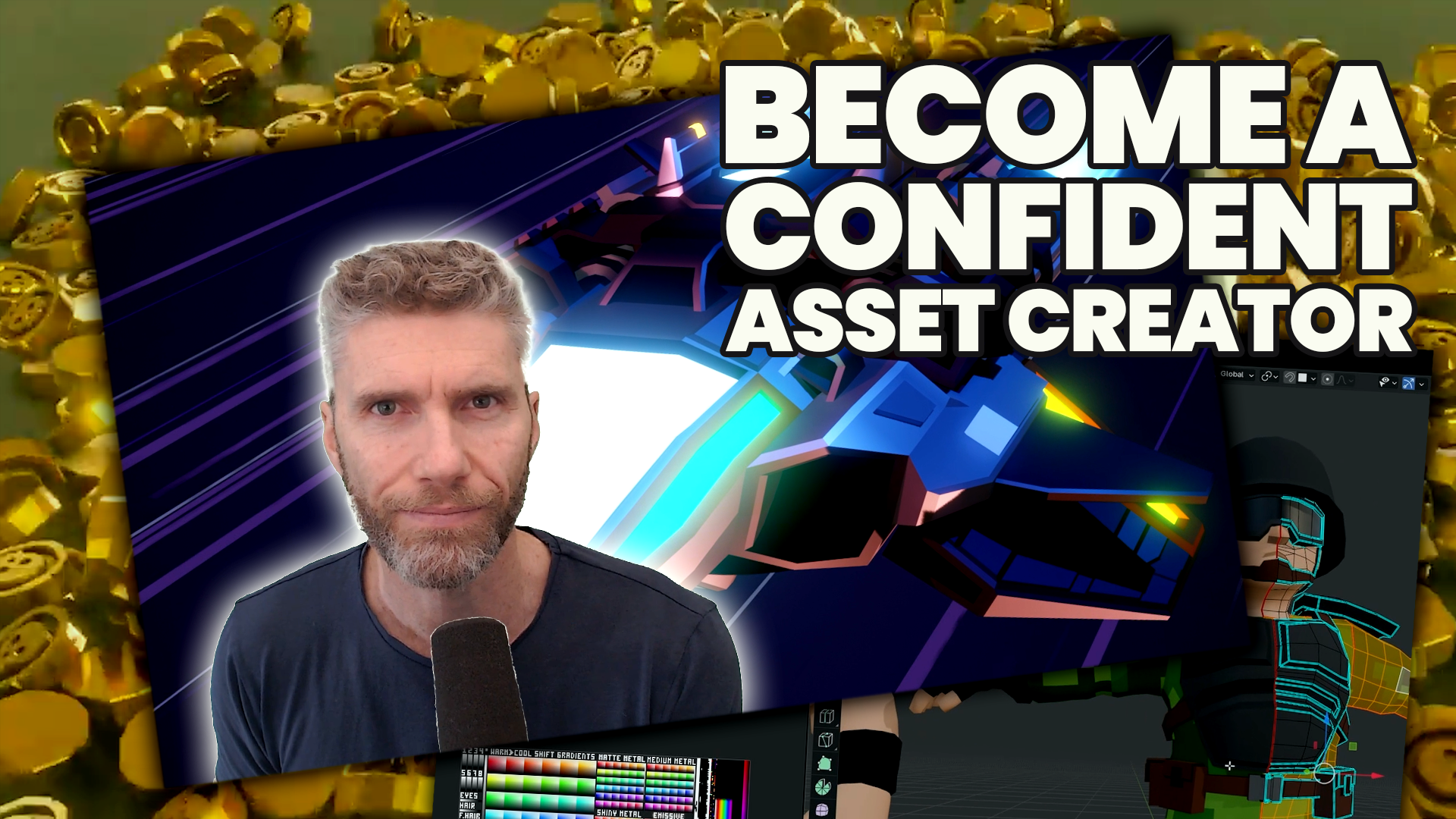

Ultimate Game Asset Creator - A 6-Week Live Training Program
Built for developers who want to create their own game assets - with live coaching, expert support and a community behind you. Starts September 27th.
Enrollment closed - but not for long!
We'll be opening the next round soon, and spots go fast. Subscribe below and be the first to know when it's live.
What you'll learn
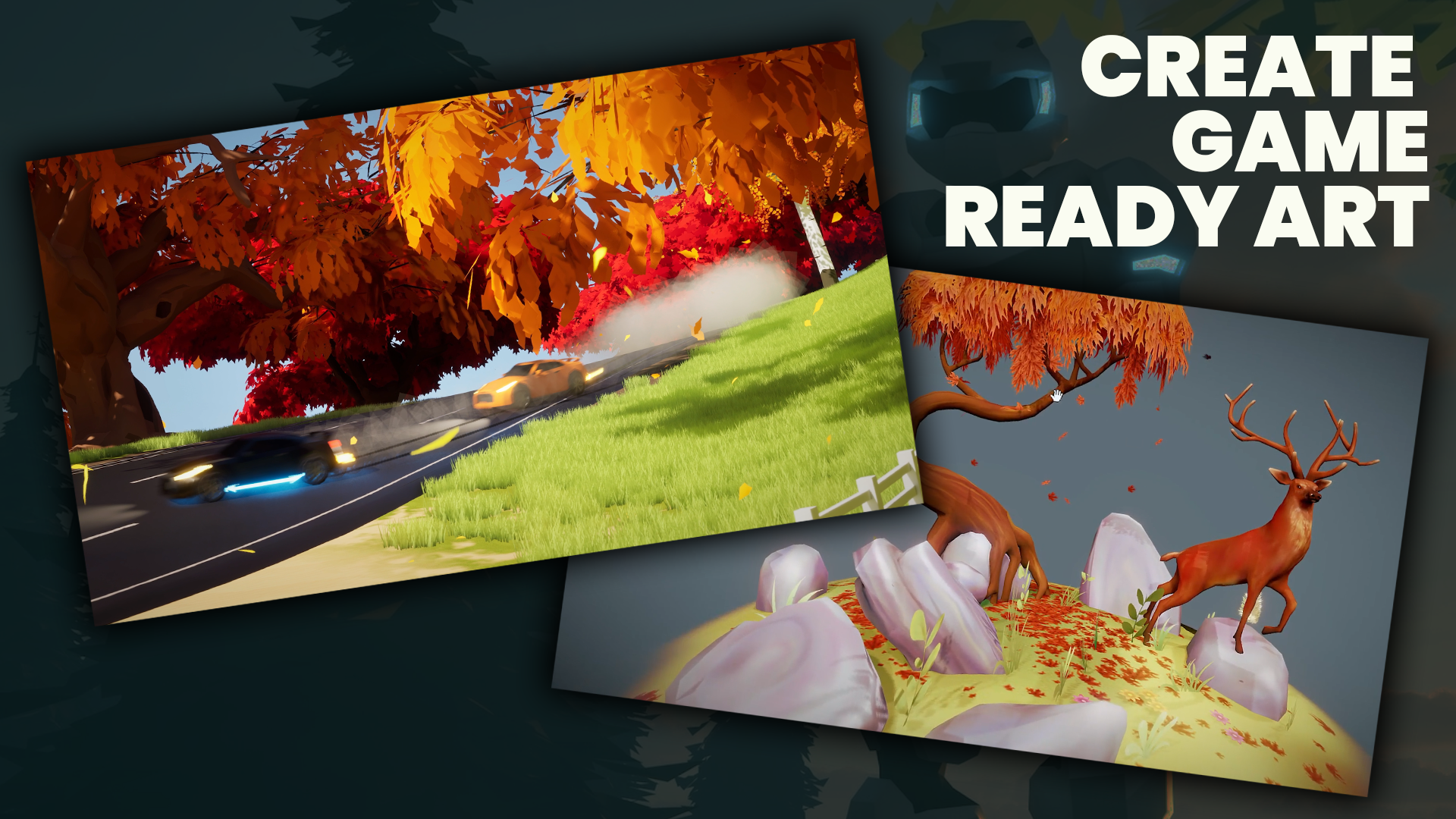
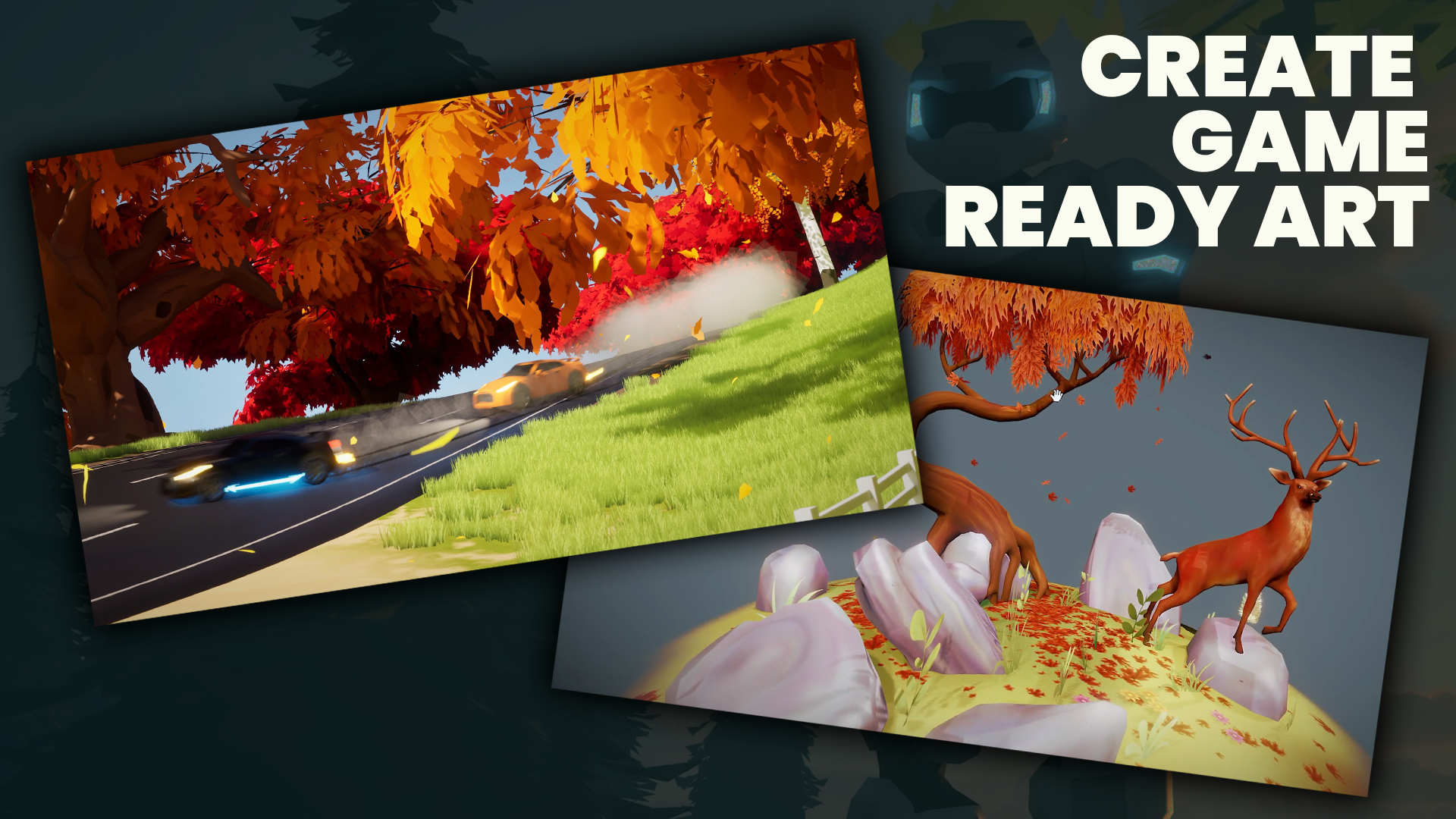
Create Game-Ready Assets: Model, texture and optimize assets in Blender that are ready to drop straight into Unity, Unreal or Godot.
Model With Performance in Mind: Clean topology, sensible poly budgets, collision and LODs for real-time games.
Fix Problem Assets: Diagnose and repair issues with scale, pivots, normals, topology, UVs and materials.
Build Assets That Move: Rig and animate interactive props, environmental effects and characters.
Work Like a Studio Artist: Follow briefs, hit technical specs, and build reusable, modular pieces that stay consistent across a whole game world.
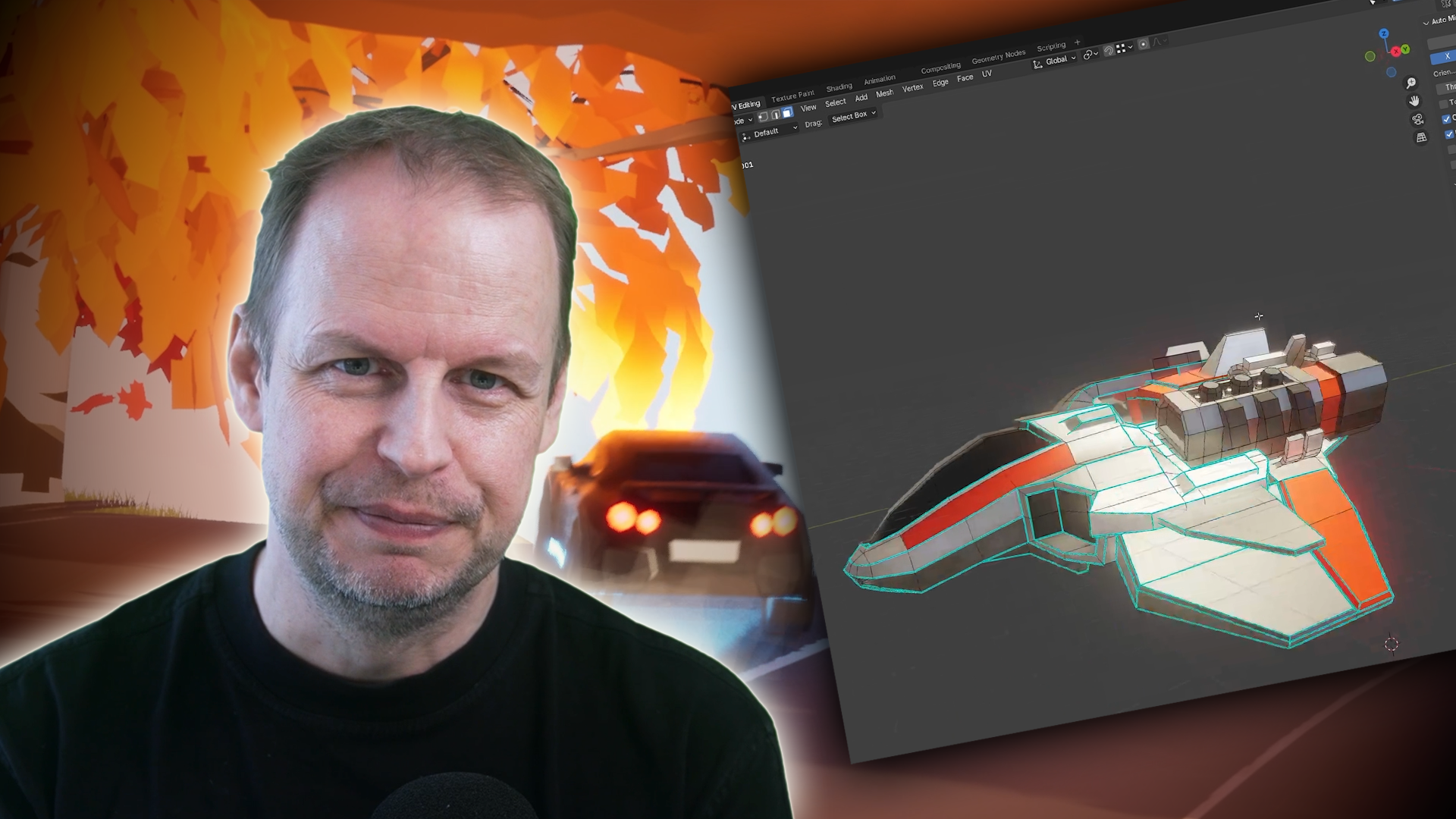
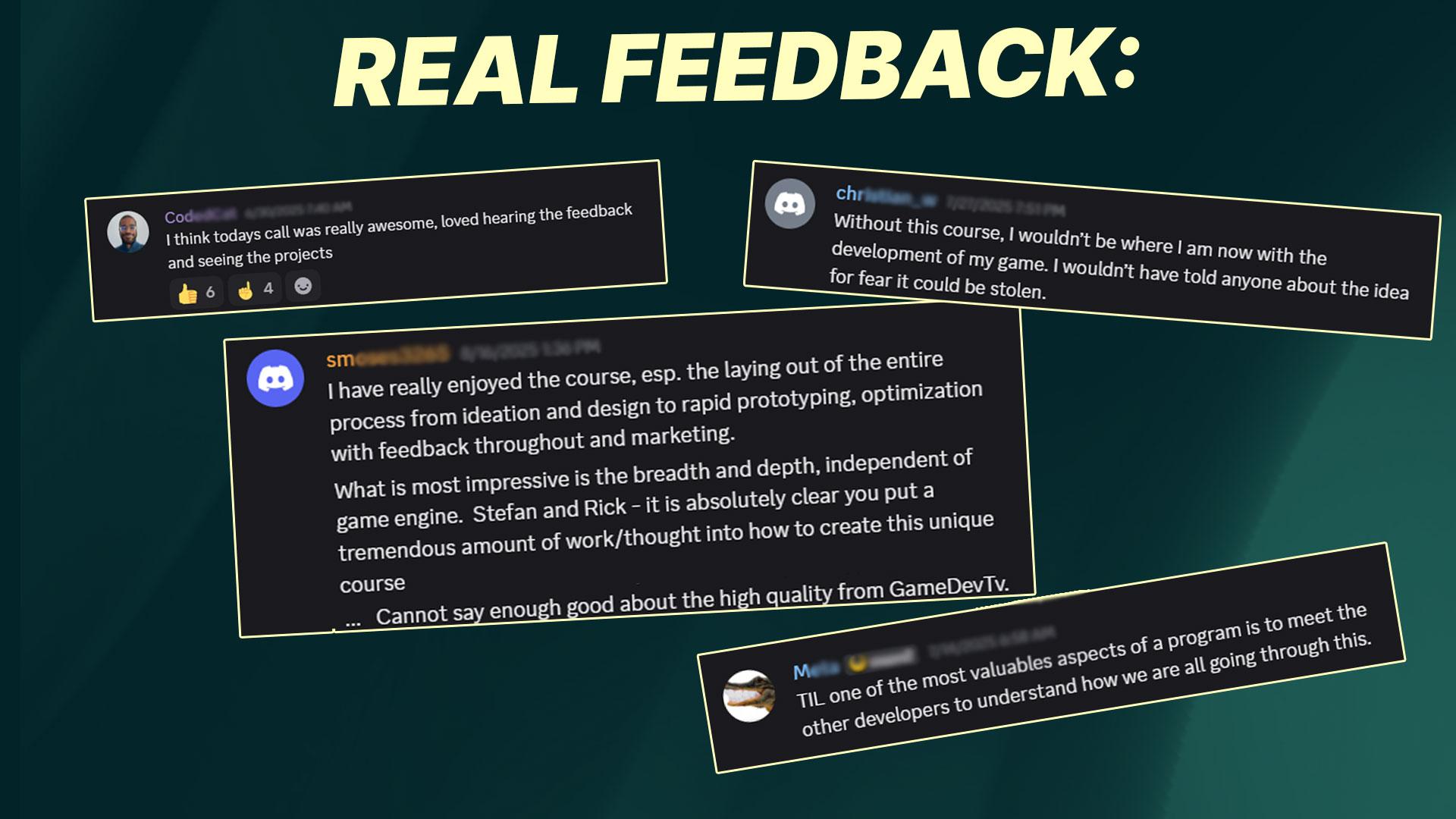
Get Weekly Feedback From Grant and Stefan: Share your work and get practical critique in live 90-minute calls, alongside a group solving the same problems.
What's Included In The Program?
Go Beyond Making Models That Look Good in Blender
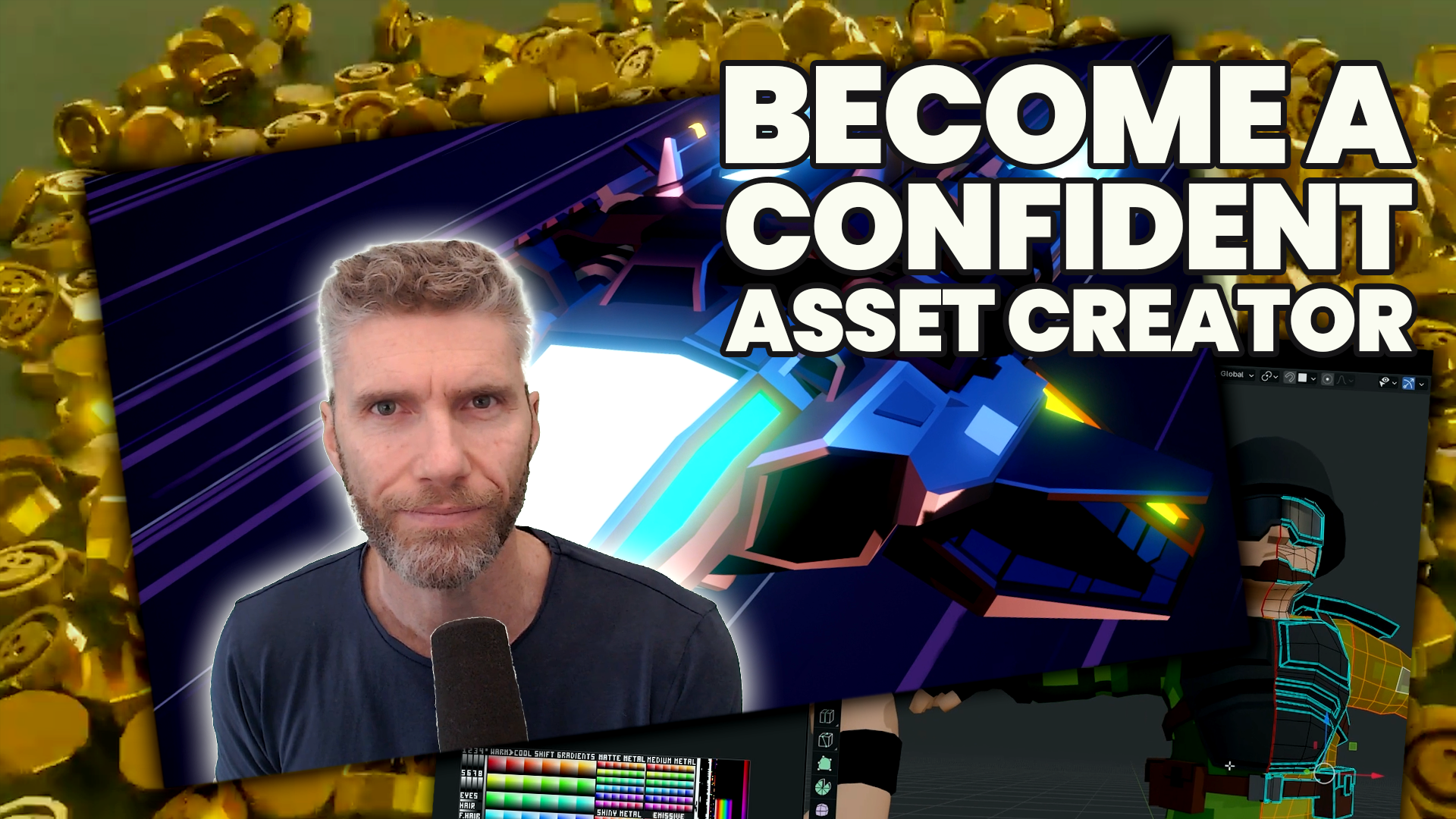
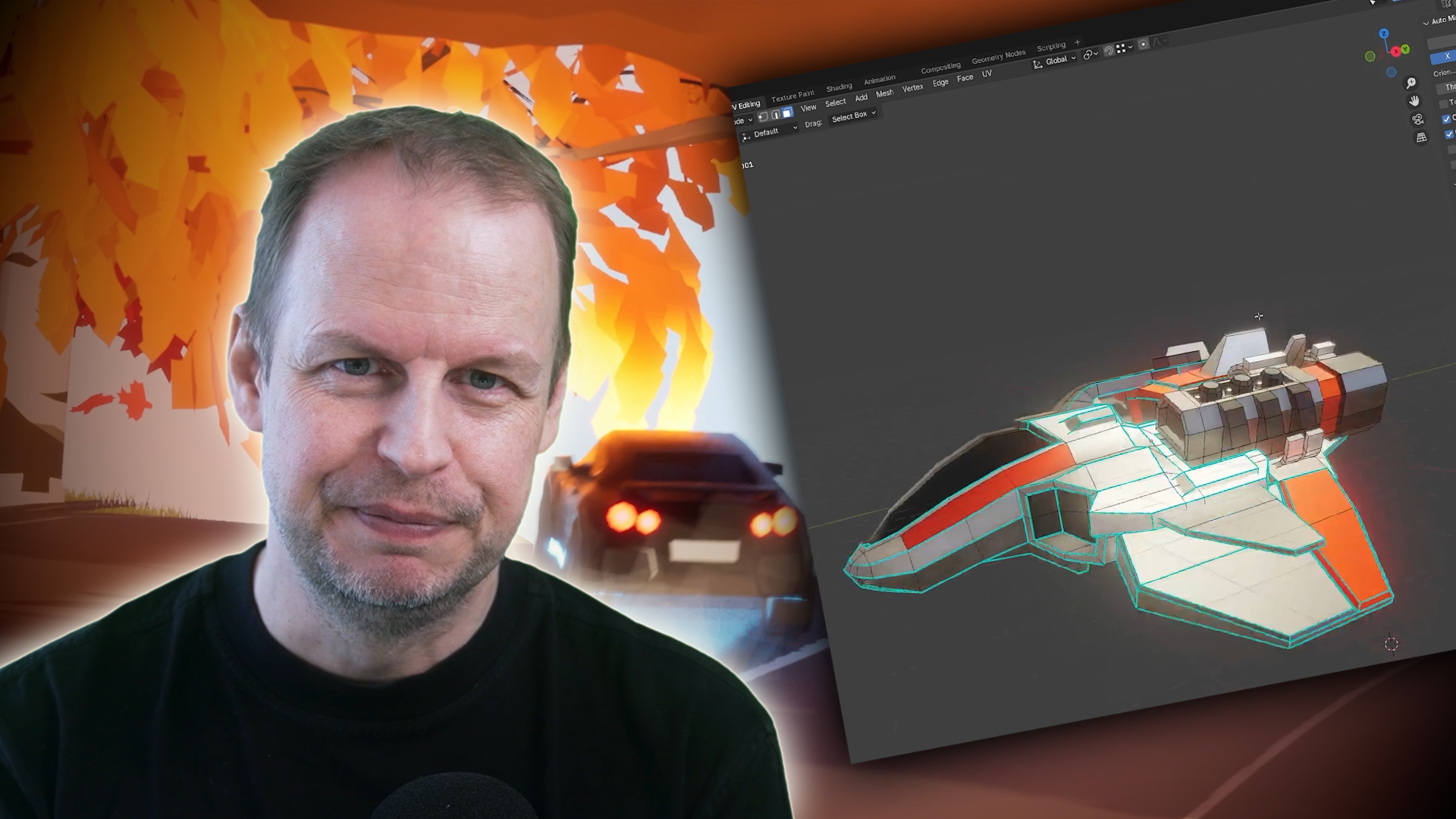
A model that looks great in Blender can still fall apart in a game engine. This program covers the full workflow of modelling, UVs, materials, collision, optimisation, animation, export and engine integration. So you know why assets break, and how to build them right the first time.
You'll work across six asset types that make up real game worlds: nature, structures, props, effects, vehicles and characters.
Choose Your Challenge: Create or Refine
Every assignment comes in two tracks. CREATE takes a brief and turns it into a finished asset. REFINE hands you a broken one (eg bad topology, wrong scale, messy UVs) for you to fix.
Pick your level too: Foundation for clear guidance and defined budgets, Production for more creative and technical freedom.
Build Like a Game Artist, With Feedback Along the Way
Each week: a lesson, an assignment, then a 90-minute live call with Grant and Stefan for feedback and troubleshooting.
You'll work to shared production standards (eg naming, scale, pivots, texel density ) so your assets work together as one world, not six disconnected exercises. Then you'll export into Unity, Unreal or Godot and see them run where they're meant to live.
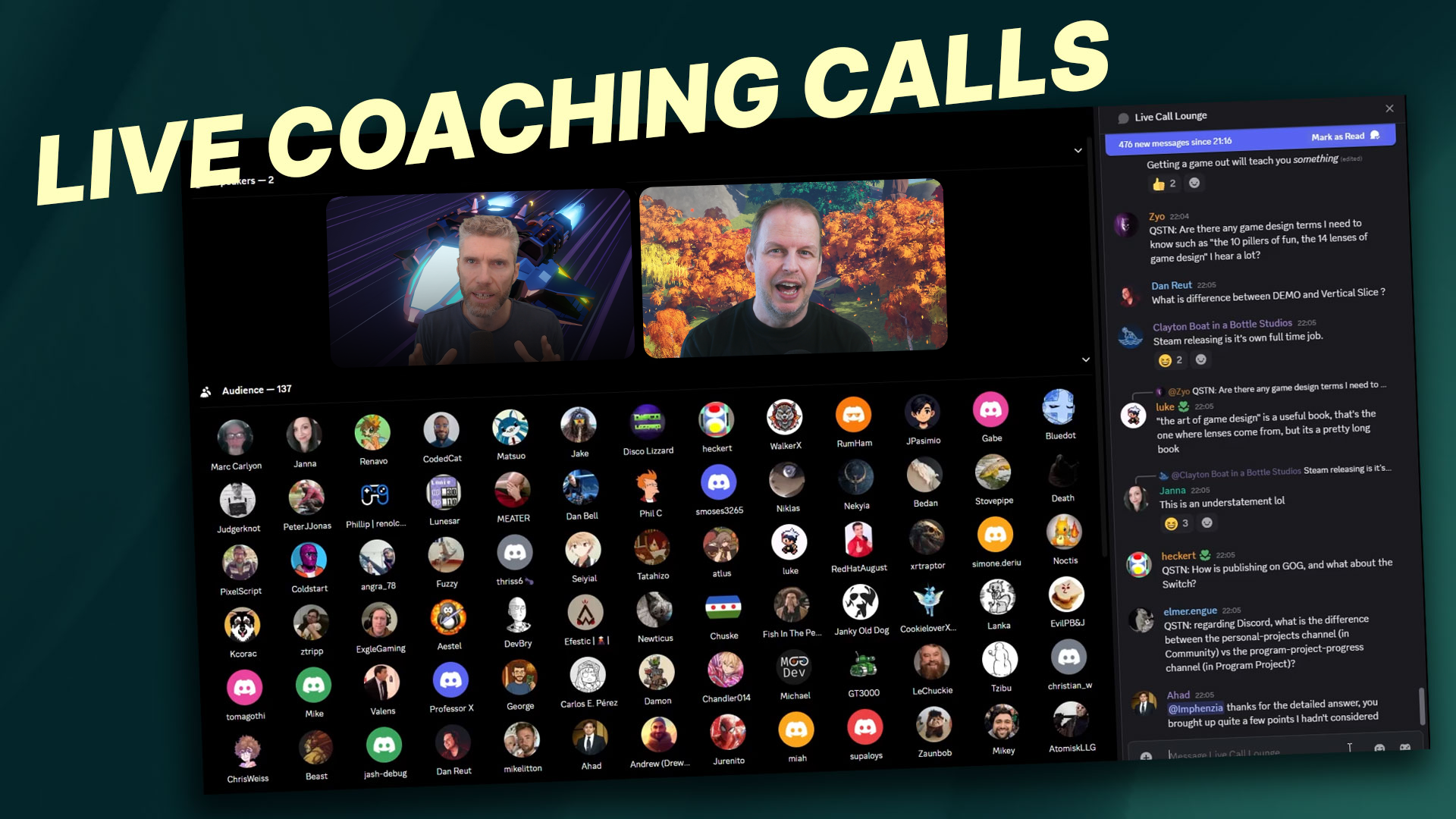
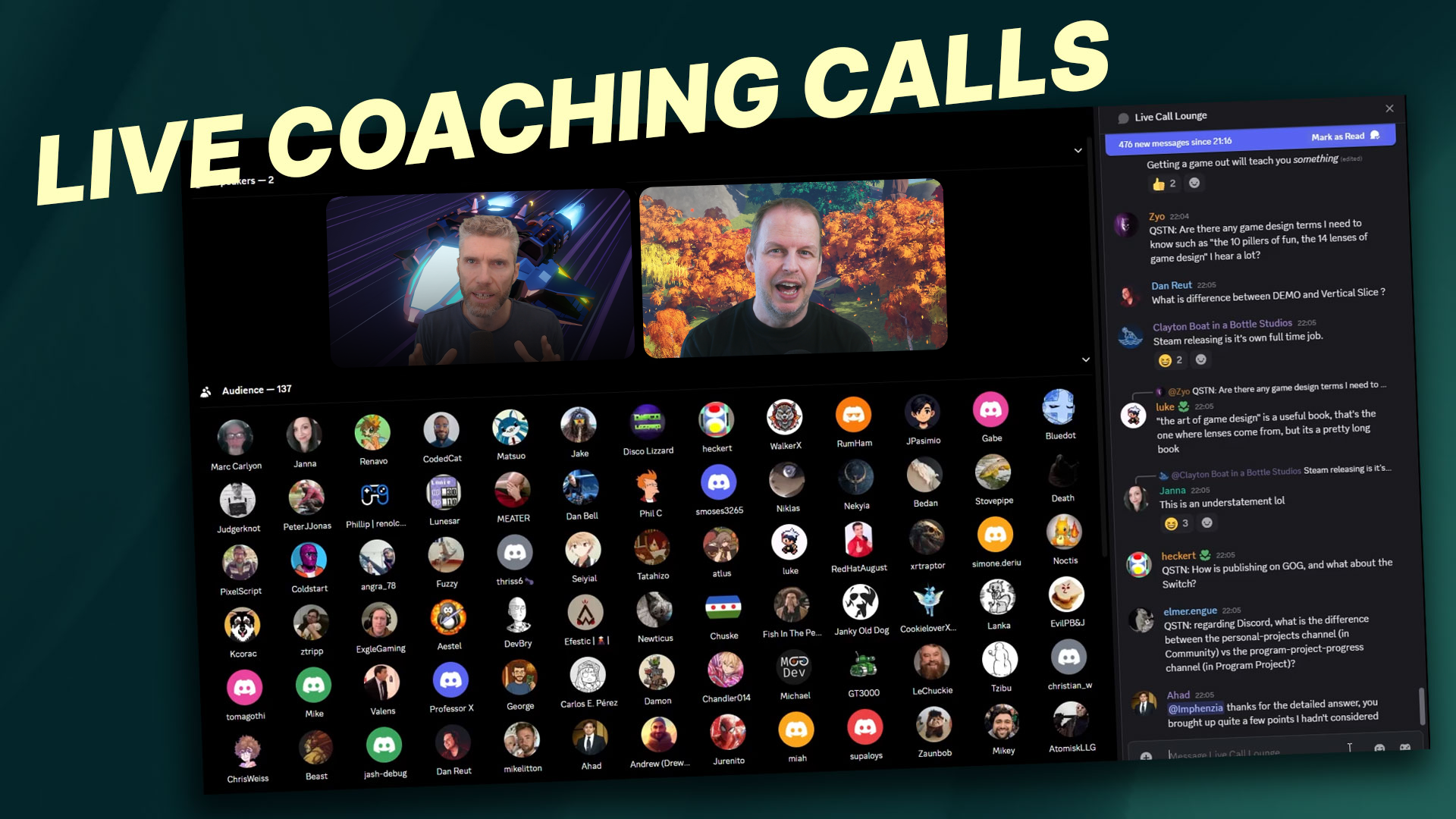
Live Coaching Calls + Recordings
Join weekly live calls with Grant and Stefan, where we break down the week's concepts, answer your questions, and help you build confidence week by week.
Calls last approximately 90 minutes and are held in our participants-only Discord server.
- Kickoff Call - September 27th @ 7am PDT / 2pm UTC
- Week 1 Review - October 4th @ 7am PDT / 2pm UTC
- Week 2 Review - October 11th @ 7am PDT / 2pm UTC
- Week 3 Review - October 18th @ 7am PDT / 2pm UTC
- Week 4 Review - October 25th @ TBD (Time Change Alert for UK)
- Week 5 Review - November 1st @ TBD (Time Change Alert for North America)
- Week 6 Review/Final Call - November 8th @ TBD
All calls are recorded so you can catch up any time.
12 Months of Ongoing Hands-On Support
Support doesn't stop at week six. You'll have 12 months of access to a dedicated Discord with staff, teaching assistants and fellow artists - for technical questions, feedback and motivation when you hit a wall.
Once you complete the program, you'll also be invited to join the GameDev.tv Program Alumni channel, connecting you with every student from every program we've run.

30-Day Money-Back Guarantee
Not feeling it? No problem. If the program isn't right for you, just let us know any time during the first 30 days and we'll give you a full refund, no questions asked.
There's zero risk. No fine print. No hard feelings. We only want you here if it's genuinely helping you move forward.
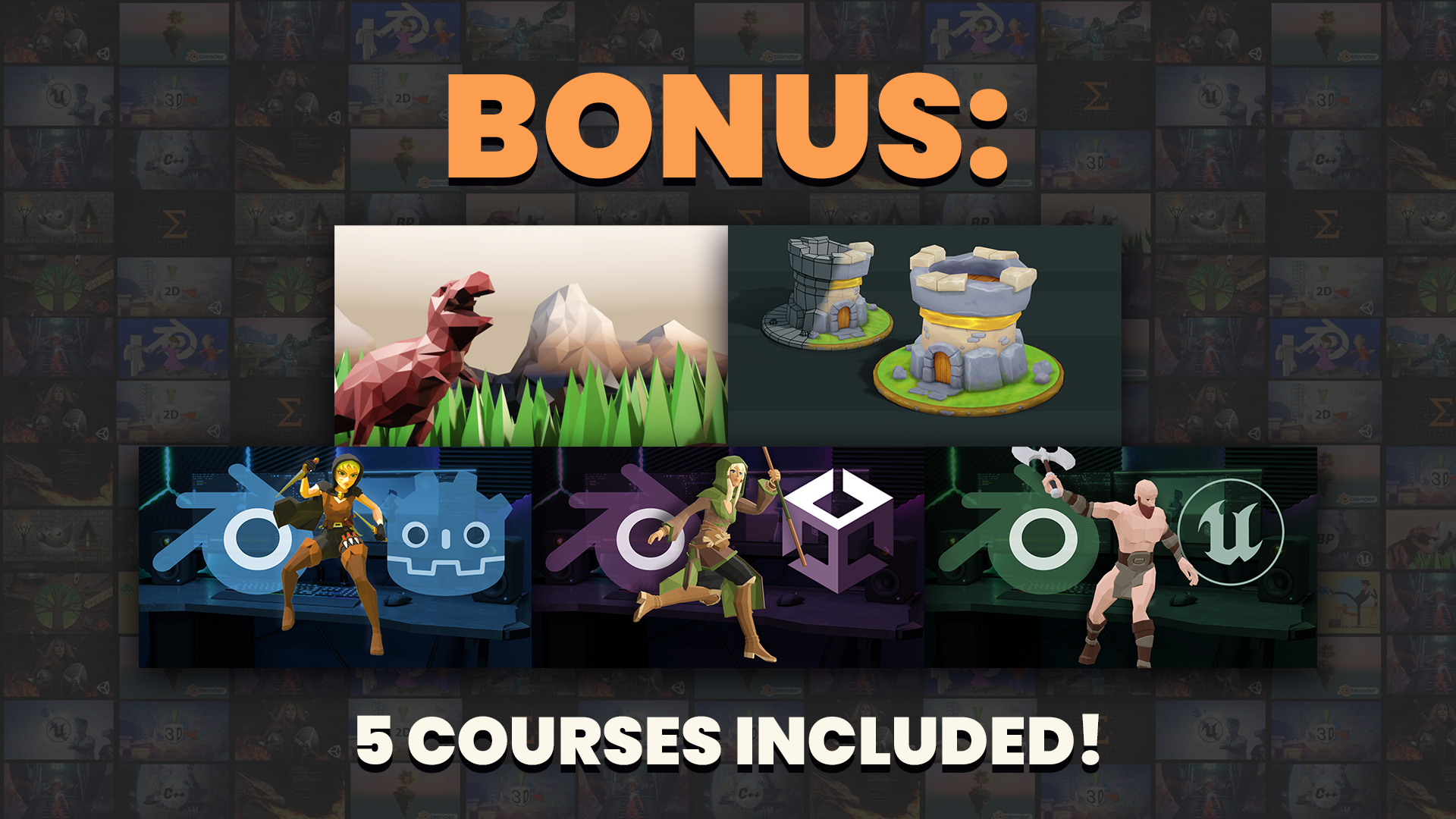
BONUS: 25+ Hours of Blender Course Content
With 5 included bonus courses, you'll learn everything from the foundations of 3D modeling in the Complete Blender Creator course to mastering texture painting and exporting your work cleanly into Unity, Godot and Unreal. This program will reference these courses throughout the 6 weeks, but doing them in their entirety is up to you - take as much or as little as you want.
The courses included are: Complete Blender Creator, Blender Texture Painting, Blender to Unity, Blender to Godot and Blender to Unreal.
100% Money-Back Guarantee
Not satisfied? Get a full refund, anytime during the first 30 days of the program.Lifetime Access
Access your content on any device, at any time.Teaching Support
Never get stuck with our teaching assistants on call.About the program
Get ready to turn your Blender skills into real game art production skills.
This 6-week live program teaches you to create, refine and deliver assets that are coherent, optimized and game-ready - not just good-looking in Blender.
Each week tackles a different part of a game world: nature, structures, interactive objects, effects, vehicles and characters.
Choose CREATE to build from scratch or REFINE to fix existing assets, at Foundation or Production level. You'll export into Unity, Unreal or Godot, and get feedback from Grant and Stefan on live weekly calls.
By the end, you'll know how to create game assets that are ready to use, share and ship - not just more Blender practice.
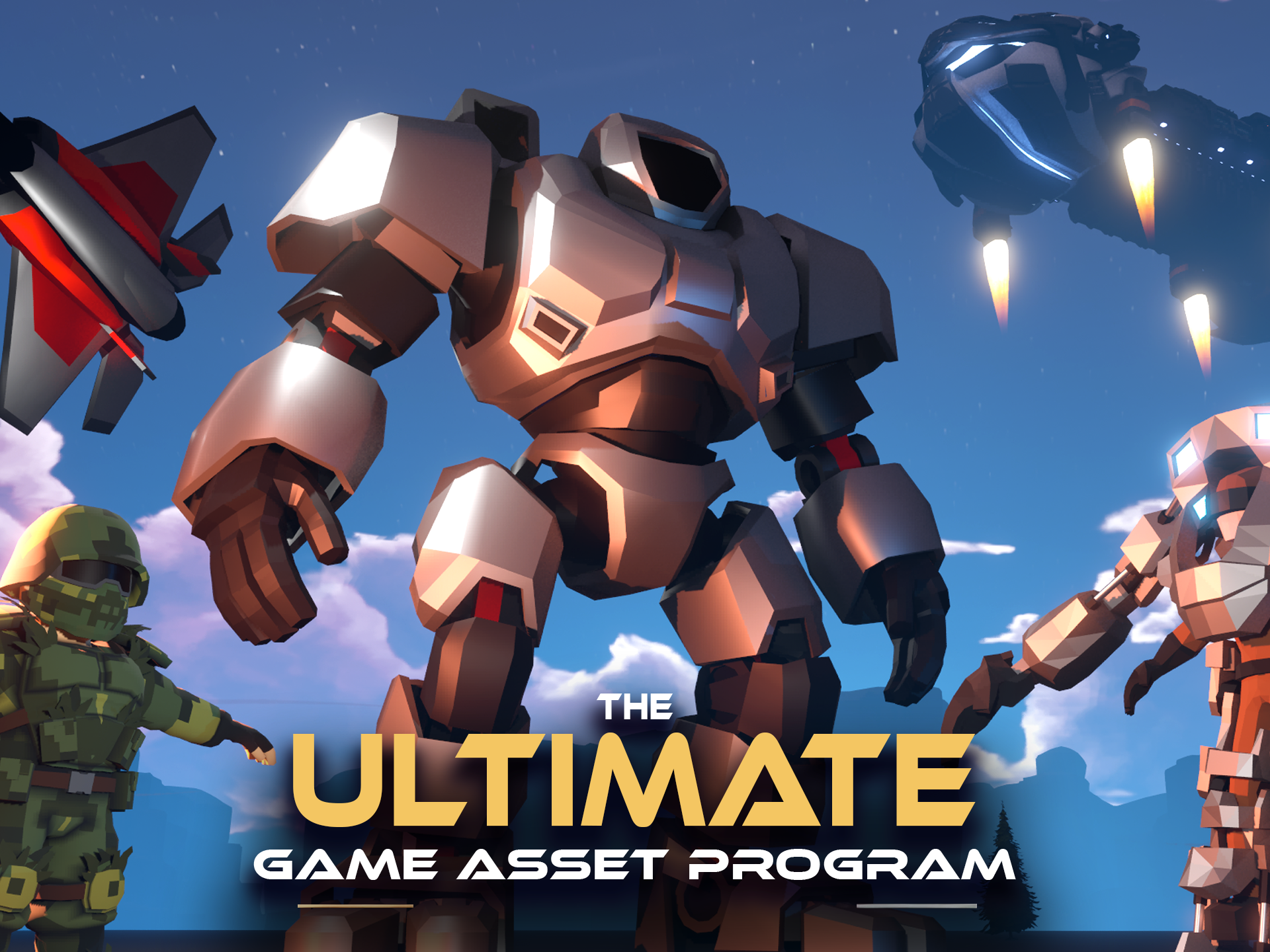
Ready to Build Game Assets That Actually Belong in a Game?
Six weeks. Six asset types: nature, structures, interactive objects, effects, vehicles and characters. Each week: video training, a hands-on assignment in your choice of CREATE or REFINE, and a live call with Grant and Stefan.
By the end, you'll have a workflow, and a portfolio , built for making assets that work, not just look good!
- Week01
Nature Assets (Sept 27th - Oct 3rd)
- Focus: Learn how to model and clone and modify nature assets to decorate an environment with. Learn modeling static objects, and how they can be brought to life in a game with a shader that applies wind and movement.
- Week02
Structures (Oct 4th - Oct 10th)
- Focus: Learn how to model small and large structures and how they can be modular and reused to create many different assets in a game. Learn how destructible game assets work.
- Week03
Interactive Objects (Oct 11th - Oct 17th)
- Focus: Learn how to model and rig basic interactive objects, like an openable treasure chest or a loot box.
- Week04
Waterfall (Oct 18th - Oct 24th)
- Focus: Learn how to model a waterfall, or lava flow and how it can be animated with panning textures, vertex animations, and combined with particle effects.
- Week05
Transportation (Oct 25th - Oct 31st)
- Focus: Learn how to model vehicles to suit your needs whether it’s a medieval wagon, a modern car, or a sci-fi spaceship.
- Week06
Characters (Nov 1st - Nov 8th)
- Focus: Learn how to model and rig characters and how characters can reuse the same rig and animations to make it possible to quickly model a whole cast of characters for your game.