Substance Painter for Beginners: Texture Your First Game Props
Paint, weather and render 3D models with hand-painted and procedural textures.
From Plain to Portfolio Ready
Bring Plain Grey Models to Life
A plain grey model is a blank canvas waiting for colour.
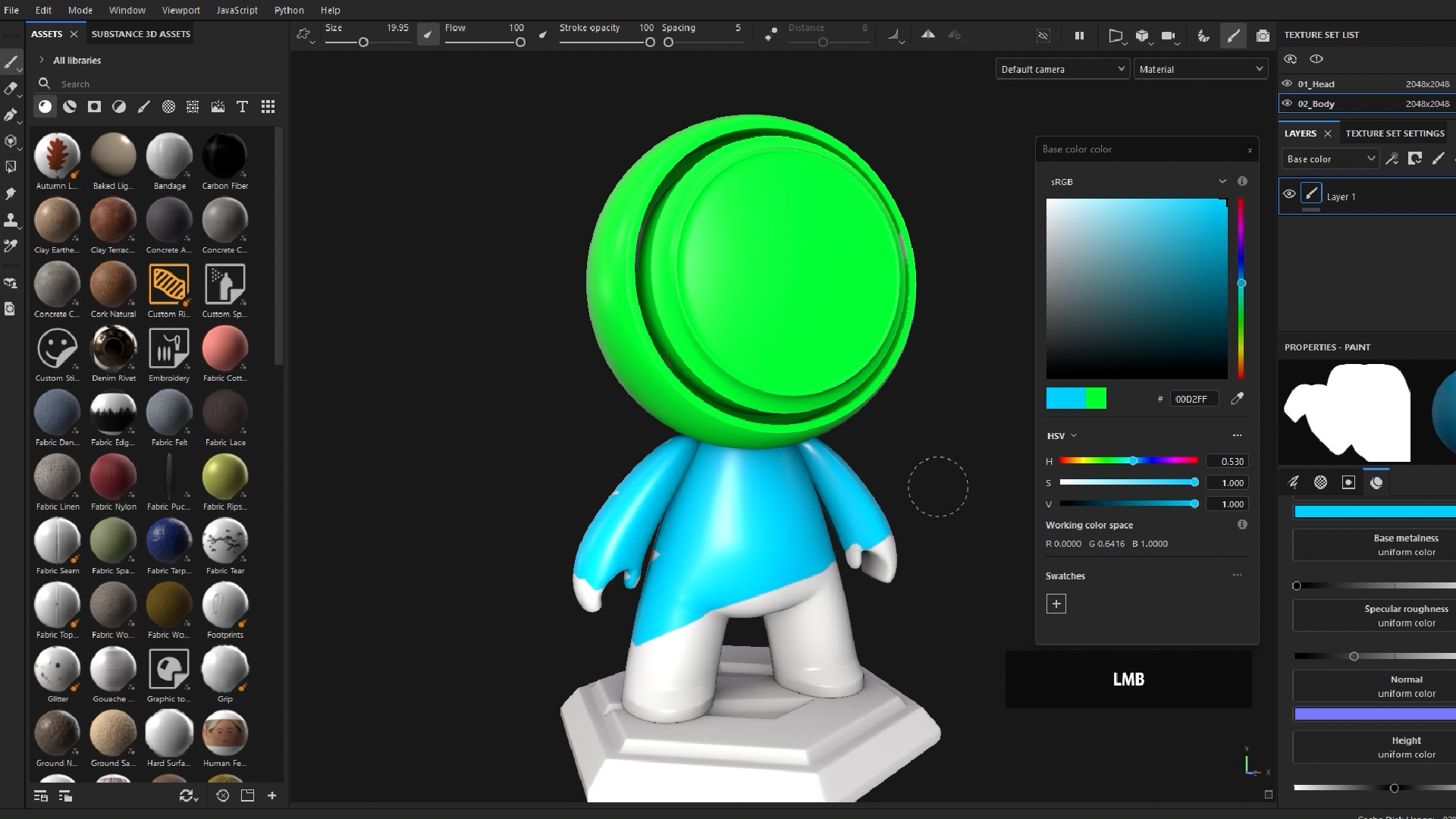
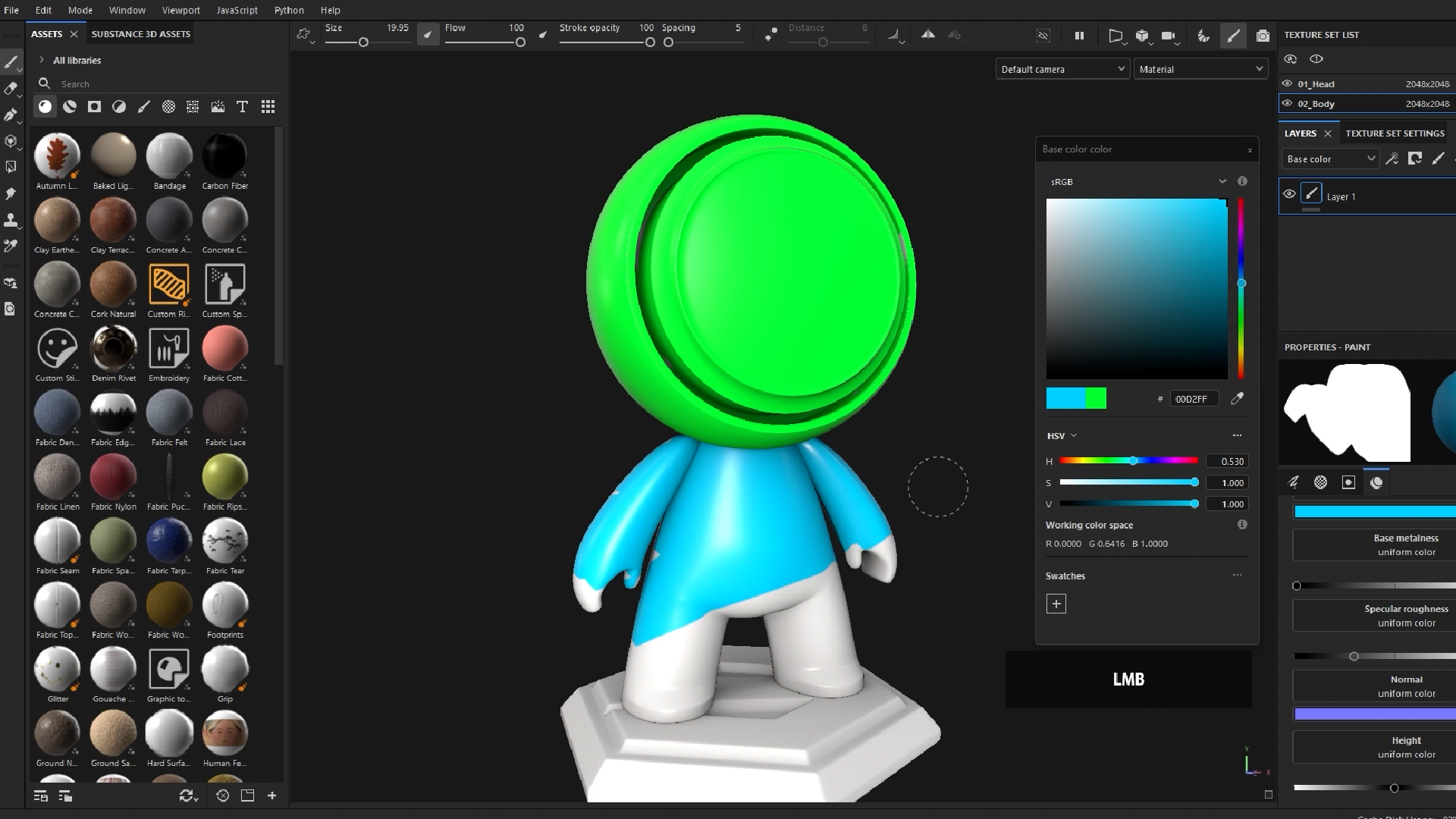
Substance 3D Painter lets you paint straight onto a 3D model, and the first hour gets you comfortable with how it works. You’ll set up the program, find your way around, and start painting on its built-in sample model. Before long, you’ll drag a whole material onto it and watch it appear in an instant.
Paint Your First Details by Hand
The fun starts the moment your brush touches a model.
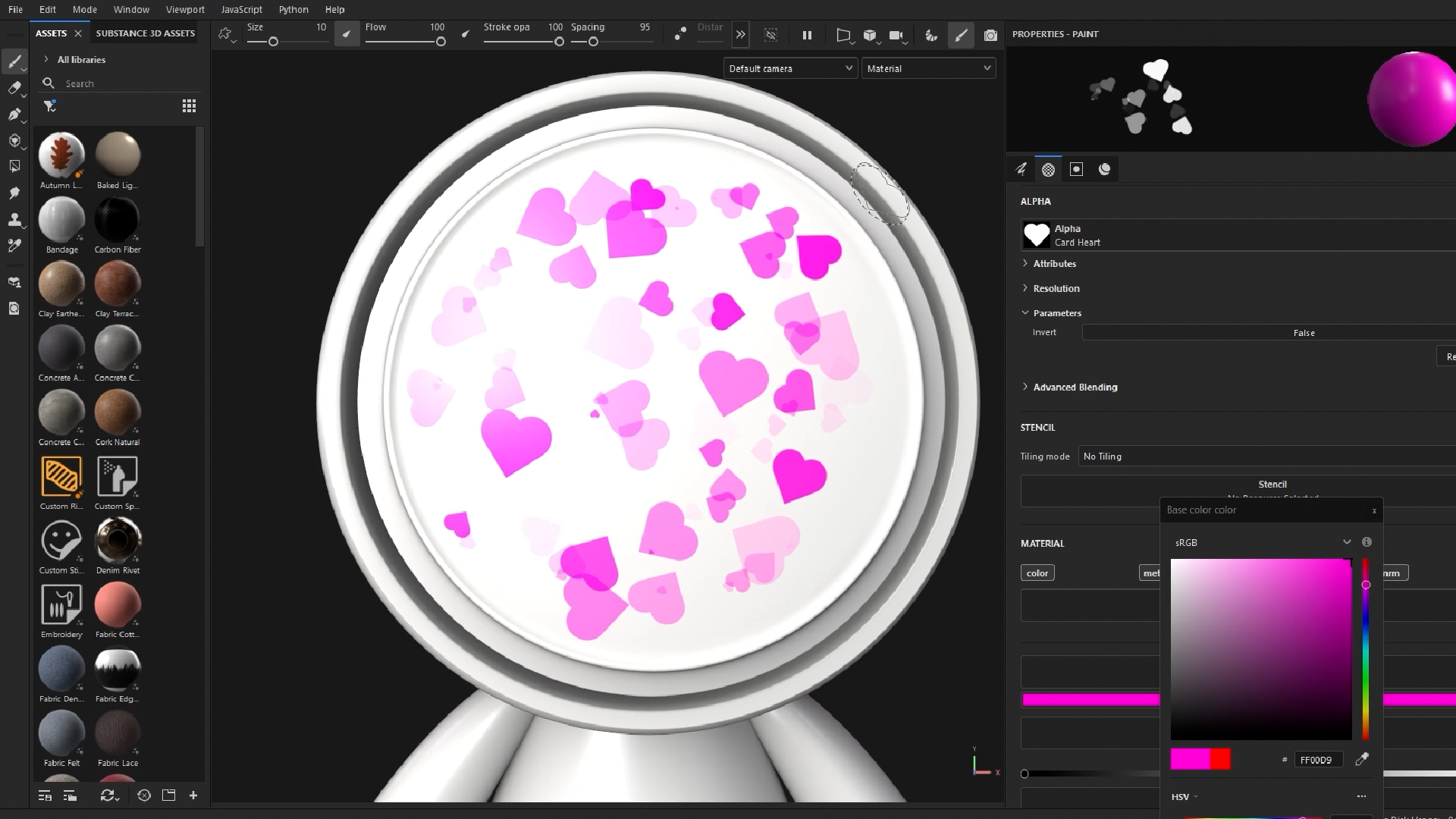
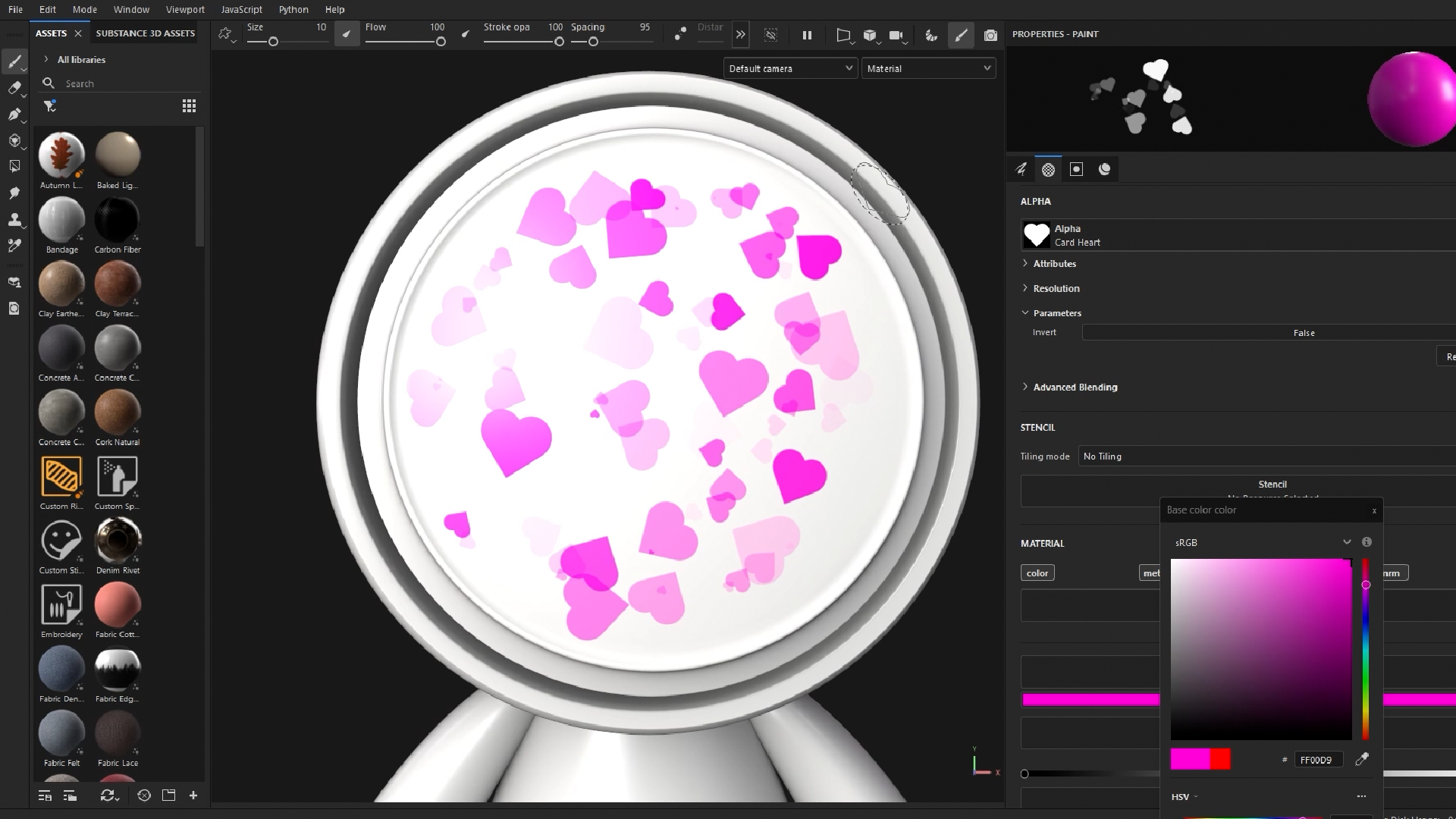
You’ll learn brushes, layers and shapes, then add a little randomness so every stroke looks natural. With stencils and material sliders, you can raise details off the surface, sink them in, or make them shine. It’s a real learn-by-doing start, and there’s no wrong way to do it.
Make Your First Model Look Finished
Here’s where your new skills come together on a real project.
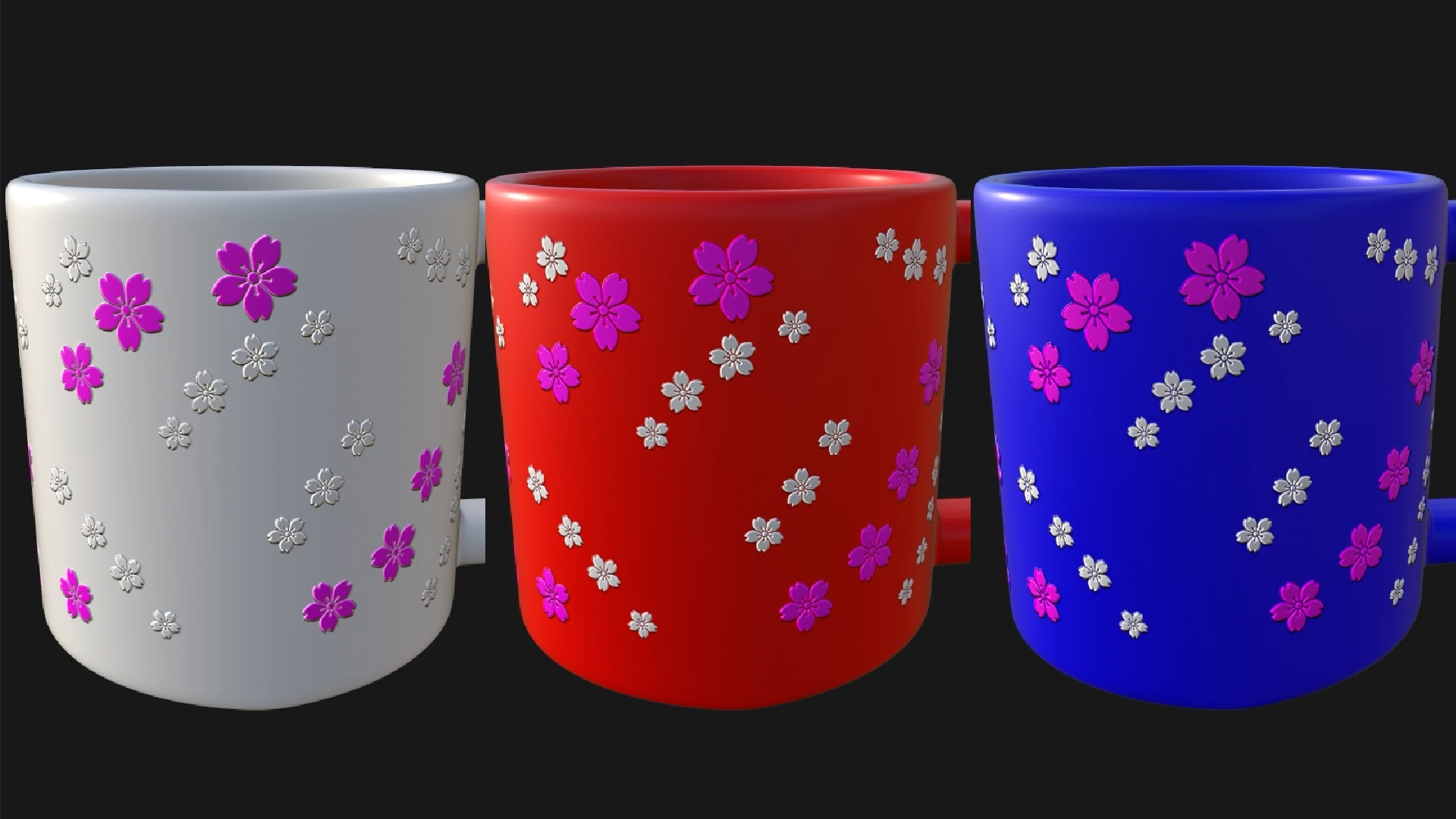
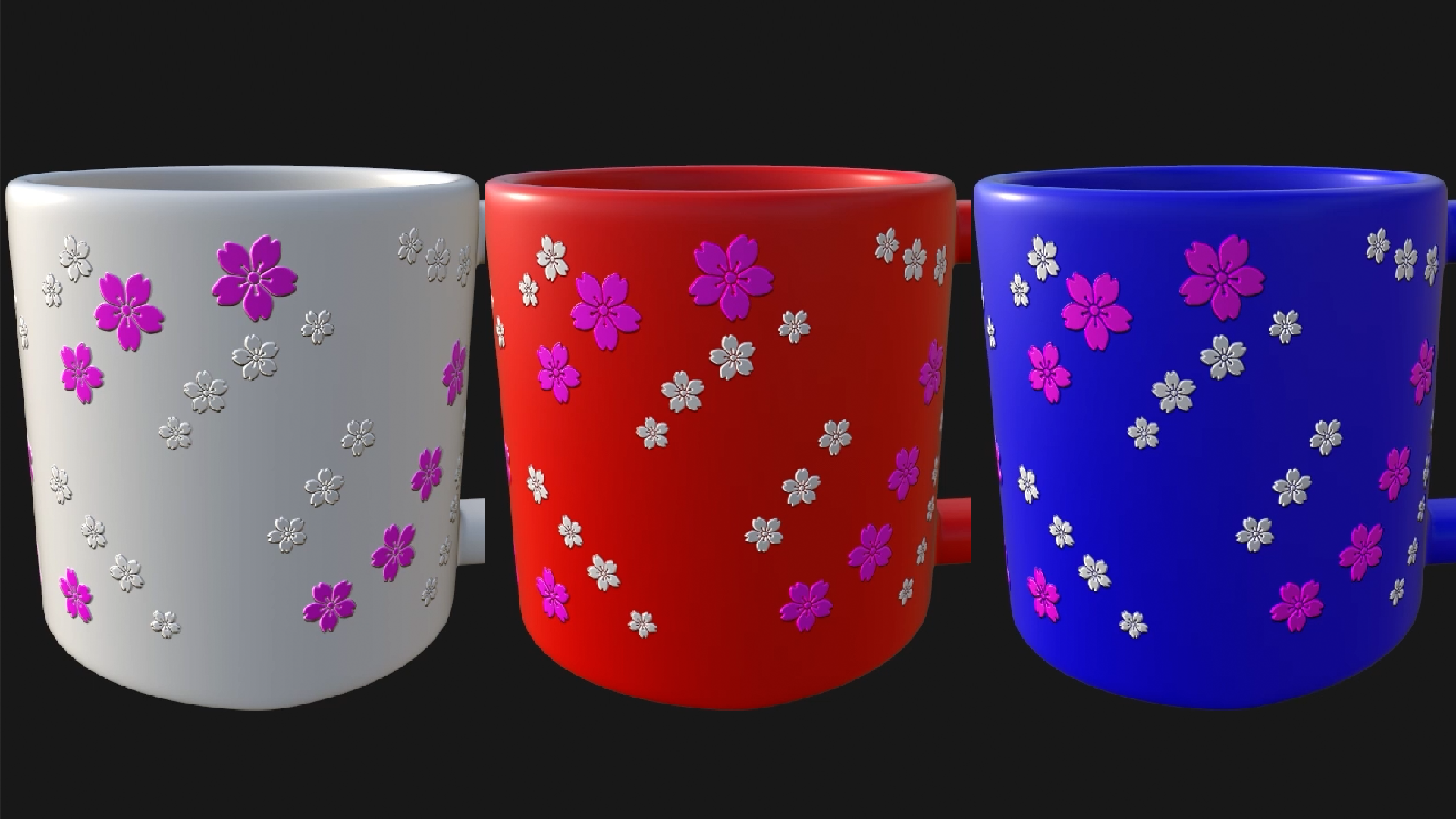
You’ll import a model, learn what it needs before it arrives, and bake it so Painter understands its shape. Then you’ll build up a finished look on a coffee mug: raised floral details, an image of your own projected onto the surface, and a second colourway made with a single change.
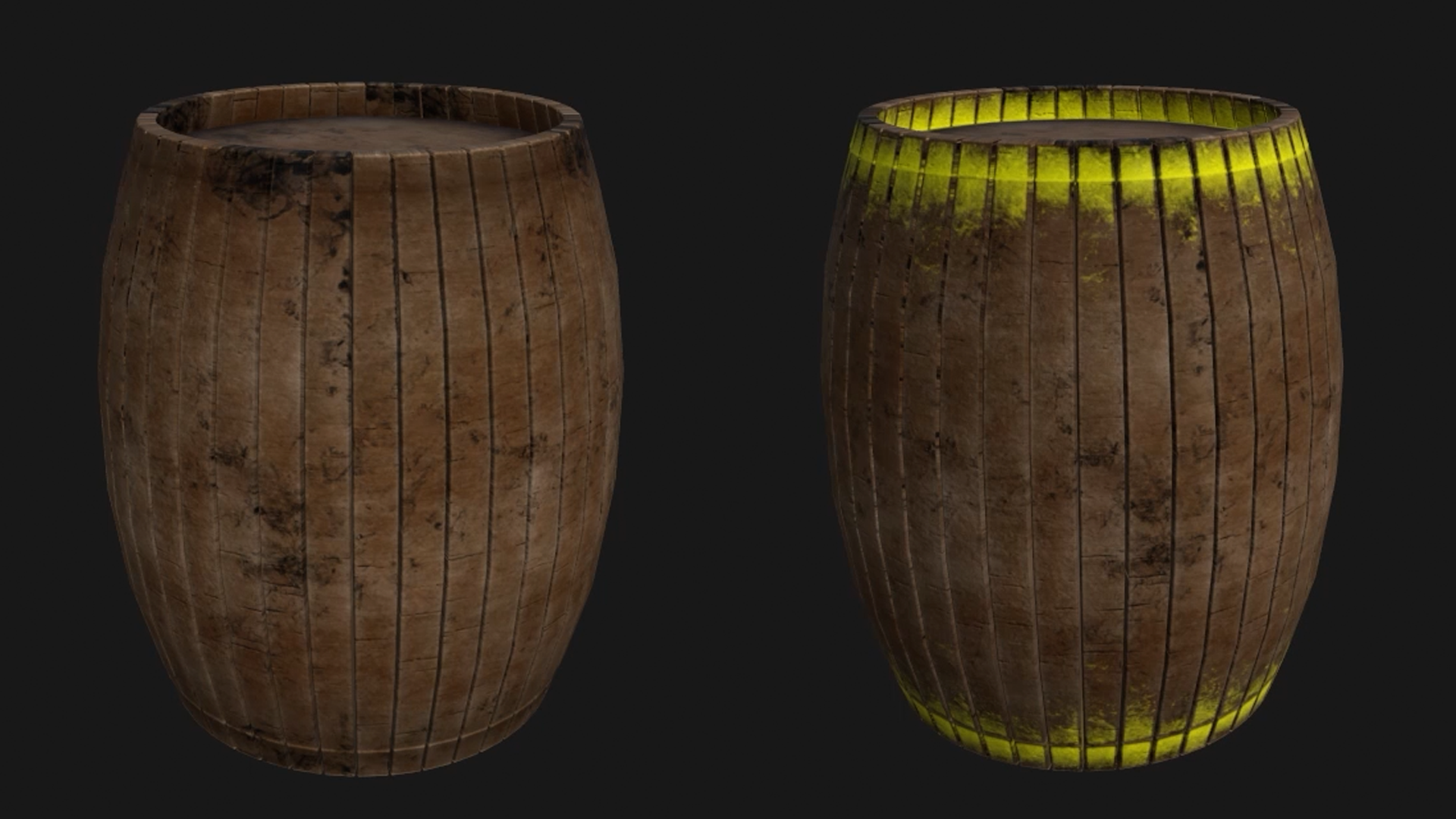
Realistic wood, rust and wear, without a single brushstroke.
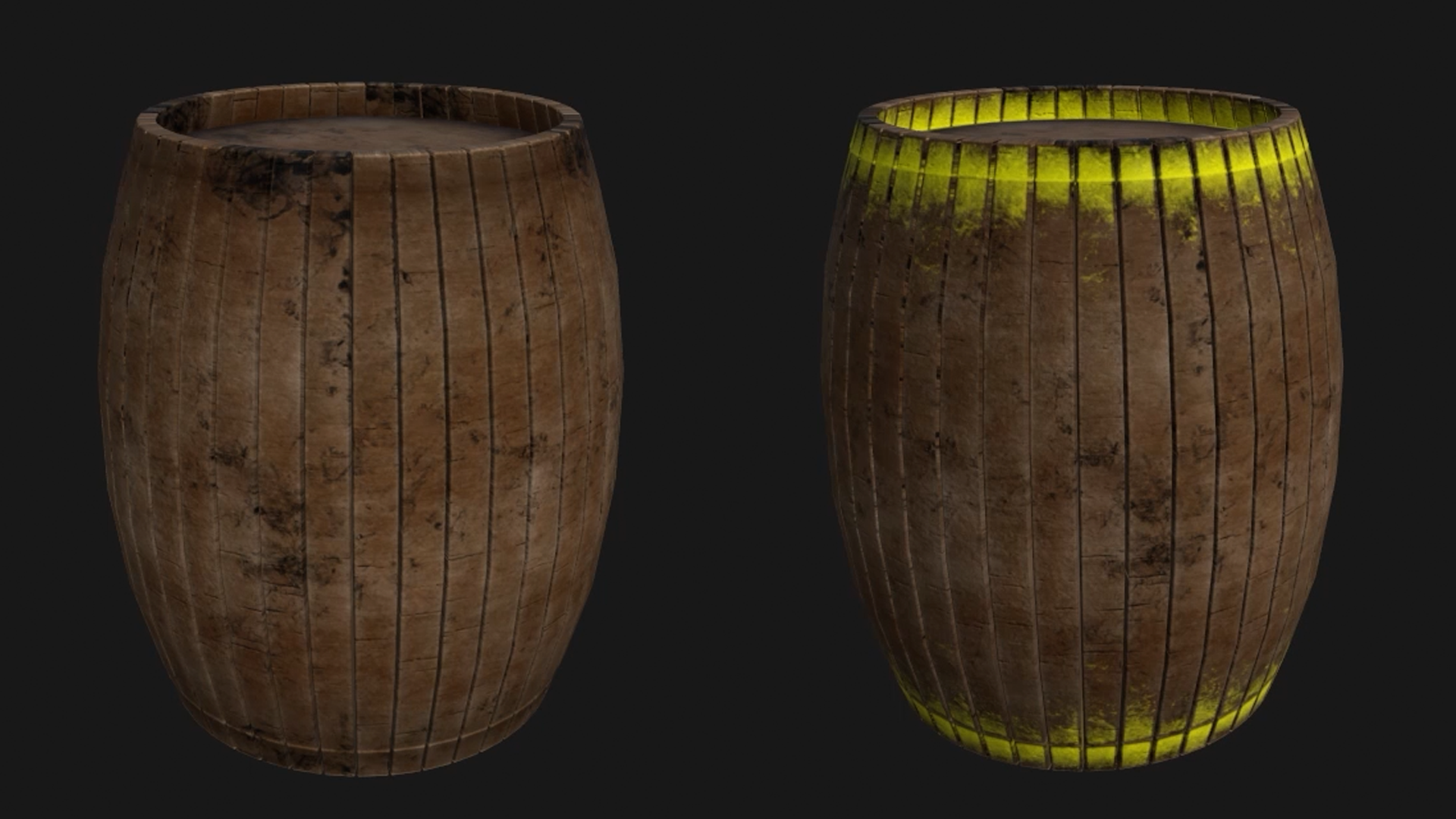
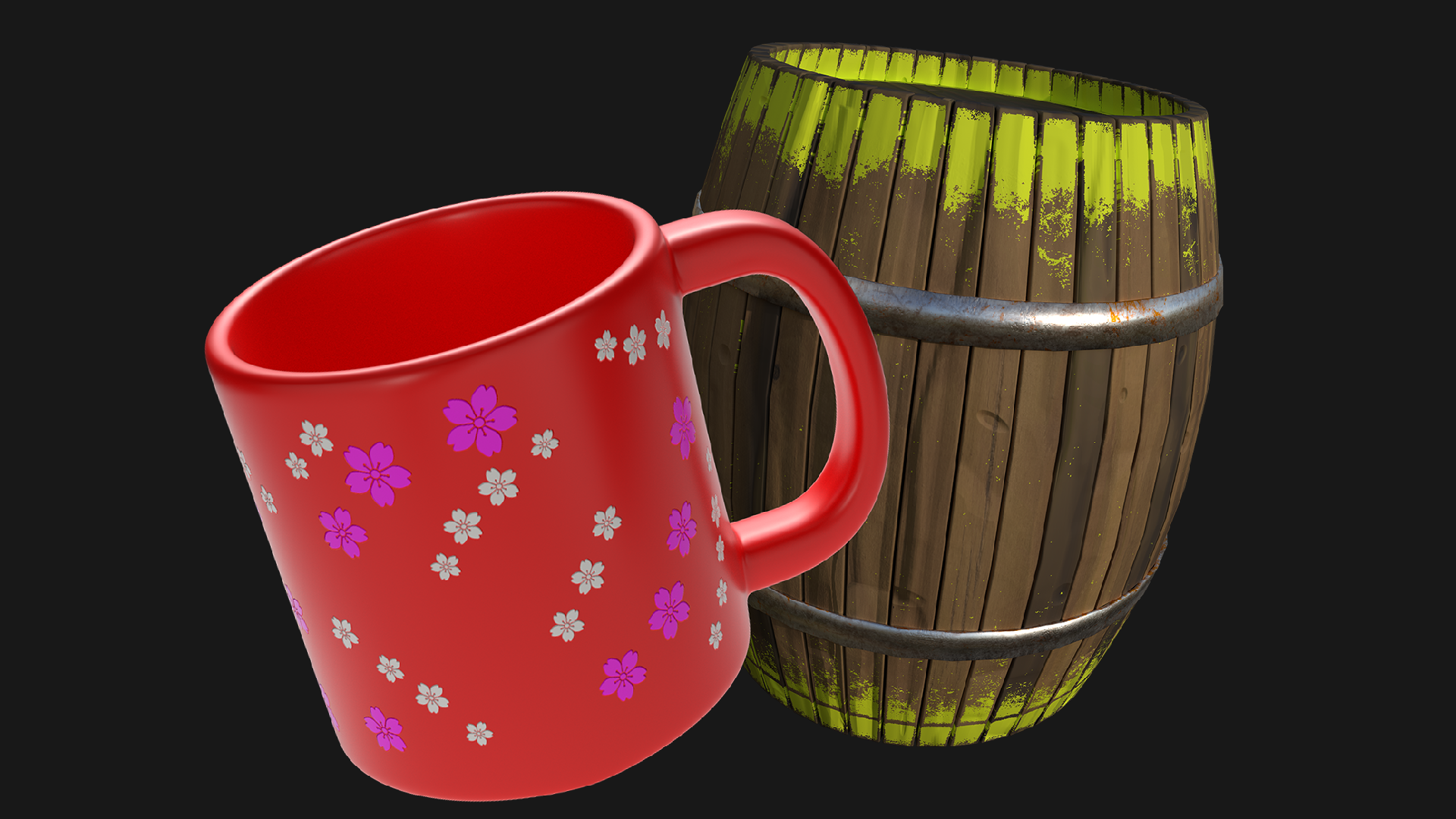
A wooden barrel, textured without a single brushstroke.
Smart materials give you aged wood in one click, and masks let you control exactly where each layer shows. Generators then add rust and bright yellow paint along the edges, the kind that tells a player there’s something to interact with. Swap one colour and it becomes a whole new prop.
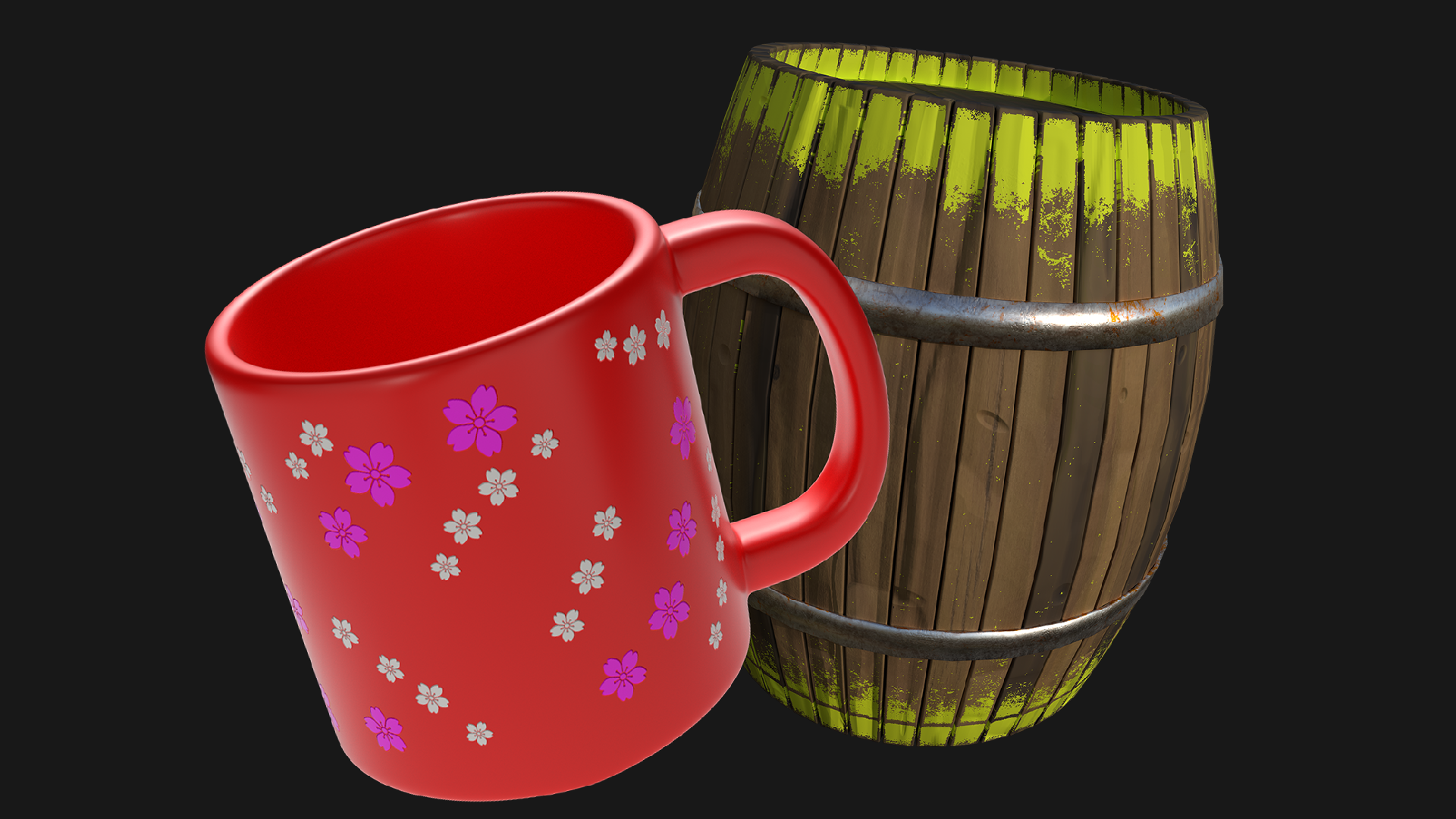
Polished renders and texture maps, ready for your game engine.
Two finished props, rendered and ready for your game engine.
You’ll light each project with an HDRI, take a polished Iray render for your portfolio, and export texture maps with the right template for Unity or Unreal. By the barrel, you’ll be importing, baking, painting, rendering and exporting on your own, the whole workflow from start to finish.
What you’ll learn
Take a 3D model from plain grey to game-ready textures in Substance 3D Painter.
Paint straight onto 3D models with brushes, stencils, shapes and your own images.
Drag on smart materials and watch realistic wood or metal appear in an instant.
Add rust, wear and paint along the edges in one click with generators and masks.
Keep your work tidy with layers, and create two colour variations in one file.
Bake your model’s maps so dirt, edges and shading land in all the right places.
Light your scene with HDRIs and take polished Iray renders for your portfolio.
Export texture maps with the right template for Unity, Unreal or your engine of choice.
30 Day Money-Back Guarantee
100% refund, no questions asked.Lifetime Access
Access your content on any device, at any time.Teaching Support
Never get stuck with our teaching assistants on call.About the course
Want to paint detail straight onto a 3D model, then add realistic wood, rust and wear in a single click?
Substance 3D Painter has a lot of buttons, and a first look can feel like a lot. Taken one tool at a time, it’s far friendlier than it seems.
You’ll spend the first hour getting comfortable on Painter’s own sample model: setting up, finding your way around and painting your first strokes. Then you’ll take two props all the way from import to finished render. The mug is painted by hand, so you get to know the tools. The barrel is procedural, so you learn to let Painter do the work.
Along the way, you’ll use layers, jitter, stencils, height and roughness, projection, mesh map baking, smart materials, masks, generators, HDRI lighting, Iray rendering and texture export.
Both models are supplied, so there’s no modelling needed, and you can follow along on Adobe’s 30-day free trial. Your instructor, Chris, shows every hotkey on screen, sets a challenge in nearly every lecture, and brings plenty of good humour (scaly barrels included). And if you get stuck, our teaching assistants and community are there to help.
Make your own models in Blender? This is the natural next step before taking them into a game engine.
By the end, you’ll have two finished renders for your portfolio and two sets of game-ready texture maps.
Ready to bring your models to life? Let’s start painting.
Curriculum
Instructors

Chris Caviness
Hello everyone! My name is Chris.
I have always had a fascination with game development ever since I was a young child in the 90’s, which led to me obtaining a Bachelors Degree in Video Game Production. I found my greatest strength as a 3D artist, which led me into a technical career across various industries in managerial roles, such as e-commerce, architectural visualization, and the aerospace industry. I also picked up some freelance work on some independent game projects as both a 3D environment artist, and as a producer. As a manager across multiple industries, I also made sure to further my learning by becoming a Certified Scrum Master (CSM), and a Project Management Professional (PMP).
My focus has always centered around video game development, and having the opportunity to work alongside creatives who share this same passion is a dream scenario for me. I am incredibly excited to be here to help you achieve your goals along your game development journey, and I am looking forward to seeing everything that you create along the way.