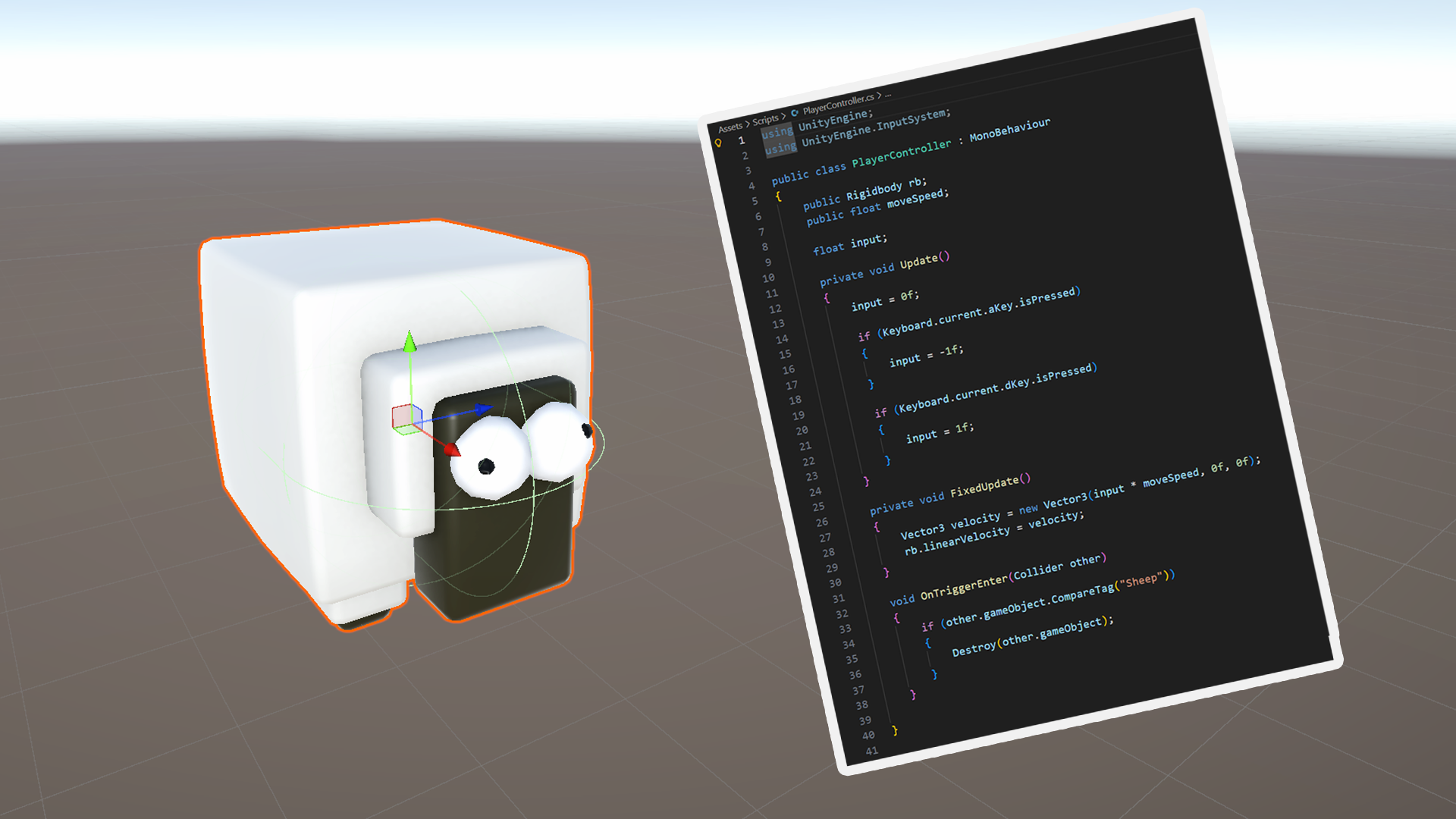
Get Started With Unity - FREE Course
Start learning C# and Unity by making a fun, simple catching game.
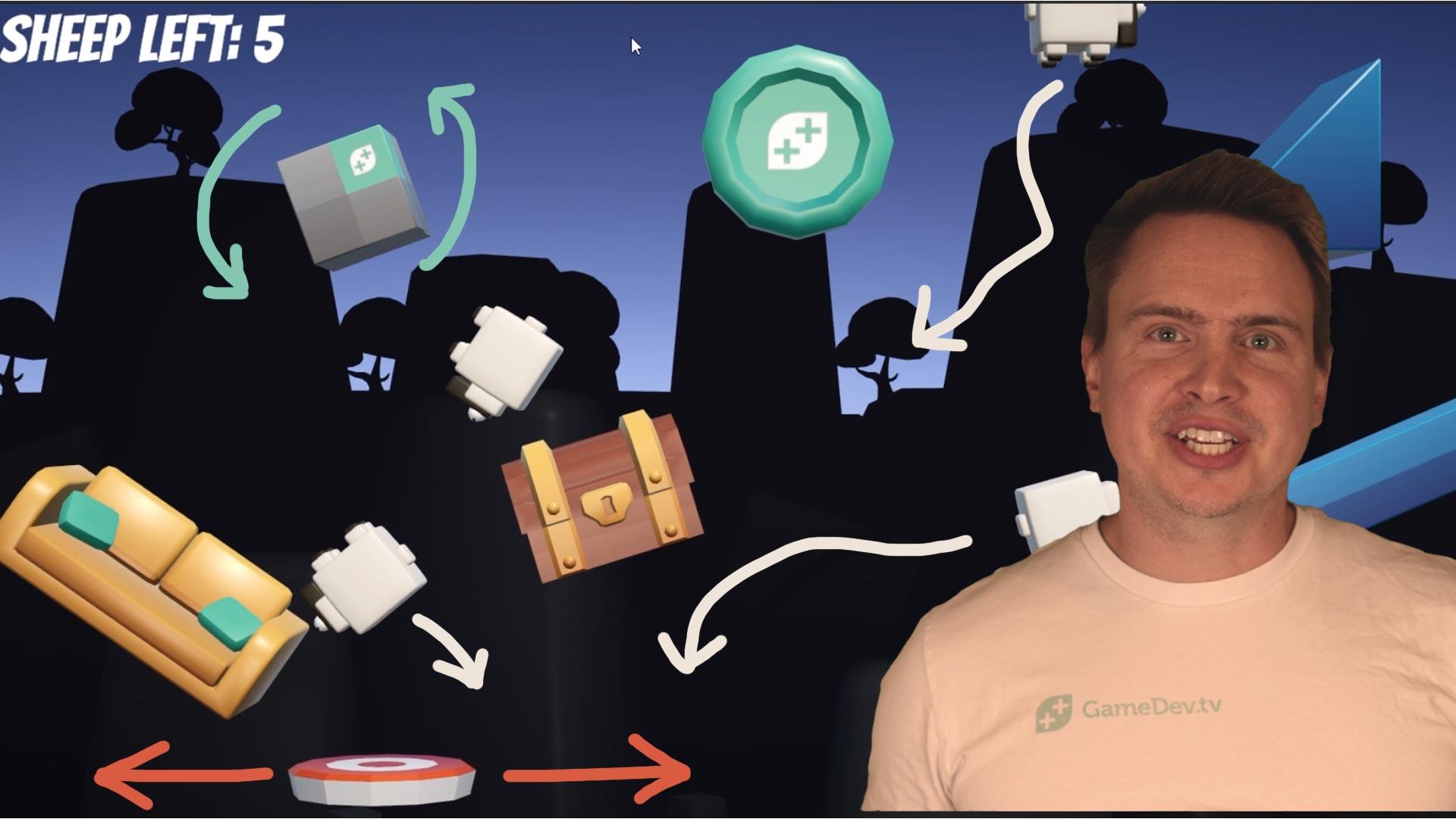
Make Your First Game in Unity
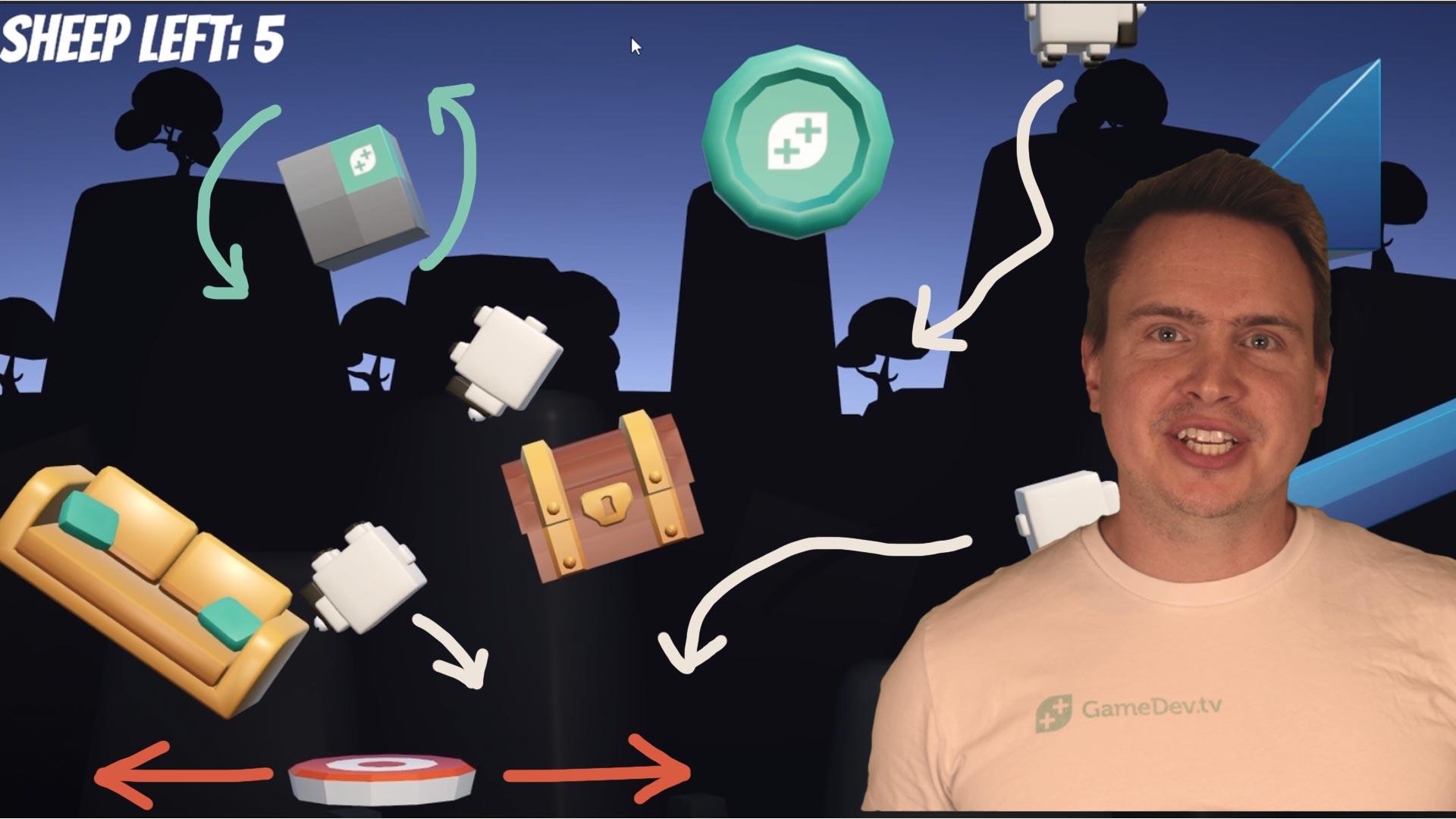
This game won't win you any awards, but as you walk down the street people will feel the amazing confidence you have by being a proper game developer!
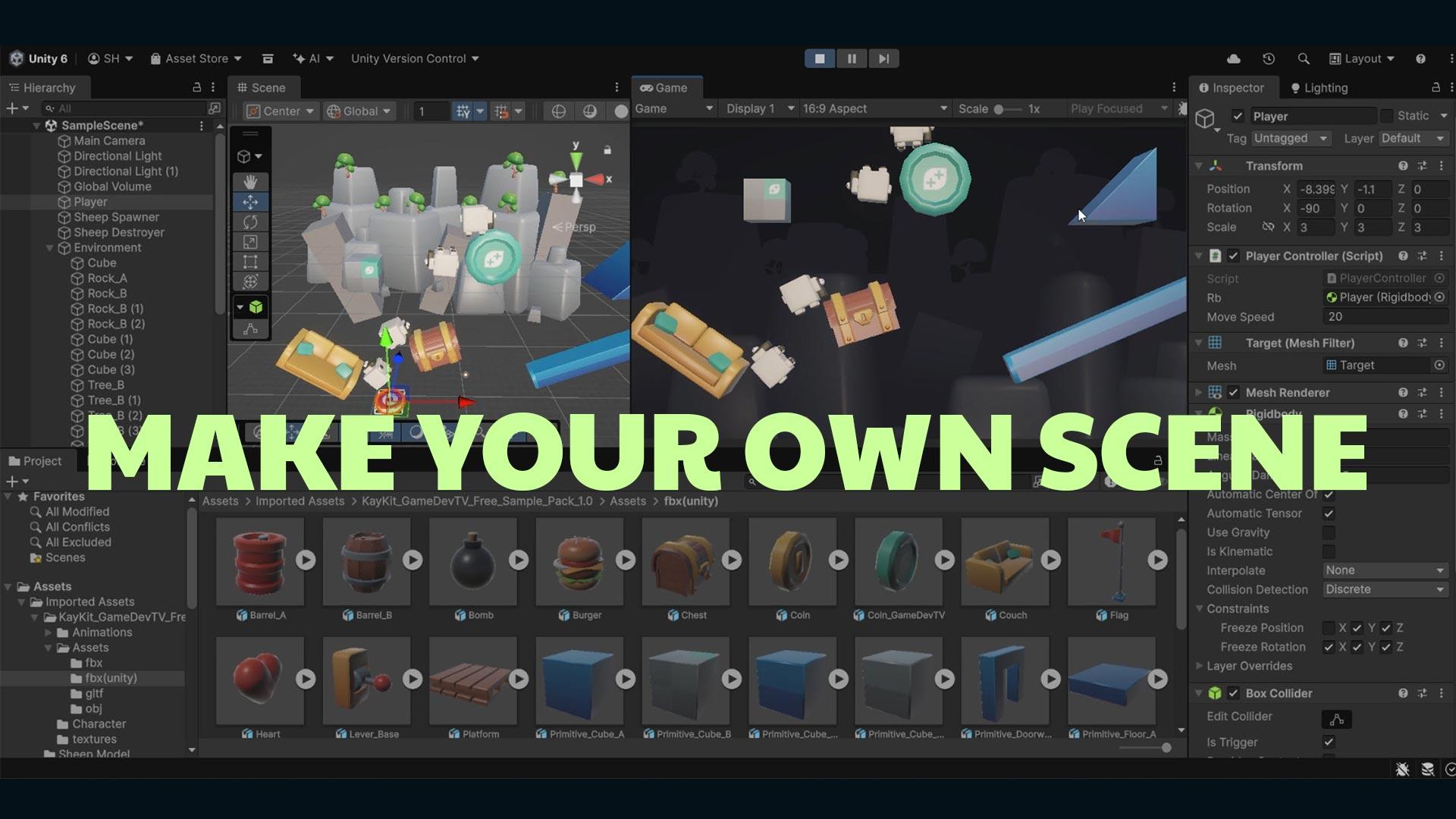
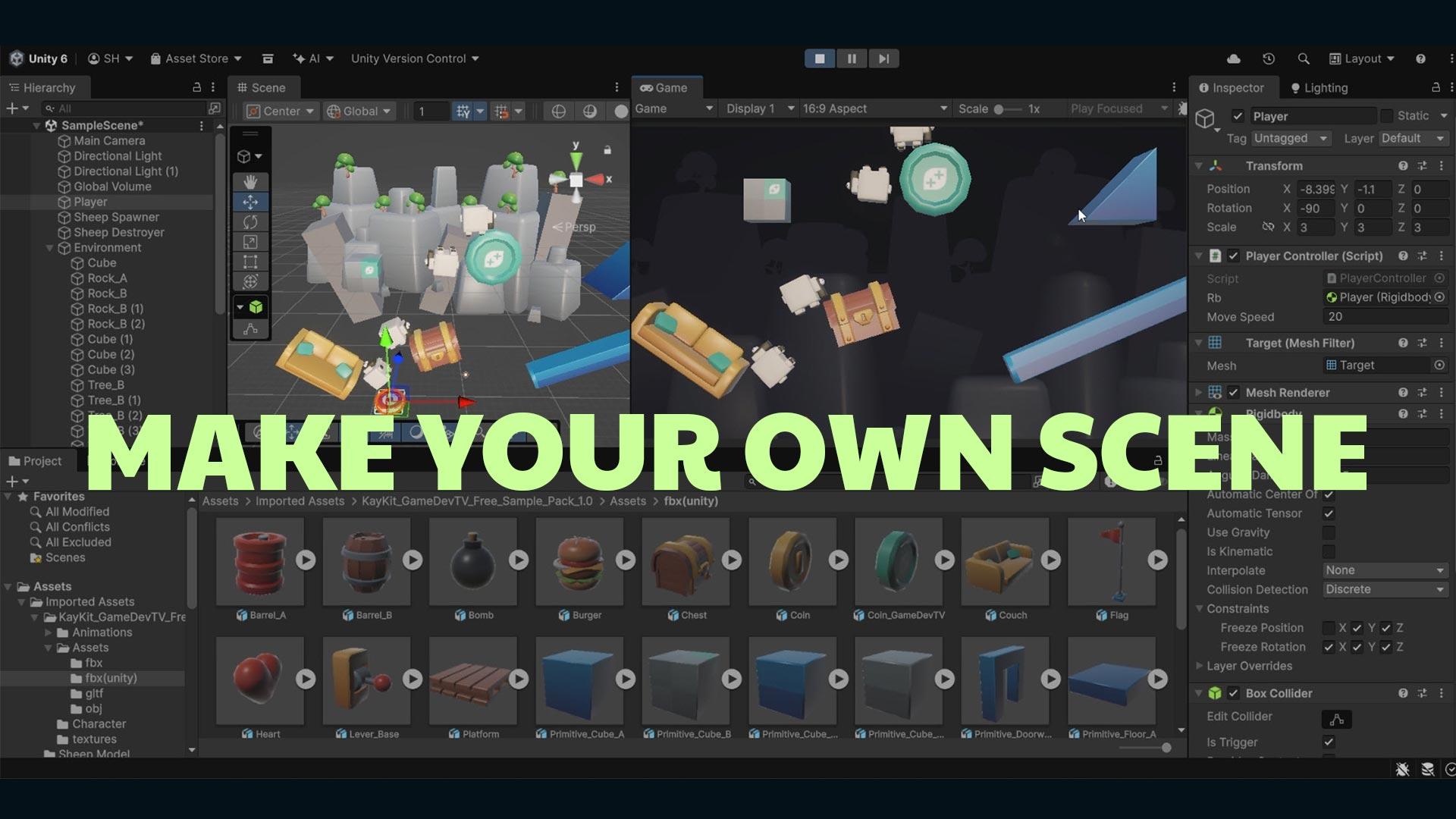
Learn the Unity Interface by Placing Environmental Game Assets
We've given you some FREE prototyping assets (from KayKit) that you can use to make your game look a bit spiffier.
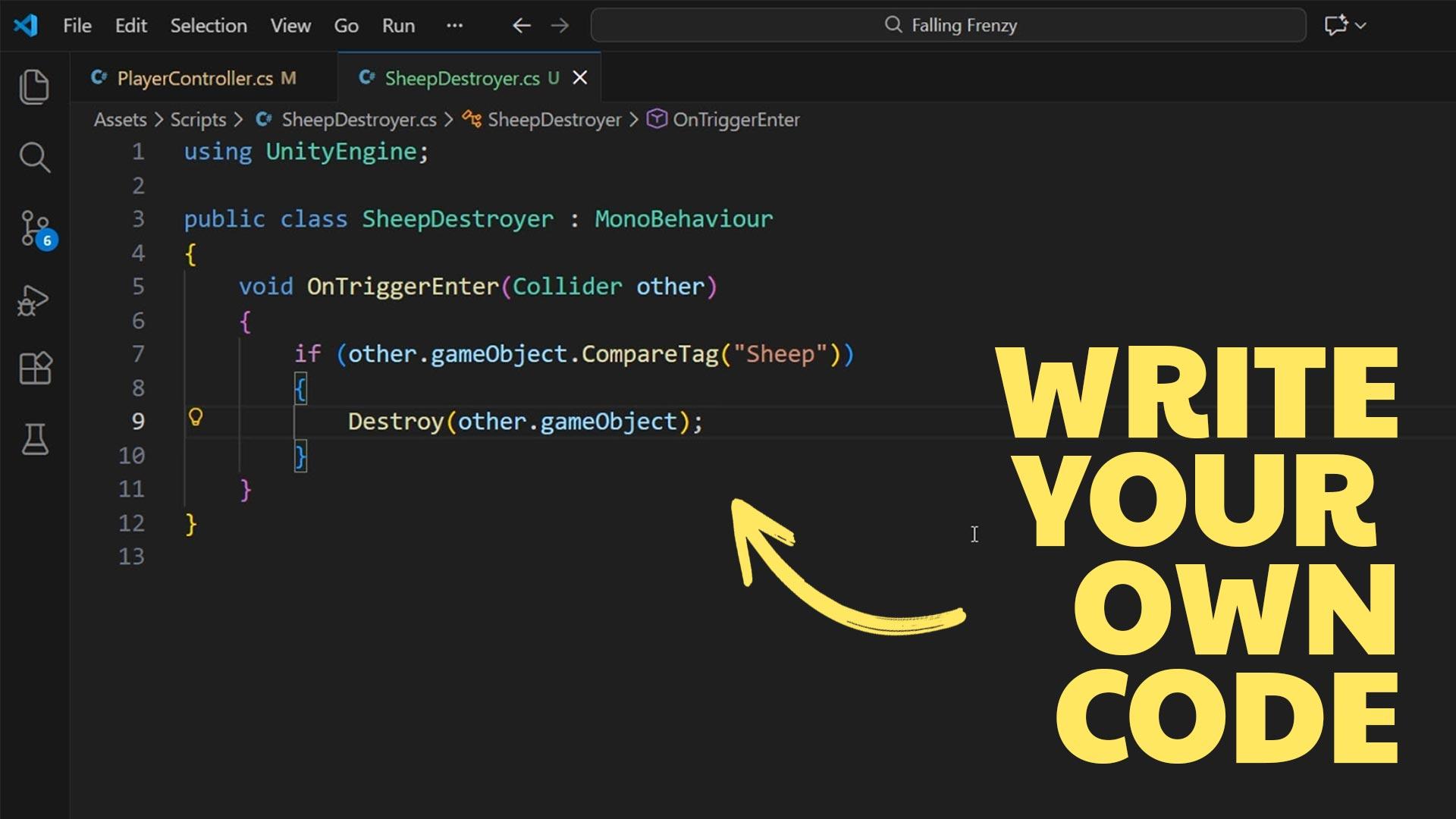
Learn to Code by Making Games
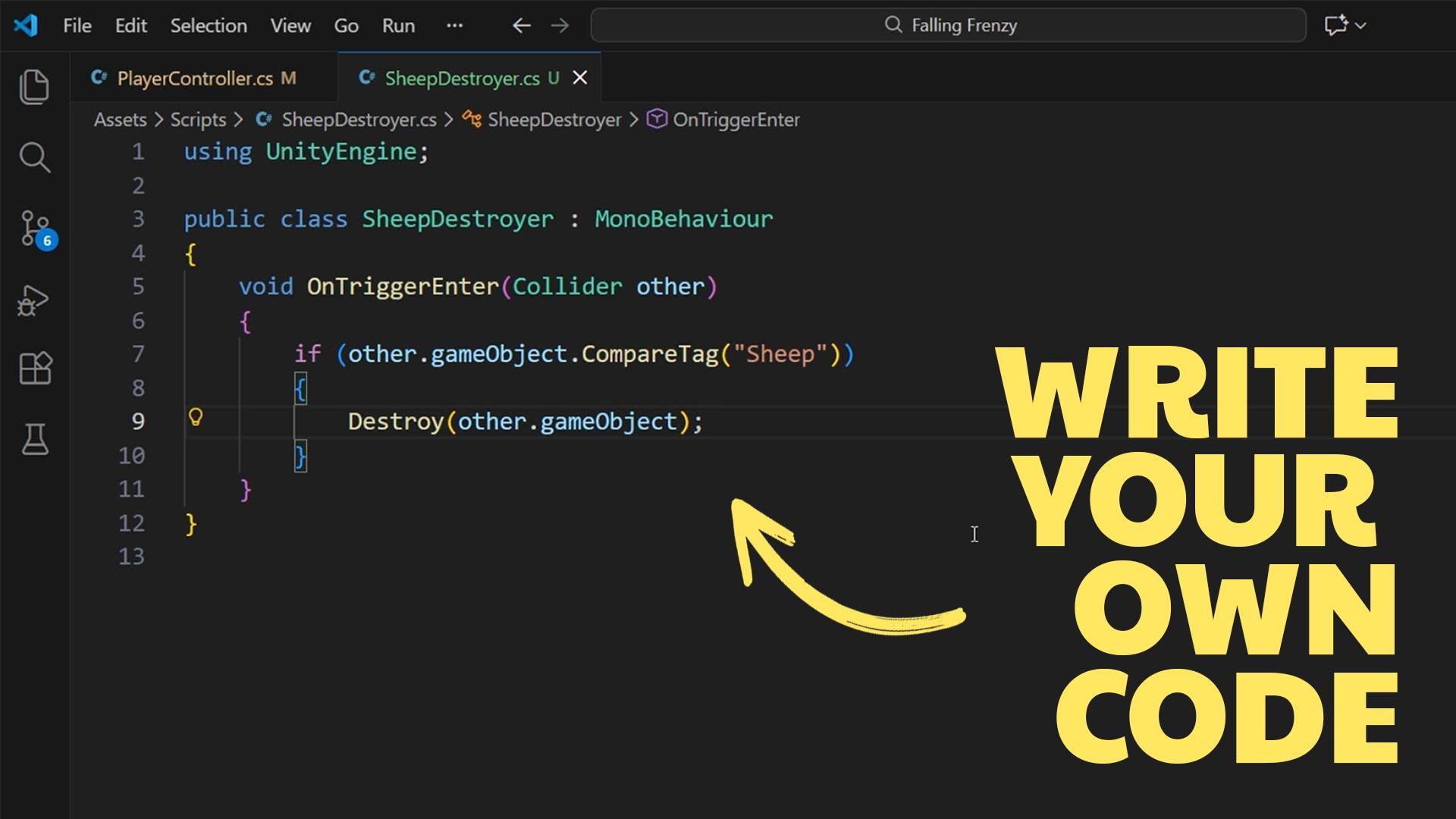
In this course we'll teach you the very basics of the coding language, C#, so you can start your journey of learning to code by making games.
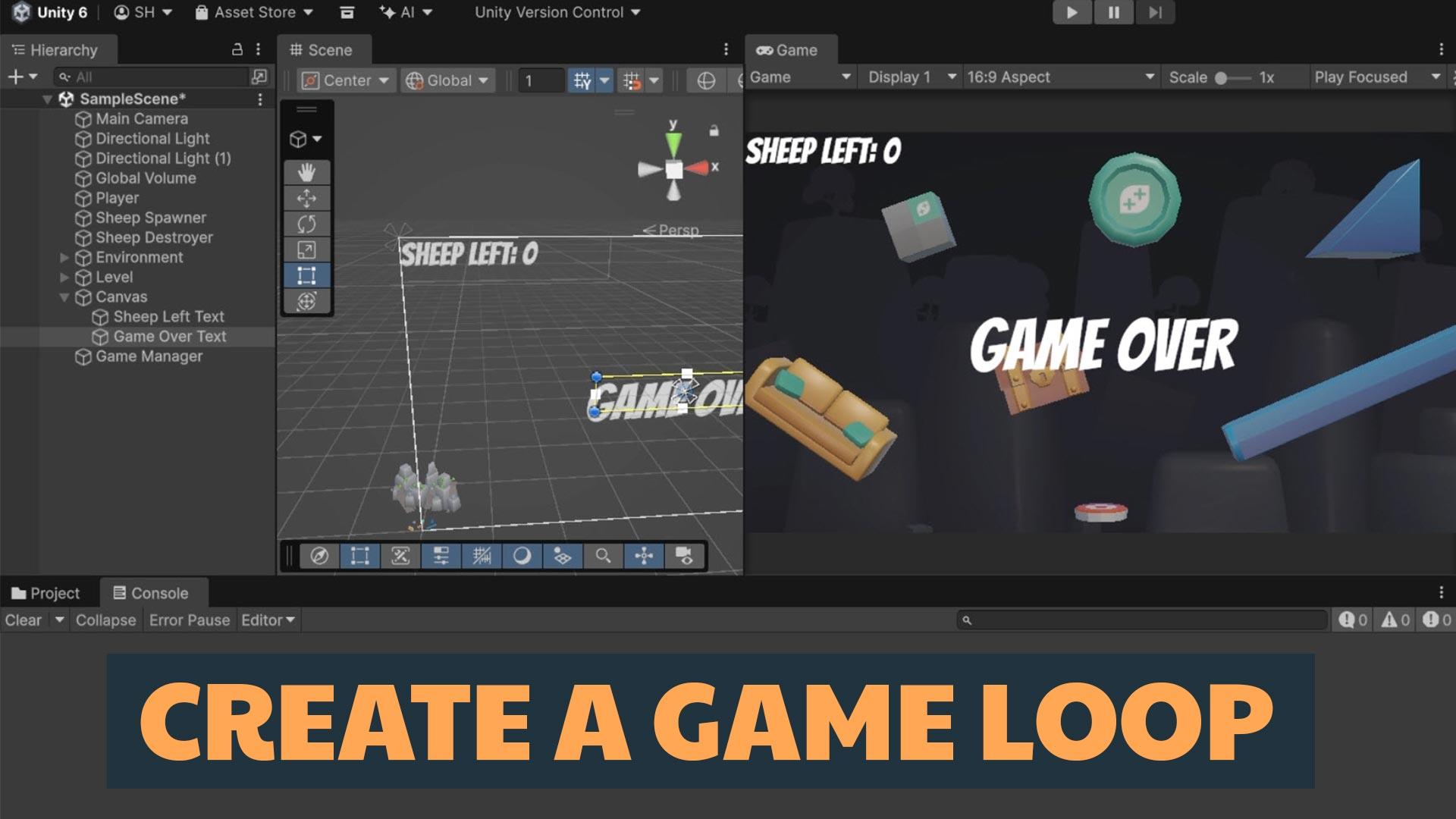
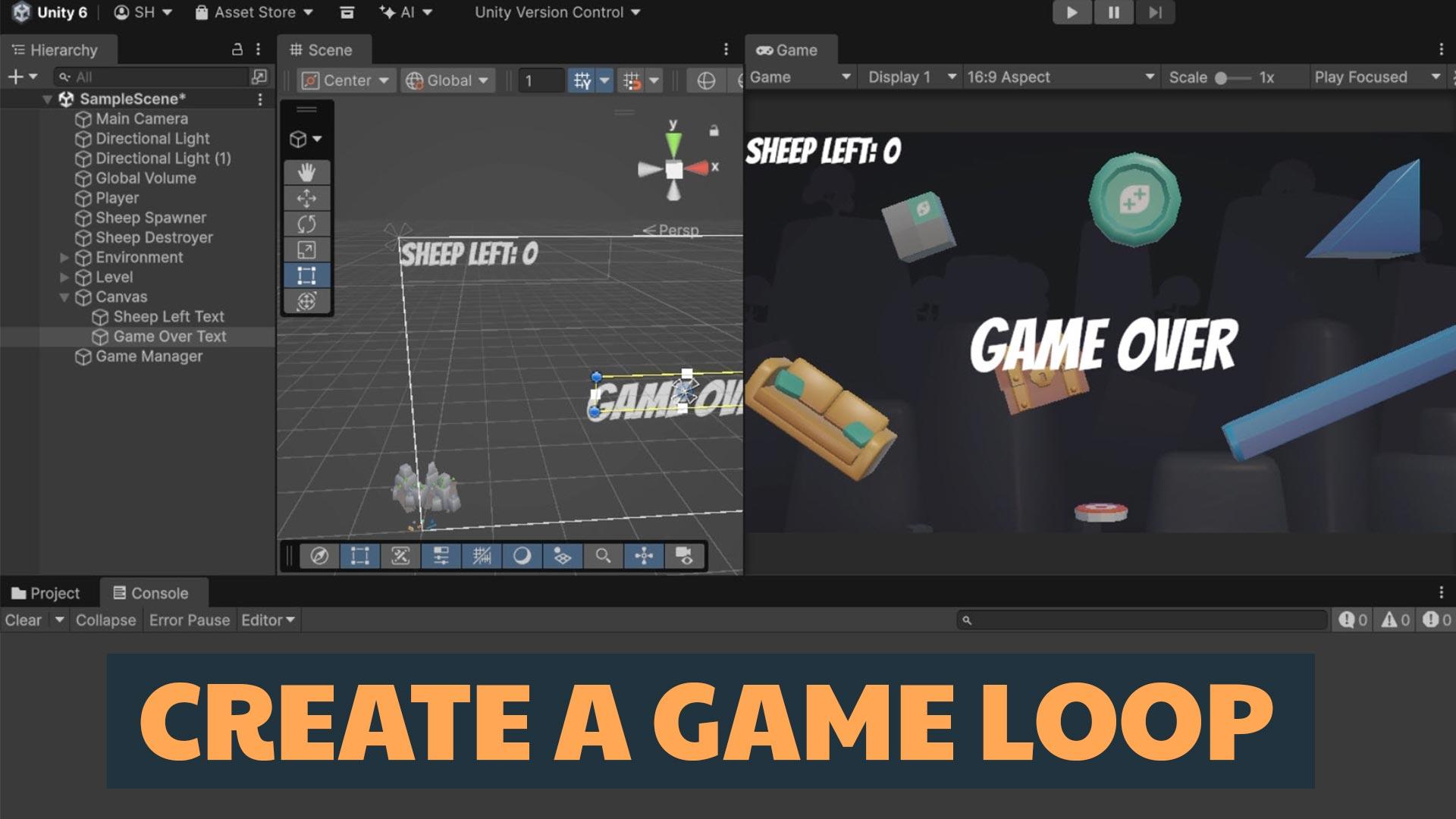
Create User Interface and Game Loop
You'll give your player a way to play and lose your game if certain conditions are met. Along the way you'll get to implement some simple user interface to give the player text information on the screen.
What you’ll learn
Get started learning C# and fundamental programming concepts.
Explore Unity's super useful Physics system to quickly make gameplay mechanics.
Learn the foundational concepts in Unity such as Game Objects, Components, Collision and a whole bunch more.
Learn important C# concepts such as methods, classes, if conditions, arguments and more.
30 Day Money-Back Guarantee
100% refund, no questions asked.Lifetime Access
Access your content on any device, at any time.Teaching Support
Never get stuck with our teaching assistants on call.About the course
Get started on your game development journey by learning the Unity Game Engine!
Wondering where to start if you want to make games?
Right here. With this course. Today! The course is quick (less than 2 hours long), painless (we've taught more than 2 million students, we know what you need) and an awesome way to get some momentum and confidence.
And did we mention that the course is FREE? It is.
What's in the course?
- Introduction to the fundamentals of Unity and C#.
- Make a fun physics-based game that you can challenge your friends to play.
- Get your first taste of important coding concepts such as variables, methods, classes, if conditions, arguments and more.
- Also get your hands dirty playing with Unity by adding Components, Instantiating Game Objects, adding physics-based RigidBodies, basic player input system, a bit of post-processing, and a few more useful techniques.
This is a great way to see if Unity is the right game engine for you and a great way to start learning to code by making games.
Curriculum
Instructors

Stephen Hubbard
Hi, y’all! I’m Stephen, fancy seeing you here.
My earliest memories of game design are from my childhood creating custom rules and splicing together board games with my friends. While game development got away from me in adulthood, I’ve reignited my passion for game dev in the past few years.
I’ve fallen into the endless pit of learning all things indie game dev - and I’m absolutely obsessed. Whether it's leveling up my programming ability, learning a new vfx trick inside Unity, or flexing my art skills in Blender or Asperite, there's always something new to learn!
Other hobbies include hiking with wife and son in the Utah mountains, finding a new video game to obsess about, and pretending to be good at poker.