Blender 4 Visual Effects: Master Explosions, Destruction, & Physics
Learn to Create Explosions, Break Objects, and Simulate Realistic Physics in Blender
//
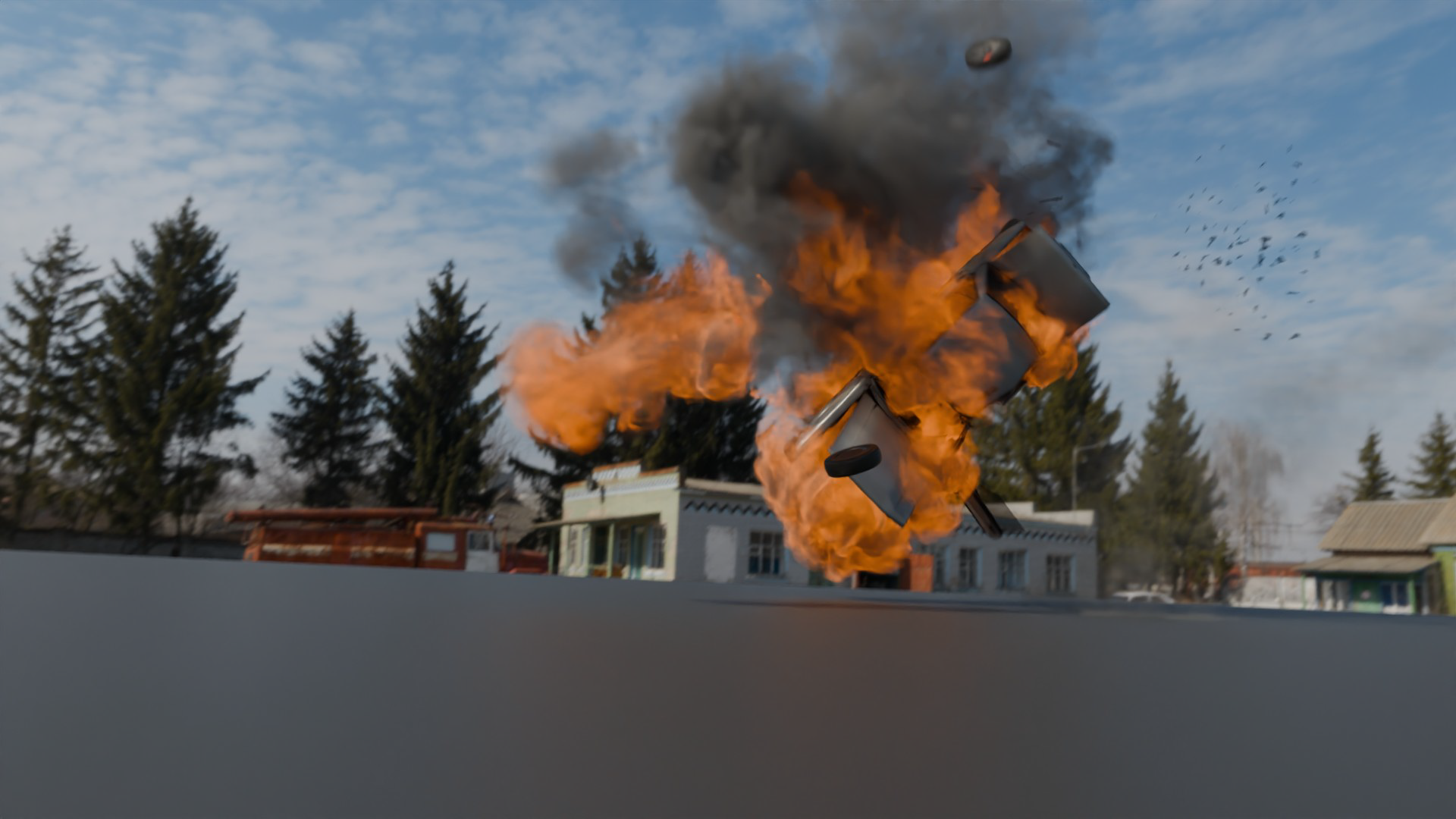
Make Destruction Look Real, Not Staged.
Your scenes look fine. They just don't feel alive. Static scenes stay static until something breaks, explodes or collides believably, and that's exactly what this course teaches. You'll start with the fundamentals of destruction in Blender, breaking objects apart in a way that actually reads as physical rather than fake.
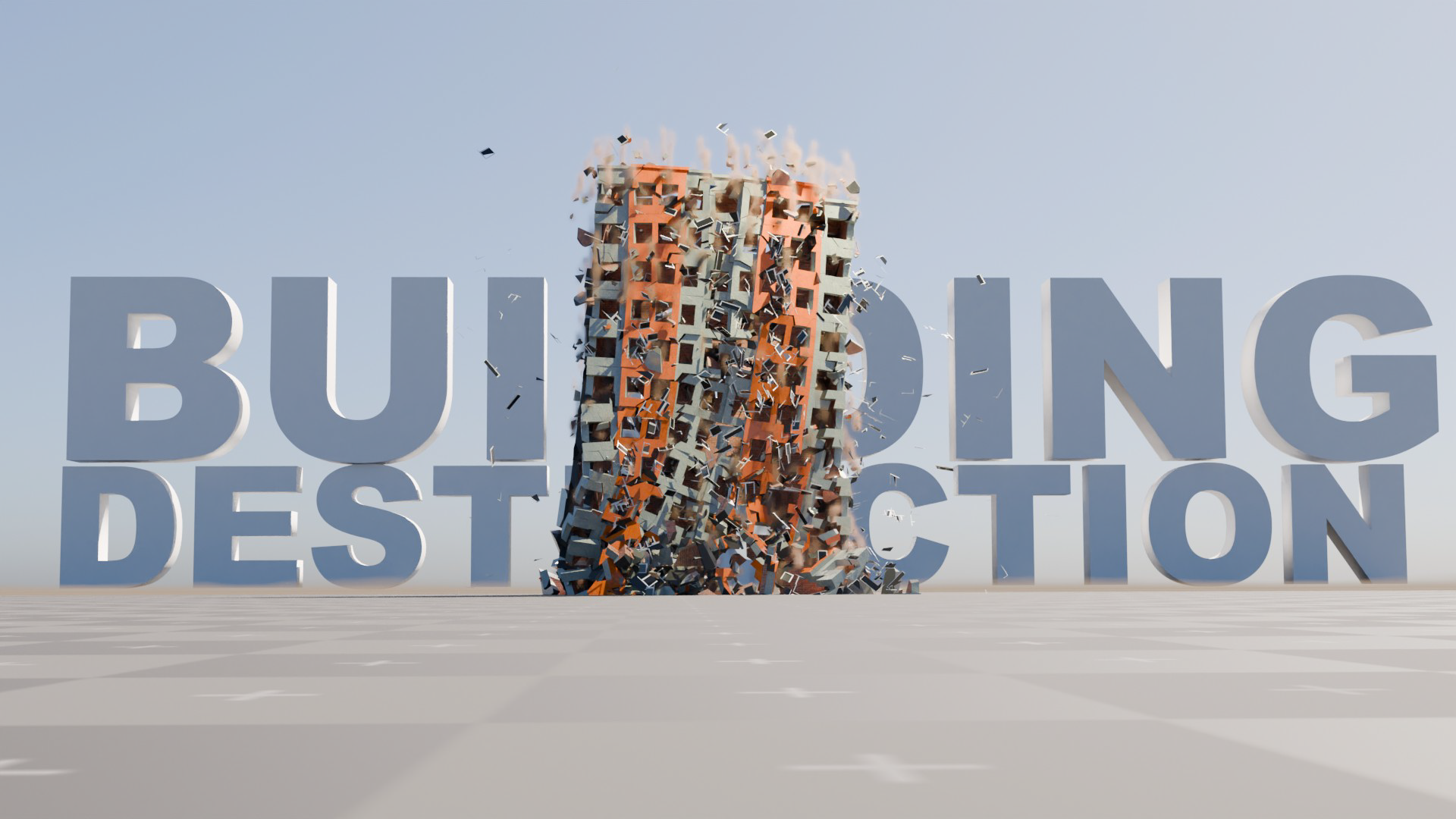
Demolish a Building Without It Looking Fake.
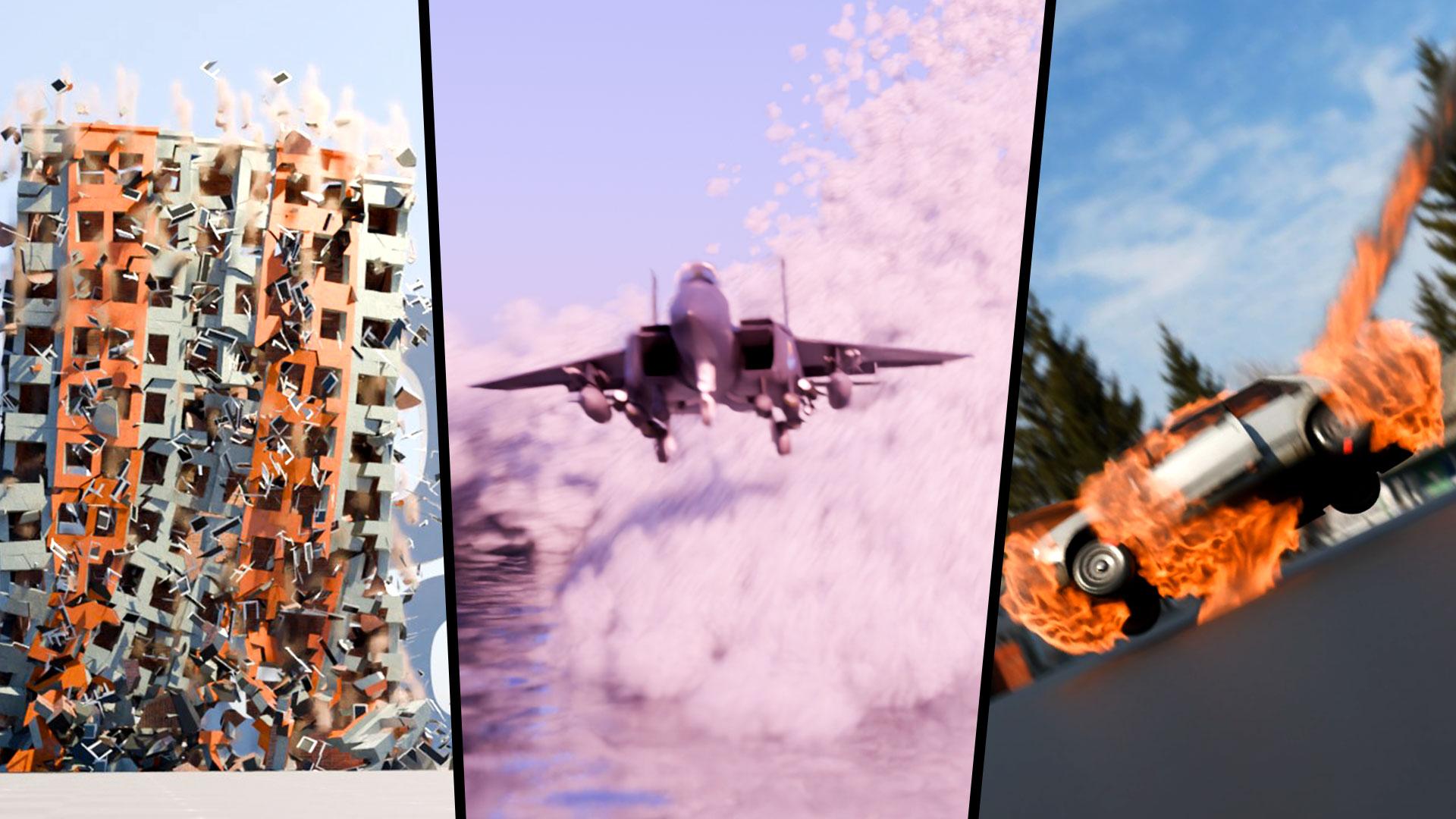
A building falling over isn't the same as a building collapsing. You'll work through rigid body and particle systems that make objects collide and interact with real weight, taking that from a single breaking object all the way up to demolishing entire structures. It's the difference between chaos that looks staged and chaos that looks like it actually happened.
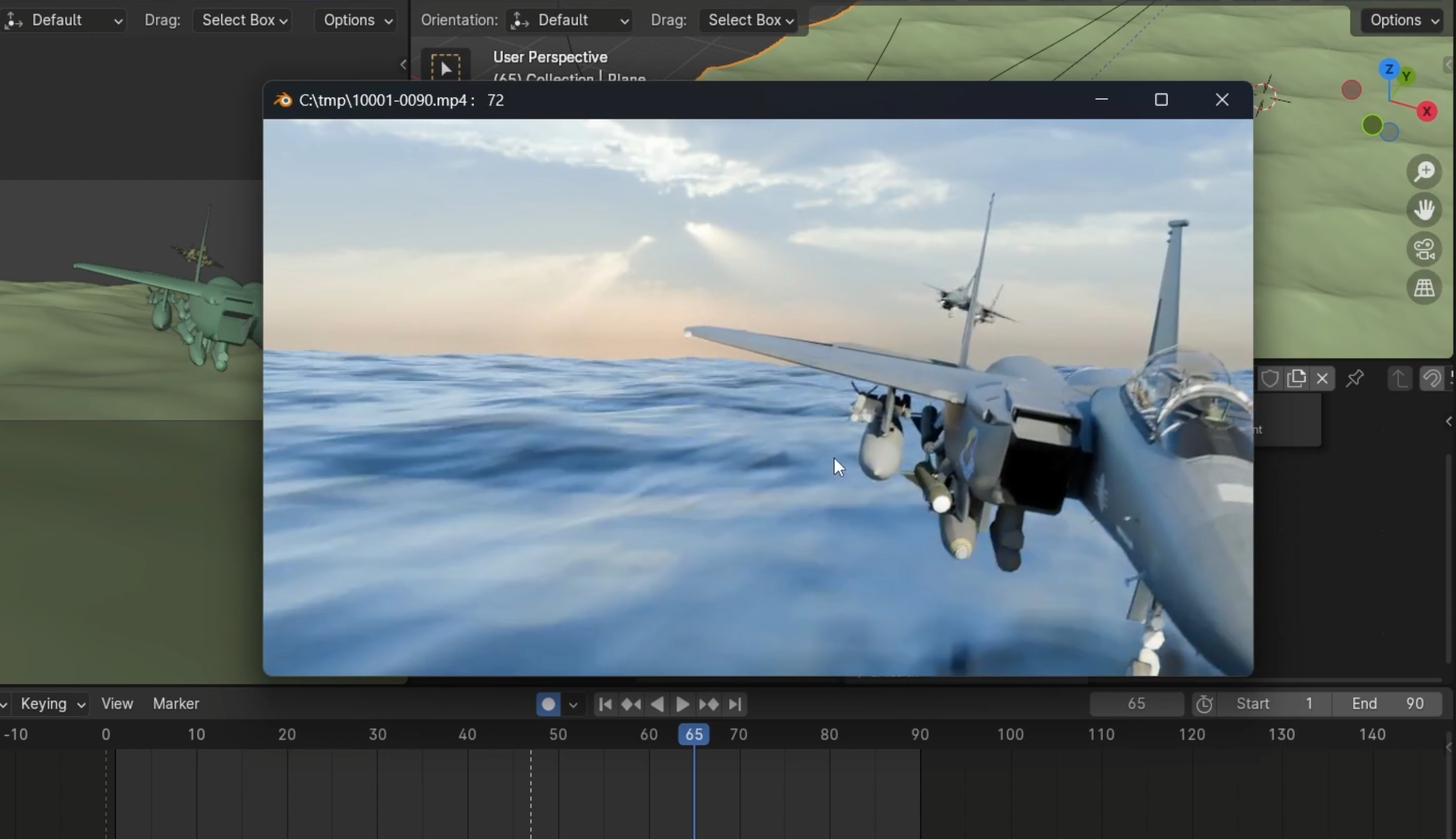
Simulate Fire, Water and Everything In Between.
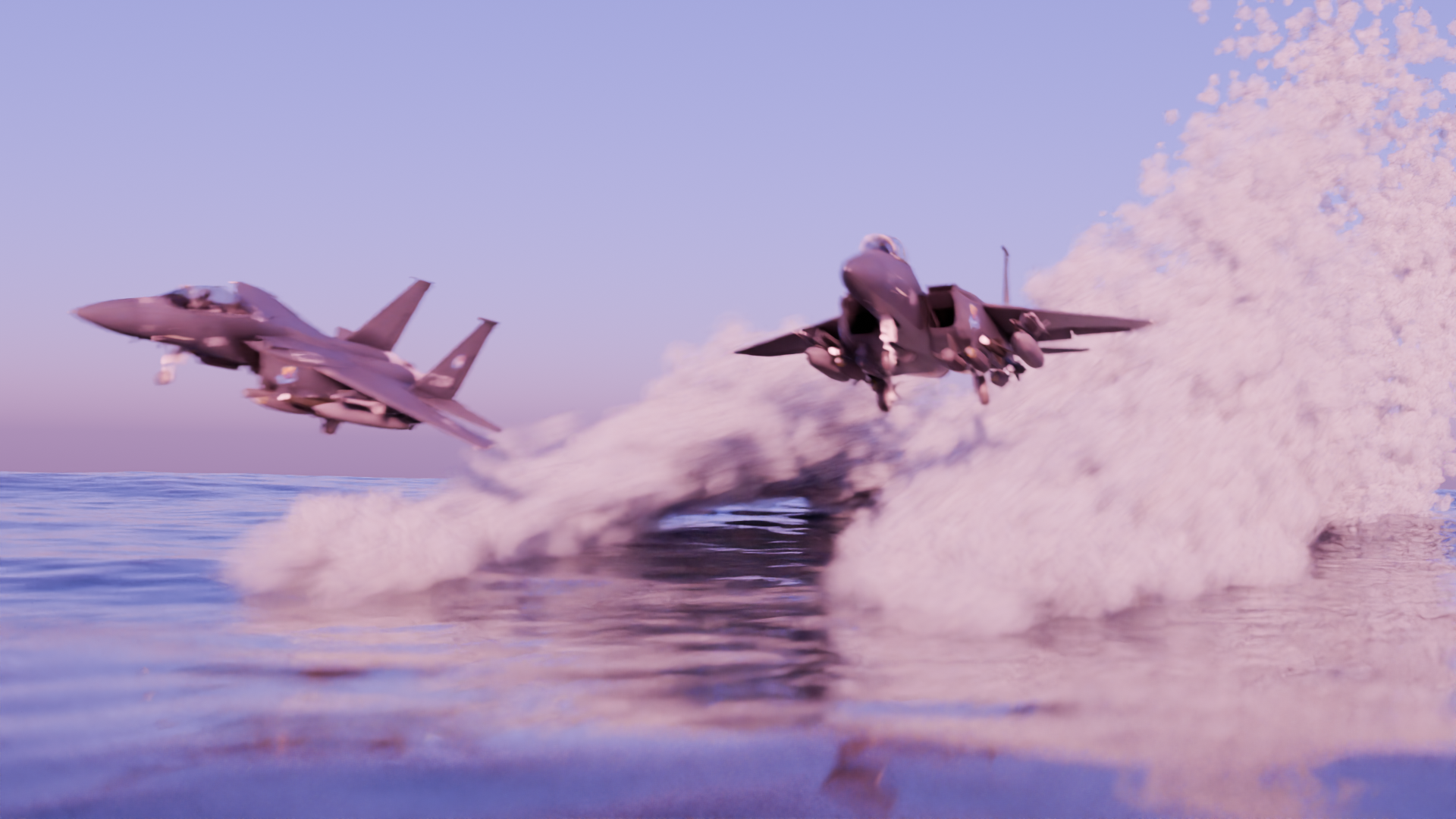
Explosions are only half the toolkit. You'll build fiery destruction scenes alongside water effects, jets carving waves across the surface, splashes that land with real weight. Fire and water behave completely differently in a simulation, and you'll get comfortable with both.
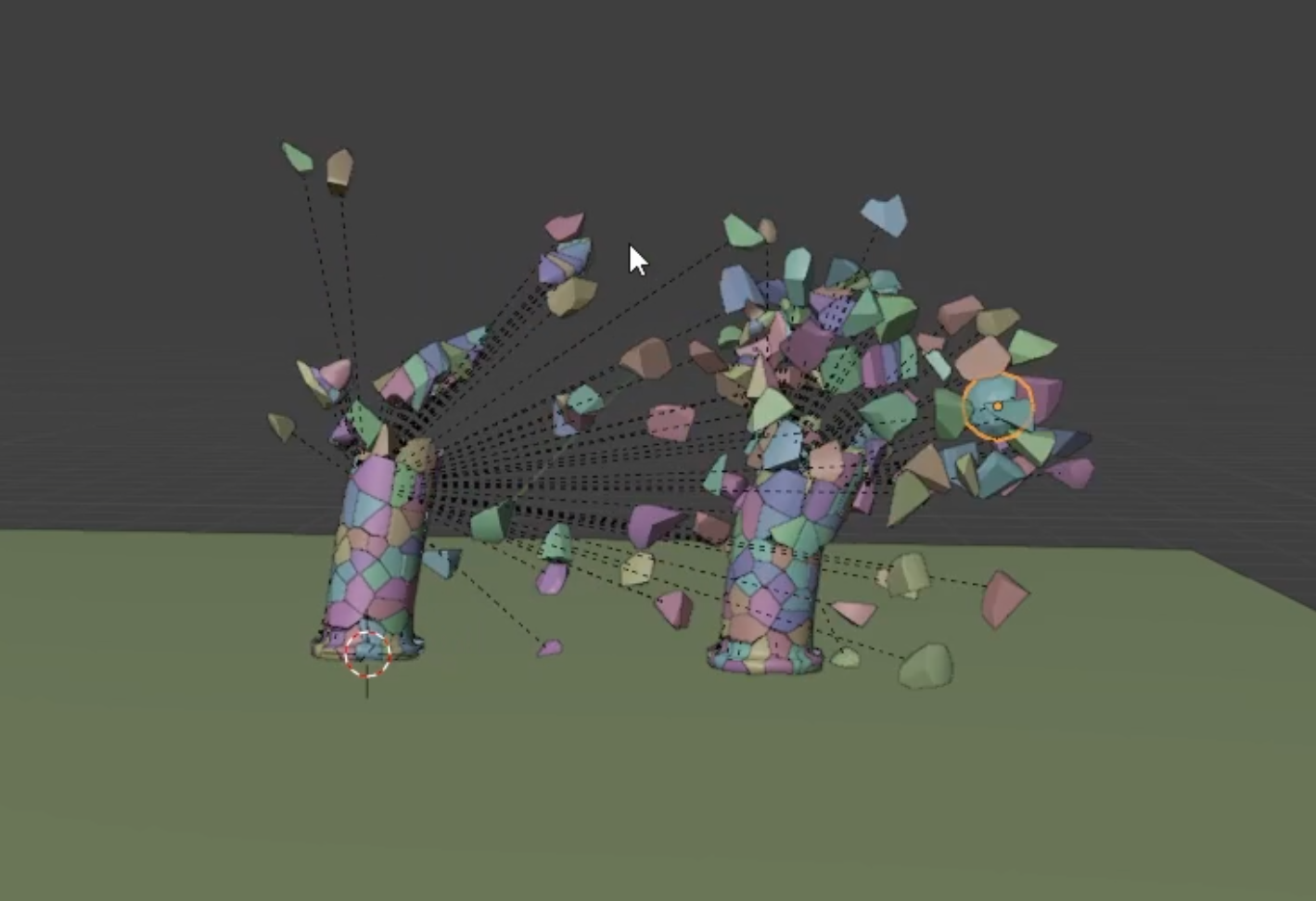
Choreograph Collisions That Feel Physical.
Two objects touching should never look accidental. You'll animate physics interactions and collisions deliberately, timing rigid body and particle behaviour so every impact lands with the weight and chaos it's supposed to. By this point you're not just triggering a simulation, you're directing one.
Build a Full Destruction Sequence, Start to Finish.
Explosion, collapse, splash: one sequence, all your own effects. By the end you'll combine everything, rigid bodies, particles, fire and water, into a single, dynamic scene that goes well beyond a flat, static shot. Whatever needs to break, burn or splash in your next animation or film, you've now got the toolkit to build it yourself.
What you’ll learn
Learn to create jaw-dropping explosions in Blender 4.
Master the art of breaking and smashing objects.
Develop skills to demolish buildings and other structures.
Create epic splashes and fiery destruction scenes.
Build realistic rigid body and particle systems.
Animate stunning physics interactions and collisions.
Make jets soar and carve epic waves across the water.
Add mind-blowing visual effects to your animations and films.
30 Day Money-Back Guarantee
100% refund, no questions asked.Lifetime Access
Access your content on any device, at any time.Teaching Support
Never get stuck with our teaching assistants on call.About the course
Ever wanted to blow stuff up without getting in trouble? Welcome to our new Blender Visual Effects course! Dive into the world of splashes, explosions, and ultimate destruction, all from the safety of your computer screen.
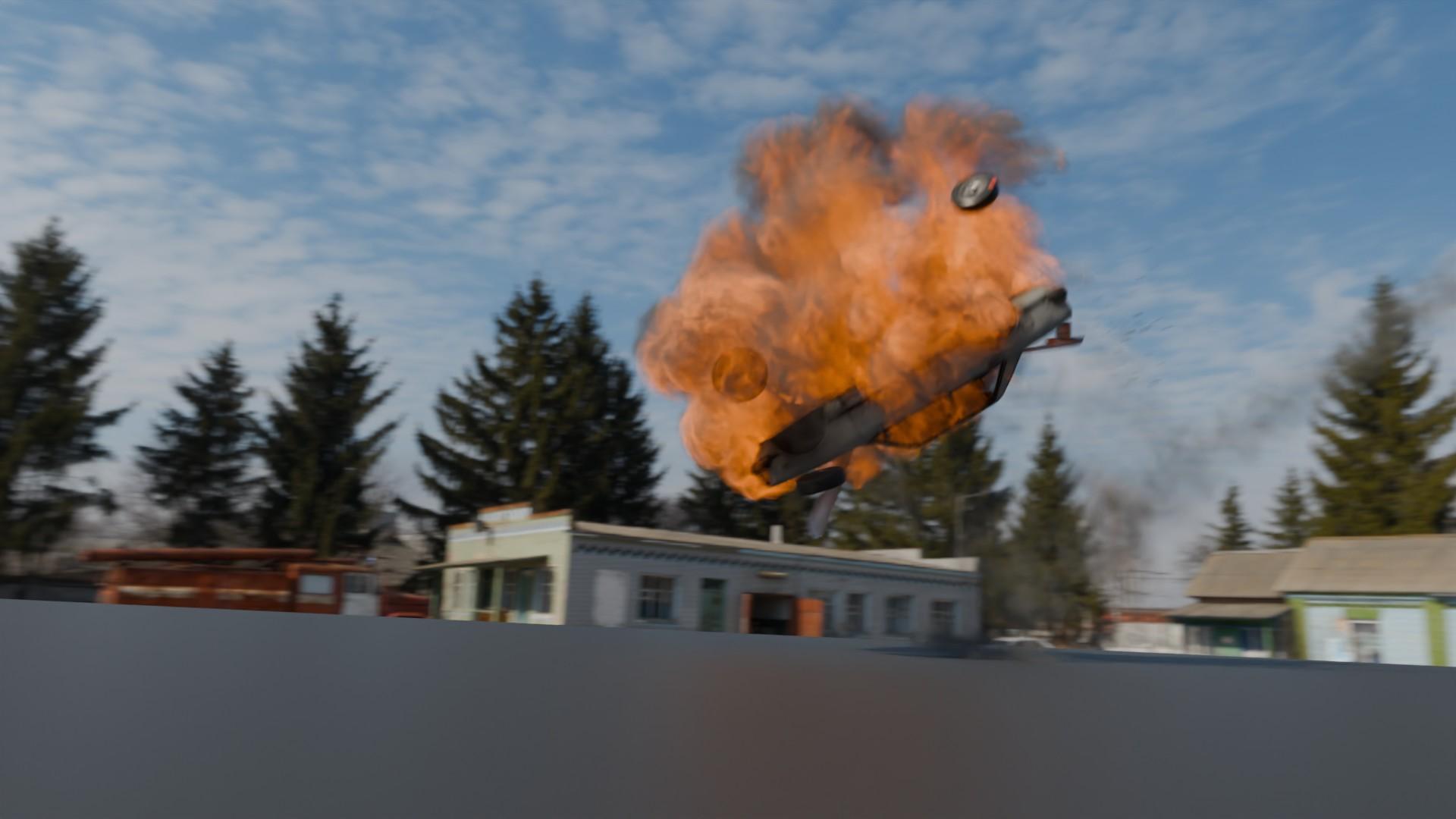
We’ll kick things off with the basics of breaking stuff up in Blender. You'll learn to create epic explosions and break things like a pro. By the end, you'll be demolishing buildings and making cars go boom. It’s all about making chaos look awesome.
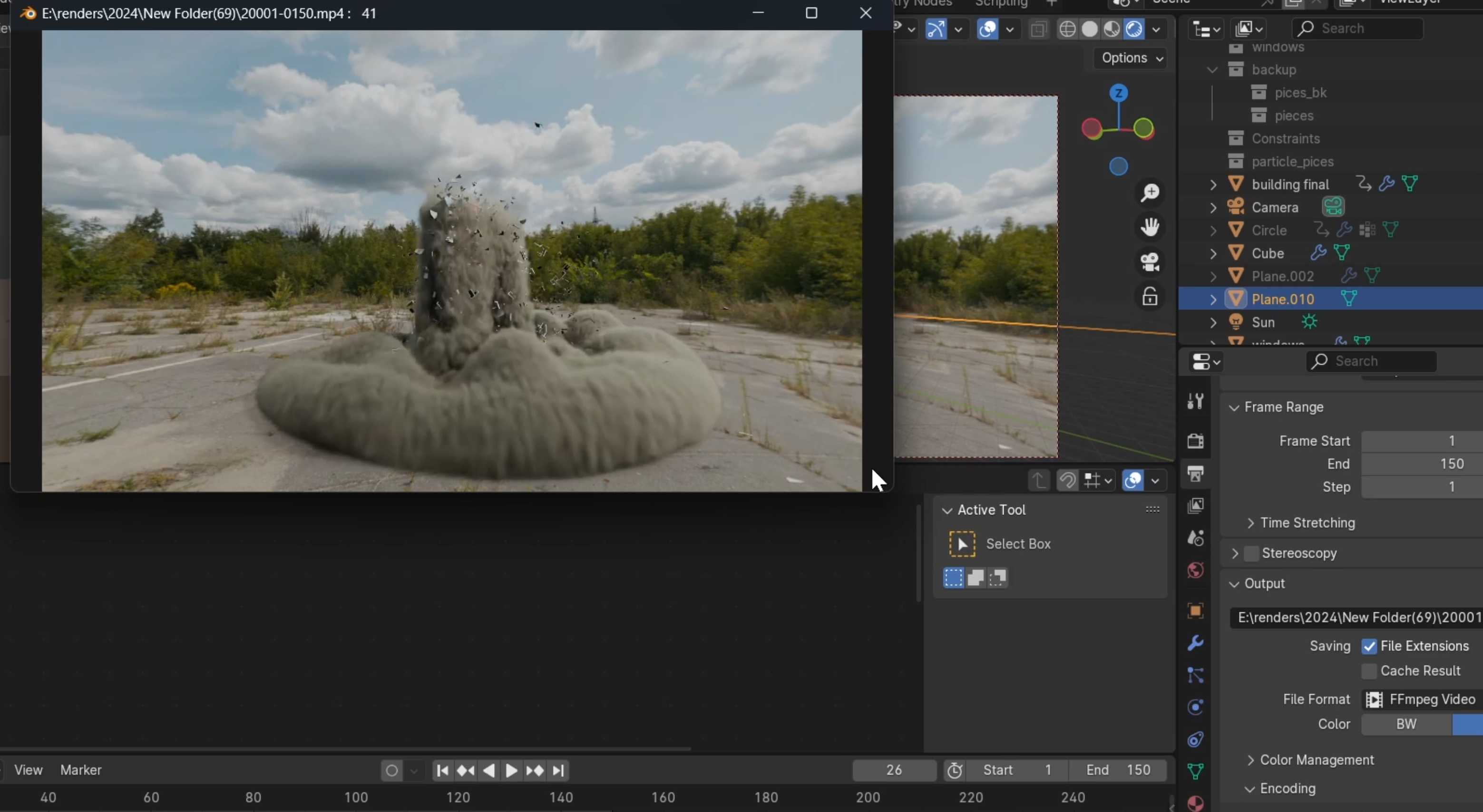
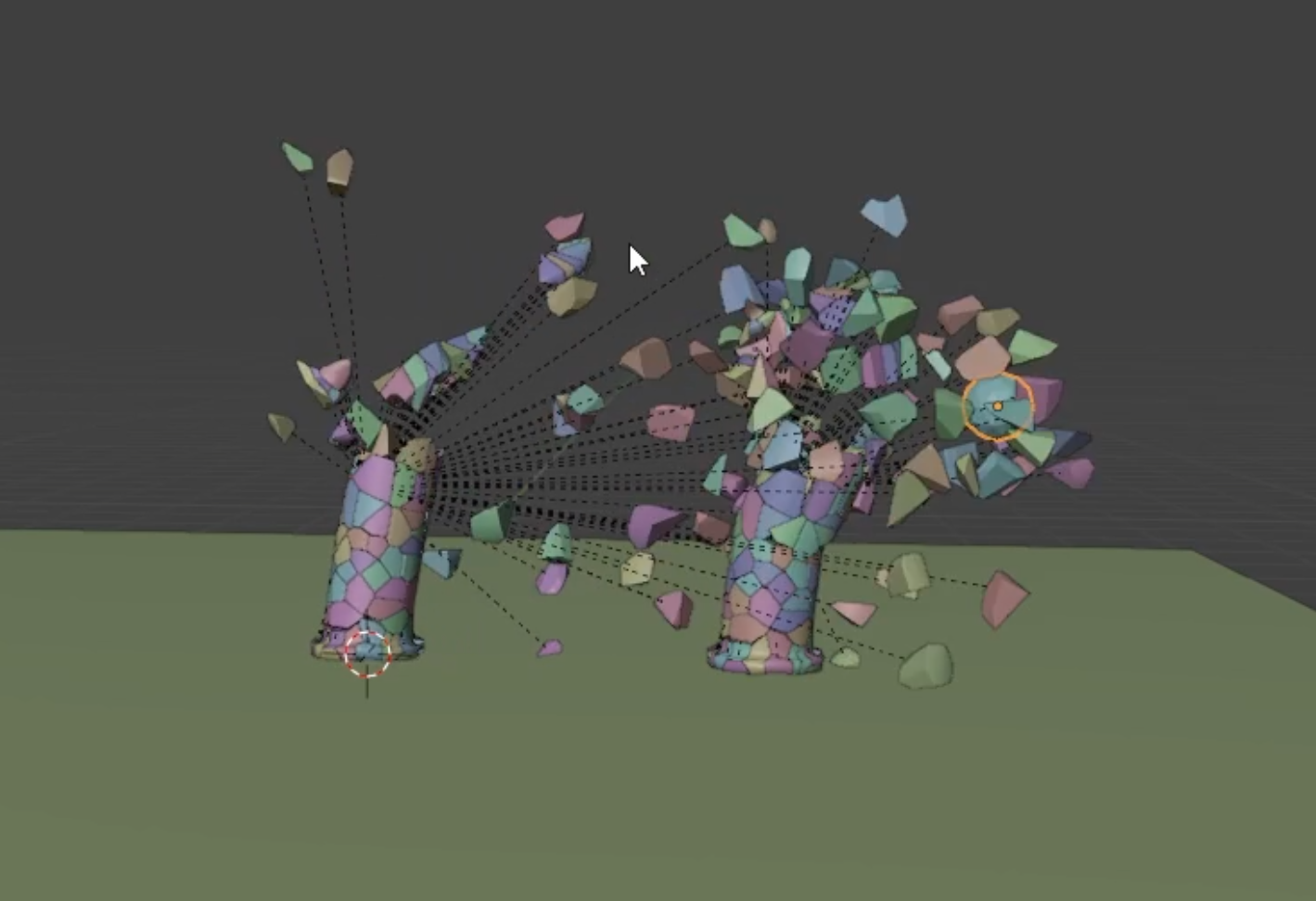
But it's not just about explosions. We'll get into the nitty-gritty of Blender's rigid bodies and particle systems. You’ll understand how to make objects collide and interact with realistic physics. It’s like playing with digital Legos that can explode!
Imagine jets flying across water, leaving waves behind. Yeah, we’ll teach you that too. You'll be able to add splashes and other effects to make your scenes come alive. It's all about making your animations or film look as cool as possible.
This course is perfect if you’re tired of your scenes looking flat and boring. Adding visual effects and physics simulations can take your work to the next level. You’ll make scenes that feel dynamic and action-packed.
We designed this course for intermediate to advanced Blender users. If you’re a newbie, you can still join in, but having some basic Blender skills will help. Trust us, you don’t want to start with explosions if you’ve never used Blender before!
One thing to note: visual effects can be a bit heavy on your computer. Make sure you have a reasonably powerful PC to keep up. Blender version 4 is recommended for the best experience.
By the end of this course, you'll have a toolkit full of awesome effects. From breaking stuff to making it splash, explode, and more, you’ll be a visual effects wizard. So, if you're ready to add some serious boom to your scenes, let’s get started!
Join now and let’s blow some stuff up together!
Curriculum
Instructors