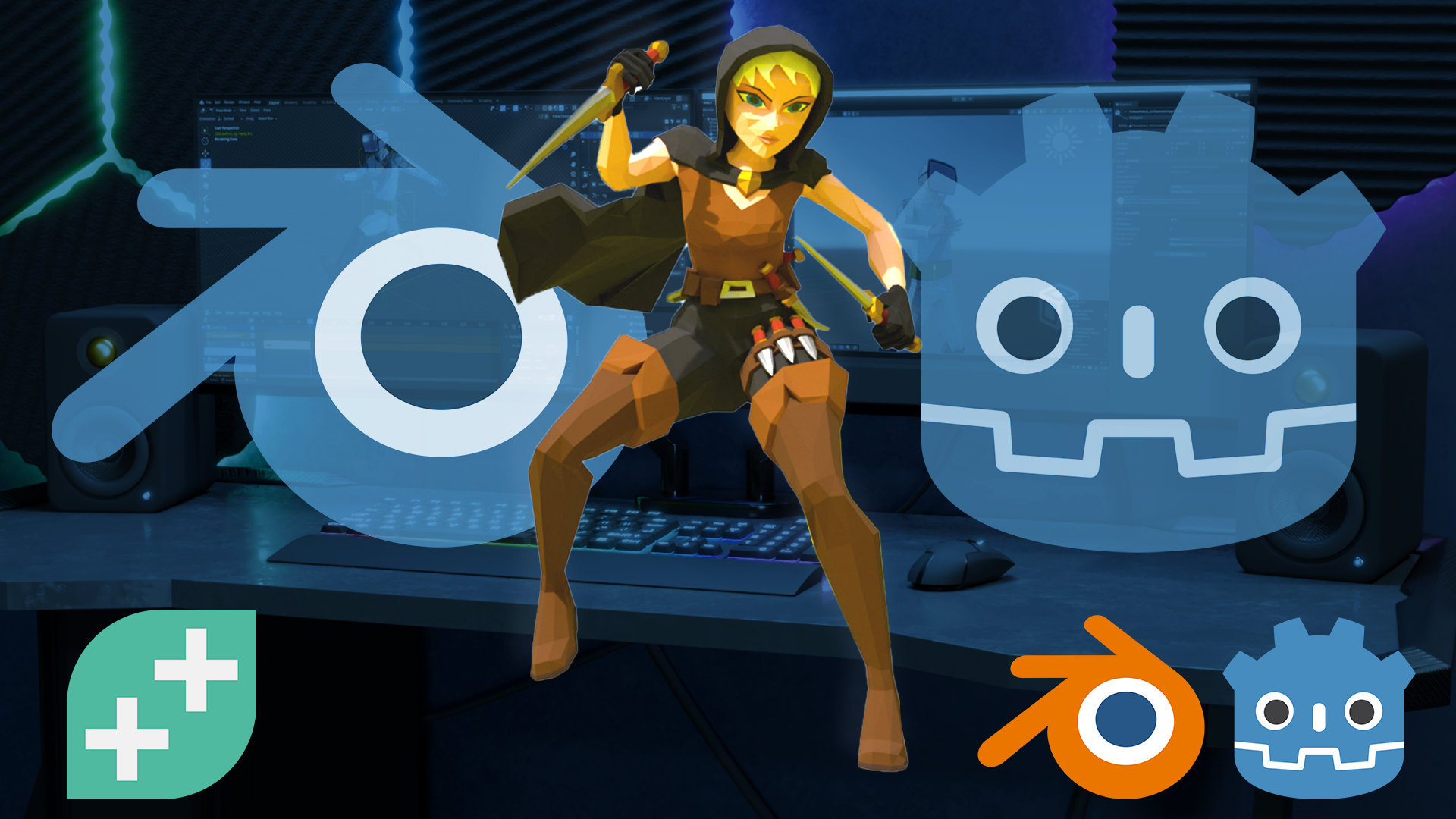
From Blender to Godot: Game-Ready Assets, Characters and Animation
Master a fast, clean workflow for exporting your Blender models, textures, and animations into Godot — ready for any game project.
What you’ll learn
Learn the exact workflow for exporting Blender assets into Godot — fast and frustration-free.
Create and export static props and environment models, ready for real game projects.
Bake textures properly for smooth importing and clean materials in Godot.
Build optimized assets with custom Level of Detail (LOD) setups.
Rig and animate characters in Blender, and export them with actions for Godot.
Discover the best file formats and settings for a flawless Blender-to-Godot pipeline.
Avoid common export pitfalls and get your assets game-ready with confidence.
All in just a couple of hours — no fluff, no wasted time.
30 Day Money-Back Guarantee
100% refund, no questions asked.Lifetime Access
Access your content on any device, at any time.Teaching Support
Never get stuck with our teaching assistants on call.About the course
Master the Art of Exporting Blender Assets to Godot!
Ready to bring your Blender creations to life inside the Godot Engine? This fast, focused course will show you exactly how.
In just two hours, you’ll go from Blender beginner to confident exporter, learning how to prepare, optimize, and import your static and animated assets into Godot. Whether you're building props, environments, or fully animated characters, we’ve got you covered.
What You'll Learn:
- Blender Setup Essentials: Get Blender up and running in no time.
- Static Assets: Create and export props, environment pieces, and more — ready for Godot.
- Textures and Baking: Make your models look great with properly baked textures.
- Level of Detail (LOD): Optimize your assets with custom and automatic LODs for better performance.
- Character Rigging and Animation: Rig, animate, and export characters with confidence.
- Compatible Formats: Explore the best file types for seamless Blender-to-Godot workflow.
By the end, you’ll know how to get your Blender creations into your Godot projects without the usual headaches — faster, cleaner, and game-ready.
This course is perfect for:
- Aspiring game developers learning Blender and Godot.
- Indie developers needing an efficient Blender-to-Godot pipeline.
- Artists looking to bring their 3D creations to life in an interactive world.
No fluff, no filler — just the key steps you need to succeed.
Join the course today and start building better games!
Curriculum
Instructors

Stephen Woods
Hi, I’m Stephen – great to meet you!
I fell in love with 3D art in 2005 when I began using 3DS Max in 2005 while studying Film-craft and Animation. A few years later I moved onto Maya and Lightwave while completing a degree in Computer Animation. I discovered, despite a love of animation and filmmaking, that creating 3D art was the career for me.
While taking time off to be a stay-at-home dad to two brilliant boys, I discovered Blender and explored every aspect of this amazing content creation software, from modelling, lighting, texturing, rendering, and compositing to animation, video editing, VFX and recently, geometry nodes. Transitioning from Max and Maya to Blender as my primary production tool.
Since discovering GameDev.tv’s awesome Unity courses many years ago, I’ve also caught the programming bug and recently completed a second degree in Computing and IT with Design, where I mostly concentrated on Design Thinking and innovation, Python, Java, and C# programming, Software Engineering and Web Technologies.
I’m honoured to now teach Blender for a living, creating several courses over the years. I just couldn’t be happier that I now work with GameDev.tv to bring you more Blender courses that will inspire you to level up your 3D art, whether for games, illustration, or animation.