Blender Texture Painting: Create Stunning Stylised Models
Become a Blender pro by mastering the impressive technique of texture painting.
//
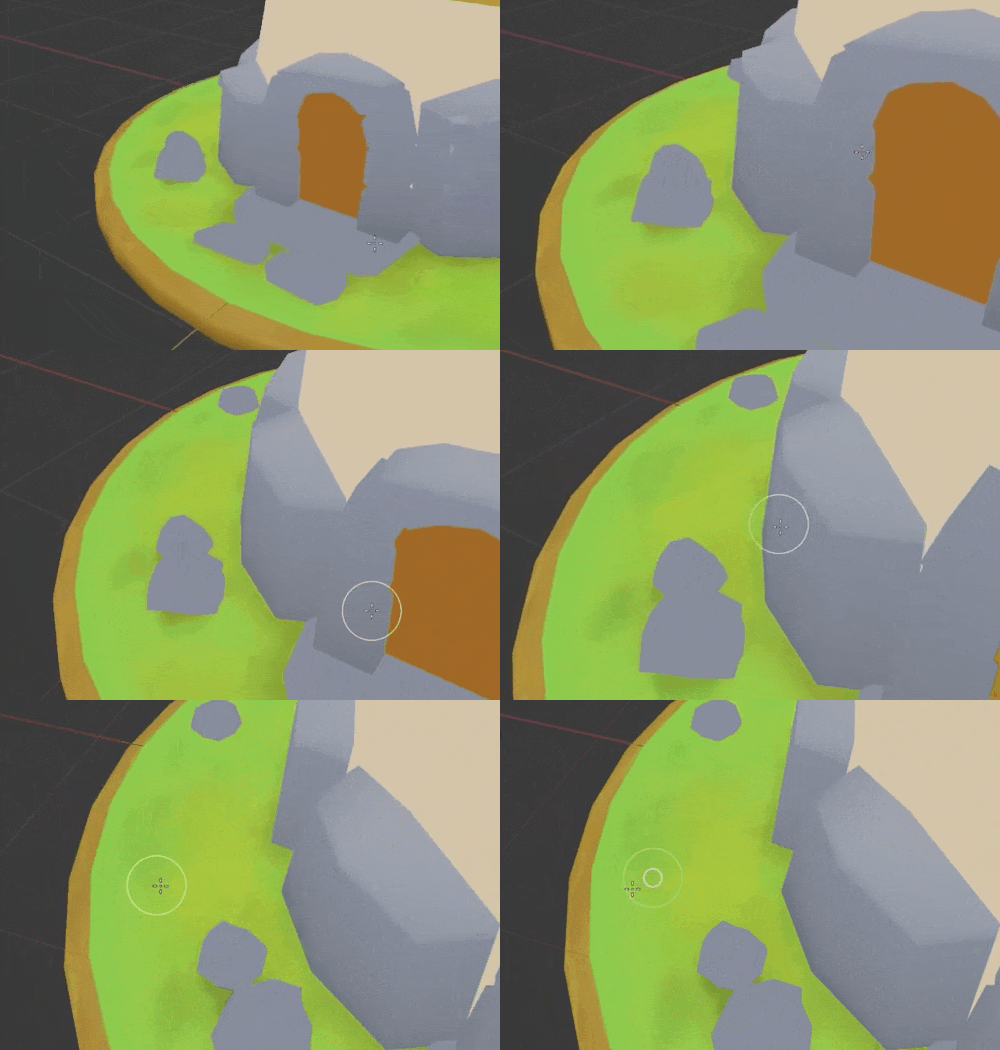
Give Your Models That Hand-Painted Look.
Your models are clean, but they don't feel game ready yet. Stylised, hand-painted textures are what turn a plain low poly mesh into something with real character, the kind of look that shows up in games with genuine personality. This course teaches you the modelling and painting workflow behind that look, working from a basic grasp of Blender's interface.
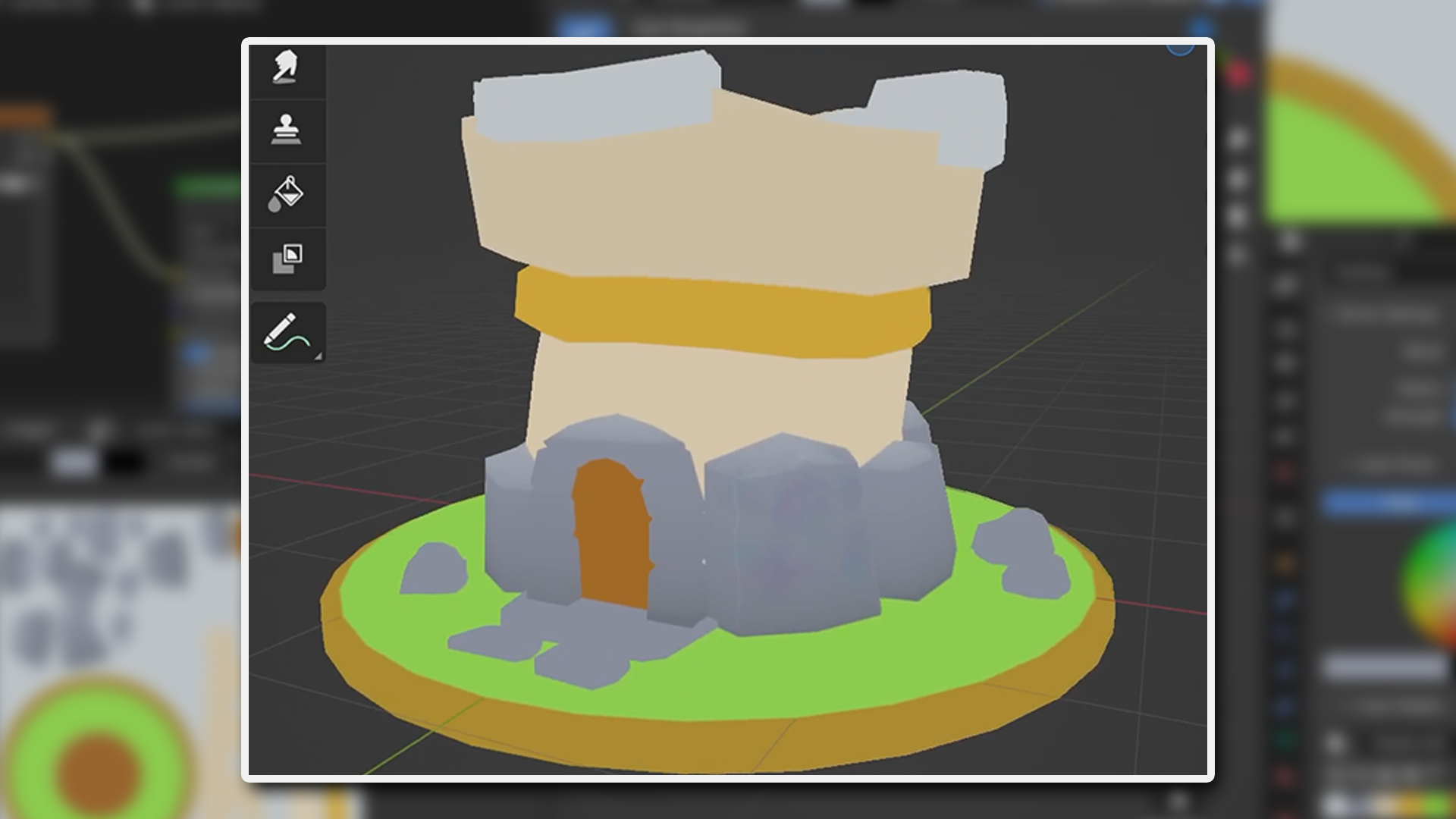
Prepare Every Model to Take Paint Well.
A bad UV unwrap ruins a texture before you've even started painting. You'll model low poly assets built specifically to take paint well, then unwrap them cleanly so textures sit without stretching or visible seams. Two instructors work through every step together in real time, nothing sped up or skipped, so you see the entire setup unfold rather than a trimmed-down version.
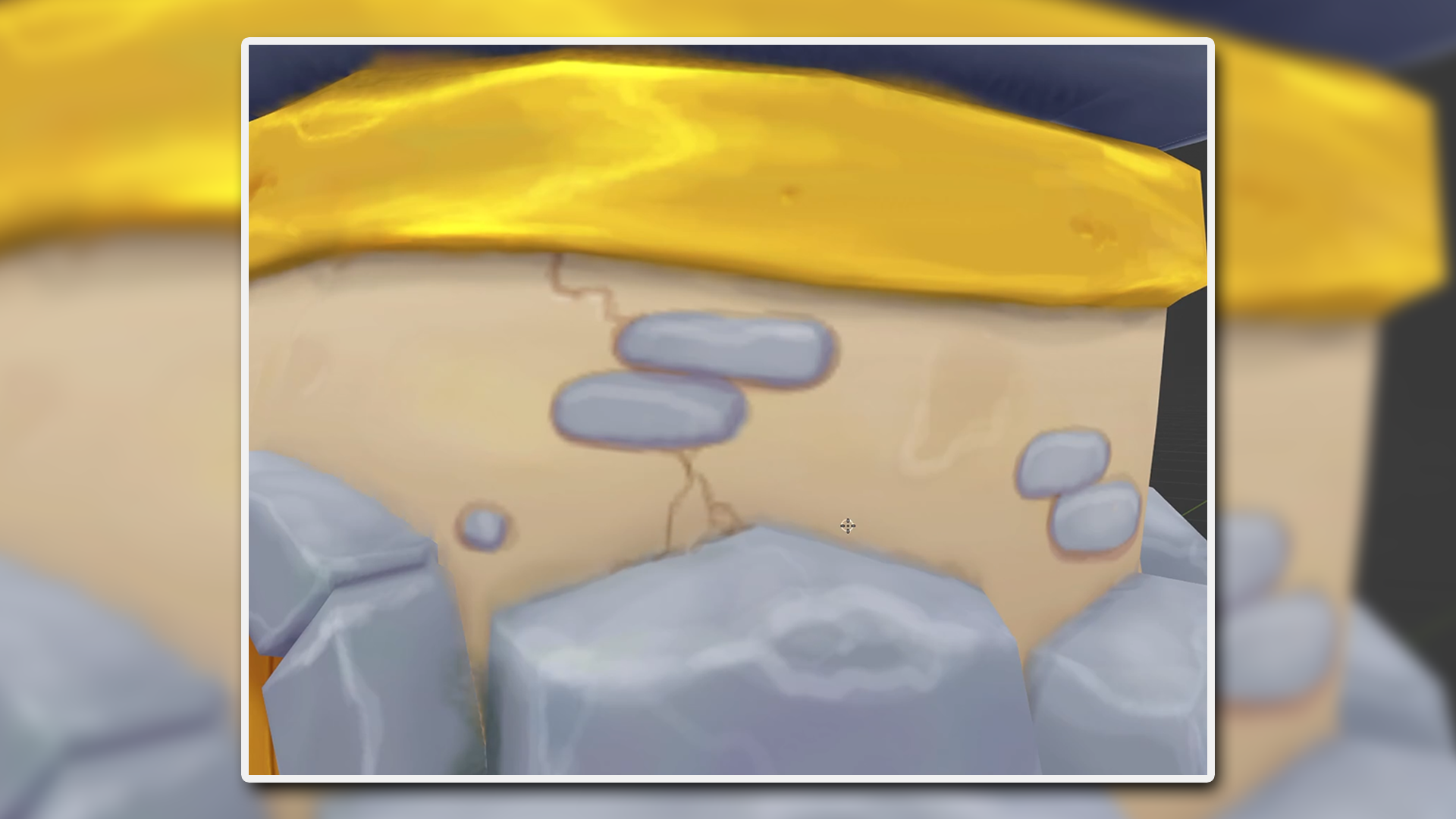
Paint Stone, Wood and Metal That Look the Part.
Texture painting looks like magic until you learn the brushes. You'll paint directly onto your models in Blender, building up the techniques that make stone look rough, wood look grained and metal look worn, materials you'll reach for again and again. Setting up Blender properly for texture painting first means the techniques land the way they're supposed to, without fighting the software.
What you’ll learn
Model low poly assets ready for texture painting.
Unwrap models efficiently to prepare for painting.
Set up Blender for seamless texture painting.
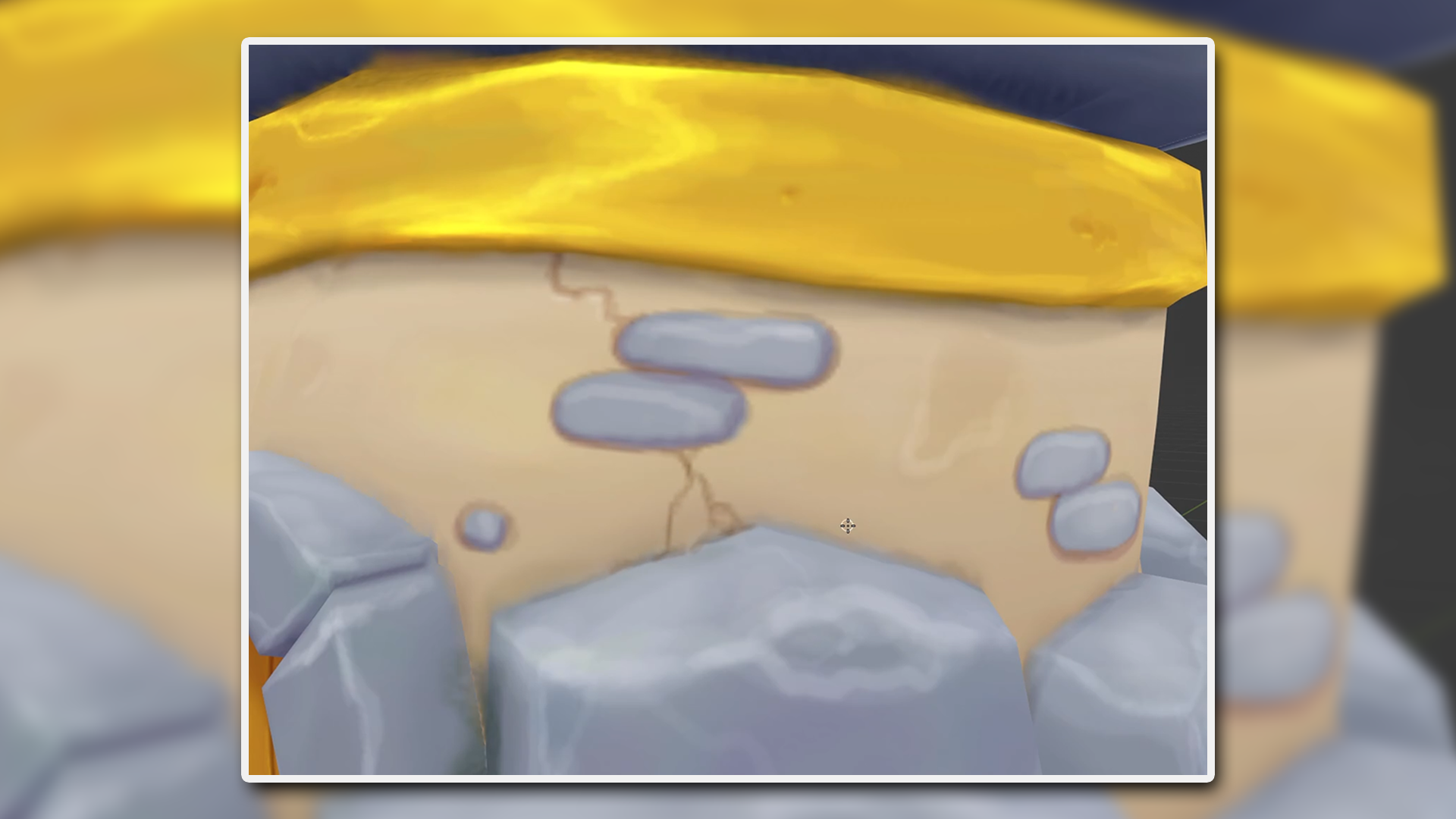
Apply texture painting techniques to materials like stone and wood.
Create vibrant textures for rocks, metals, and grass.
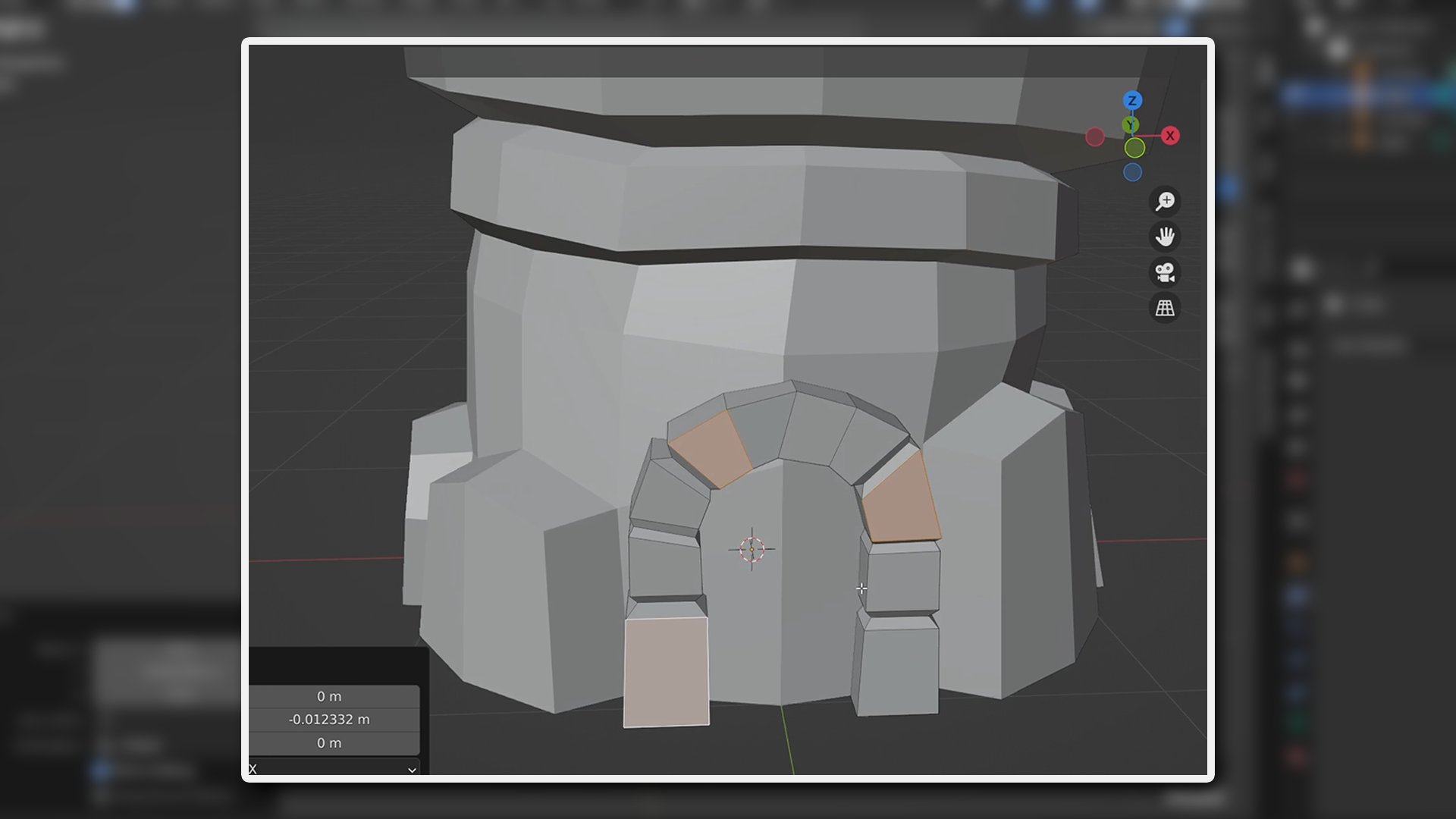
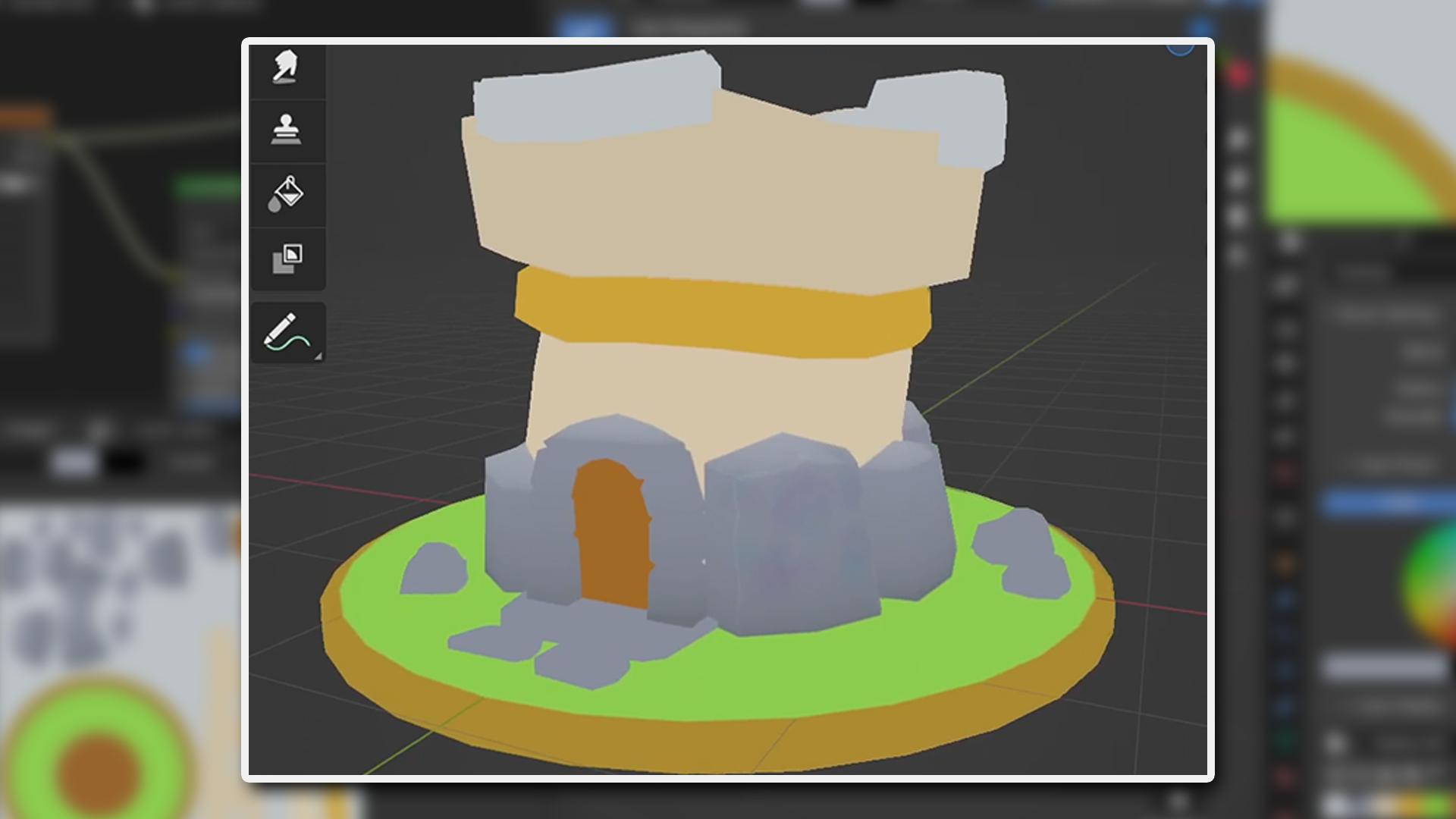
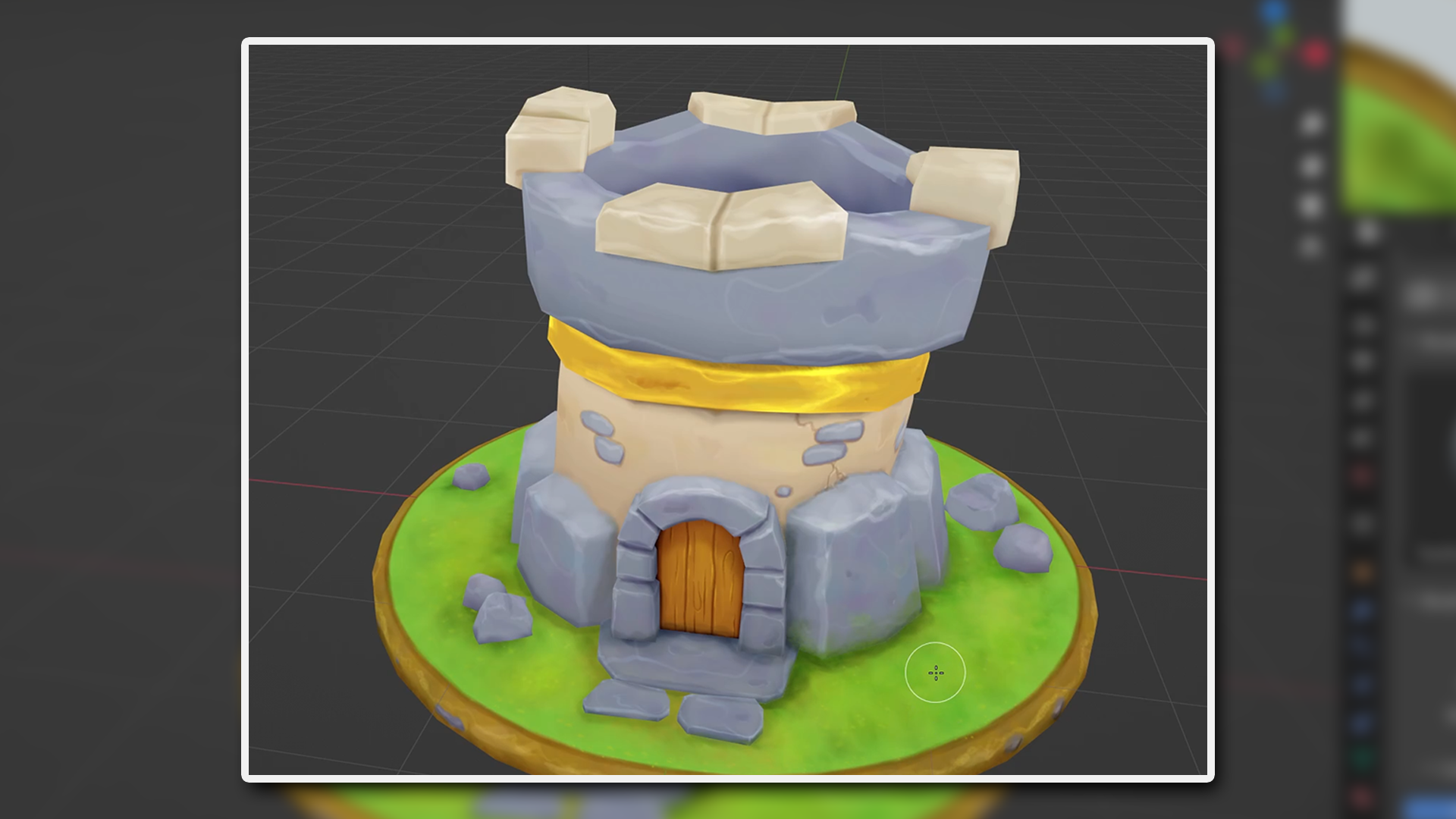
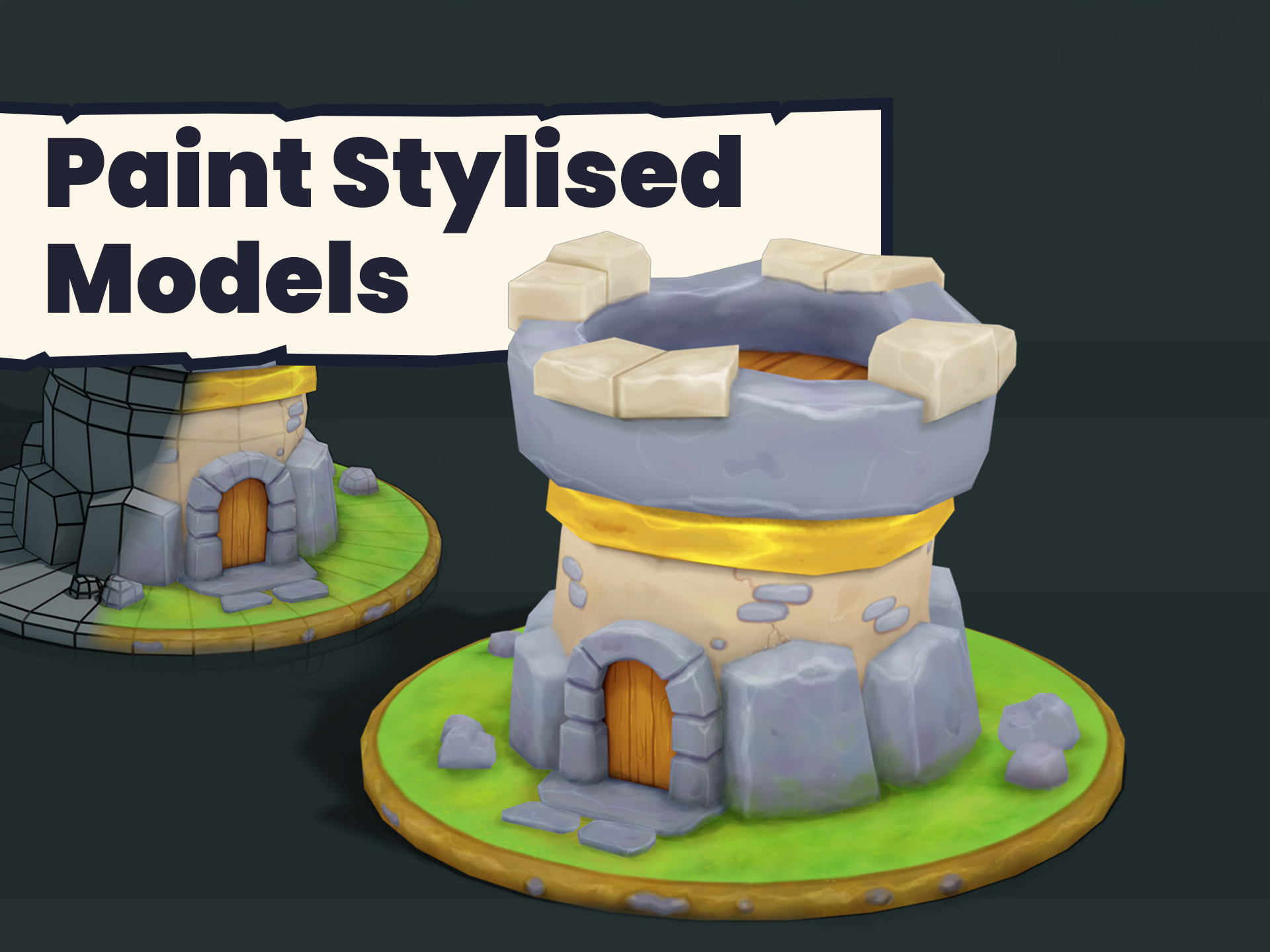
Build and texture paint a quirky castle turret model.
Gain insights from two expert instructors for in-depth learning.
Join a thriving community of developers to share and learn.
30 Day Money-Back Guarantee
100% refund, no questions asked.Lifetime Access
Access your content on any device, at any time.Teaching Support
Never get stuck with our teaching assistants on call.About the course
Want to create stylised models in Blender that you can place in your games?
Learn modelling techniques for hand painted objects, giving them a fun, quirky, stylised look.
Learn how to unwrap and set up for texture painting. Find out how to quickly and easily create different textures for some of the most popular, such as wood, rock, grass, stone and metals.
The course is created at a "real time" pace, allowing you to follow along and create your models at the same time as the instructors without needing to stop and start the video. Nothing is skipped or speeded up, so you get to see the entire workflow.
You also get two, yes two, instructors! Working together, they discuss every step of the process. These valuable insights will be extremely useful for future projects you undertake.
A basic knowledge of blender interface would be helpful. If you’re a game asset artist, or an artist wanting to make use of your skills to create 3D assets, this course is perfect for you!
By the end you’ll have built a fun castle turret model and texture painted it. And, with a bit of practice, you’ll be creating hand painted stylised models for your games or art in no time.
Become a Blender pro by mastering the super impressive technique of texture painting!
Curriculum
Instructors

Grant Abbitt
Hi, I'm Grant!
I started learning blender in the late 90’s and started using it for some motion graphics work for a small film company that I ran.
I went into teaching which was meant more as a backup option when the film work was not so regular. The teaching gradually took over and I have been teaching now for around 15 years. I moved into teaching games design 6 years ago which rekindled my excitement for 3D animation. I then started to find bits and pieces of freelance work and created my YouTube channel Gabbitt Media.
Since then my channel has over 500,000 subscribers and I have worked on game models for the game Atlas Empires along with many other interesting projects from engineering to 3d printing.