Blender 4.2 Simulation Nodes: Master Advanced Simulations
Learn to Build Gravity Systems, Dynamic Particle FX, and Interactive Boid Simulations with Geometry Nodes in Blender 4.2
//
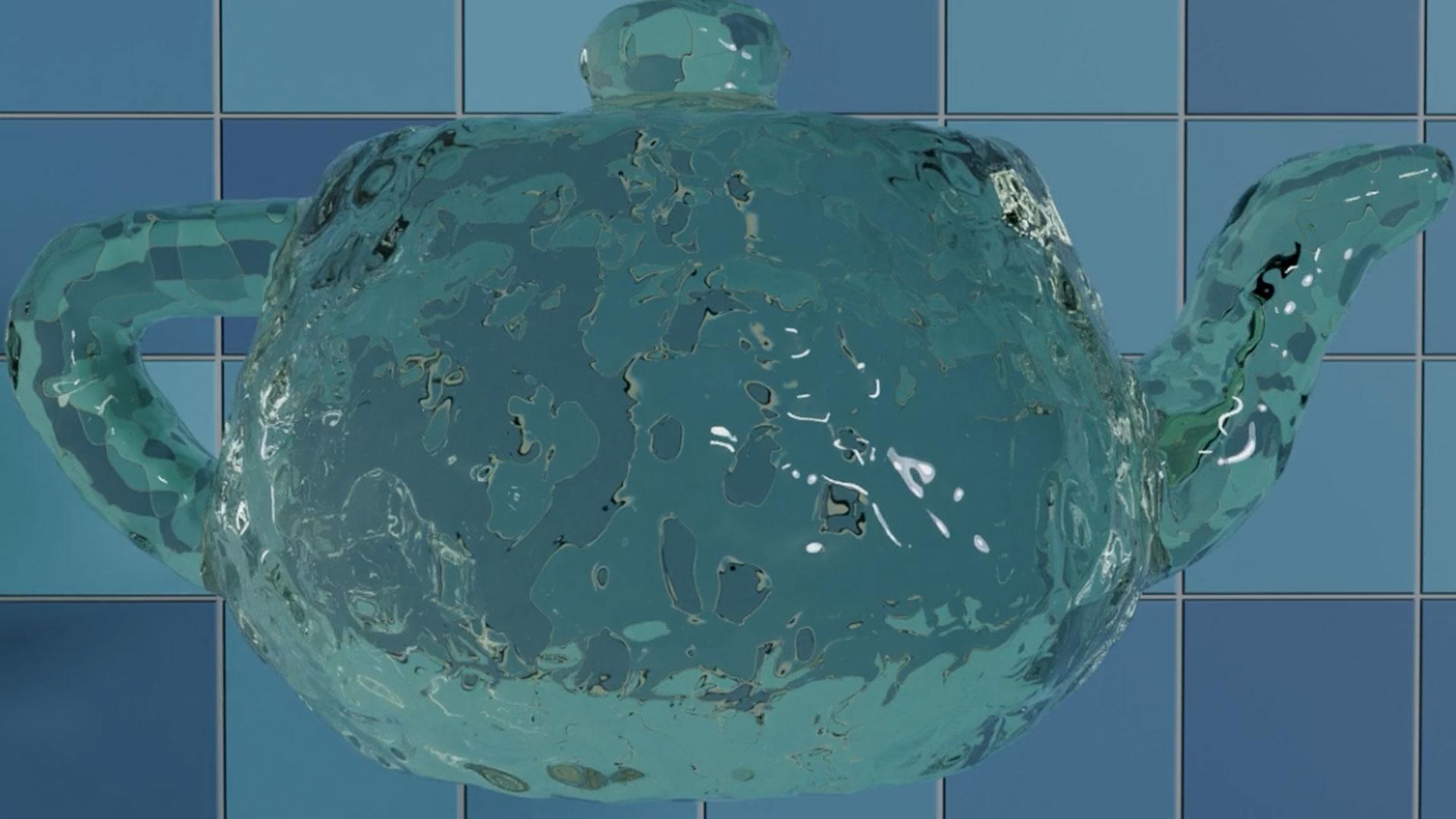
Move Past Blender's Default Physics.
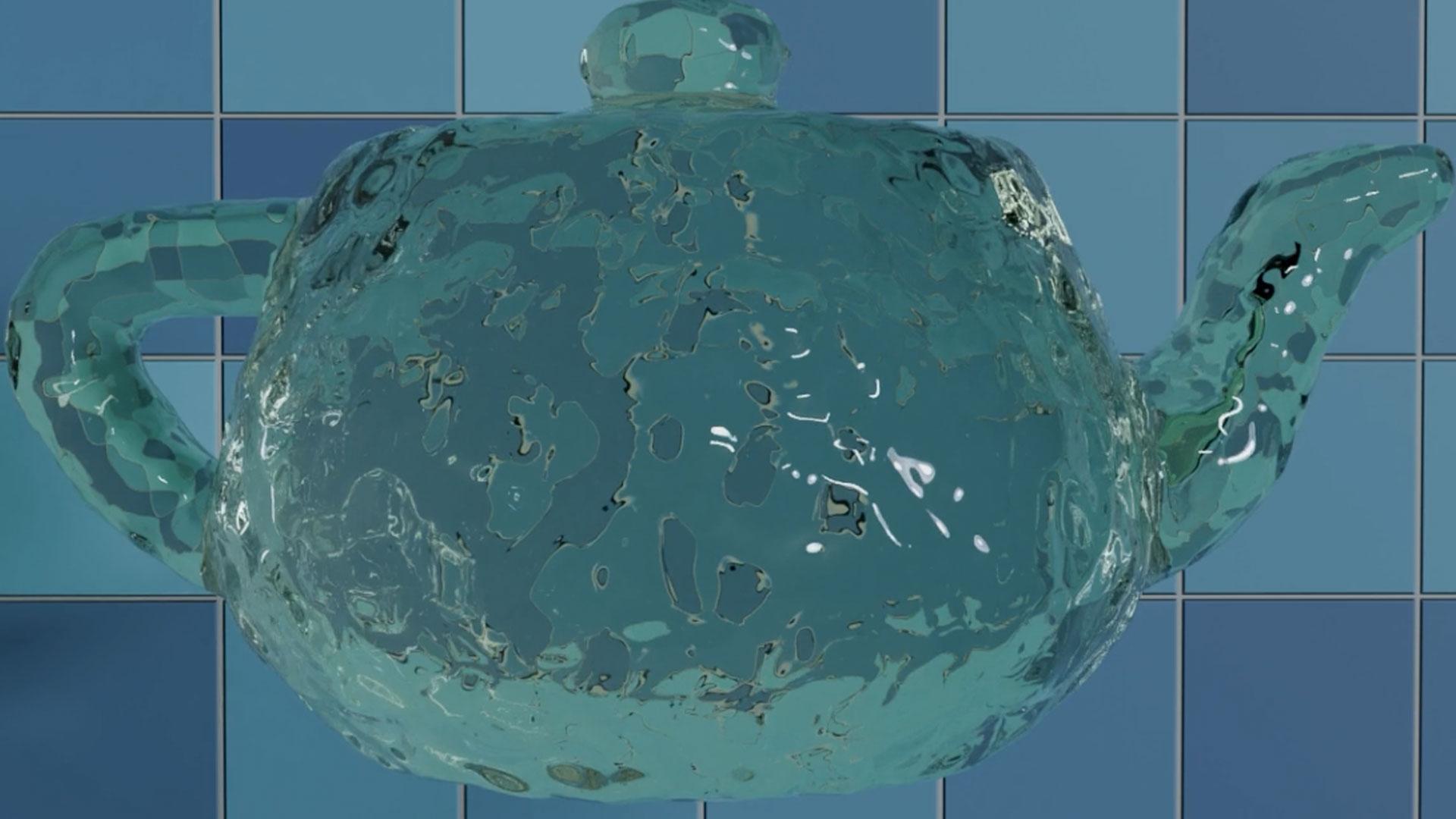
You've dabbled with nodes. Blender's stock physics still feel limited. Simulation Nodes in Geometry Nodes gives you a node-based way to build physics from scratch, one that updates automatically as you tweak it instead of forcing you to start over. This course assumes you've already got some node experience and takes it somewhere Blender's built-in tools can't.
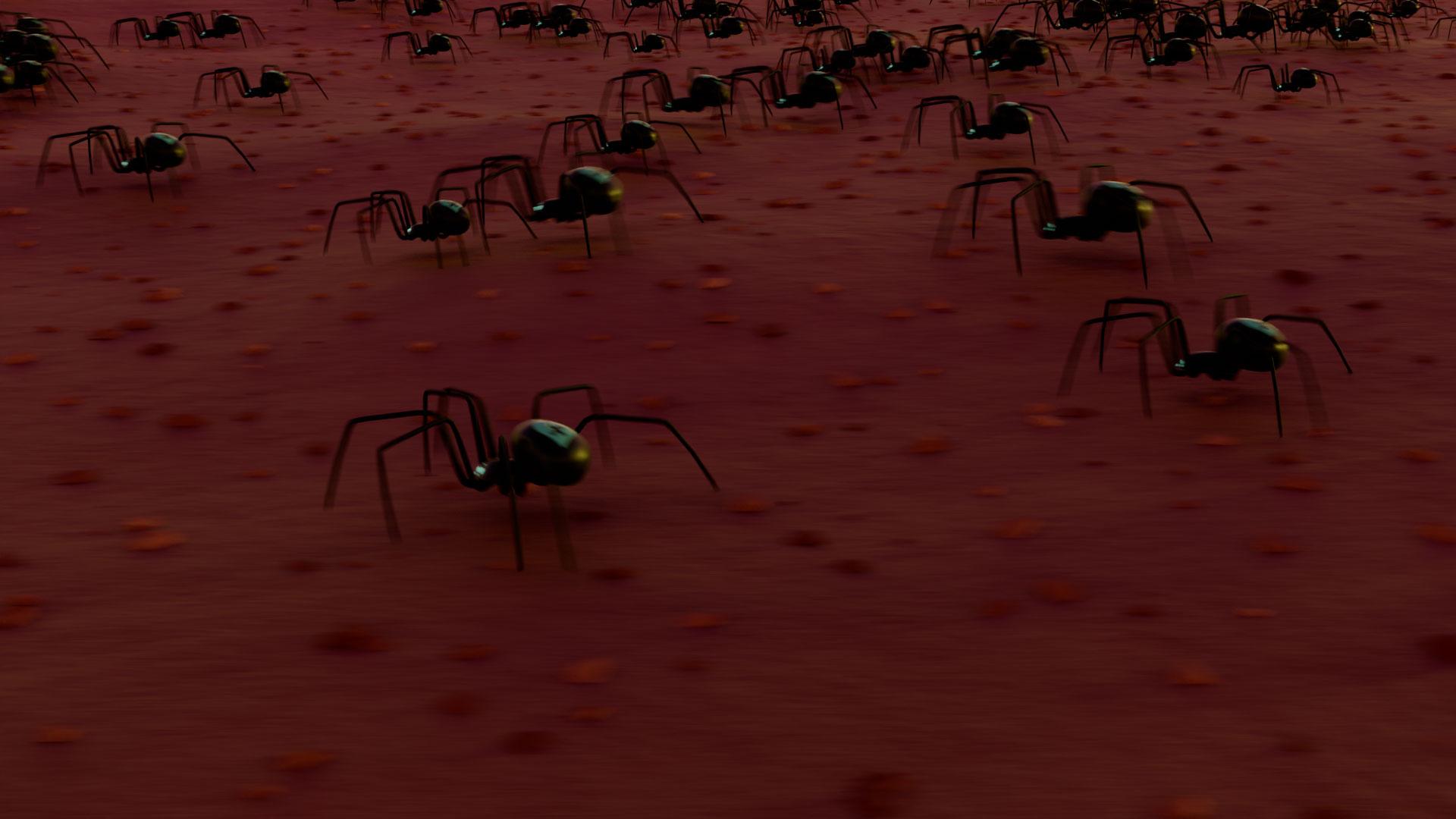
Build Gravity Systems That Hold Up at Any Frame Rate.
Simulations that judder at 30fps and break at 60 aren't finished. You'll build gravity systems using Geometry Nodes that stay stable across frame rates, so your particles behave the same whether you're previewing at 30fps or rendering at 60. Getting this right early saves you from rebuilding simulations later just to fix timing.
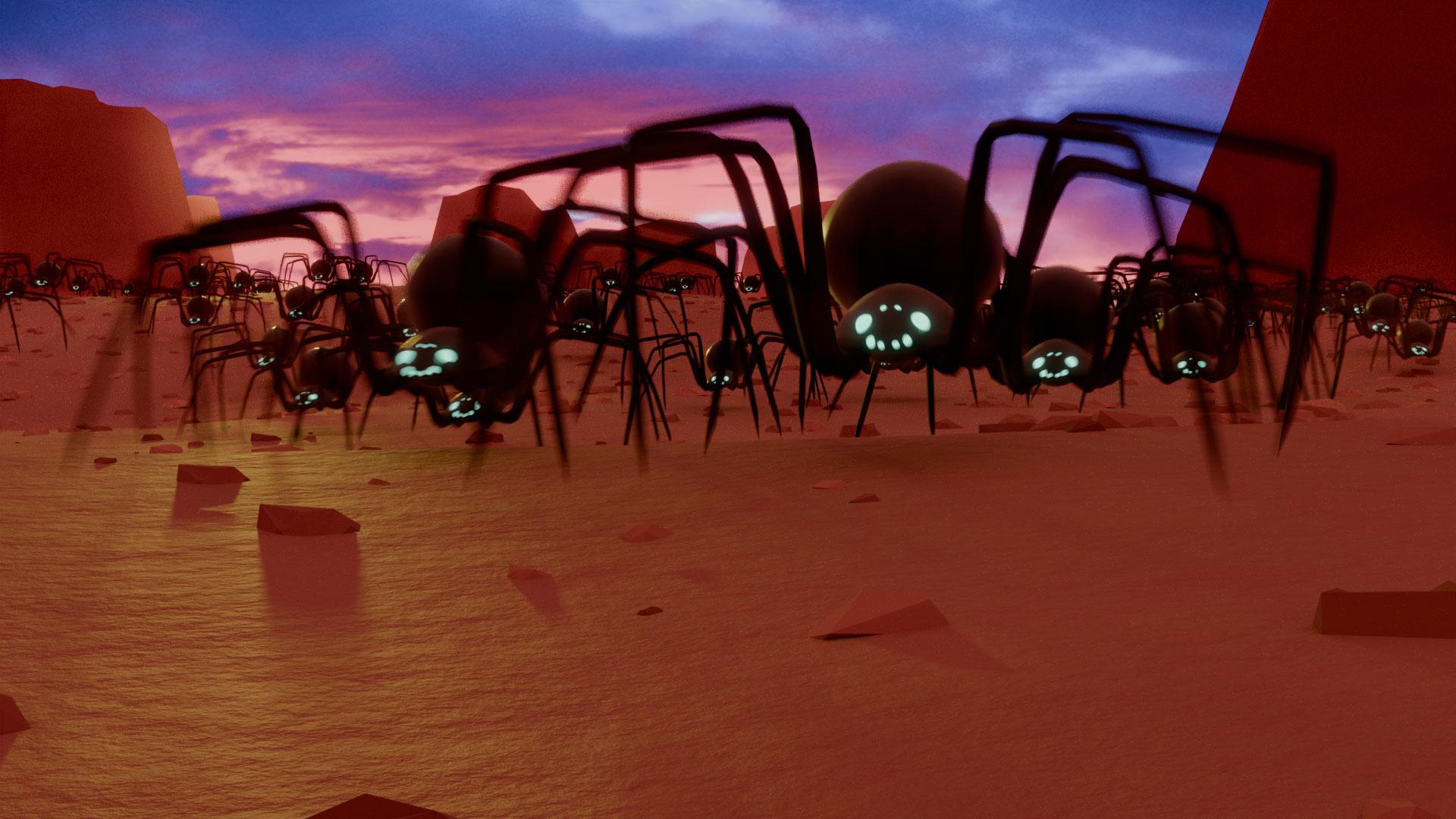
Give Particles Behaviour, Not Just Physics.
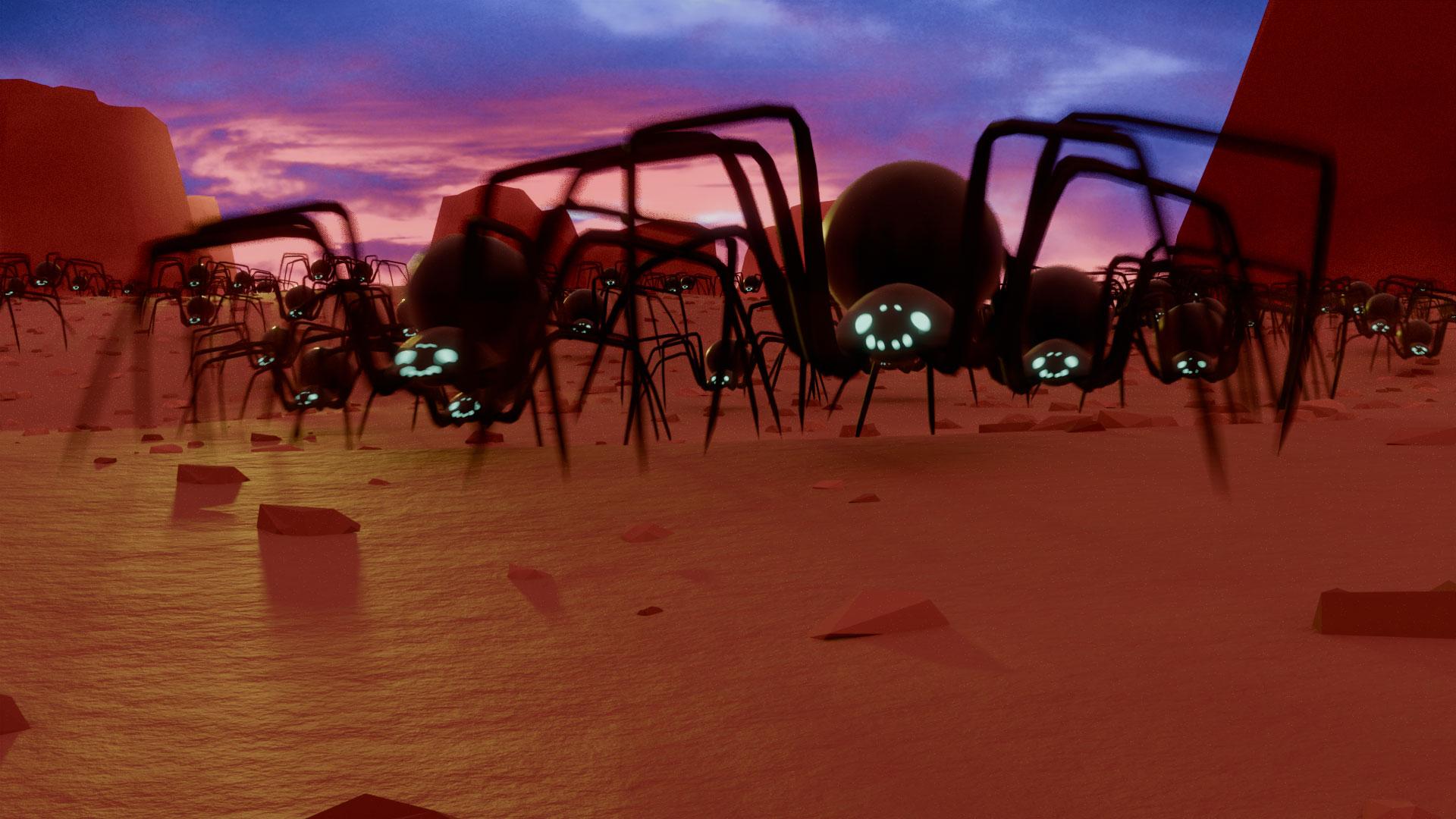
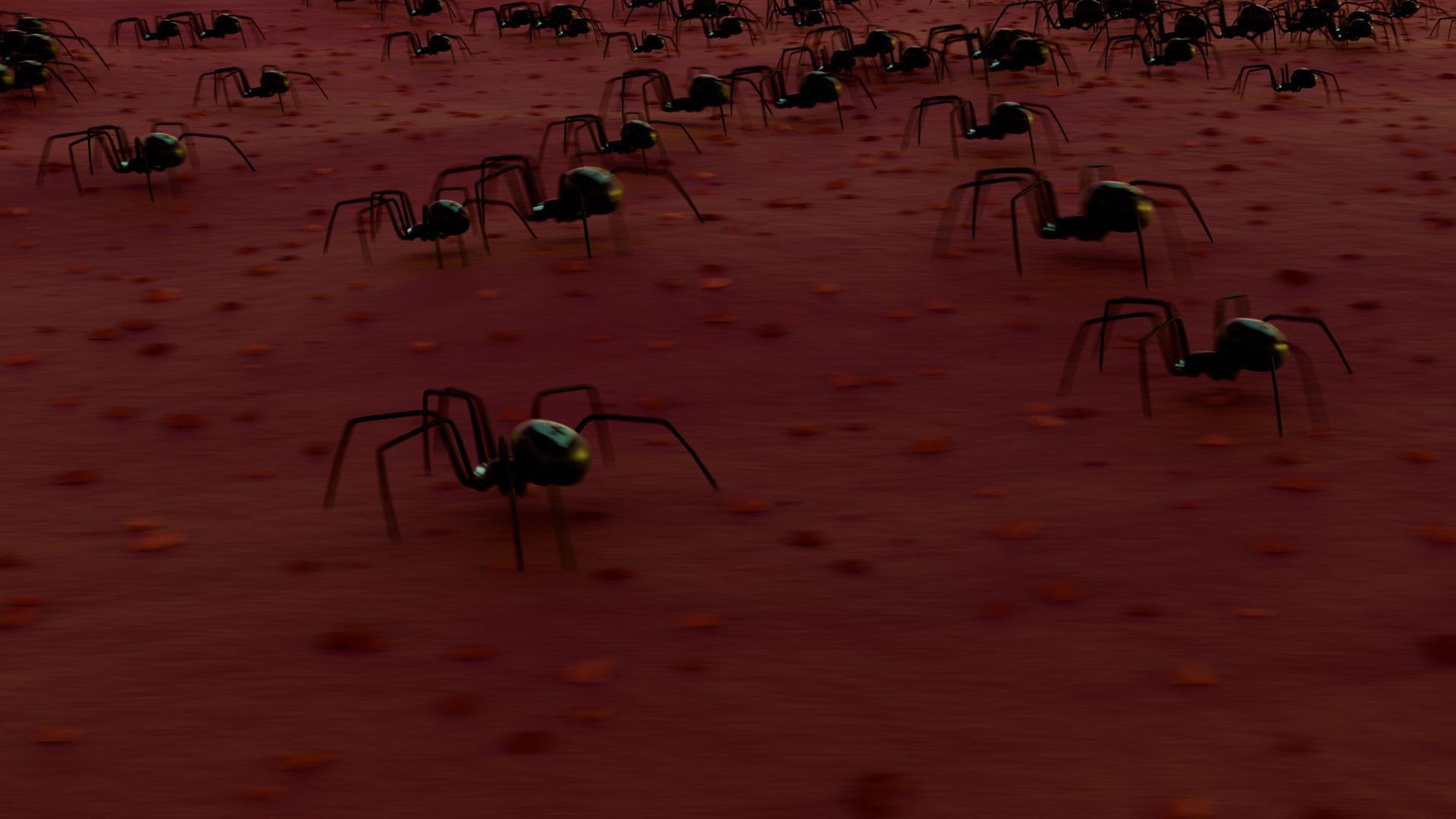
A particle that just falls is easy. A particle that decides where to fall is not. You'll build boid behaviours so swarms move like they're reacting to each other and their environment, then trigger simulations with Boolean logic so they respond to conditions rather than running on a fixed timeline. This is where the node tree stops being physics and starts being behaviour.
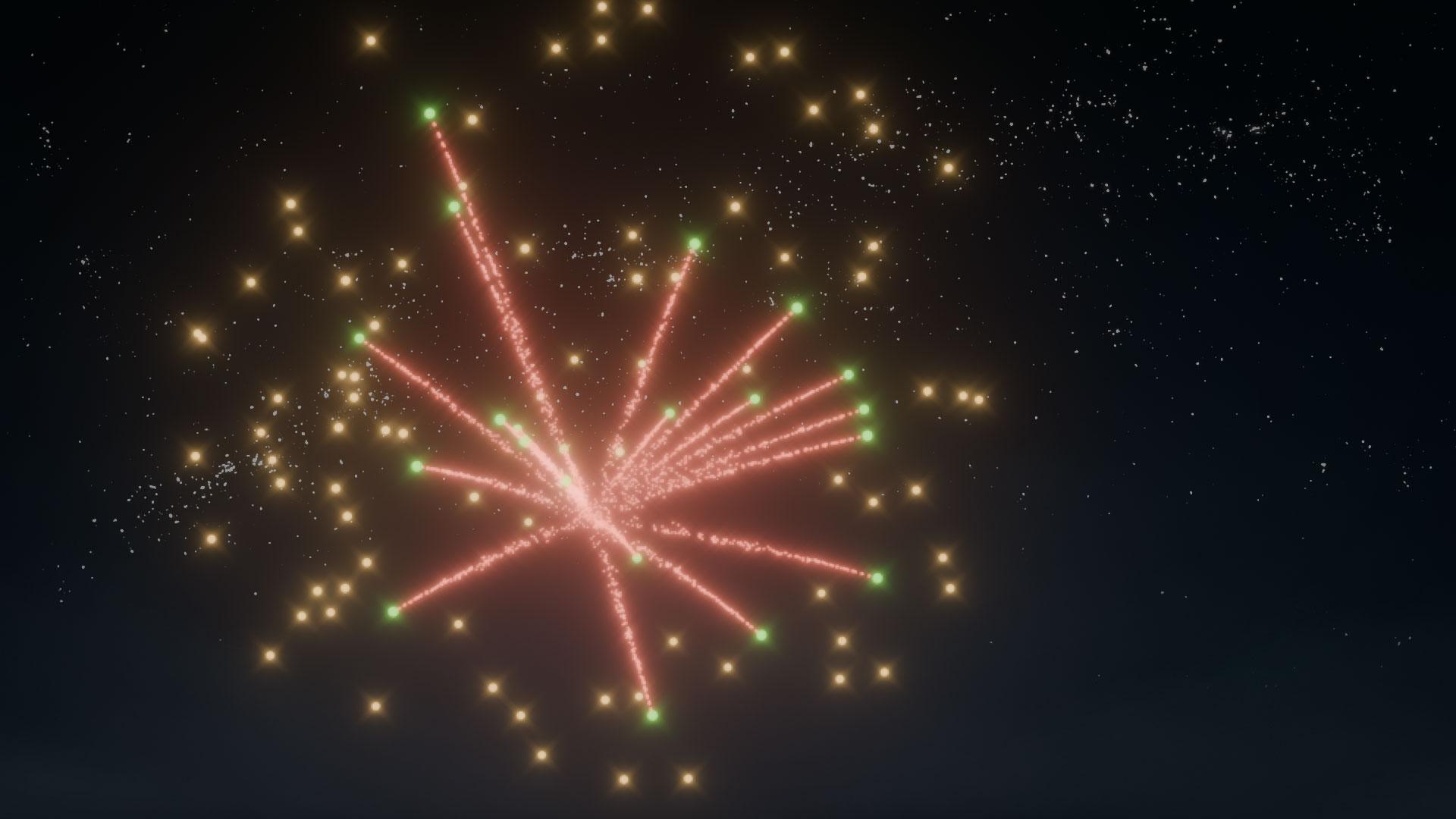
Morph Objects and Explode Fireworks on Command.
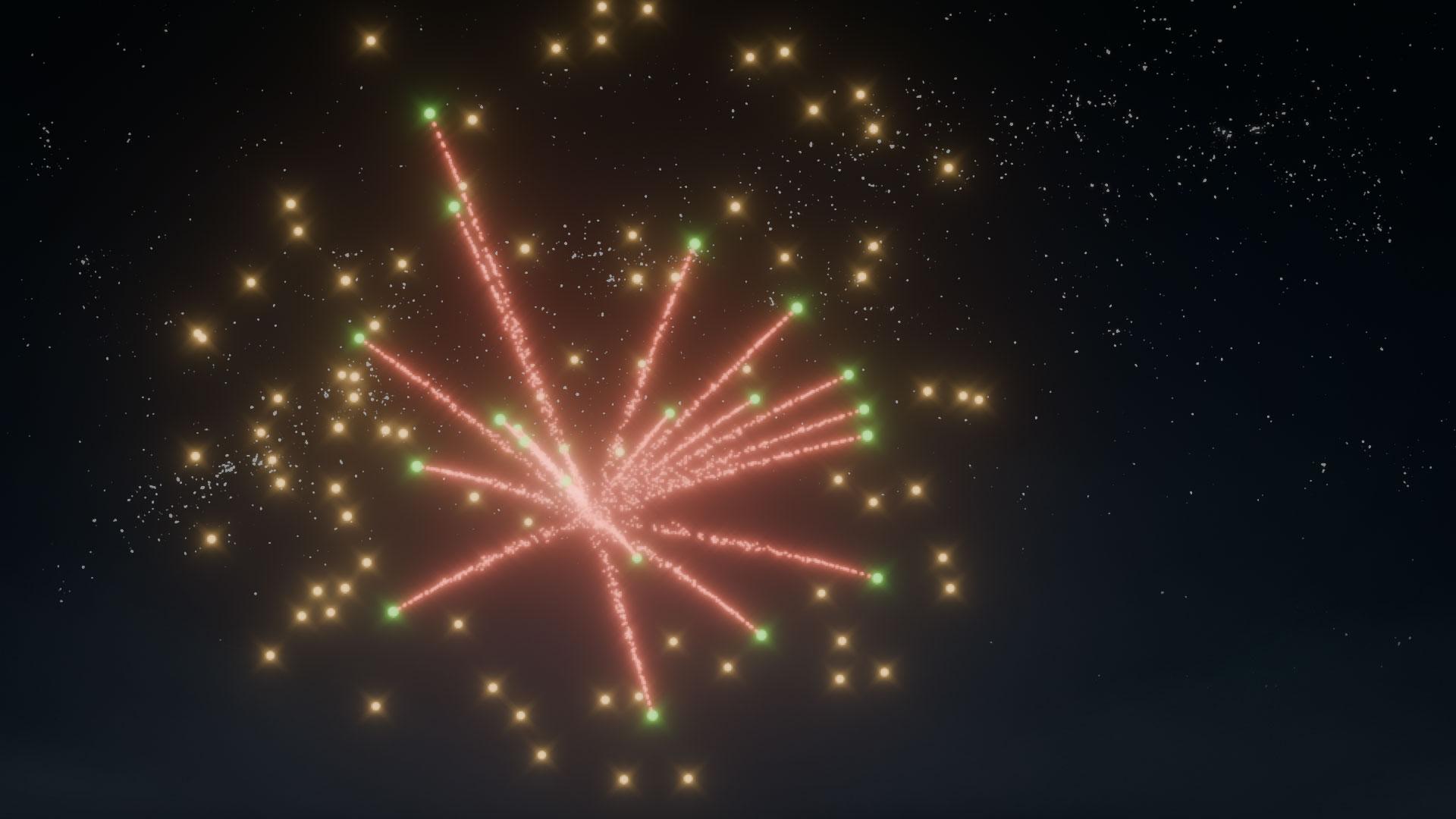
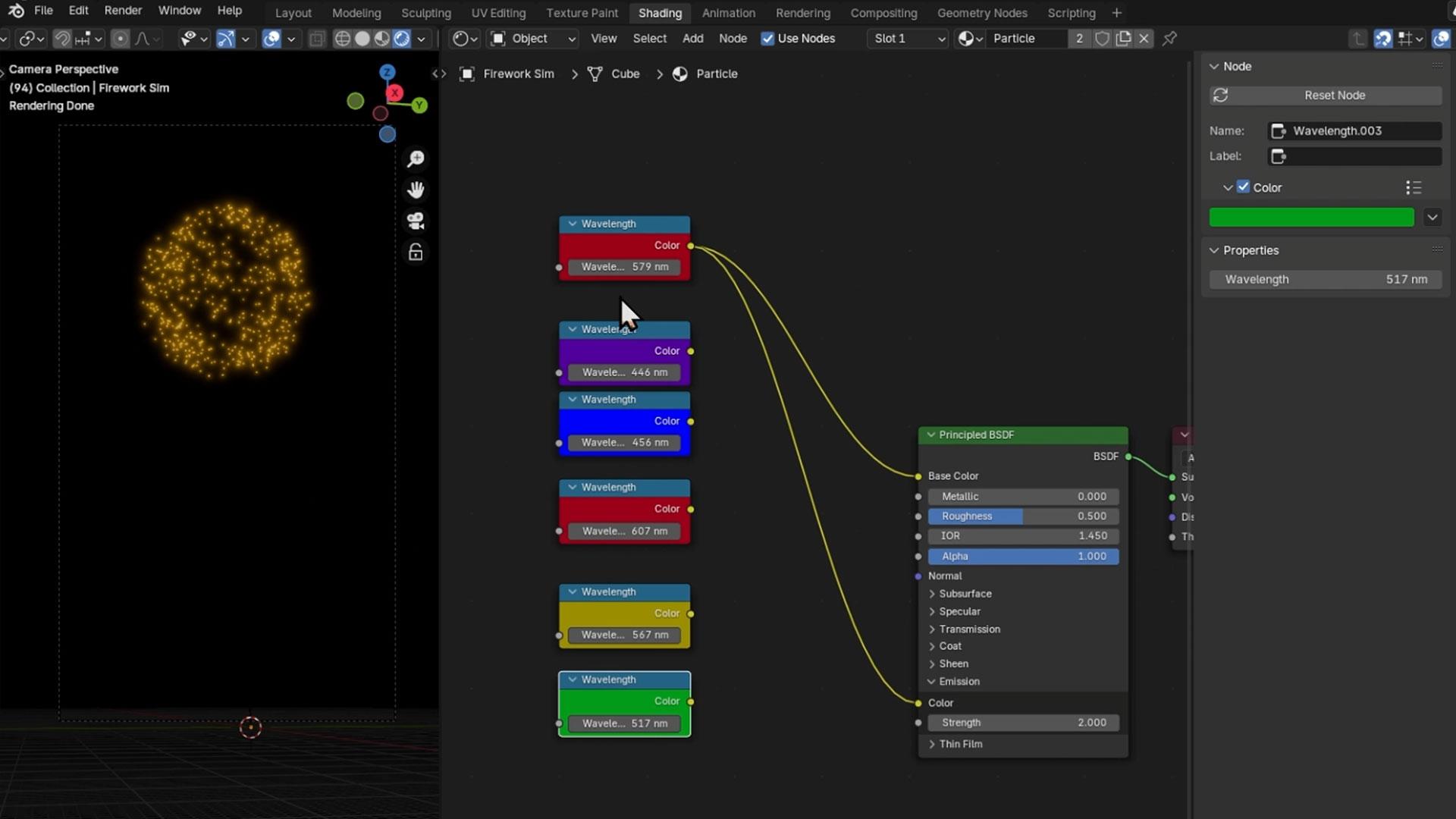
Fireworks that actually explode. Objects that genuinely morph. You'll build particle effects that transform one shape into another and simulate fireworks with real visual punch, all using the same non-destructive node workflow so every effect stays fully editable after you've built it. Nothing here needs to be started from scratch just because you changed your mind.
Optimise Node Trees Other Devs Ask About.
A simulation that looks good and runs badly isn't done yet. You'll clean up and optimise your node trees for faster, more efficient workflows, learning the structuring habits that keep complex simulations manageable rather than a tangle you can't follow six months later. By the end you've built gravity, boid, and particle systems that hold up under real use, and the node fluency to design your own from a blank graph.
What you’ll learn
Create epic simulations with Geometry Nodes that run smooth, no matter the frame rate.
Master gravity systems and make particles dance like a pro.
Develop boid behaviours for swarms that act like they’ve got a brain.
Build killer particle effects to morph objects or simulate fireworks.
Trigger simulations with slick Boolean logic for smarter setups.
Optimise your node trees like a boss for faster, cleaner workflows.
Design interactive simulations that respond to their environment.
Switch between frame rates without breaking a sweat in your simulations.
100% Money-Back Guarantee
Not satisfied? Get a full refund, anytime during the first 30 days of the program.Lifetime Access
Access your content on any device, at any time.Teaching Support
Never get stuck with our teaching assistants on call.About the course
Ready to boost your Blender XP? Our new Simulation Nodes course is your power-up. We’re talking Geometry Nodes, where the real magic happens. No advanced gear needed—just bring your curiosity.
In this course, you’ll create simulations that run smooth, no matter the FPS. Switch between 30 FPS and 60 FPS like it’s no biggie. Your simulations will be lag-free and look totally pro.
We’re gonna teach you to craft everything from gravity systems to particle effects. You’ll even dive into boid behaviour—think swarms of bugs that actually interact with their environment. It’s like coding AI, but way cooler.
Ever wanted to make fireworks explode like a boss? Or morph objects with particle effects that would make other devs jelly? We’ve got you. Plus, you’ll learn to trigger simulations with some slick Boolean logic. No sweat, we’ll keep it chill.
If Blender’s default physics are feeling a bit noob, this course will help you level up. We’ll guide you through a node-based workflow that’s way more intuitive and customisable. It’s like switching from a basic toolkit to a full-blown dev setup.
Geometry Nodes are your cheat codes for non-destructive workflows. They update automatically with any changes you make, so no more starting from scratch. Work smarter, not harder, right?
This course is perfect if you’ve already unlocked some Blender skills and dabbled with nodes. By the end, you’ll make simulations that have other devs asking for your secrets.
All you need is Blender 4.2 LTS and some basic node know-how. A decent rig helps, especially for the heavier stuff, trust us—your PC will thank you later.
Let’s get in the game and create something epic together!
Curriculum
Instructors

Stephen Woods
Hi, I’m Stephen – great to meet you!
I fell in love with 3D art in 2005 when I began using 3DS Max in 2005 while studying Film-craft and Animation. A few years later I moved onto Maya and Lightwave while completing a degree in Computer Animation. I discovered, despite a love of animation and filmmaking, that creating 3D art was the career for me.
While taking time off to be a stay-at-home dad to two brilliant boys, I discovered Blender and explored every aspect of this amazing content creation software, from modelling, lighting, texturing, rendering, and compositing to animation, video editing, VFX and recently, geometry nodes. Transitioning from Max and Maya to Blender as my primary production tool.
Since discovering GameDev.tv’s awesome Unity courses many years ago, I’ve also caught the programming bug and recently completed a second degree in Computing and IT with Design, where I mostly concentrated on Design Thinking and innovation, Python, Java, and C# programming, Software Engineering and Web Technologies.
I’m honoured to now teach Blender for a living, creating several courses over the years. I just couldn’t be happier that I now work with GameDev.tv to bring you more Blender courses that will inspire you to level up your 3D art, whether for games, illustration, or animation.