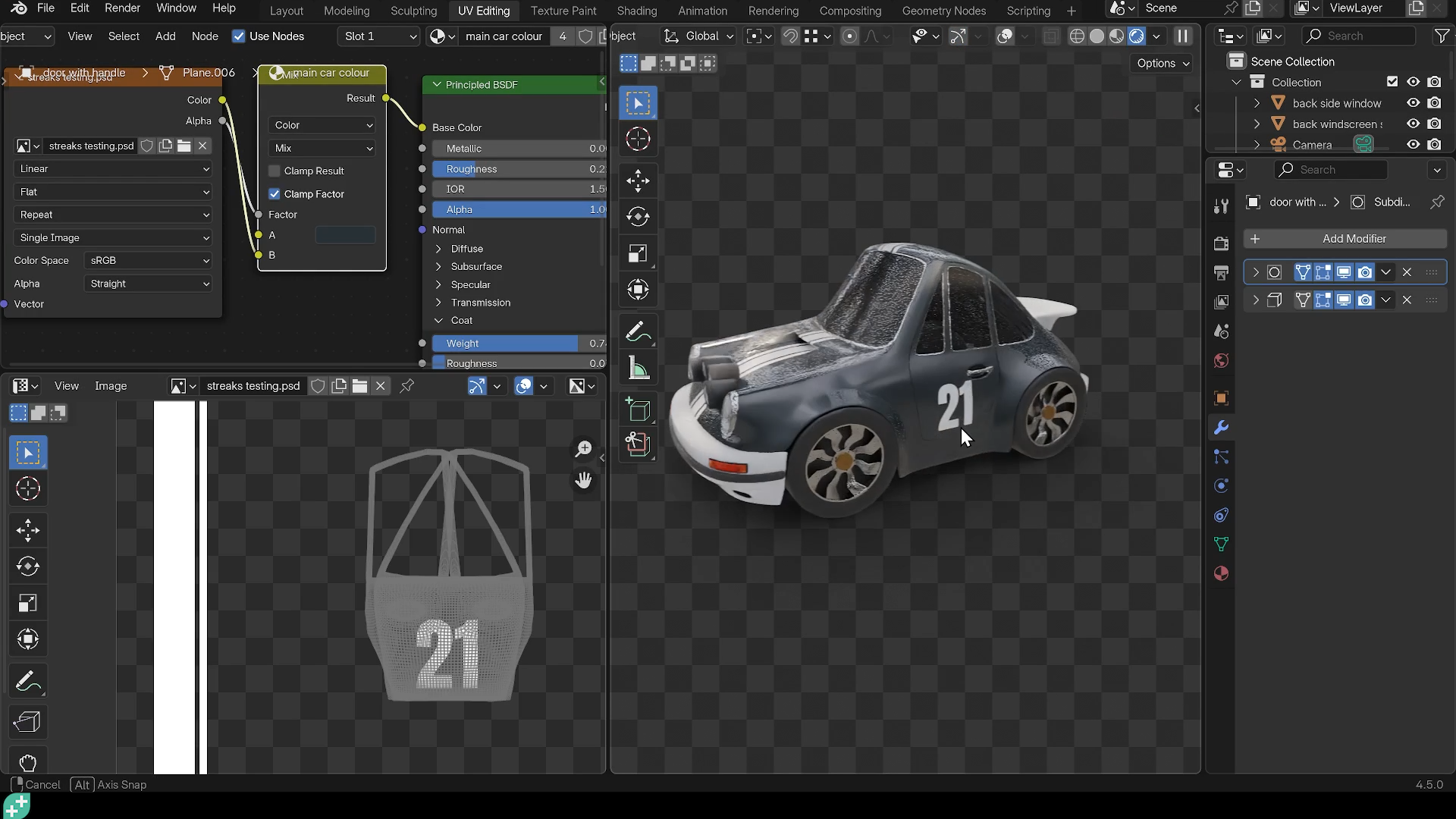
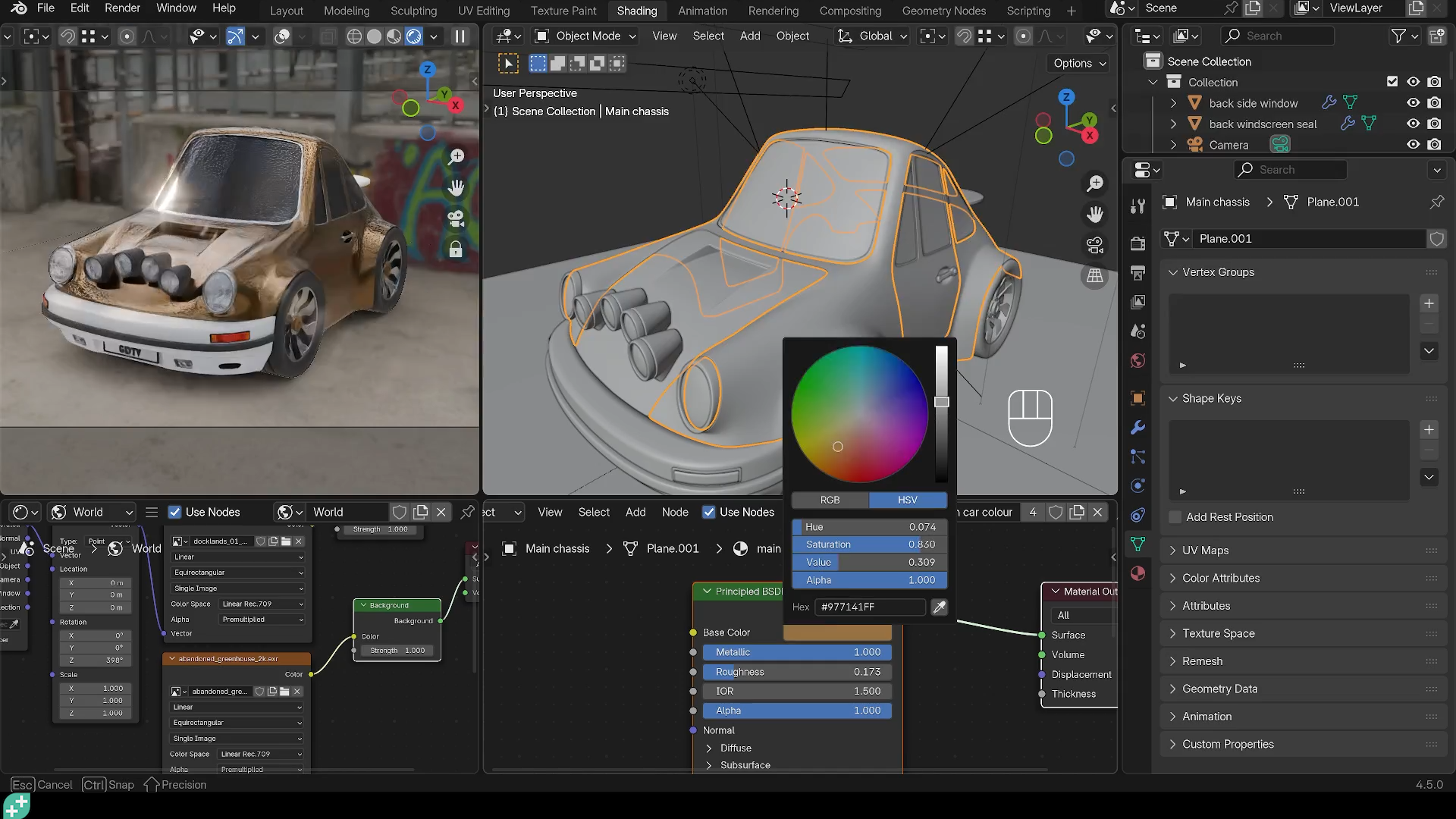
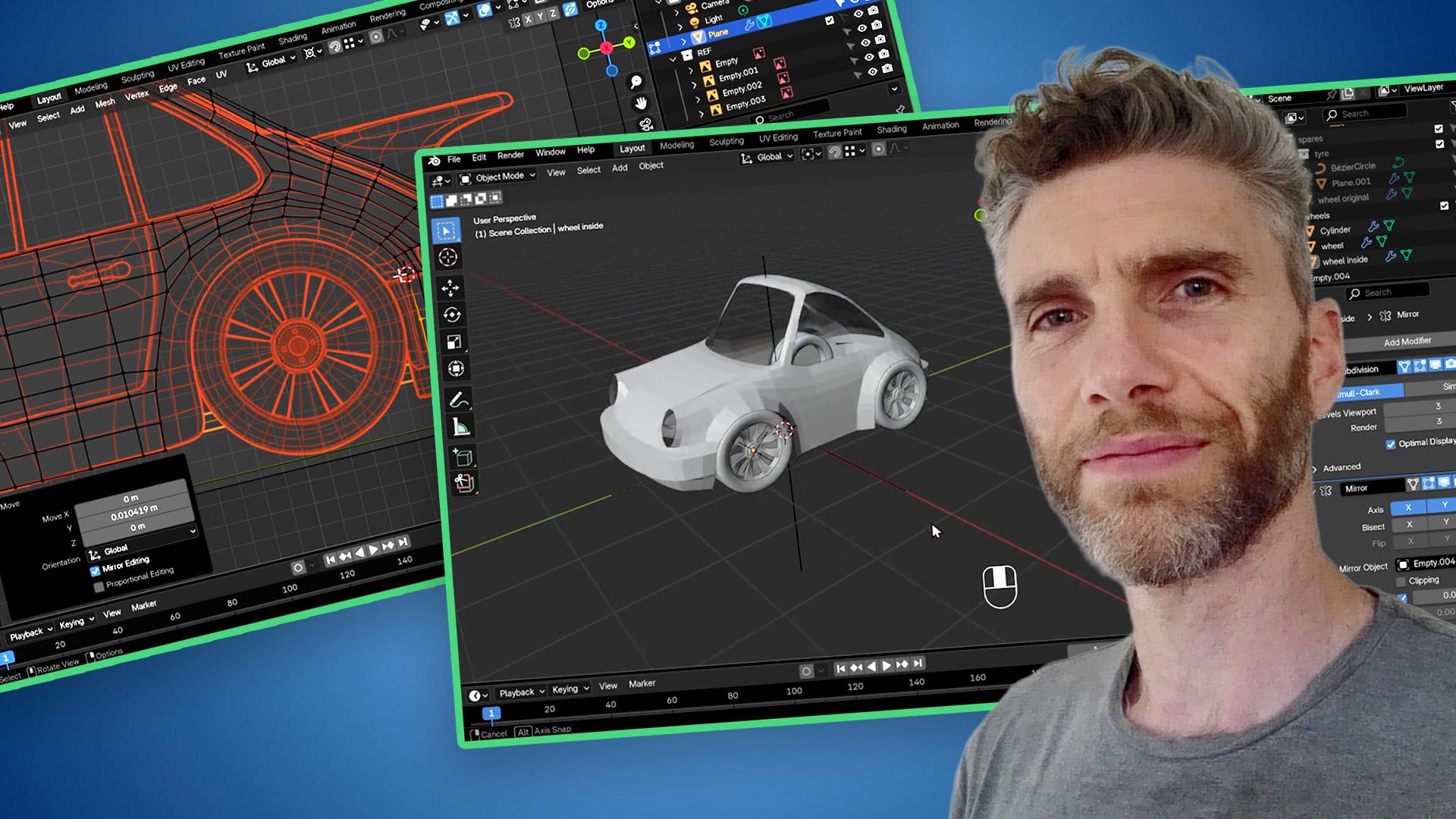
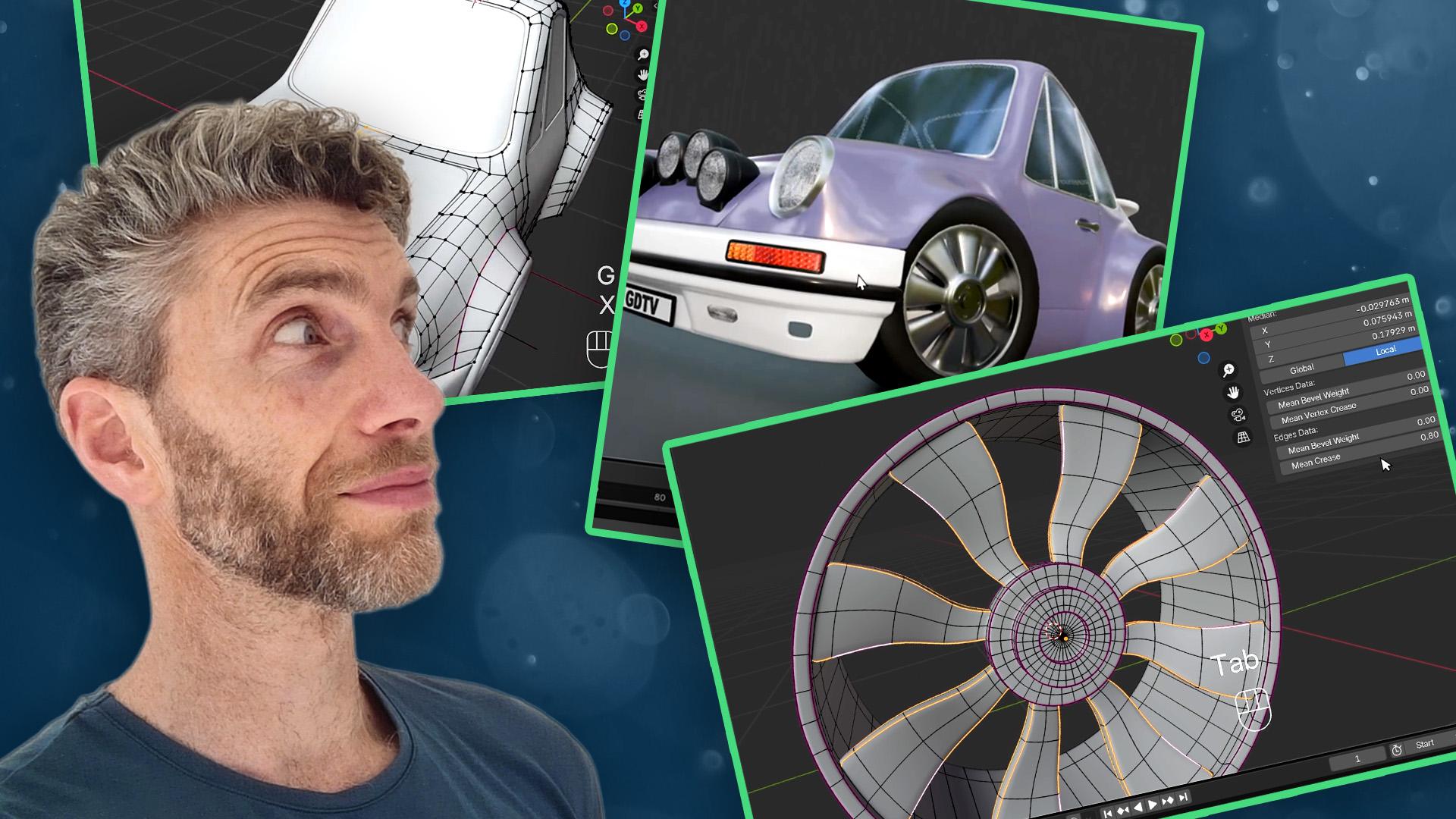
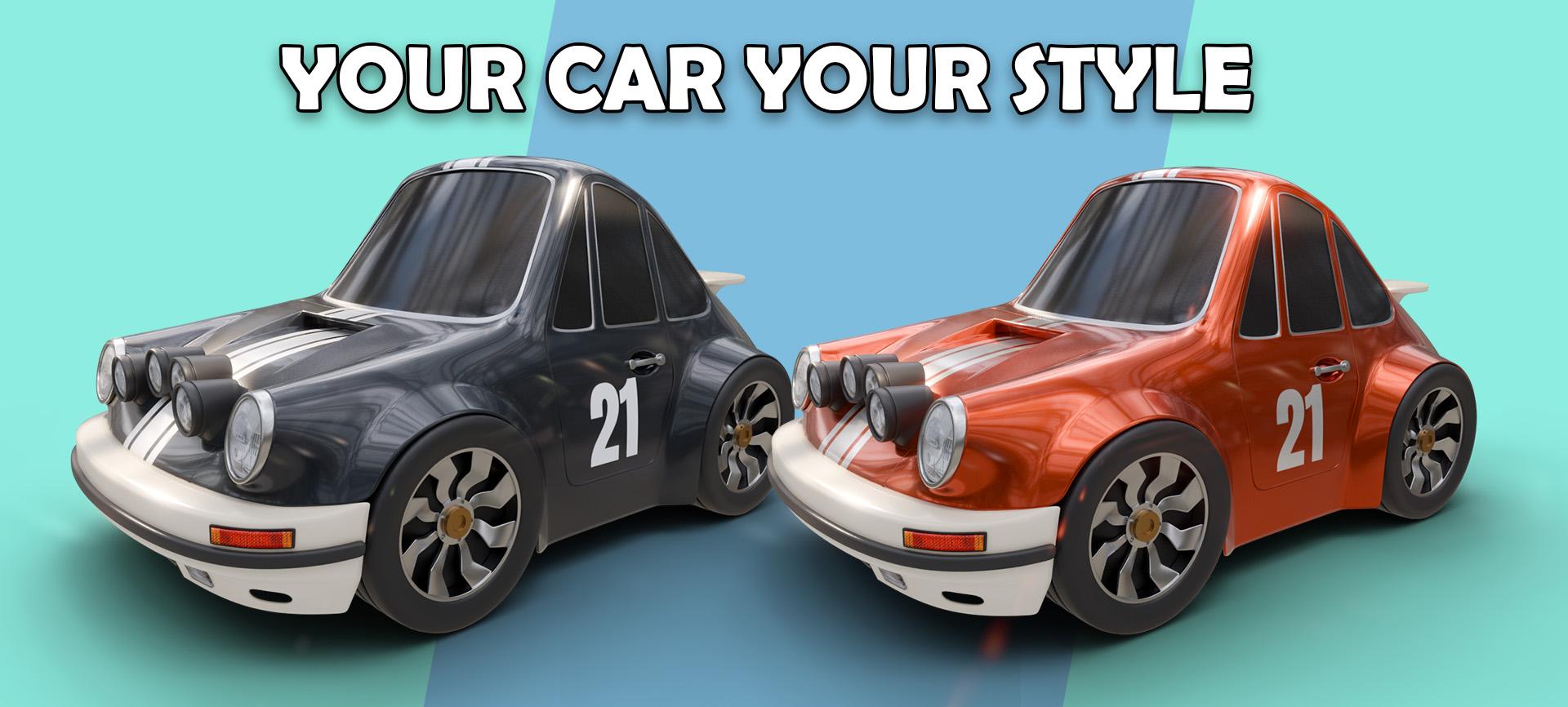
Hard Surface Modelling in Blender
Build a stylised car while mastering Blender’s hard surface techniques - and gain the confidence to model whatever you want to.
Your Hard Surface Journey
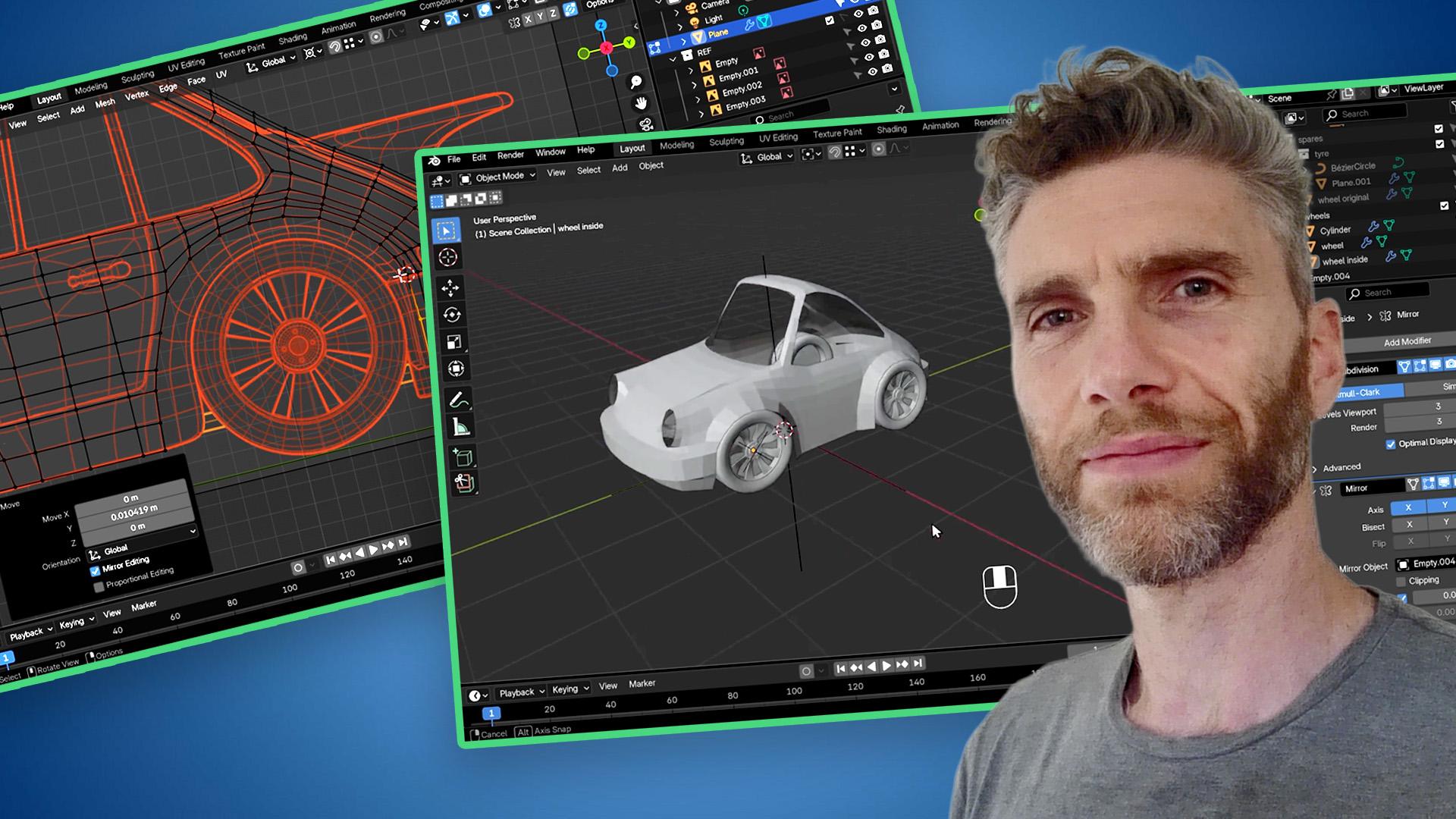
Lay the Foundation like a Pro
Start with simple shapes and smart topology. Learn how to plan with purpose - the skills you build here will shape everything you create next.
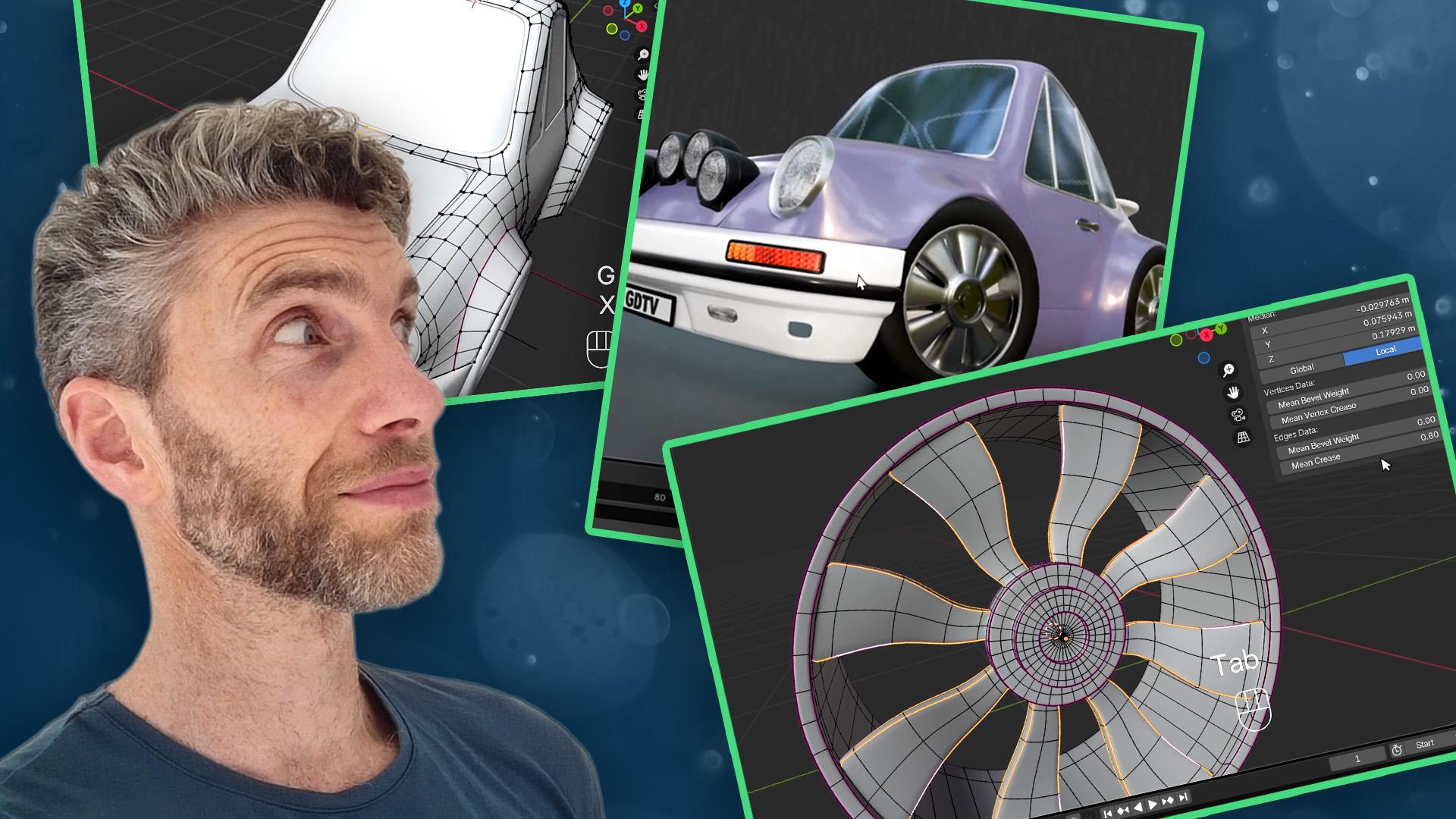
Shape Every Detail with Confidence
Discover how edge loops, modifiers and creases turn a basic model into something that feels solid, clean, and game-ready. No more guessing - just good modelling.
Make It Yours
This is where the fun kicks in. Customise the style, colours and accessories to bring your own vibe - and start thinking like a real 3D artist.
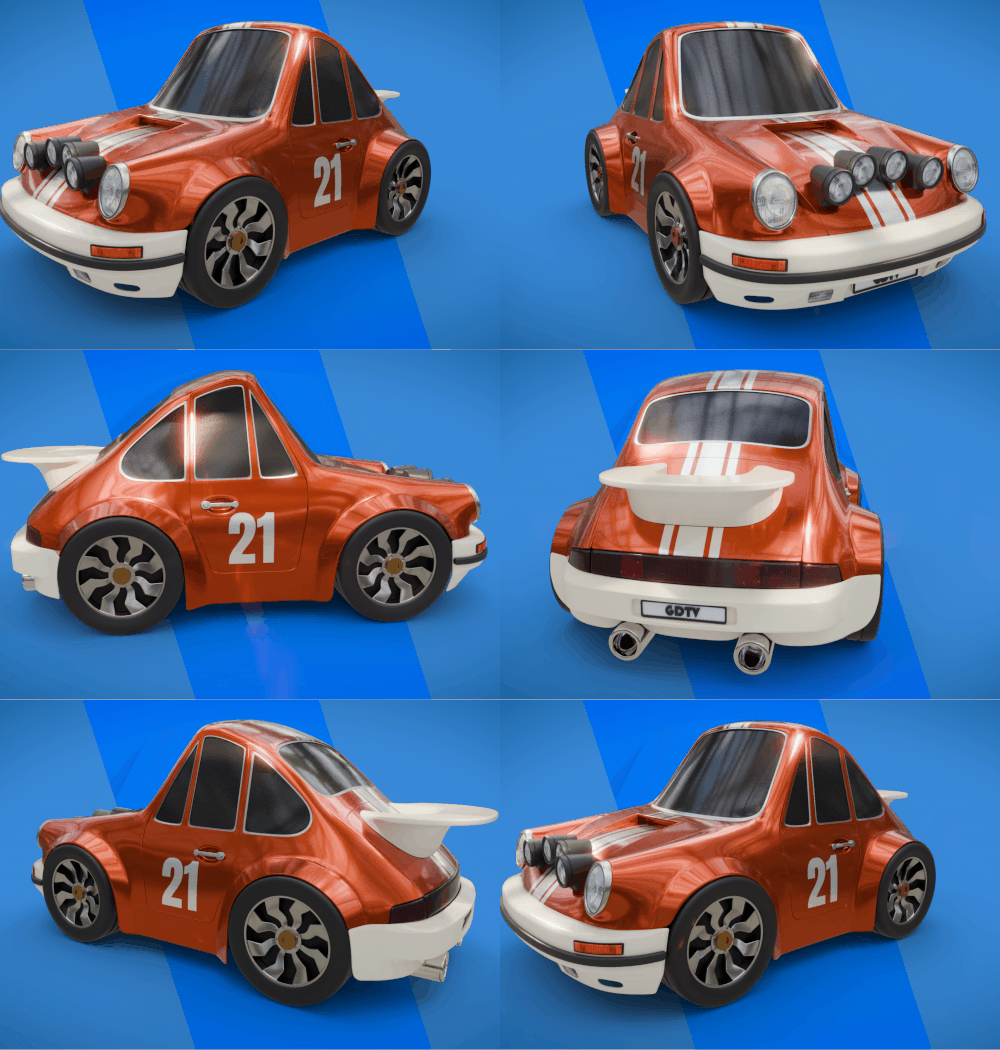
From Idea to Awesome!
Look at that! What started as a few basic blocks is now a fully stylised vehicle. This is more than a model - it’s proof of how far you’ve come.
What you’ll learn
Build a stylised car from the ground up, step by step.
Master Blender’s hard surface modelling workflows.
Use modifiers like a pro with non-destructive techniques.
Learn clean topology, edge flow, and support loops.
Add lighting, shading, and effects to make it pop.
Gain the skills to model vehicles, robots, spaceships - anything!
30 Day Money-Back Guarantee
100% refund, no questions asked.Lifetime Access
Access your content on any device, at any time.Teaching Support
Never get stuck with our teaching assistants on call.About the course
Tired of your models looking like something out of a PS1 game?
Learn how to build slick, detailed vehicles using Blender’s hard surface modelling tools - starting with a stylised racing car.
Hard surface modelling sounds fancy, but it just means building cool stuff like cars, robots, spaceships - anything with clean shapes and bold details. And that’s exactly what we’ll teach you to do.
You’ll start simple and work your way up - blocking out the basic shapes, stacking up detail, and refining it all with smart Blender workflows.
Modelling a car might sound intense, but we break it down step by step. You’ll use modifiers like a pro, and your edits will ripple through the whole design.
🚗 What makes this course a banger?
- Build a stylised car that looks game-ready
- Use Blender’s modifier stack like a boss
- Master non-destructive modelling
- Add lighting, shading and pro rendering
- Finish with a portfolio-worthy 3D model
You’ll learn how to control edge flow, add supporting loops, and make complex shapes feel simple - the kind of stuff that separates the noobs from the artists.
Once the model’s done, we’ll add shading, lighting and effects in the compositor to give it that final polish. You'll be amazed at how much it pops.
This course is perfect if you've done some basic modelling and want to level up. If you’ve taken our Blender Creator course (or similar), you’re in the perfect spot to dive in.
Just bring a bit of Blender know-how and a curiosity to learn more. We’ll help you go from basic modeller to hard surface hotshot.
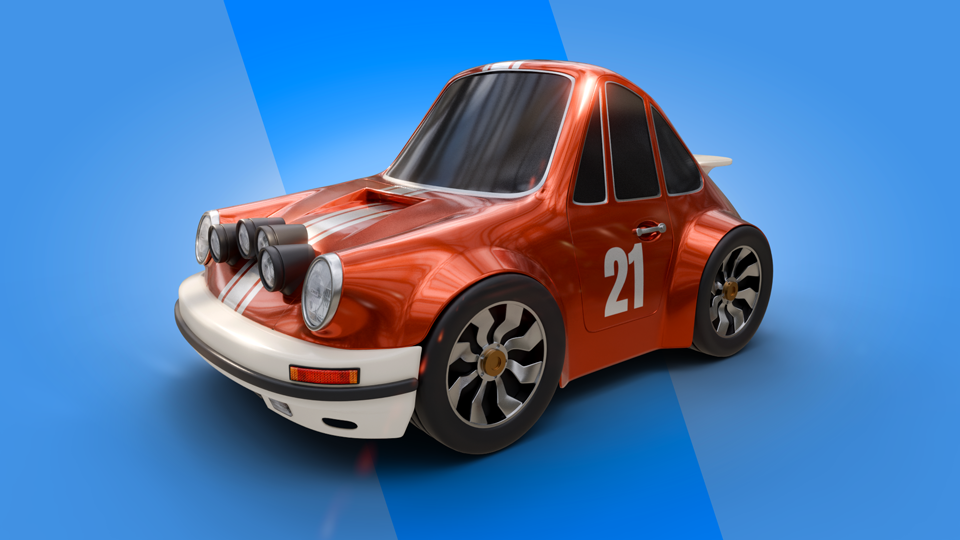
Curriculum
Instructors

Grant Abbitt
Hi, I'm Grant!
I started learning blender in the late 90’s and started using it for some motion graphics work for a small film company that I ran.
I went into teaching which was meant more as a backup option when the film work was not so regular. The teaching gradually took over and I have been teaching now for around 15 years. I moved into teaching games design 6 years ago which rekindled my excitement for 3D animation. I then started to find bits and pieces of freelance work and created my YouTube channel Gabbitt Media.
Since then my channel has over 500,000 subscribers and I have worked on game models for the game Atlas Empires along with many other interesting projects from engineering to 3d printing.