Blender Grease Pencil: Draw, Animate & Create 2D Art in a 3D World
Learn Blender’s Grease Pencil by making fun 2D animations and drawings - even inside 3D scenes!
Draw and animate in Blender, starting from scratch.
You've seen what Grease Pencil can do and you want in. But every time you've opened it, there are modes and brushes and layers and it's not obvious where any of it starts. This course is the clear beginning you've been looking for.
Make your first animations without overthinking it.
Grease Pencil has a lot going on under the hood, but you don't need all of it on day one. You'll start simple: brushes, layers, materials, and your first moving sketch. Bouncing balls, colourful fish, quirky faces — small projects that teach real techniques without overwhelming you.
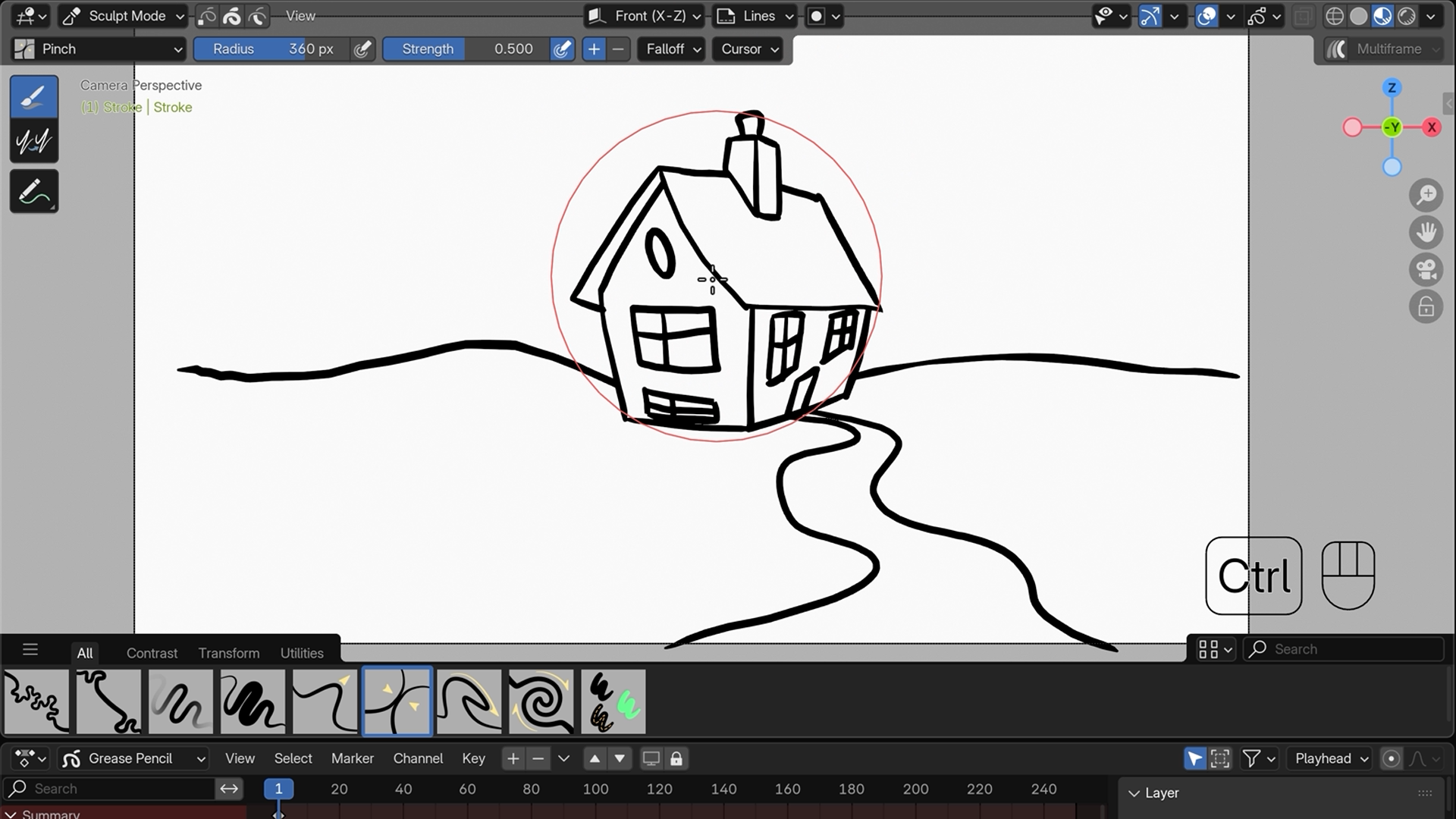
Sculpt, refine and add personality to everything you make.
Drawing the stroke is only half of it. Edit mode and Sculpt mode let you reshape and smooth what you've drawn after the fact, which is what makes Grease Pencil genuinely different from other 2D tools. Add automatic in-betweens, modifiers that transform a whole animation in one click, and your work starts to look intentional rather than rough.
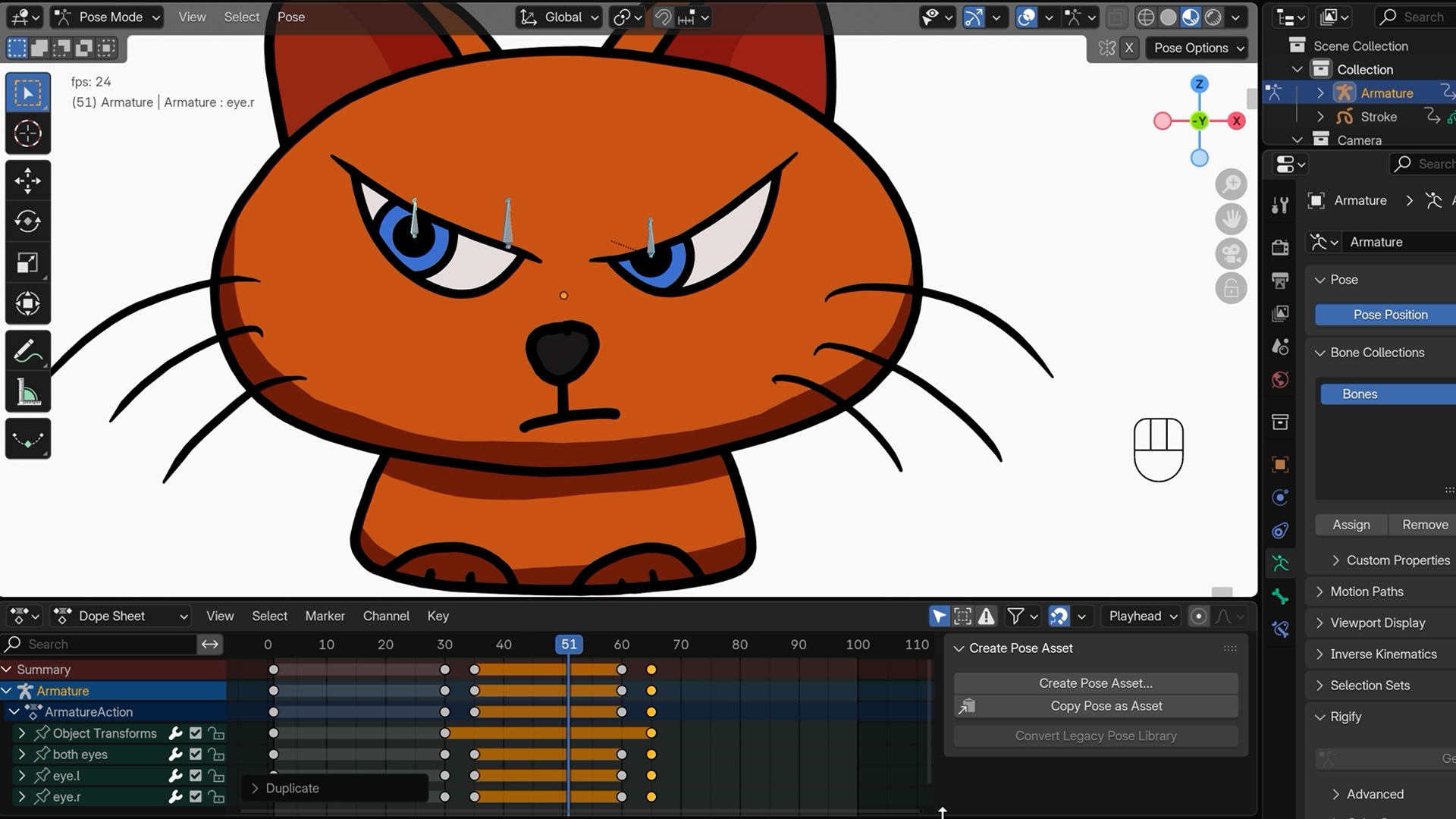
Rig a character and bring it properly to life.
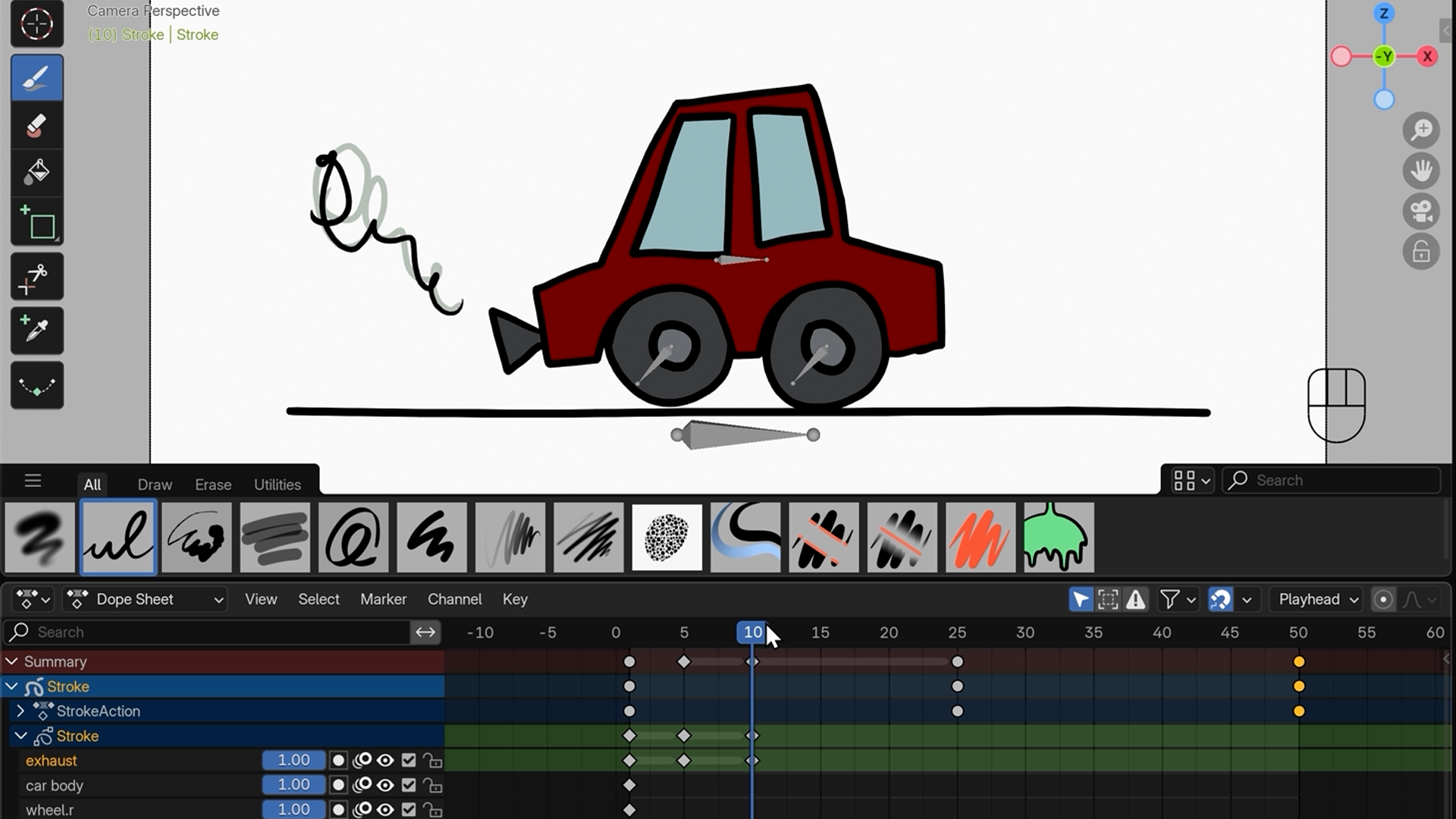
Bones, motion, simple rigging: the same principles that animate 3D characters work in Grease Pencil too. You'll build a dancing worm, a car cruising down a road, and add sound and lip-syncing so your animations have real personality, not just movement.
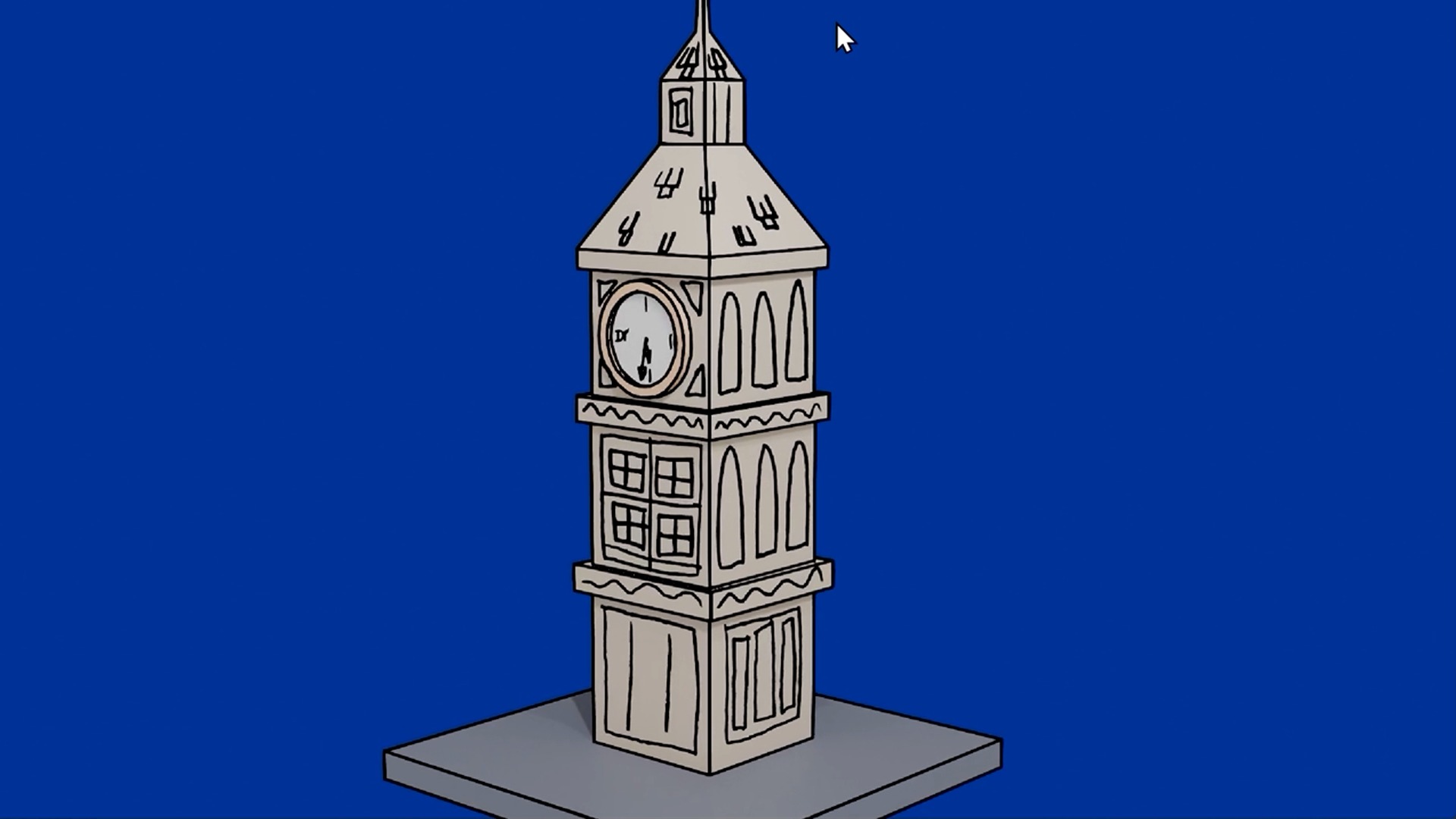
Paint 2D art directly onto a 3D scene.
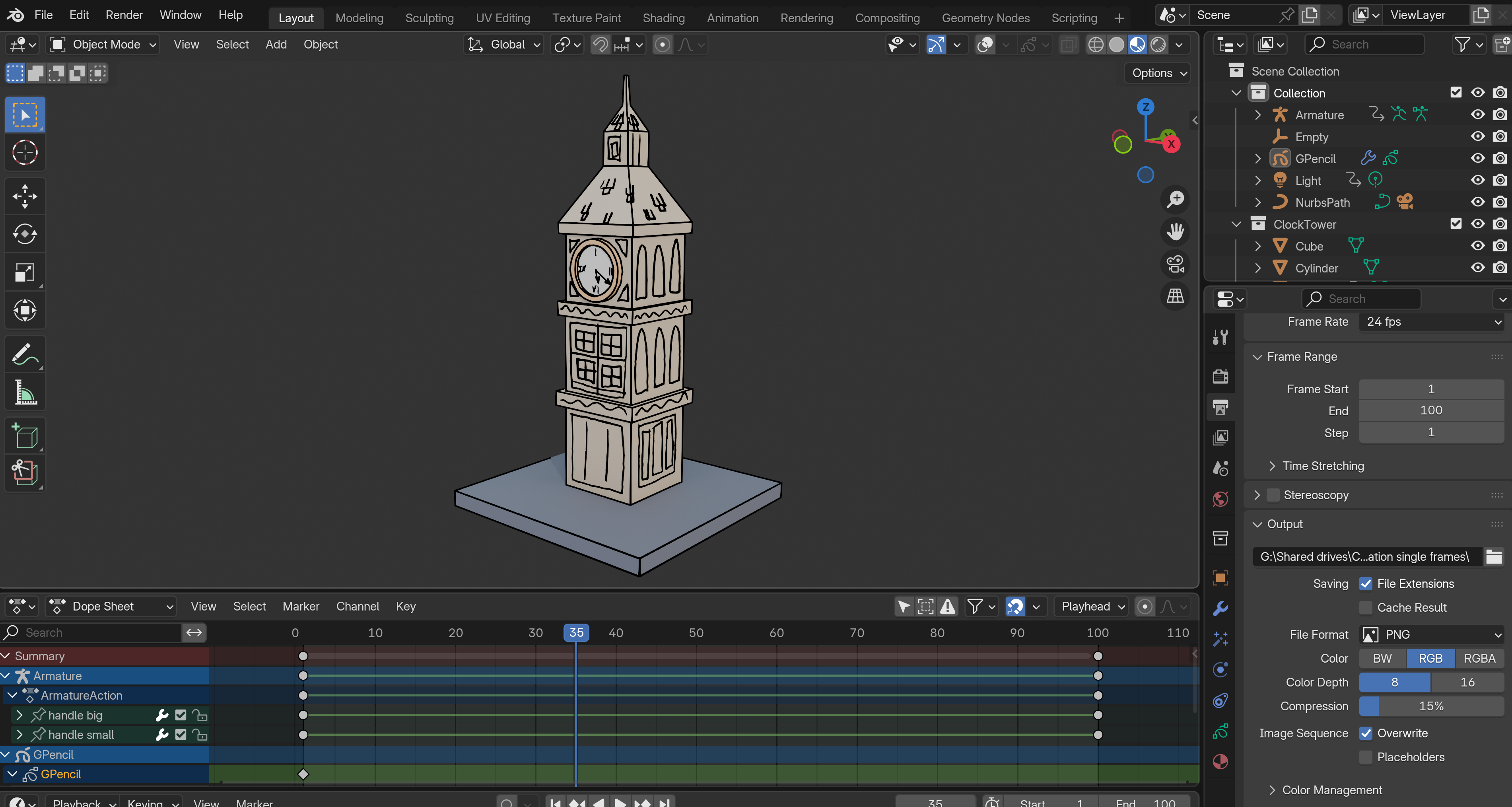
This is the thing Grease Pencil can do that nothing else can. You'll build a small 3D scene, then draw directly onto the objects inside it, creating something that feels hand-crafted and three-dimensional at the same time. A clock tower with a hand-drawn feel. 2D and 3D, in the same frame, made by you.
What you’ll learn
Discover how to use Blender’s Grease Pencil to draw, animate and create 2D art.
Sculpt and smooth your sketches till they pop with style.
Turn static doodles into slick animations using smart shortcuts and effects.
Bring your characters to life with bones, motion and simple rigging tricks.
Add sound and lip-syncing to give your animations real personality.
Blend 2D art and 3D scenes by drawing directly onto 3D objects in Blender.
100% Money-Back Guarantee
Not satisfied? Get a full refund, anytime during the first 30 days of the program.Lifetime Access
Access your content on any device, at any time.Teaching Support
Never get stuck with our teaching assistants on call.About the course
Want to make fun 2D animations in Blender but not sure where to start?
Maybe you’ve tried Grease Pencil and found it confusing - or you’d love to add hand-drawn flair to your 3D scenes but don’t know how.
This course breaks it all down step by step, helping you create simple, expressive animations (no drawing skills required!) and unlock the creative power of Blender’s Grease Pencil.
Blender’s Grease Pencil is an amazingly fun tool that lets you draw, animate, and create expressive 2D art inside a full 3D world. You can even sketch directly onto 3D objects to blend 2D and 3D in creative new ways.
Because it can do so much, Grease Pencil can feel a bit intimidating at first. That’s why this course takes a simple, step-by-step approach - with fun projects, small challenges and a clear sense of progression to help you build skills and confidence as you go.
It’s perfect for beginners to both Grease Pencil and Blender as a whole. You don’t need to be an artist, the projects are designed to be fun and achievable for anyone. All you need is a sense of curiosity (and ideally a graphics tablet, though a mouse works too).
You’ll start by getting set up and learning the essentials like brushes, layers and materials. Then how to refine your strokes in Edit and Sculpt modes, which makes Blender’s Grease Pencil so unique.
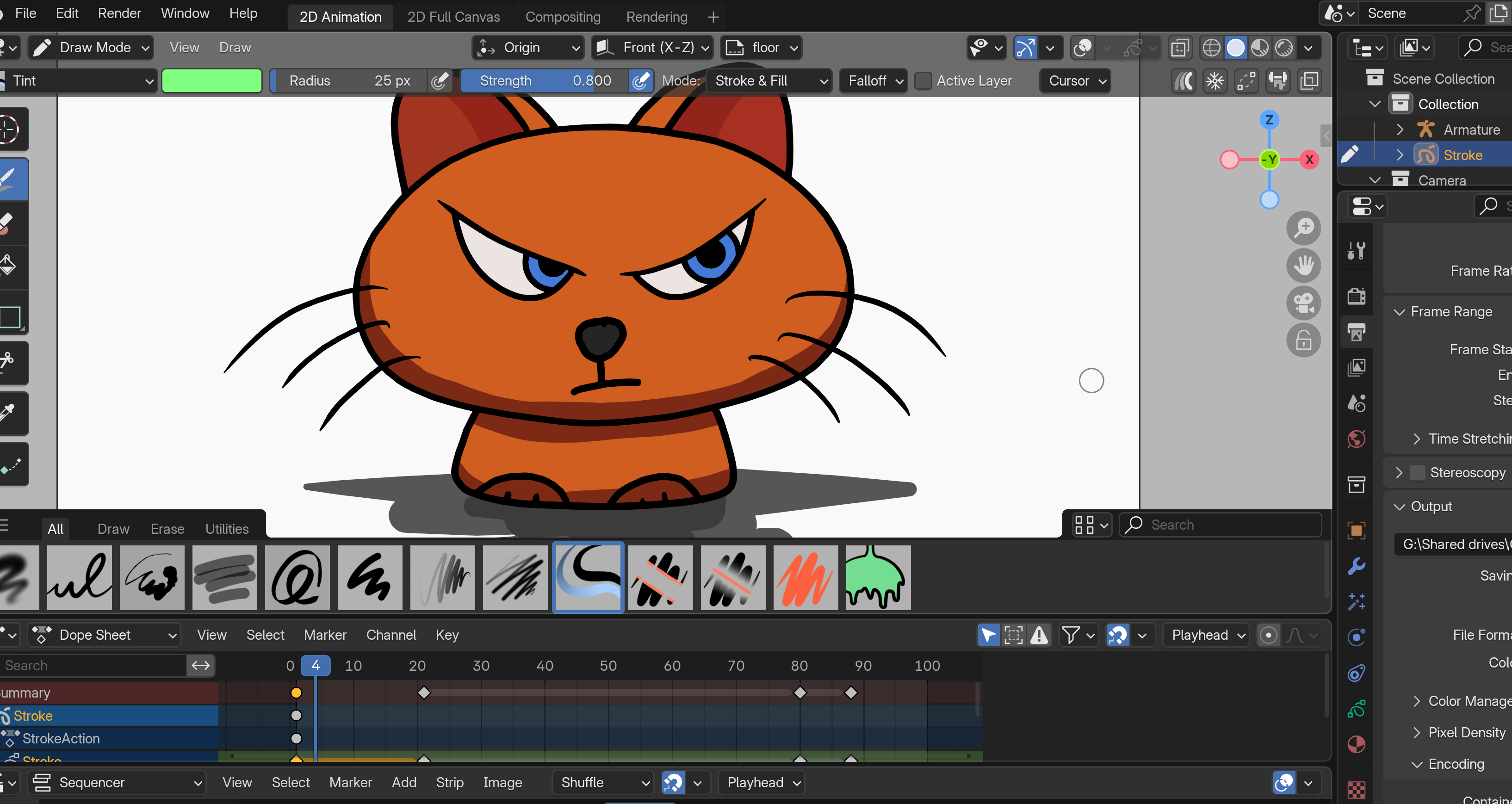
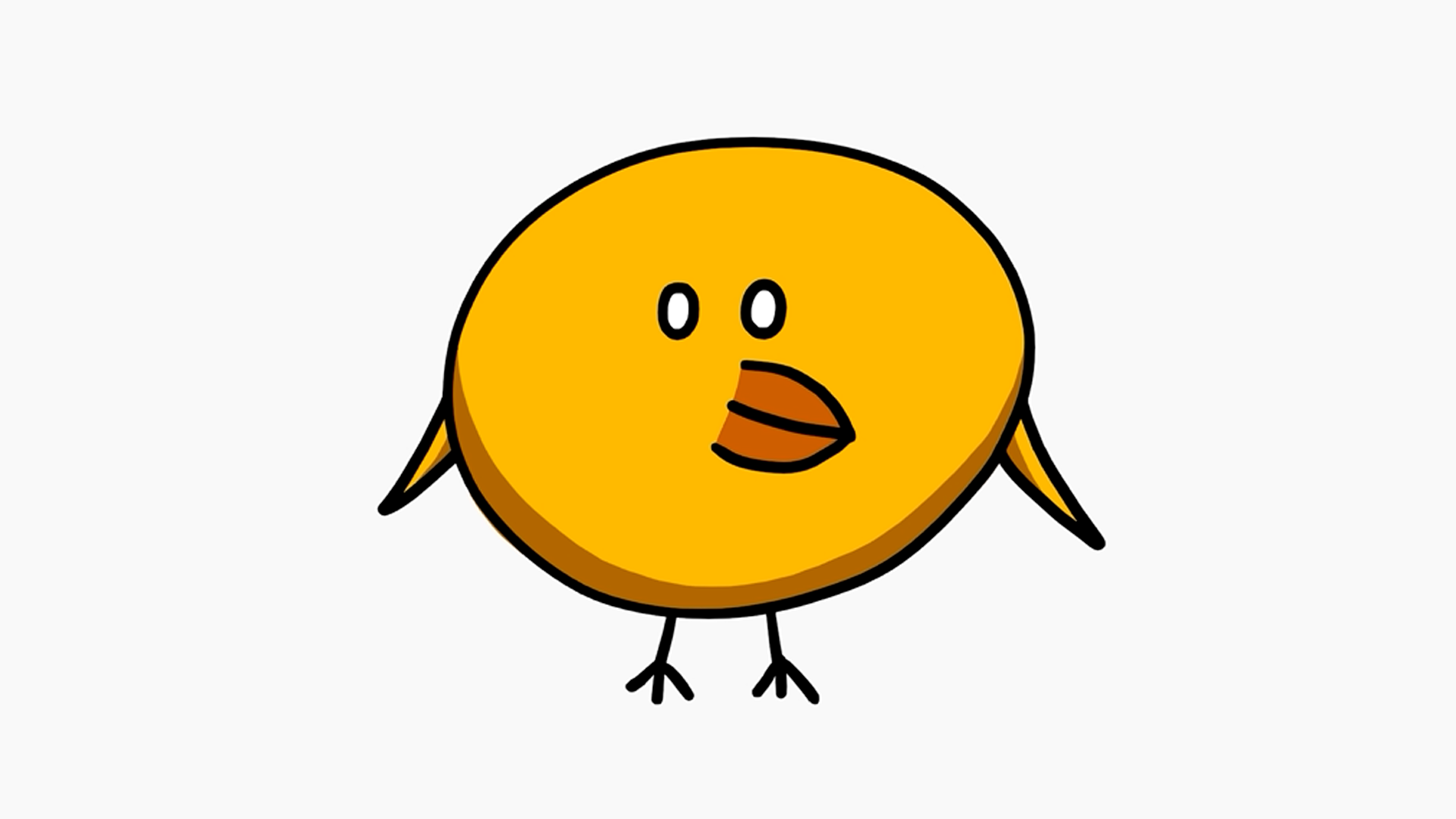
After that it’s straight into creating. You’ll draw a series of simple, fun projects from bouncing balls and colourful fish to quirky faces, cheeky cats and weird worms - learning animation basics along the way.
You’ll discover how to animate efficiently, using shortcuts and automatic in-betweens to save time, and how to tidy up your work for smooth results. You’ll even explore rigging with bones to make your own moving characters, from a dancing worm to a car cruising down the road.
As you progress, you’ll add sound and simple lip-syncing, then dive into the real magic of Grease Pencil - drawing inside 3D spaces. You’ll build a small 3D scene, then paint directly onto the objects to create a unique blend of 2D and 3D that feels hand-crafted and full of charm.
By the end, you’ll have a collection of animated art pieces and a solid understanding of how to use Blender’s Grease Pencil for both 2D and 3D projects. You’ll be ready to bring your imagination to life and make a few wonderfully weird creations along the way.
Join the Blender Grease Pencil course today and start sketching, animating and experimenting in a whole new dimension.
Curriculum
Instructors

Grant Abbitt
Hi, I'm Grant!
I started learning blender in the late 90’s and started using it for some motion graphics work for a small film company that I ran.
I went into teaching which was meant more as a backup option when the film work was not so regular. The teaching gradually took over and I have been teaching now for around 15 years. I moved into teaching games design 6 years ago which rekindled my excitement for 3D animation. I then started to find bits and pieces of freelance work and created my YouTube channel Gabbitt Media.
Since then my channel has over 500,000 subscribers and I have worked on game models for the game Atlas Empires along with many other interesting projects from engineering to 3d printing.