Geometry Nodes in Blender 4: Create Complex 3D Models
Learn to create complex 3D models procedurally with Geometry Nodes
//
What you’ll learn
Master procedural modelling with Blender's Geometry Nodes.
Twist and tweak geometry without breaking a sweat.
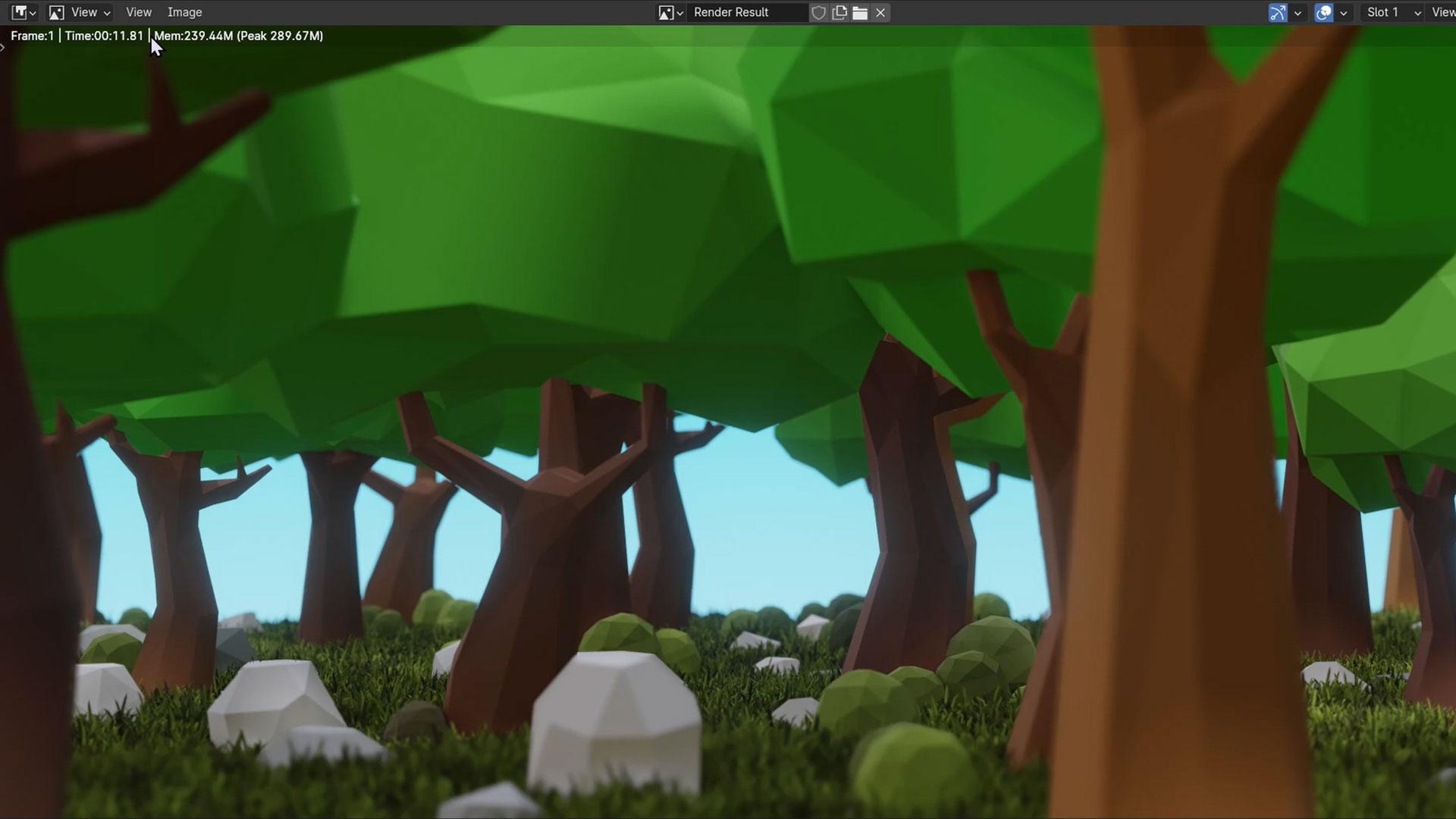
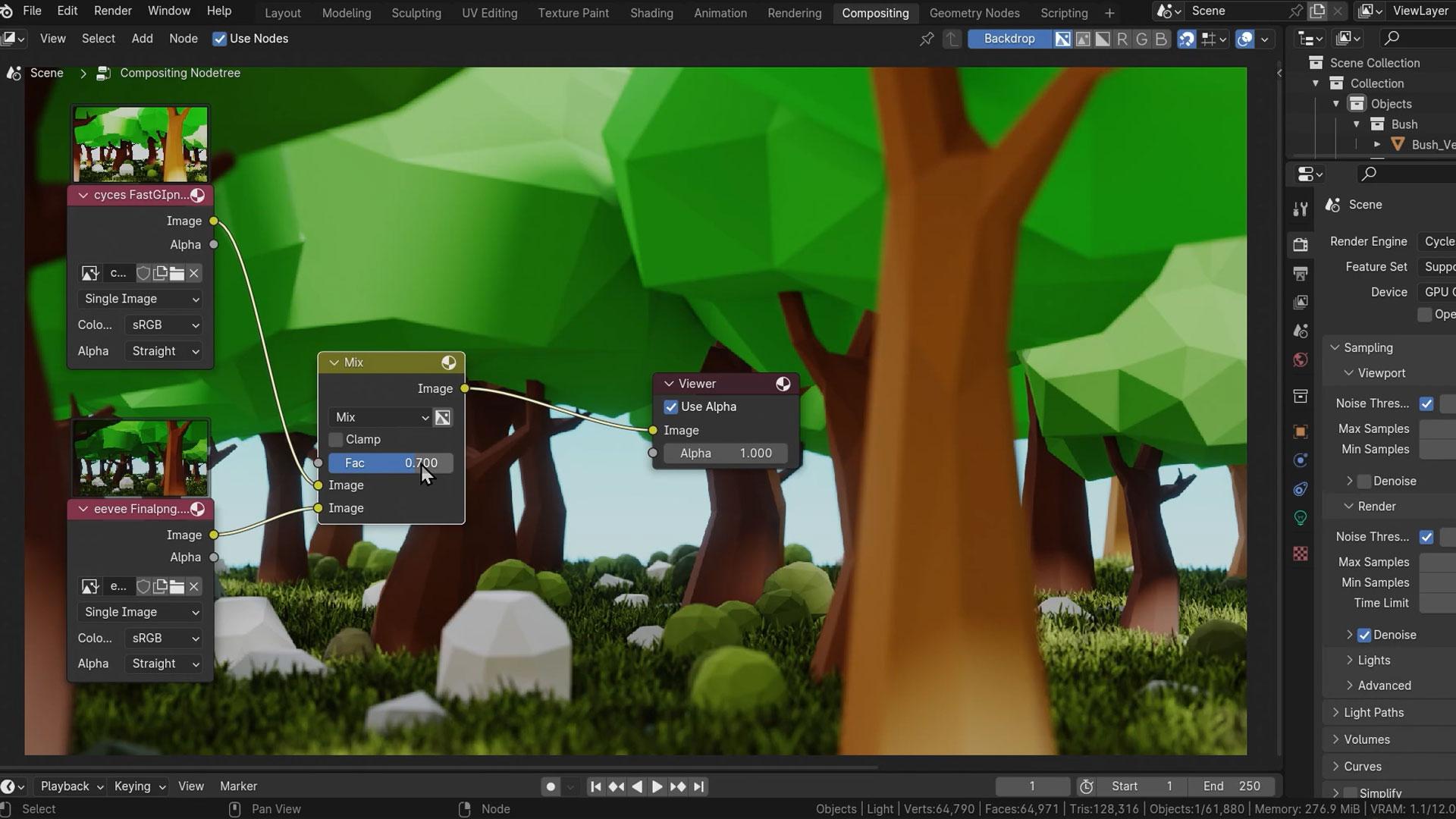
Create cool low-poly forests with your own modifier tools.
Bend curves to craft custom objects from grass to stylised trees.
Dive deep into data types, fields, and boolean math.
Whip up complex scenes using simple or intricate geometries.
Manipulate meshes and curves like a pro in the Node editor.
Save and reuse node setups to speed up your modelling process.
30 Day Money-Back Guarantee
100% refund, no questions asked.Lifetime Access
Access your content on any device, at any time.Teaching Support
Never get stuck with our teaching assistants on call.About the course
Ready to learn a powerful new tool for non-destructive, procedural modelling?
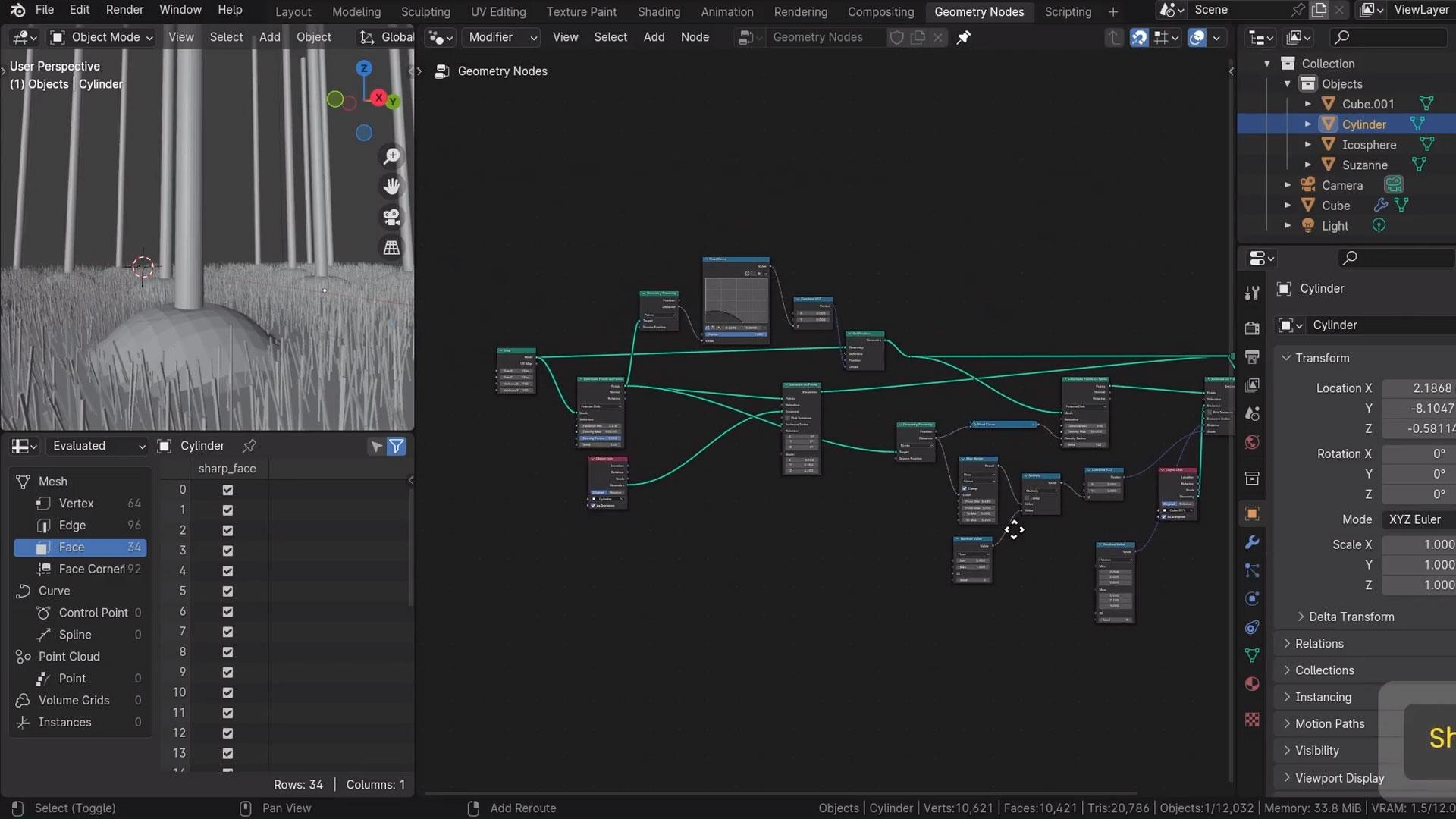
Geometry Nodes allows to you create complex 3D models procedurally, so you can create models that may be difficult or time-consuming using traditional modelling.
The non-destructive aspect of Geometry Nodes means changes can be made to your models and node trees without having to start from scratch. Dependencies can be built into node trees that will automatically take into account other changes in your scene.
Geometry Nodes is flexible and efficient, allowing you to save all or portions of individual node trees to re-use later and save precious time.
By creating node trees by visually connecting different nodes, Blender users can gain a greater understanding of the processes of procedural modelling.
- Learn the core concepts used in Geometry Nodes; data types, boolean math for selection, fields and attributes etc.
- Discover how to manipulate geometry, meshes and curves directly in the Geometry Node editor while learning about the most vital nodes and workflows.
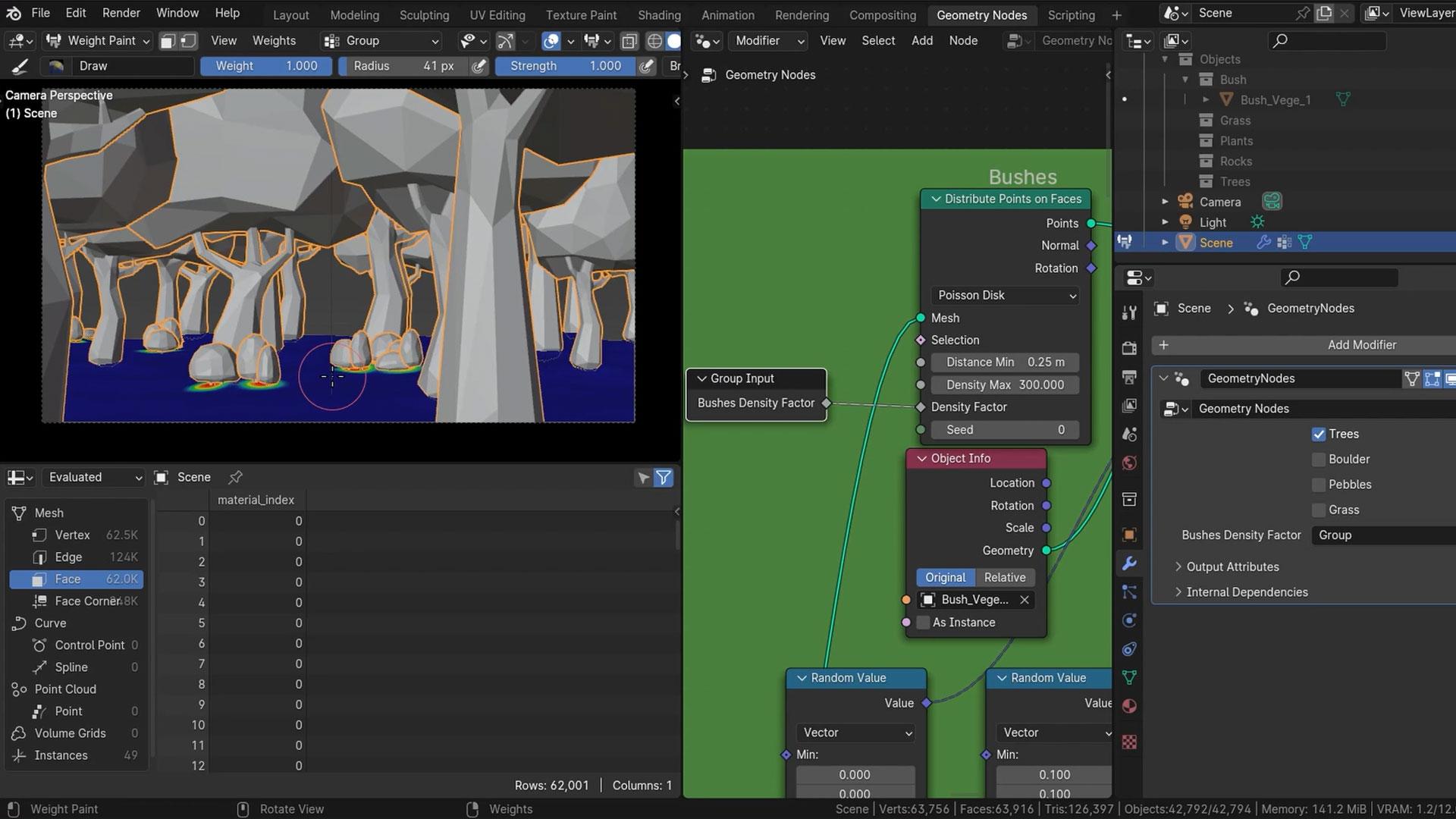
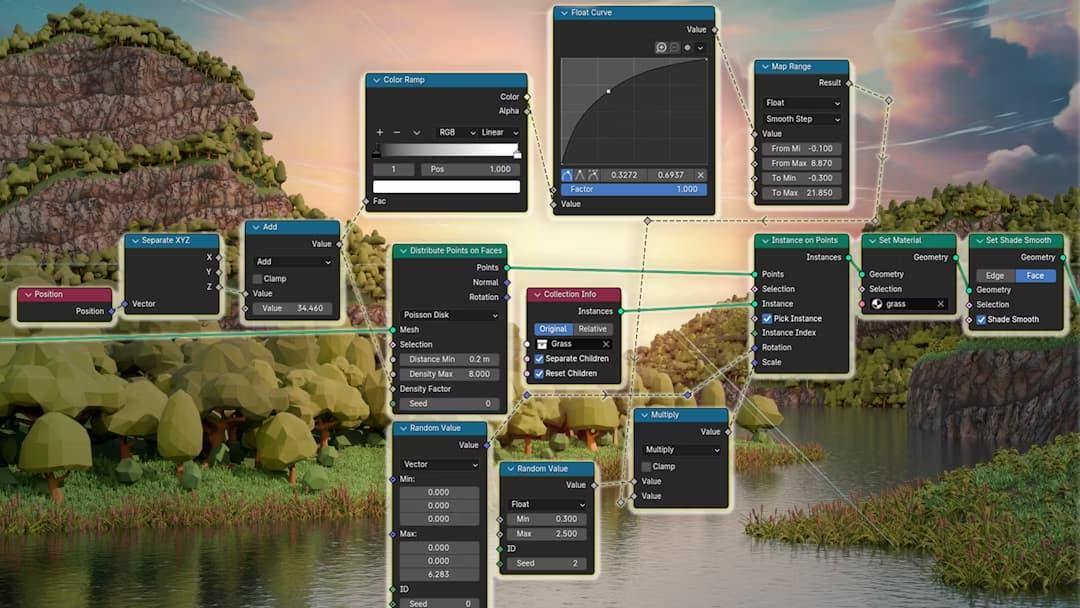
- Create a Modifer that can be used to populate any mesh with a low-poly forest, complete with trees, rocks, bushes and grass.
- Use curves to create your own objects that can be used in your scenes, from simple blades of grass and leaves, fencing that follows terrain automatically, and finally a stylised tree generator.
So if you want to learn a powerful new tool for non-destructive, procedural modelling and create your own modifiers, operators and mesh editing tools this is the course for you!
You'll need a basic knowledge of Blender and the ability to run Blender 4.0 (or a later version of Blender).
Dive in now and power up your Blender skills!
Curriculum
Instructors

Stephen Woods
Hi, I’m Stephen – great to meet you!
I fell in love with 3D art in 2005 when I began using 3DS Max in 2005 while studying Film-craft and Animation. A few years later I moved onto Maya and Lightwave while completing a degree in Computer Animation. I discovered, despite a love of animation and filmmaking, that creating 3D art was the career for me.
While taking time off to be a stay-at-home dad to two brilliant boys, I discovered Blender and explored every aspect of this amazing content creation software, from modelling, lighting, texturing, rendering, and compositing to animation, video editing, VFX and recently, geometry nodes. Transitioning from Max and Maya to Blender as my primary production tool.
Since discovering GameDev.tv’s awesome Unity courses many years ago, I’ve also caught the programming bug and recently completed a second degree in Computing and IT with Design, where I mostly concentrated on Design Thinking and innovation, Python, Java, and C# programming, Software Engineering and Web Technologies.
I’m honoured to now teach Blender for a living, creating several courses over the years. I just couldn’t be happier that I now work with GameDev.tv to bring you more Blender courses that will inspire you to level up your 3D art, whether for games, illustration, or animation.