Blender Anime Character Creator: Make 3D Anime Characters in Blender
Model, rig and pose an anime character in this intermediate Blender course.
//
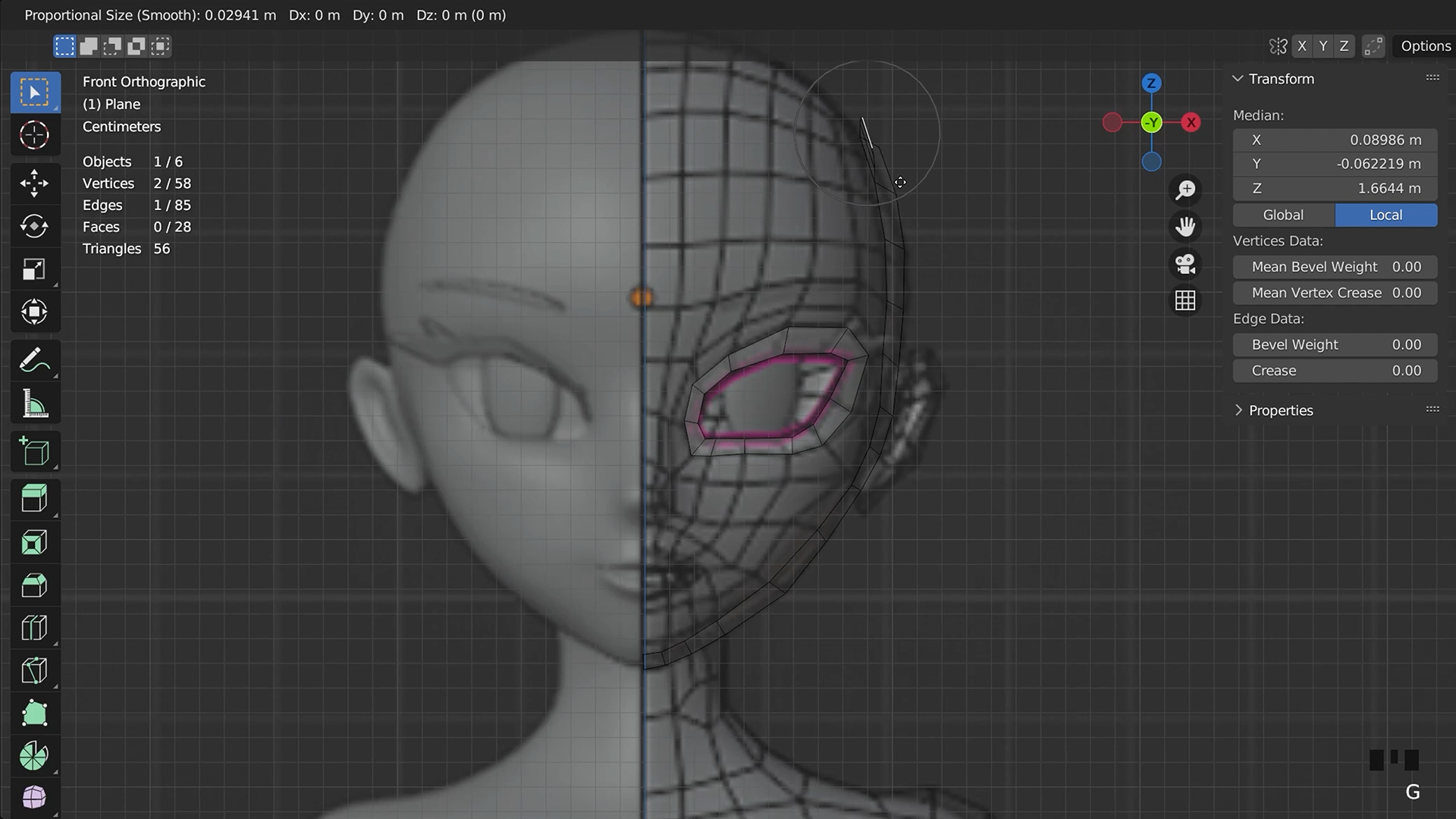
Model More Than Basic Shapes.
Sculpting a face is one thing. Building one from flat polygons is another. Box modelling is the technical, structured approach to building a character from scratch, and it's exactly what this course teaches. You'll work through topology and edge flow properly, the underlying skills that make the difference between a model that deforms well and one that falls apart the moment you try to animate it.
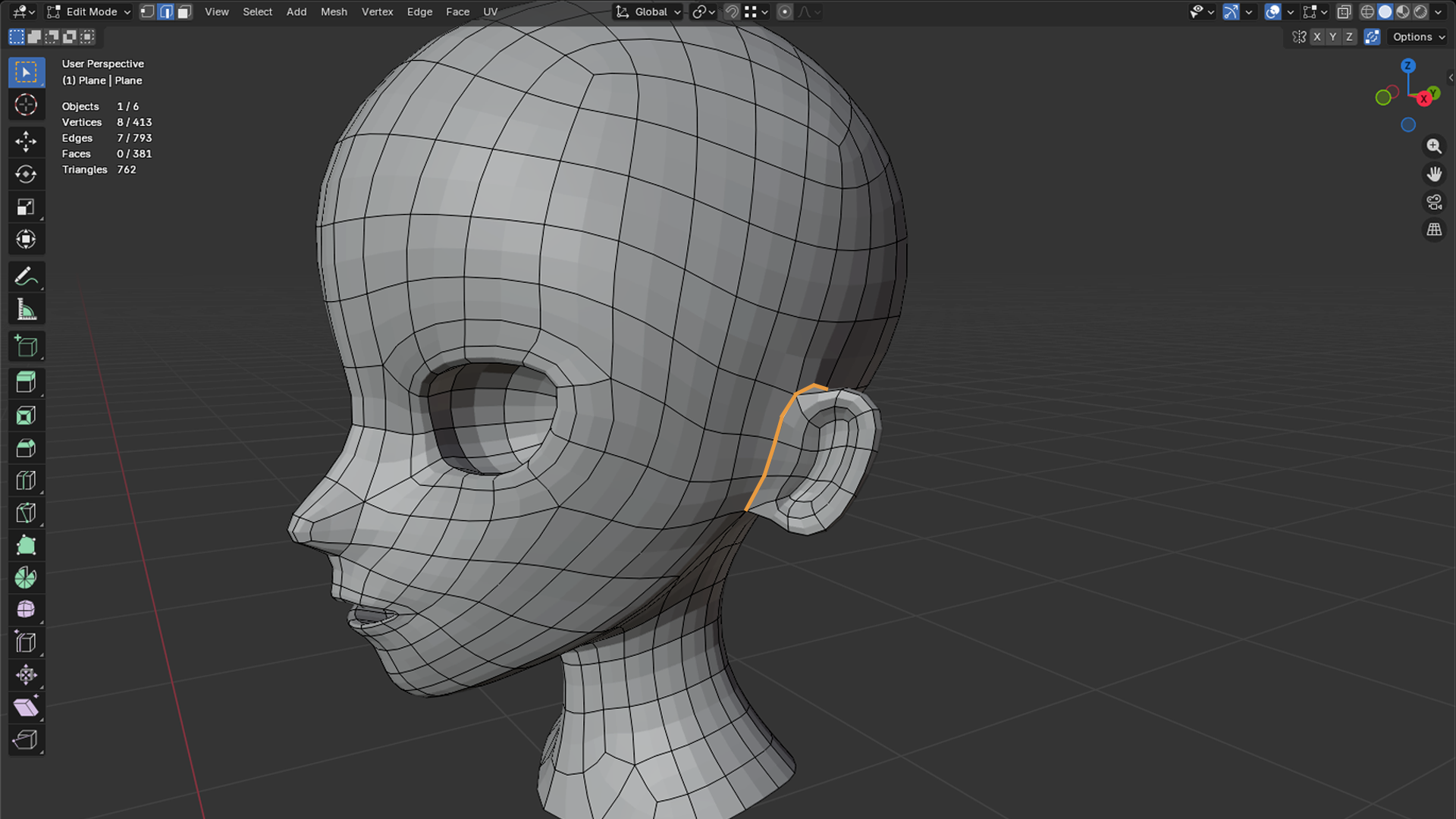
Read Edge Flow Like It's Second Nature.
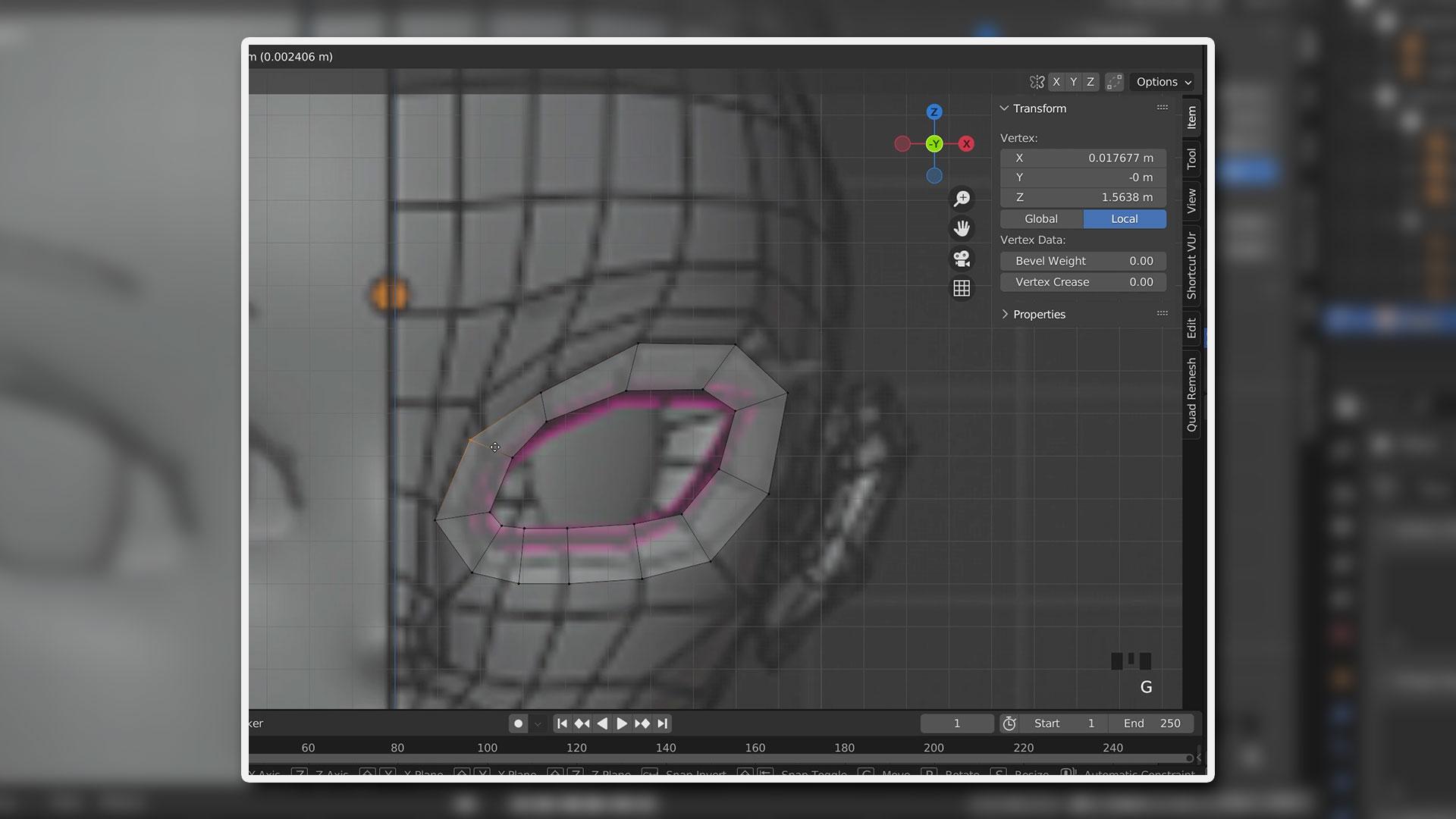
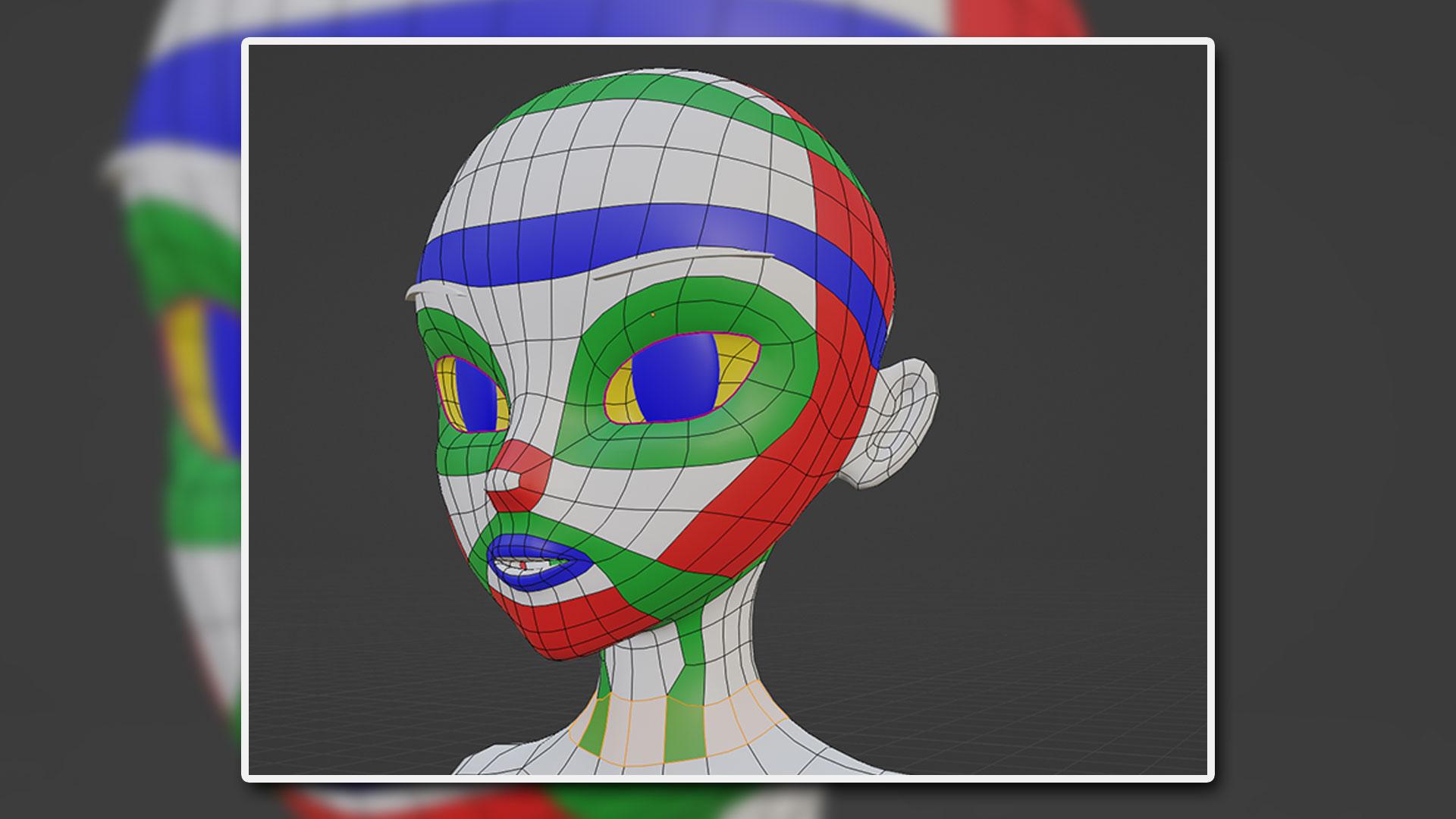
Bad topology doesn't show up until you try to bend it. You'll box model an anime character from the ground up, learning to place edge loops around joints and facial features so the mesh holds its shape under deformation. This is the technical core the rest of the course builds on, and it's a different discipline entirely from sculpting.
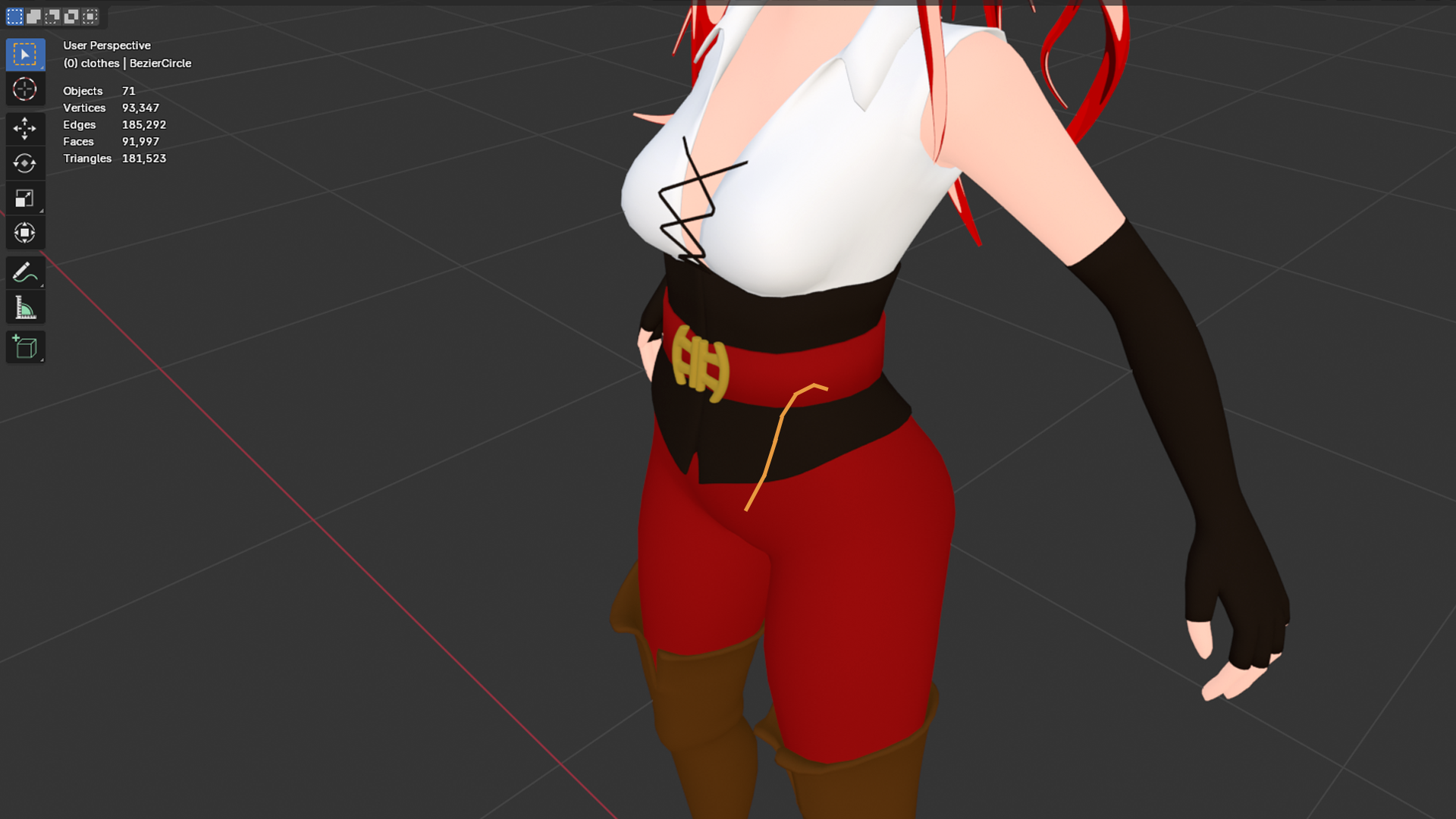
Dress Your Character Properly.
A naked mesh isn't a character yet. You'll model and texture clothing directly onto your character, then rig it so fabric moves with the body instead of clipping through it. Getting clothing topology and weights right here is what makes the difference between an outfit that looks stitched on and one that looks worn.
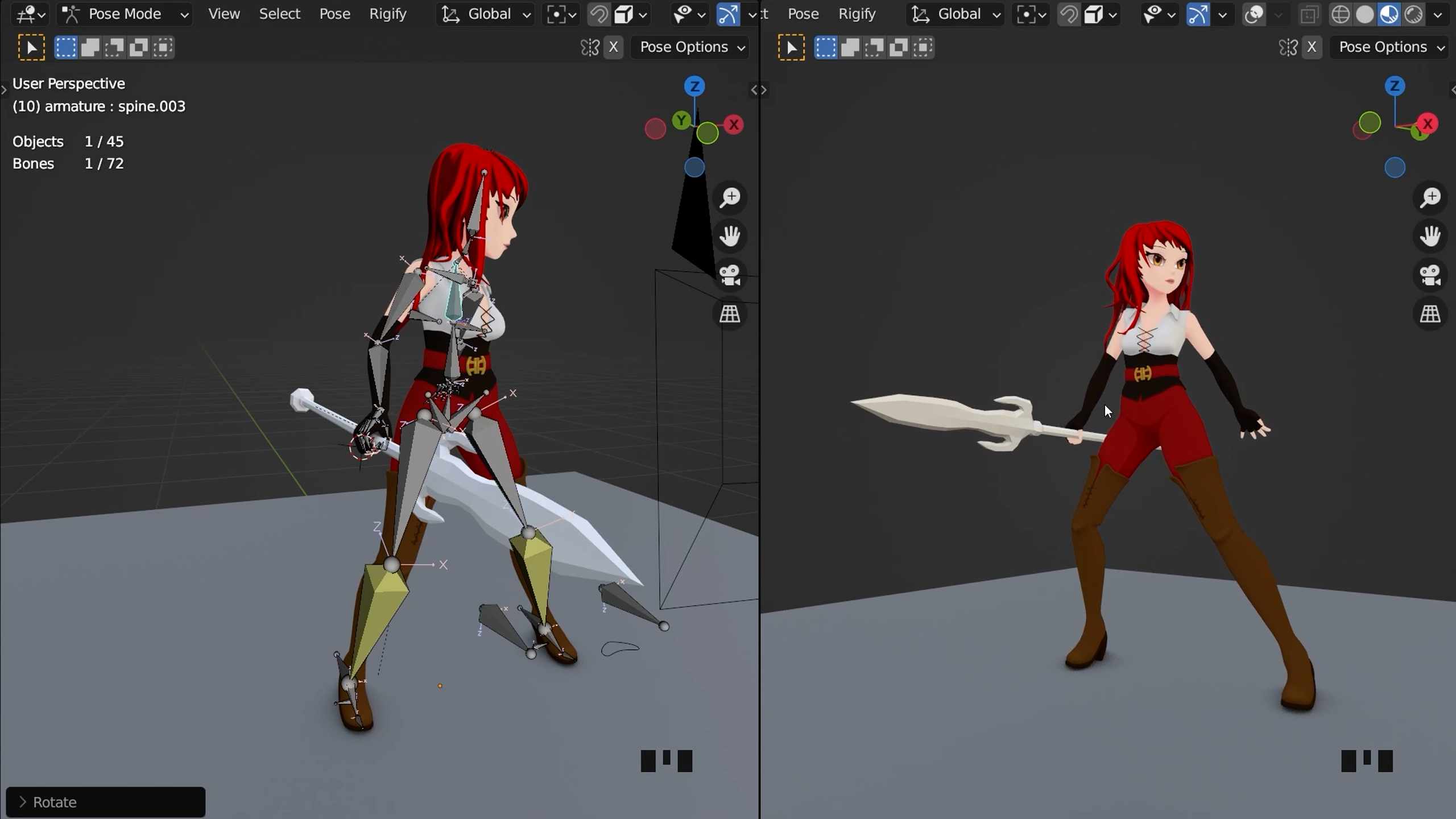
Pose a Character That Bends Where It Should.
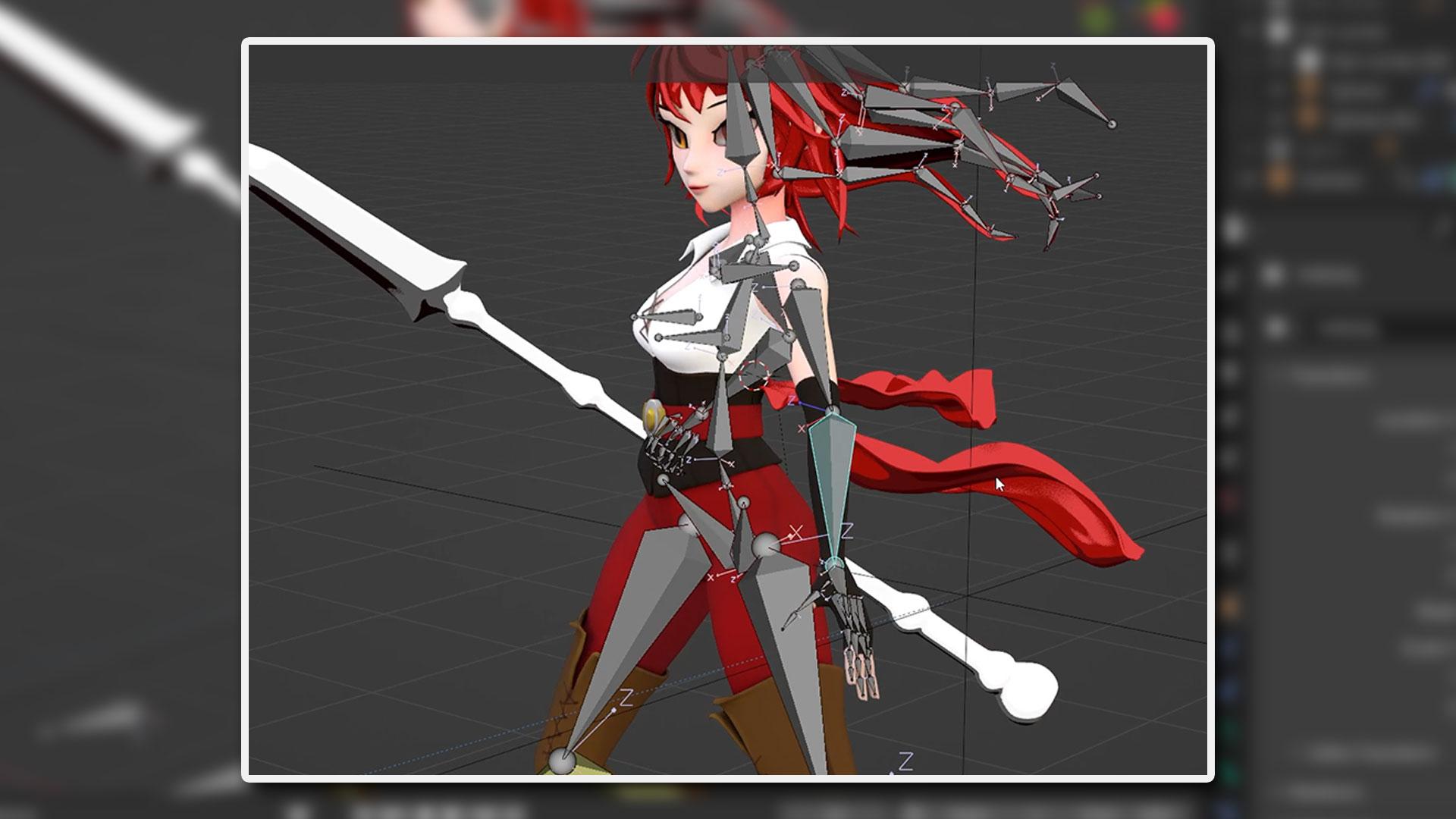
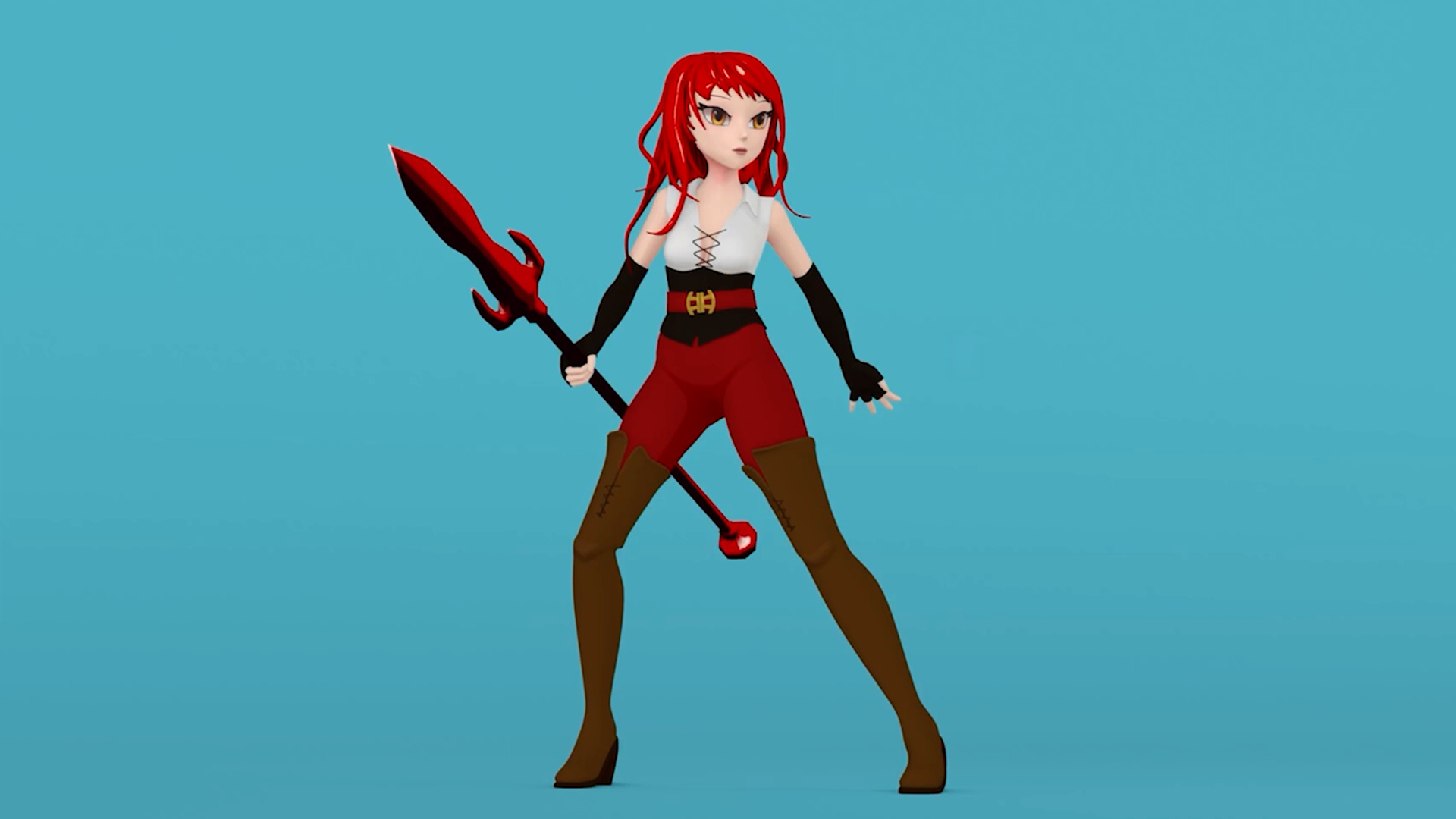
Weight painting is where your topology work finally pays off. You'll rig legs with a simple IK setup and refine weight painting until joints bend cleanly with no stretching or collapsing mesh. Once the rig behaves, posing your character stops being a fight and starts being the fun part.
Finish With Anime Shading That Actually Reads.
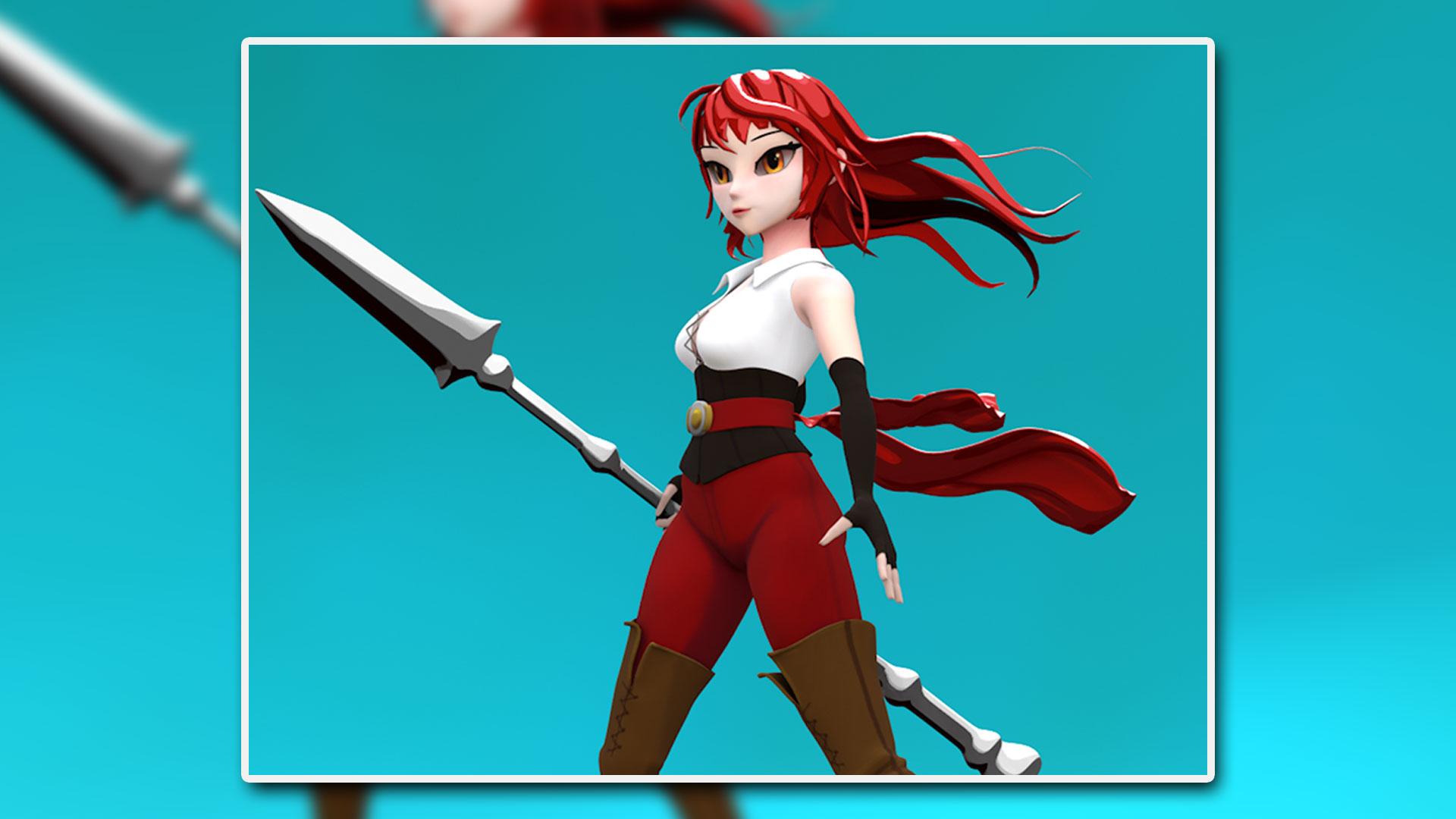
Texture painting is the last thing standing between a grey mesh and a finished character. You'll paint textures by hand and set up anime-style shading, the flat colours and sharp shadow edges that give the finished character its distinct look. By the end, you've taken a character from a blocked-out box mesh all the way to a rigged, textured, posed result, and picked up the advanced modelling instincts to do it again on your own.
What you’ll learn
Model anime characters from scratch using box modelling.
Master complex 3D modelling aspects like topology and edge flow.
Create and texture clothing for your anime characters.
Rig characters using a simple IK setup for legs.
Apply texture painting and set up basic anime shading.
Develop a deep understanding of weight painting techniques.
Transition from beginner to pro with advanced Blender skills.
Engage with a community of developers to enhance learning.
30 Day Money-Back Guarantee
100% refund, no questions asked.Lifetime Access
Access your content on any device, at any time.Teaching Support
Never get stuck with our teaching assistants on call.About the course
Want to learn to rig and pose an anime character in Blender? And at the same time, learn the more complex aspects of 3D modelling such as topology and edge flow?
In this course, you’ll learn how to model anime characters and develop skills in box modelling techniques. This is a very technical approach and different to the sculpting workflow, which we cover in other courses.
You’ll make clothing for your characters, and learn basic to intermediate techniques which include rigging the clothing and texturing. These simple, yet effective, techniques will prepare you for more advanced modelling and topology.
This course is aimed at intermediate Blender users looking for more advanced techniques and a “stepping stone” course to make the jump from beginner to pro!
You’ll need a reasonable understanding of the blender interface, ideally having gone through one of our more beginner friendly Blender courses.
Level up in Blender and create your own anime characters now!
Curriculum
Instructors

Grant Abbitt
Hi, I'm Grant!
I started learning blender in the late 90’s and started using it for some motion graphics work for a small film company that I ran.
I went into teaching which was meant more as a backup option when the film work was not so regular. The teaching gradually took over and I have been teaching now for around 15 years. I moved into teaching games design 6 years ago which rekindled my excitement for 3D animation. I then started to find bits and pieces of freelance work and created my YouTube channel Gabbitt Media.
Since then my channel has over 500,000 subscribers and I have worked on game models for the game Atlas Empires along with many other interesting projects from engineering to 3d printing.