Turning Laser Defender into My First Attempt at a Full Game (Pt. 3)
I cleaned up the images as best as I could, but here is what I actually should have done: learned to draw portraits 😊
Ha! Well, back to the practice studio with me, then! These are pretty funny :-)
Pixel Art Summary
I’m going to write this summary differently than the other sections. youtube. ).
2.
Pixel Art (…or Pixel-ish art???)
Oh, what was I thinking…? If I had not attempted to do the pixel art for this project, it would have cut the timeline in half. On top of that, the results I produced are pretty mixed.
Does this mean I shouldn’t have attempted to make pixel art for this game? No! I’m actually really glad I did it. This is a skill set I already had an appreciation for, but I had almost no understanding of the process or timeline. I feel like I now have a very solid basis to relate to an artist’s struggle to complete a project.
Assuming you want to try your own pixel art, here are some things I learned. If you are already an experienced artist, some of these may seem ridiculously simple. So, these points are aimed at beginner pixel artists, like myself.
Color Palettes
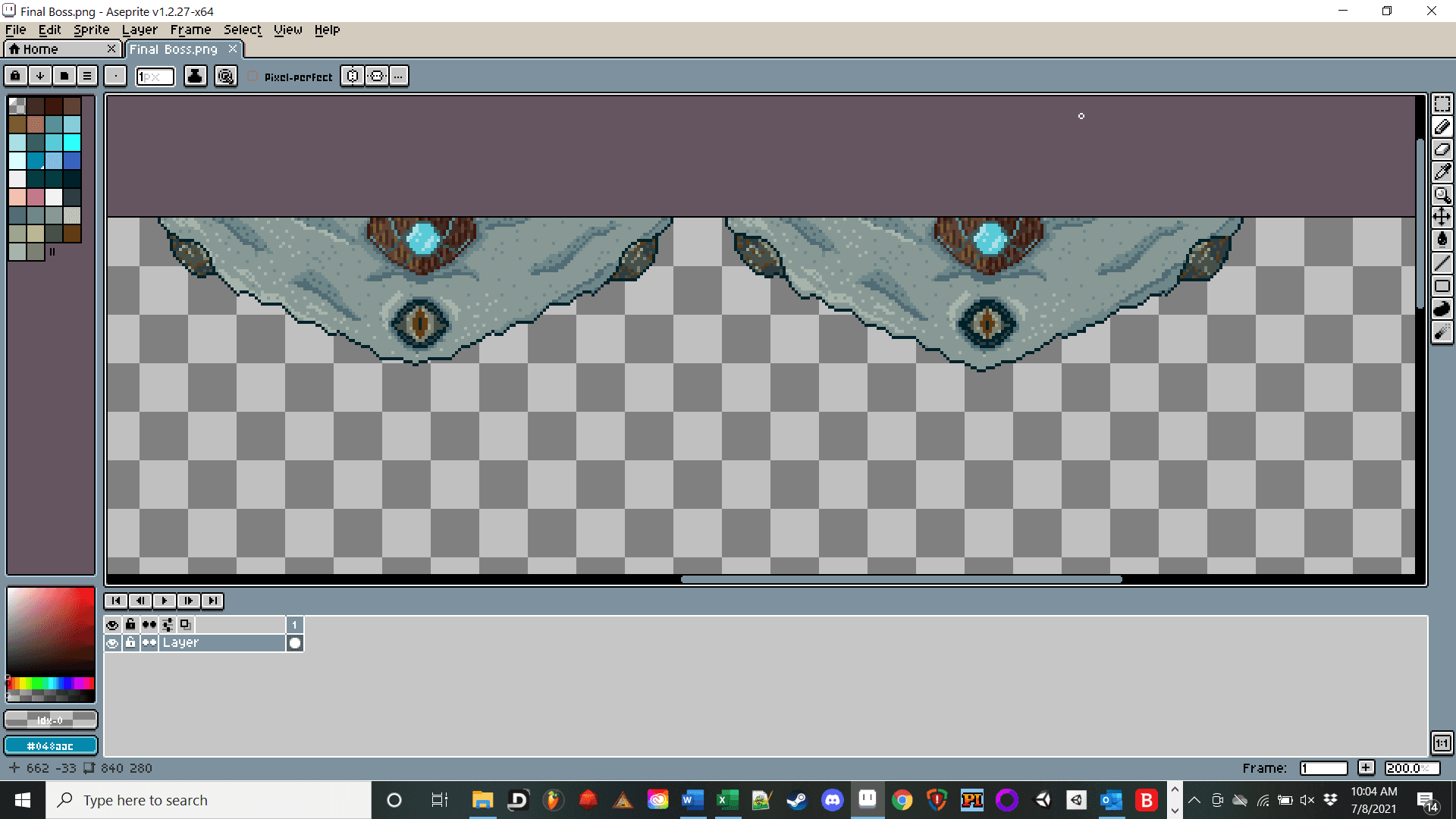
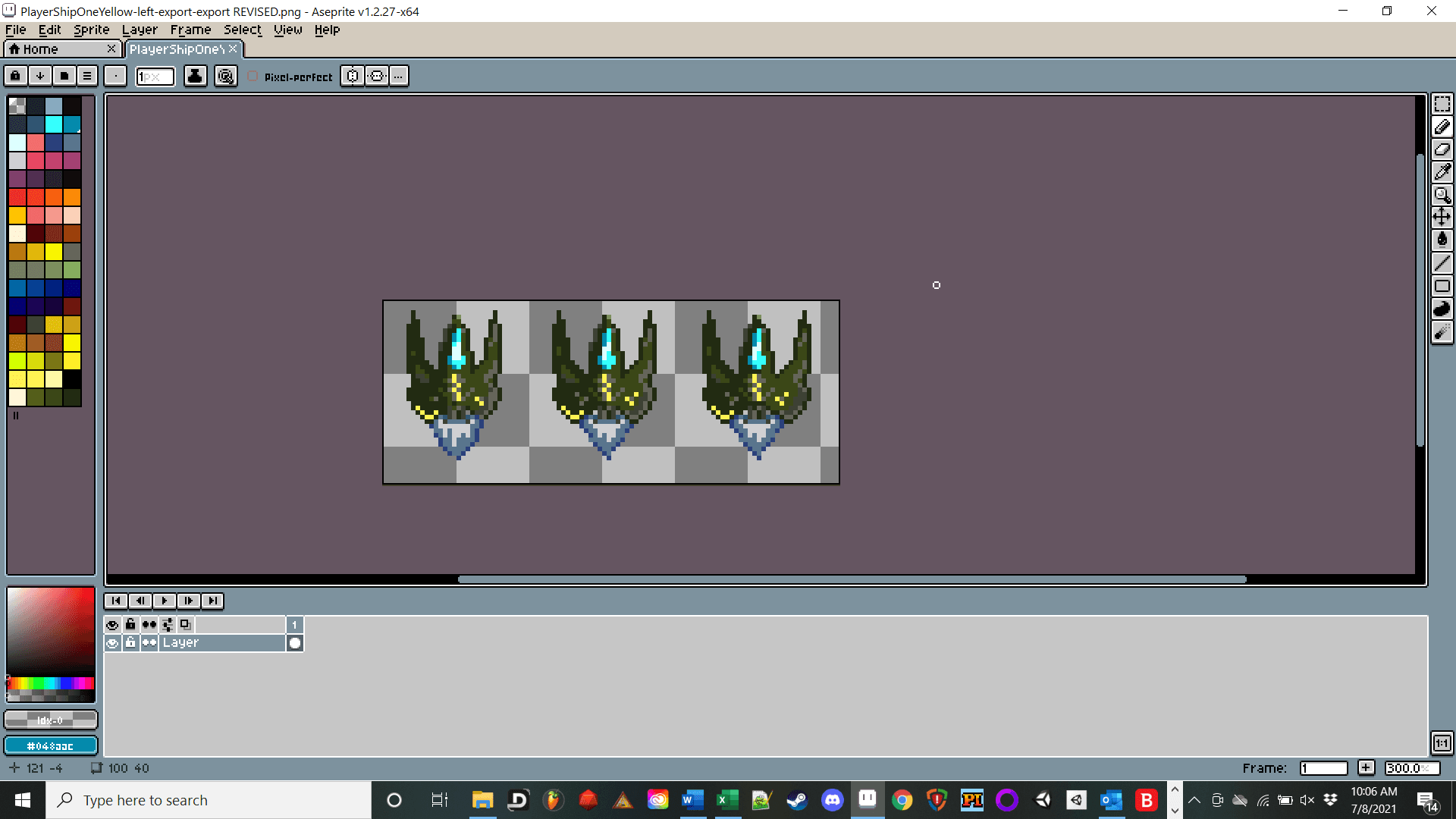
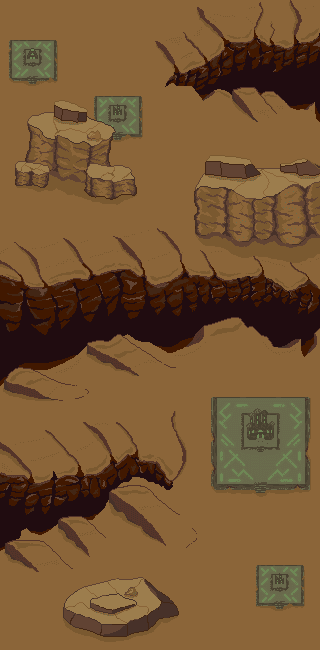
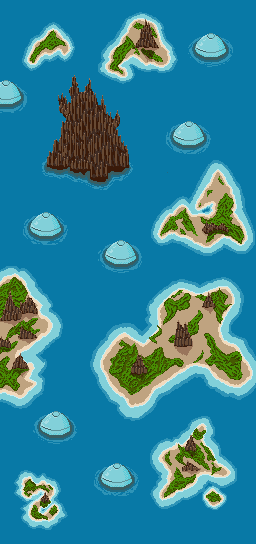
Wow, this is critical! You must have a consistent color palette for each scene. Your art is just not going to come together as a whole if you don’t spend time learning about this. What’s more, is that you’ll also need to make sure your different color palettes maintain a theme.
This is one area on which I spent quite a bit of time, and I think there are some successes here (maybe not as much on the snow background...).
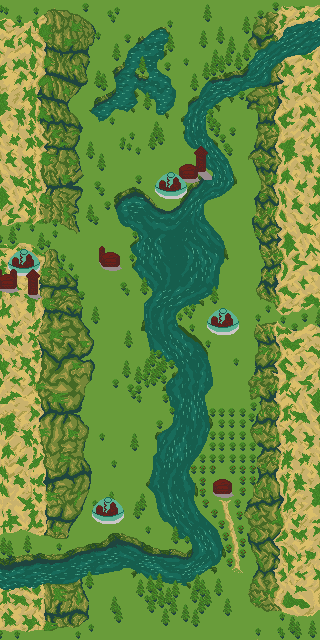
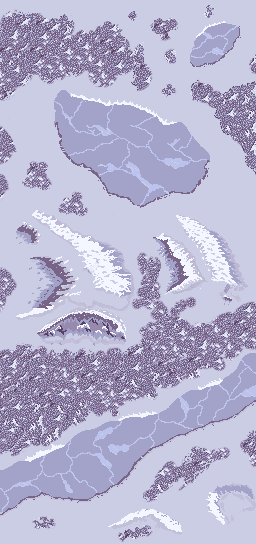
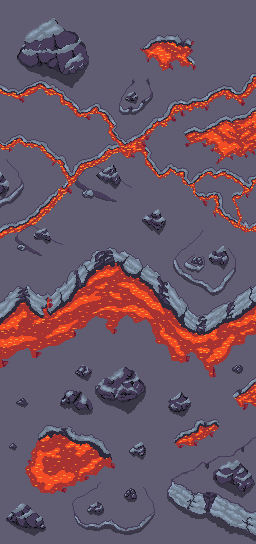
Here are some resources from various creators to help you find or make your own color palettes. I also included a link to Adobe color wheel.
Ansimuz (Luis Zuno):
https://www.youtube.com/watch?v=04OVbOncF58
MortMort:
https://www.youtube.com/watch?v=QhgSM_tnPM4&t=9s
AdamCYounis:
https://www.youtube.com/watch?v=hkrK65FPmDI
Saultoons:
https://www.youtube.com/watch?v=lfR7Qj04-UA
Adobe Color Wheel:
https://color.adobe.com/create/color-wheel
Ansimuz (Luis Zuno):
My biggest personal art influence when creating this game- If you are not familiar with Luis's work, I would highly suggest you check it out:
He has made several games including Elliot Quest. Not only is his style beautiful, but he is able to convey a lot of information with relatively few pixels. He also covers a wide variety of settings/genres.
Several of his created settings have have demos or at least animations to give you a sense of how the scene may come together. He also has a YouTube channel with (see link above) with many helpful videos.
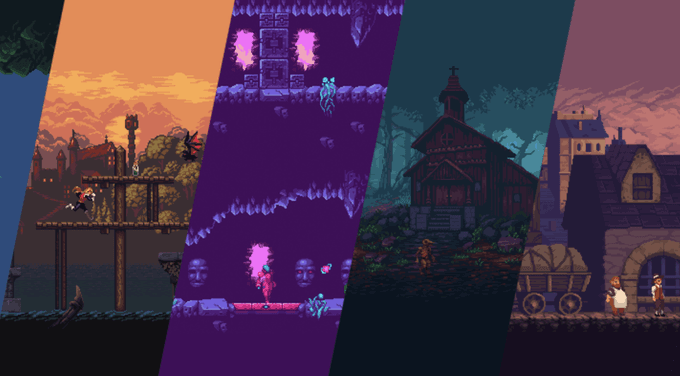
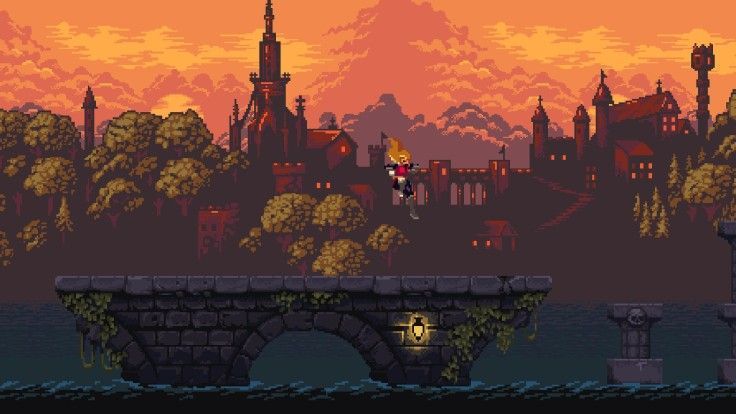
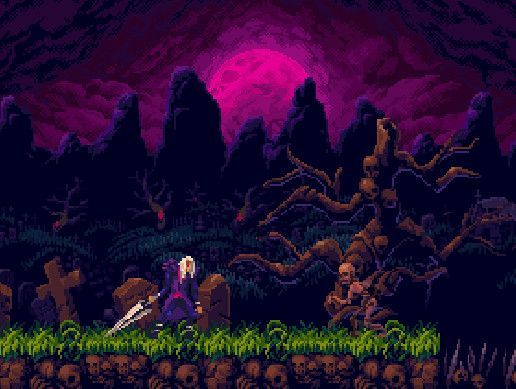
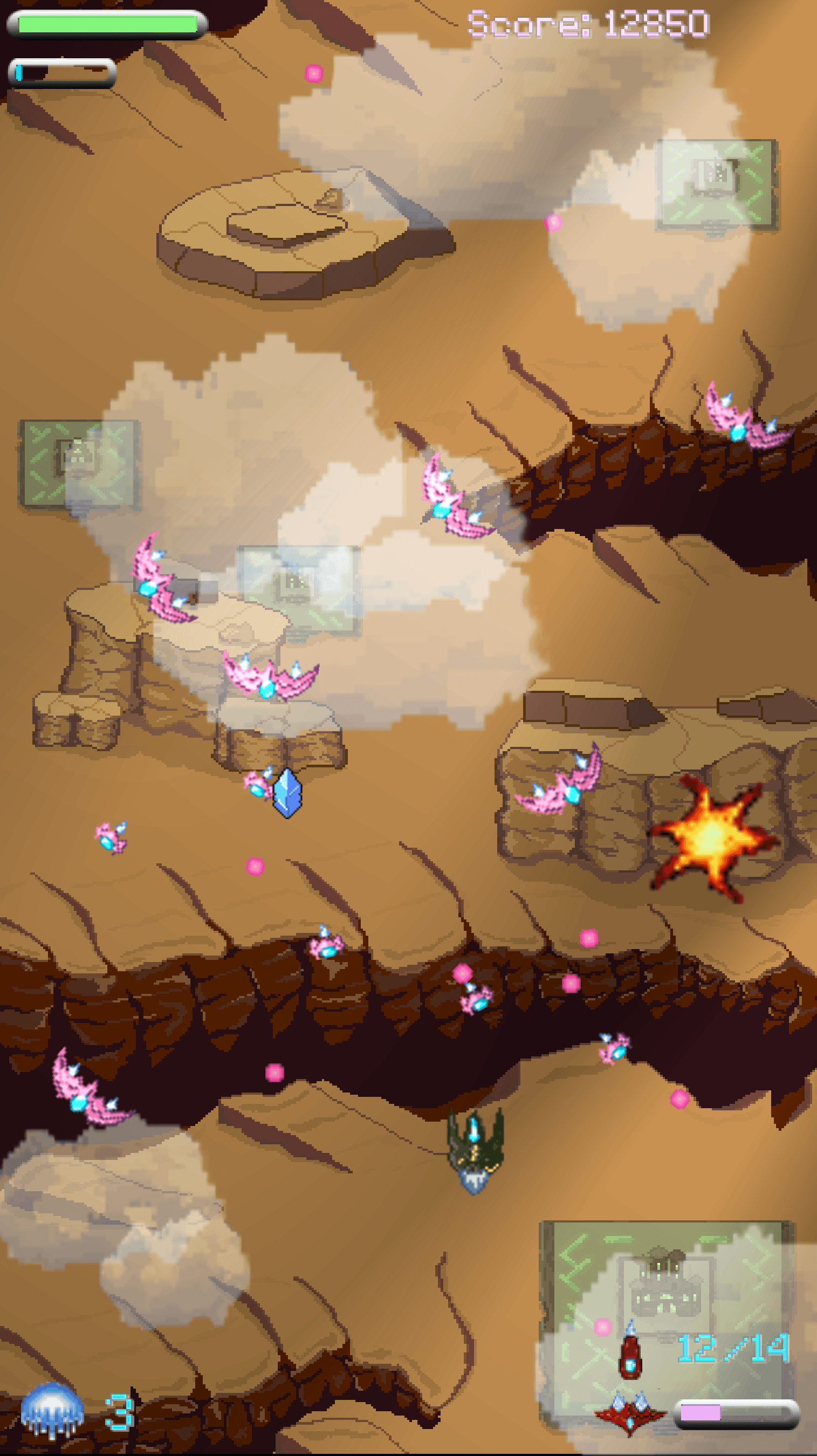
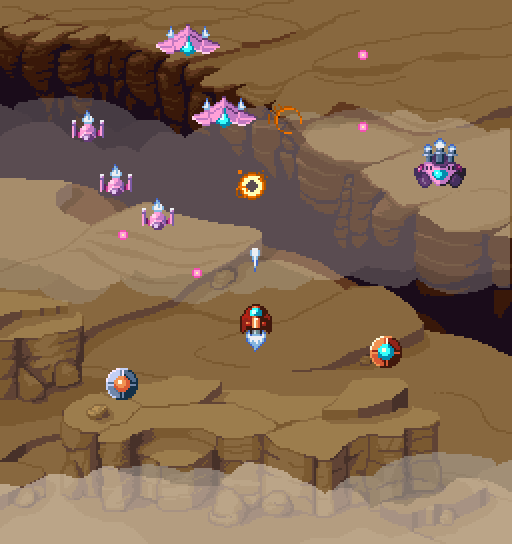
You can see that one of the five levels in this game is a redraw from scratch of some of Ansimuz's assets with some additional city components.
You can also see some of my enemy spaceship design and color palette are also based heavily on his designs.
Notice: We are able to zoom in on his work but not mine. My work does not possess the flow, style, and detail his does, but what can we expect. I am an amateur!
Scale: Pixels per Unit & Project Resolution
Okay- this is easily my biggest art fail and it was also the easiest to avoid, sadly. I’m just going to list below what I didn’t do and some steps you can take to do better.
Project Resolution: I originally intended to make this a vertical mobile game. However, I was not careful when setting up my screen size and resolution. As a consequence: I ended up with a pretty odd and non-standard game window. Yes, I could fix this, but it’s more work than you might initially think.
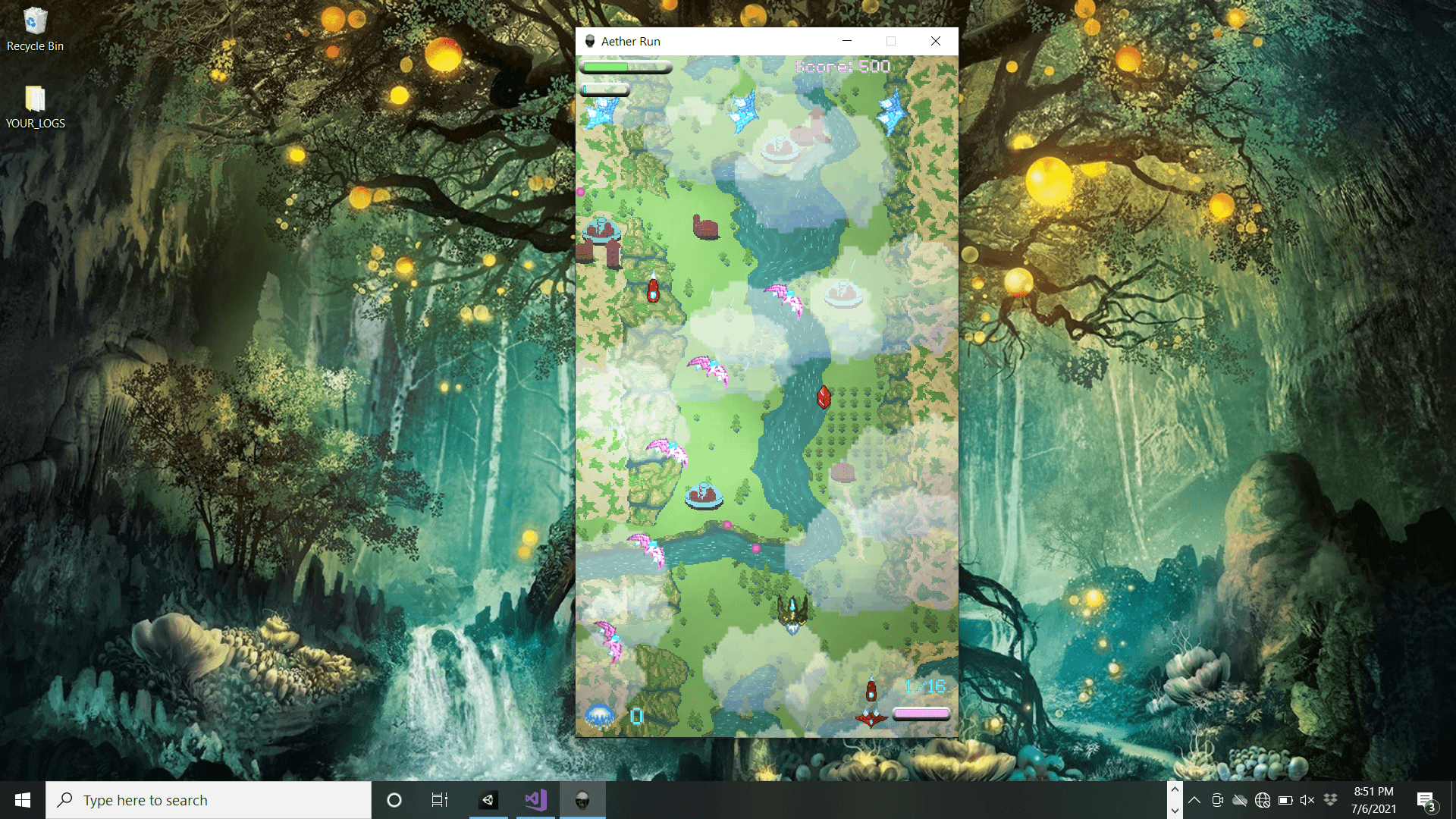
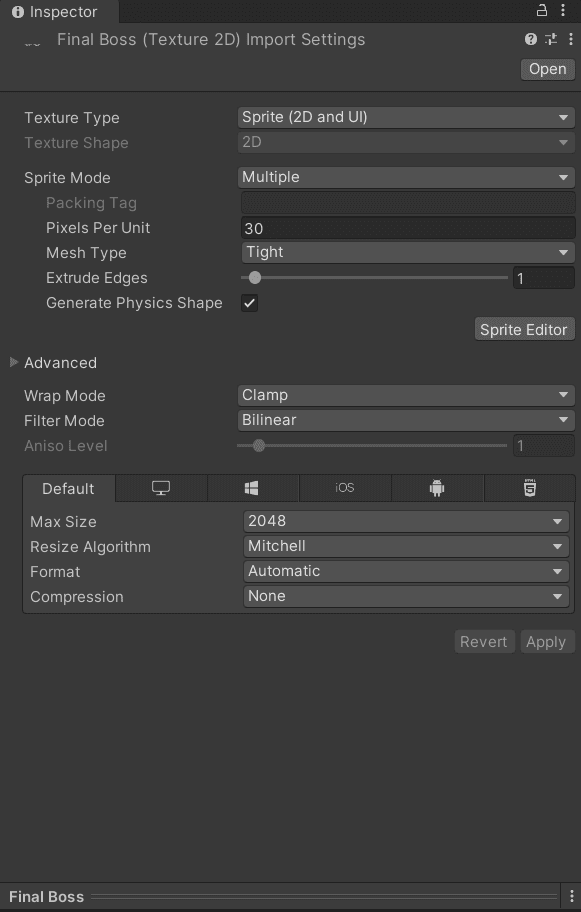
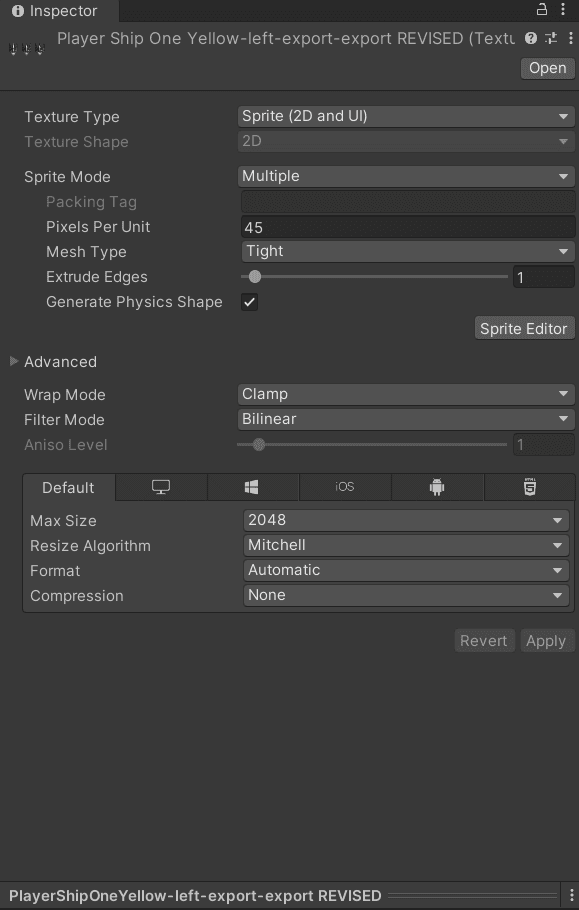
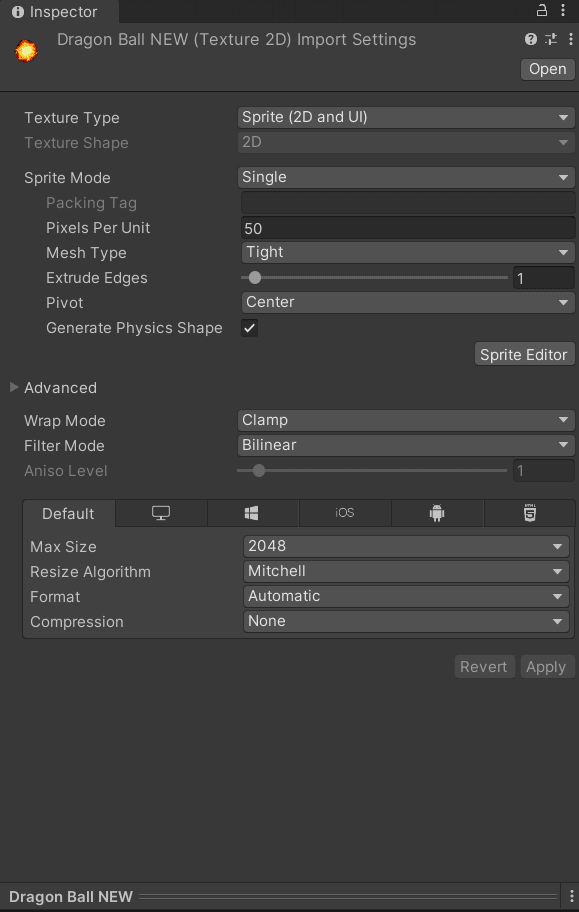
Choose Pixels per unit and stick with it: In my unprofessional opinion 😊, this is the single biggest problem with the art in the game. It lacks cohesion, and that largely comes from the difference in pixel per unit inconsistency.
Here are some tips I can offer to help you head down the right path with setting up your project for pixel art:
- Use the same pixels per unit in Unity for all sprites
- Choose the best pixels per unit by testing a couple of sprites in your game window. You want to make sure the pixels per unit setting you choose works well with the screen resolution to get the most out of your pixels
- An orthographic camera will make sure everything stays square (like pixels!)
- Turn off both antialiasing and mipmapping to preserve the “pixel” look of the sprites/pixel art you have drawn
- Turn off compression on your images (MAYBE) - I didn’t see this suggested anywhere, but it looked better to my eye with nearly every single image I made.
- Position items in the game window at whole pixel boundaries (eg: place your hypothetical sprite tree at 86 or 85 x-value, not 85.4149).
Tools
There are a ton of tools out there you can use to create pixel art. I used two, and they’re very different…
Photoshop: Yep… I started with the giant adobe monster. I did so because I actually have a fair amount of familiarity with it and few other Adobe products because of my tabletop design experience.
I don’t recommend you pay the premium or learn to use Photoshop for the sole purpose of pixel art. It’s a very powerful program, but I just didn’t find enough use for this particular project to justify it.
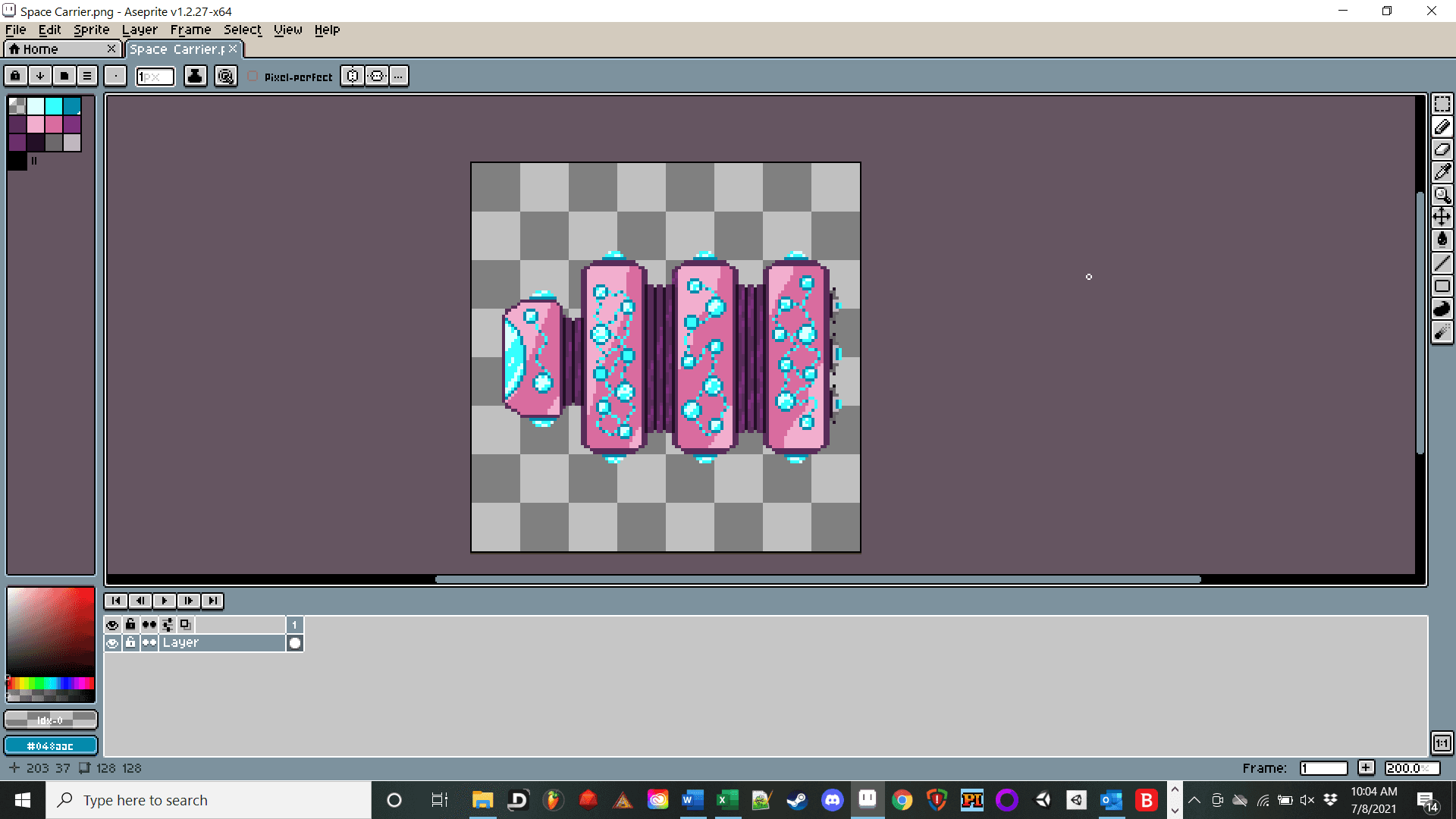
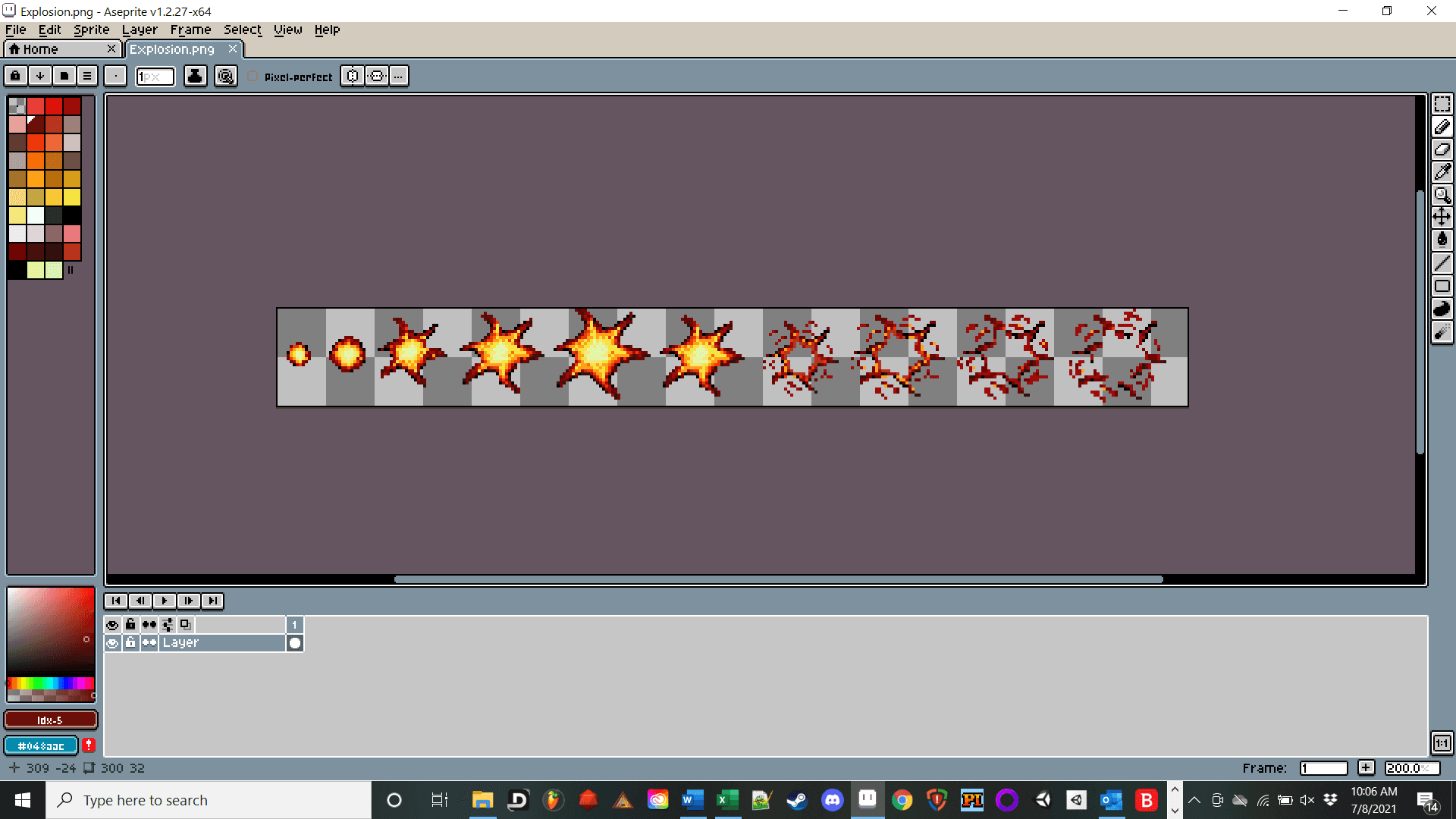
Aseprite: I highly recommend Aseprite. Here are my reasons:
- Easy to learn and simple interface made specifically for Pixel Art
- Large community with lots of free tutorials
- Great tools for drawing tile sets (absent from Photoshop in any practical sense)
- Continued updates
- It’s pretty cheap
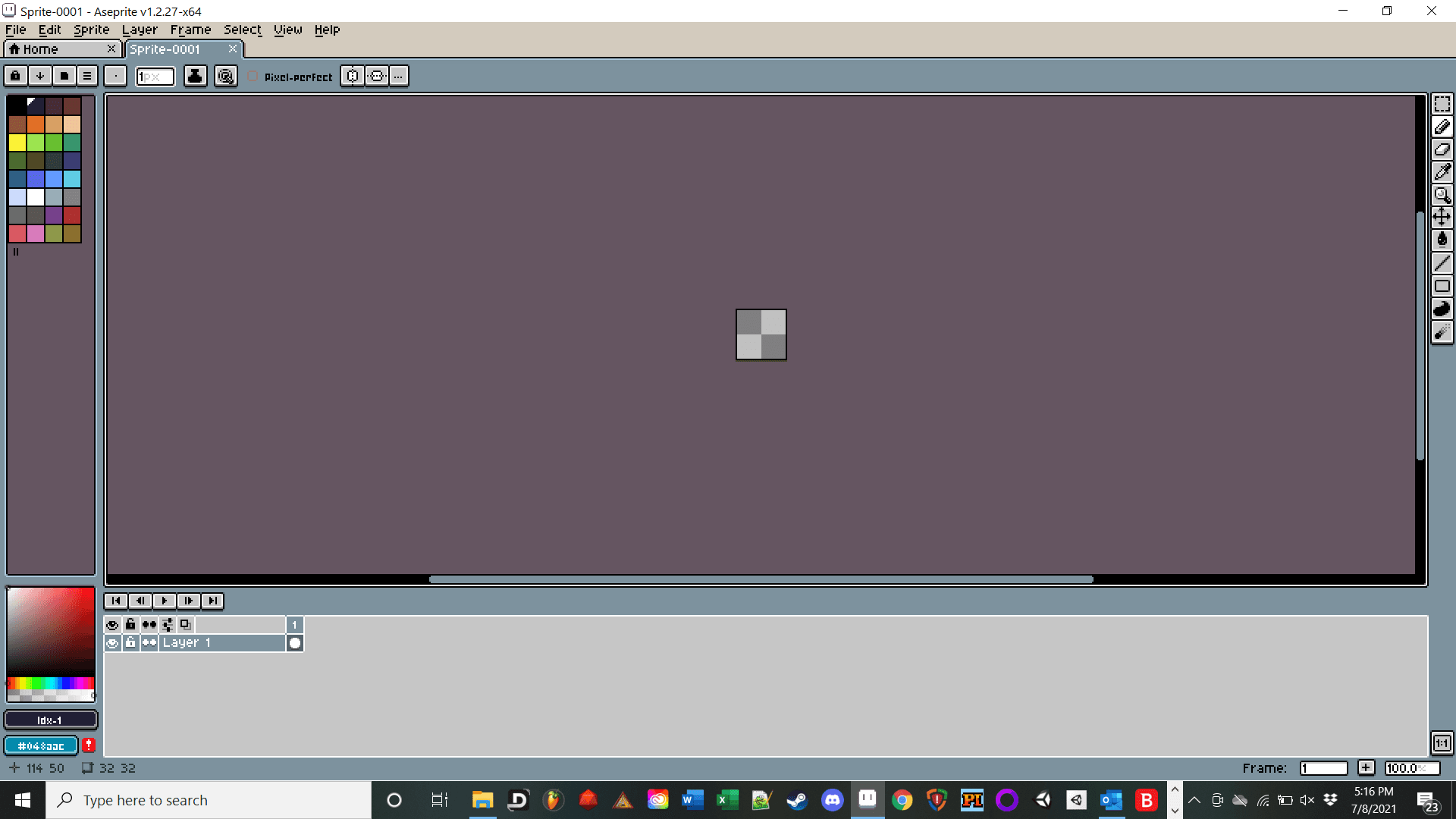
I know there are other products out there, but I had the best luck with Aseprite. It’s made specifically for pixel art. Photoshop can be very problematic when creating pixel art if you don’t know what you’re doing.
Portraits:
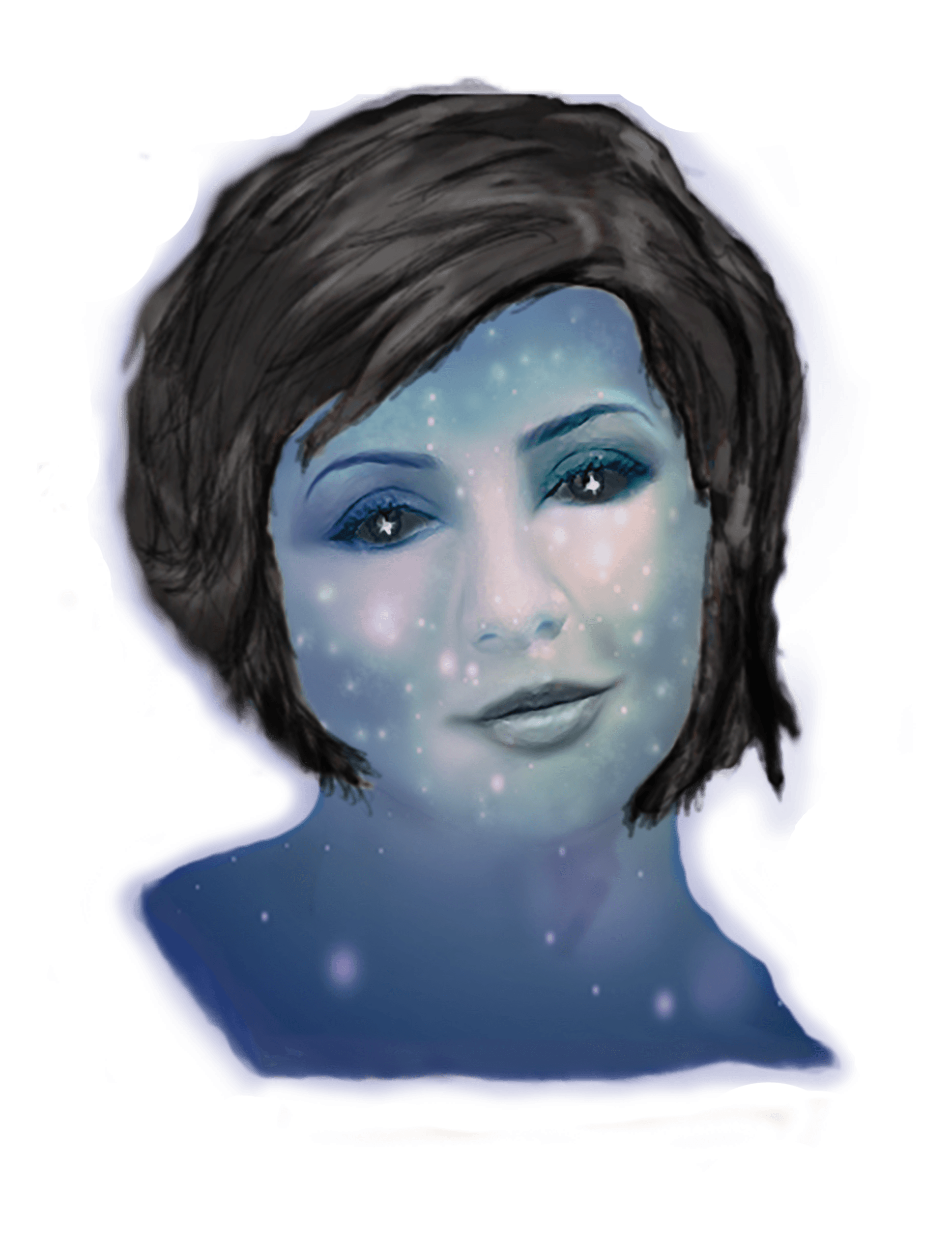
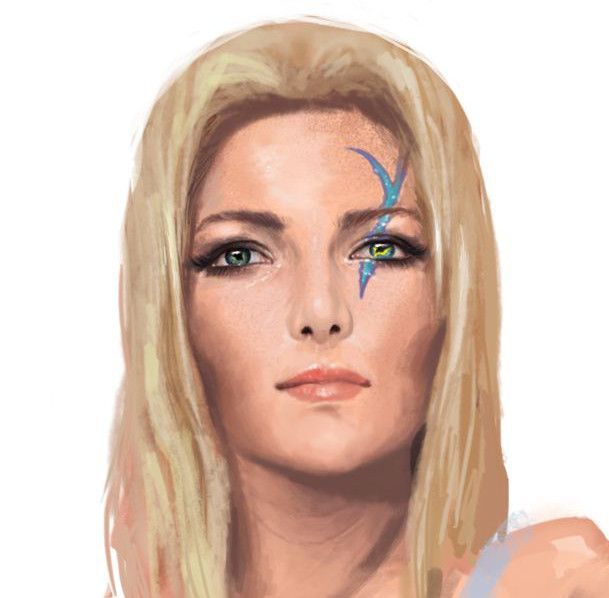
Well, these are pretty awful and they REALLY don’t fit with the rest of the art (see above for discussion on scale and pixels per unit). They look like they’re from a completely different project.
Both of these are art from a tabletop project I worked on. I drew the Star-themed blue tone pic myself and the other was concept art which we had done.
In both cases, I used a program called Pixelator.
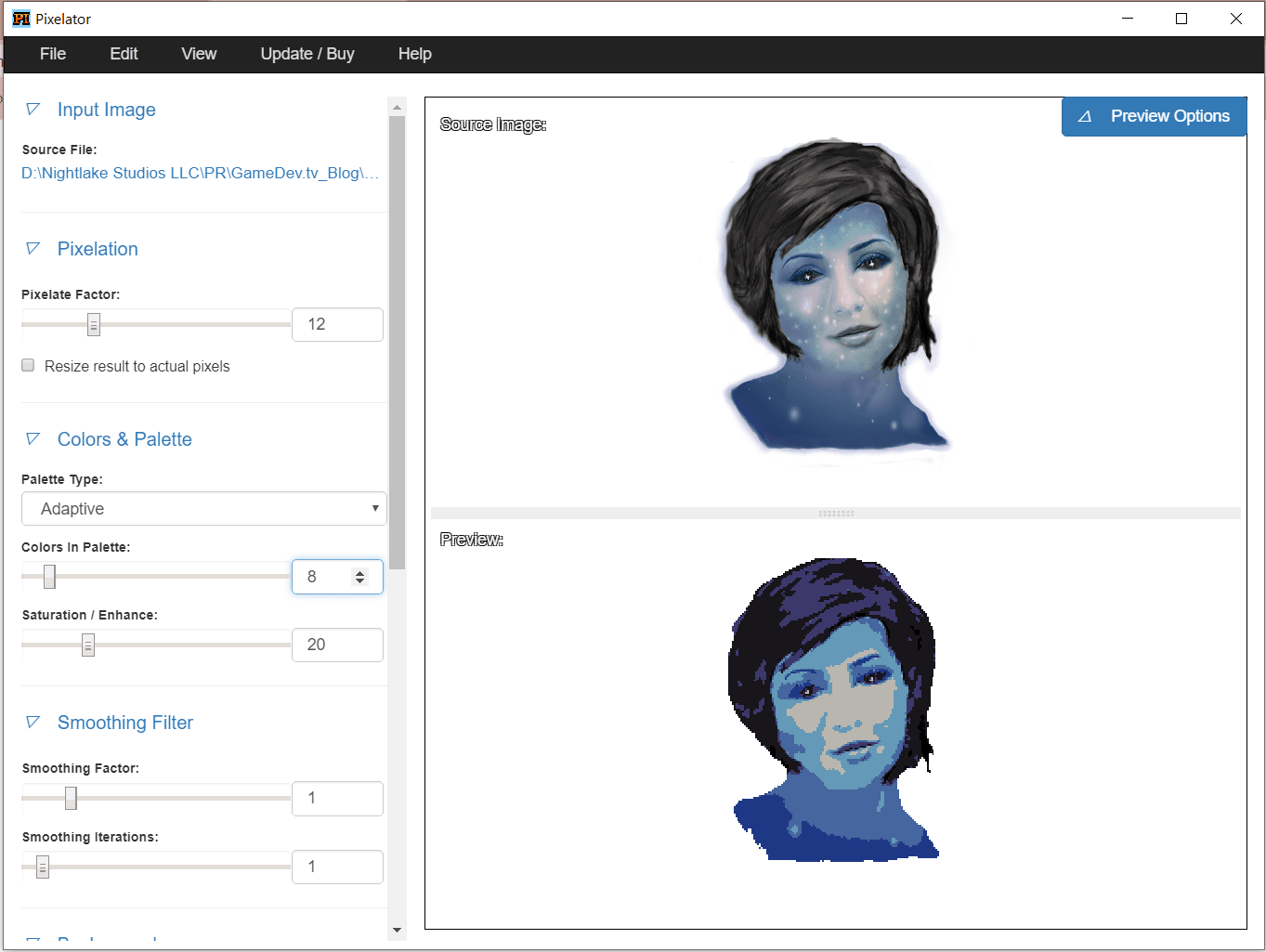
I think it’s a great tool, but it didn’t get me there in terms of color palette or scope. I cleaned up the images as best as I could, but here is what I actually should have done: learned to draw portraits 😊


Ha! Well, back to the practice studio with me, then! These are pretty funny :-)
Pixel Art Summary
I’m going to write this summary differently than the other sections. Ultimately, I would say the three best tips I can provide are:
- Make sure you set up your Unity project correctly and make sure your pixel per unit ratio displays well in-game.
- Watch tutorials… and lots of them. Then watch more tutorials... followed by some different tutorials. You get the idea. As a rule of thumb, I will look for at least three different artists’ processes on any given task I want to do in pixel art.
- Be ready to put in the time. Square dots seem simple, but they are only simple on their own. This is not easy to do well… at all.
I am currently working on a 2D puzzle game for Unity. Despite the significant time I spent creating the art for this game, I am choosing to partner with a creator for the art. Do not underestimate the value of a professional artist!


