Blender Basics Challenge #1: Creating a Simple Weapon
A similar method is used for the blade and the handle: for the blade, it is helpful to use Blender's Pointiness attribute of the Geometry node to exclusively select the edges of models to apply some scratches, grooves and dents to the edges of the blade. Drop your results in the GameDev. 3 and 0. ). 8. 6.
Sometimes it’s good to start with the basics, and weapons are useful ways to help you learn. Models do not need to be complex or detailed in order to be effective: all you need is a real-world reference to begin.
In this instance, we’ll be creating a simple weapon with a low poly count and some textures. While it might be tempting to work on weapons with many elaborate details and parts, it is important to be able to build your skills up with the bread and butter stuff as well.
I'm assuming that you have a basic familiarity with Blender's modelling and texturing features - if you don't, then consider trying out the Blender course.
Just so you know, I am no expert. This is as much for my benefit as it is for yours, as I only really got started with 3D modelling in a game jam back in January this year (which seems like such a long time ago now...). That means I might do something which you think you can improve on or would do differently. If you think I can improve, let me know – but equally, I hope this encourages other people to take part and learn through doing.
Feel free to also share your work on the GameDev.TV discord, as well! Instead of a sword, you might want to create another type of weapon. Let your imagination run wild, but try to keep the poly count low – these are the type of objects that shouldn’t be taking up a lot of memory.
Get a reference
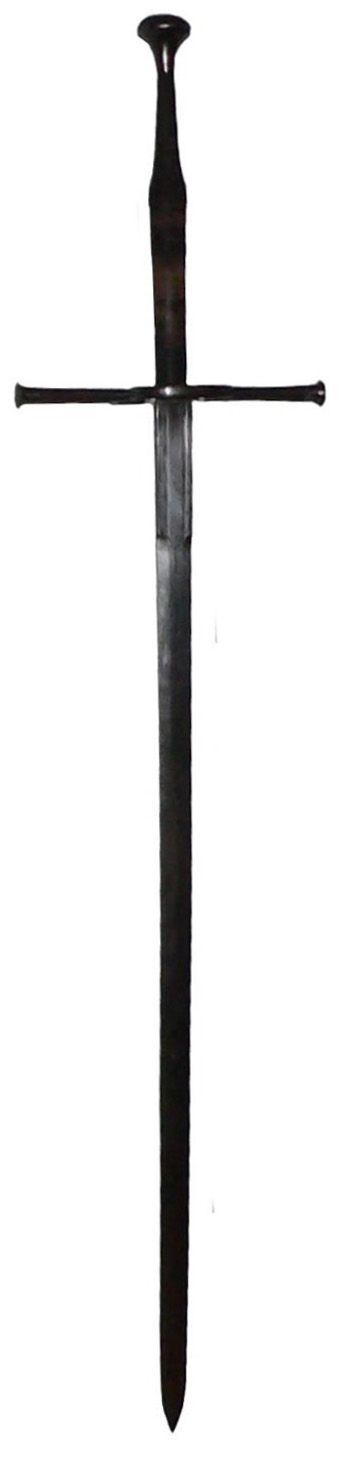
I add another layer of grunge to help age the material a bit more, and then another layer of lines - more spaced out and wider than before.
Once we’ve applied our textures, we need to bake them before exporting to the engine of your choice. You might, in some cases, need to convert your model to another format - for example, if you wish to use your model within a game engine like Unity.
Congratulations! You now have a weapon asset to use for whatever you want. I'm quite happy with this, but I know there are things I can improve on for next time - I'd like to add a groove, or some smaller intricate details. At some point, I'd also like to add extra model detail like gemstones or runes.
Drop your results in the GameDev.TV discord and show off your work – it would be great to showcase the community’s results.